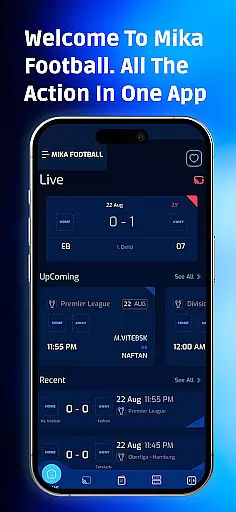
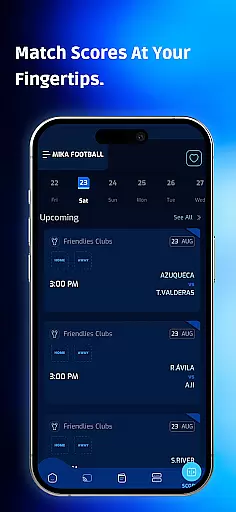
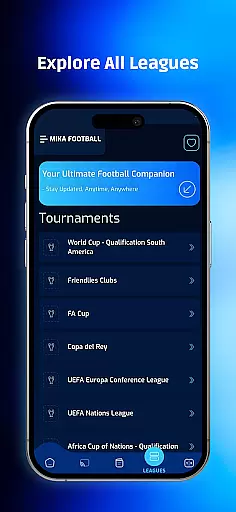

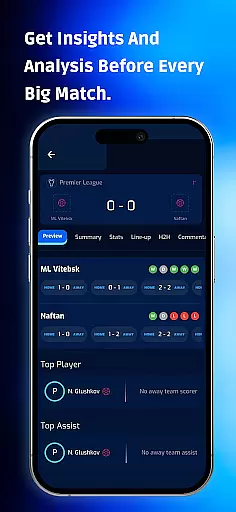
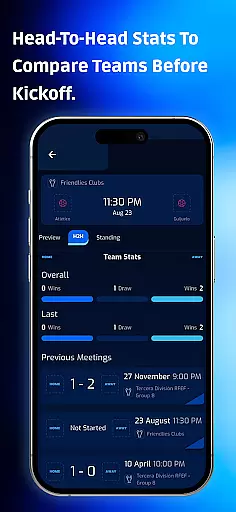
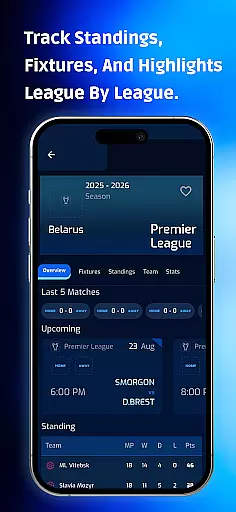
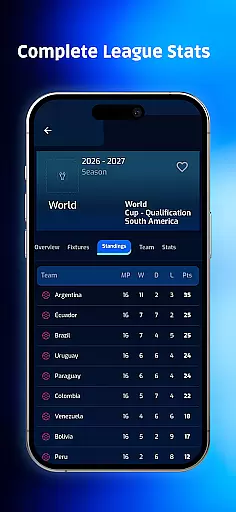
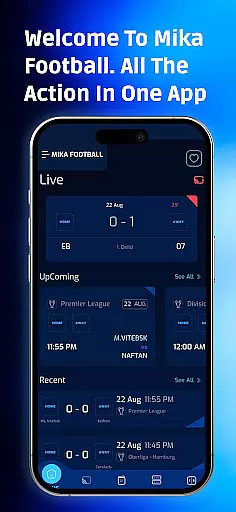
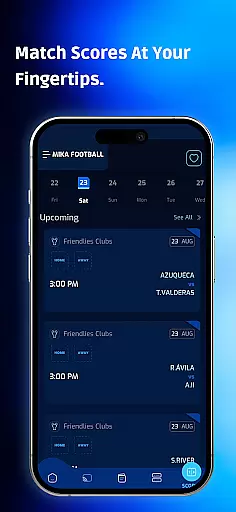
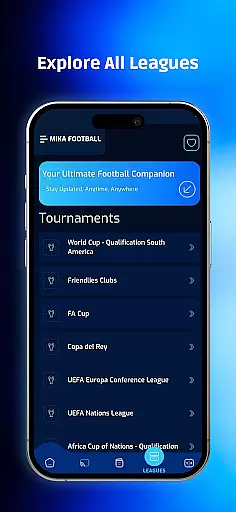

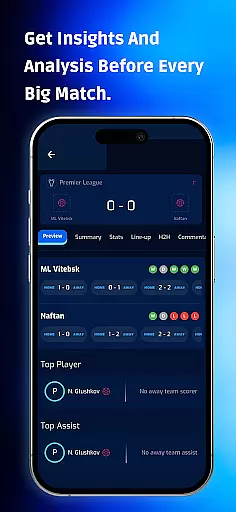
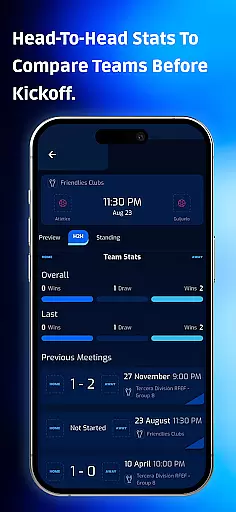
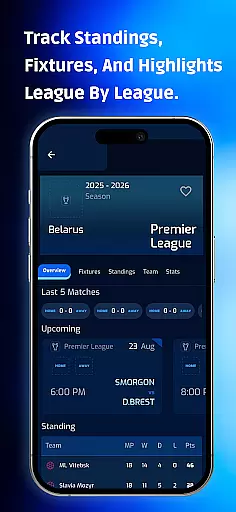
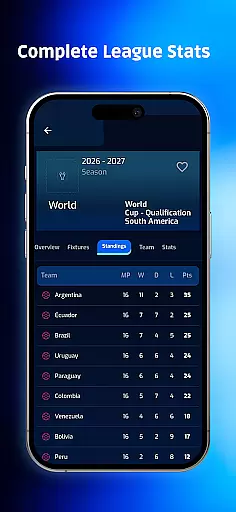
Mika Football App is a comprehensive sports companion designed for football enthusiasts who demand real-time access to live scores, league standings, and breaking news. This app consolidates everything from match schedules to player statistics, offering fans an all-in-one platform to stay updated on their favorite sport.
With its intuitive interface, Mika Football provides easy navigation through major global tournaments, team insights, and live match updates. Users can customize their experience by selecting favorite teams and leagues, ensuring they never miss critical moments. The app's push notifications deliver instant updates on goals, red cards, and match kickoffs, making it an essential tool for any football fan.
Whether you're tracking domestic leagues or international competitions, Mika Football App ensures you have the latest information at your fingertips. Its detailed sections on tournament standings, player stats, and injury reports make it invaluable for both casual fans and dedicated followers of the sport.
Mika Football App stands out with its robust feature set tailored specifically for football fans. The Tournament Explorer offers in-depth coverage of major competitions, providing users with match overviews, fixtures, results, and live standings. This level of detail extends to team and player statistics, allowing fans to analyze performance trends effectively.
The Live Match Center is another highlight, delivering real-time updates on match schedules, scores, and events as they happen. Real-Time Push Notifications further enhance the user experience by sending alerts for goals, red cards, and breaking headlines. These notifications are customizable based on user preferences, ensuring relevant updates reach them instantly.
Additional features include a dynamic Football News Feed that categorizes articles for easy browsing, Standings & Stats sections that track seasonal progress, and Team Details pages that offer squad lists and performance metrics. The Injury & Transfer Tracker adds another layer of depth, keeping users informed about player movements and recovery timelines. Together, these features create a powerful tool for staying connected to the world of football.
Gameplay realism in sports applications refers to how accurately the app simulates or presents real-world sports events and data. For Mika Football App, this is achieved through comprehensive features like live scores, match schedules, and detailed team and player statistics.
The app provides real-time updates on match events such as goals, red cards, and injury reports, ensuring that users receive the most accurate depiction of live games. This level of detail helps fans feel as if they are part of the action, even when they are not watching the game directly.
Users benefit from this precision by gaining a deeper understanding of their favorite teams' performance and the broader context of league standings and player stats. The app's design ensures that all information is presented clearly and intuitively, enhancing the overall user experience.
Ultimately, the commitment to delivering realistic and timely sports data makes Mika Football App an invaluable tool for passionate football fans who demand authenticity and depth in their sports coverage.
Control scheme intuitiveness in sports apps pertains to how easily users can navigate and interact with the applicationu2019s features. Mika Football App excels in this area by offering a clean, modern interface that simplifies access to a wealth of football information.
From the moment users open the app, they are greeted with an organized layout that includes sections for live scores, fixtures, results, and news. Each section is easily accessible via intuitive navigation paths, allowing users to quickly find the information they seek without unnecessary complexity.
This ease of use extends to customizing preferences, where users can mark favorite teams and leagues for quick access. Real-time push notifications further enhance the user experience by providing timely updates tailored to individual interests, ensuring that fans never miss important events.
By prioritizing an intuitive control scheme, Mika Football App ensures that both dedicated followers and casual fans can enjoy a seamless and engaging experience, making it easier than ever to stay connected to the world of football.
User-friendly interface
Real-time updates
Comprehensive stats
Customizable alerts
Global coverage
Limited to football
Ads in free version
Occasional bugs
Heavy on data
No offline mode

Extreme bike tricks at your fingertips!
 4.50
4.50
Trick cliff dive backflips, stunts & doubles! Unparalleled real physics!
4.50
Play fun baseball with doodle-style characters and hit massive home runs!
4.3
Build a football club from scratch and see if you can conquer the leagues!
4.70
Play eFootball™ with users around the world!
4.10
Play T20 Cricket World Cup 2025. Real matches, offline & tournament mode!
4.4
The classic Backyard Football 1999 is now enhanced to run on modern systems!
4.40
The Hudl app helps coaches and athletes win using video.
3.70
An Archery Scoring App. Use Target Faces for Arrow Plotting, Arrow Tag, Analysis
4.60
The ultimate Golf game! Compete in 6 player real-time multiplayer golf battles!
4.70
Feel combo thrills in Challenge! Aim, strategize, and master your billiard skill
4.60
Very fun billiards game.
4.60
Push your skills, express your style, or just enjoy the ride.
4.60
Manage your lineup of NBA and WNBA stars on the go with the NBA 2K26 MyTEAM app.
4.50
Realistic PvP Multiplayer Dart game blending sports games and simulation fun!
4.50
Mobile Team Manager: Team Chat | Schedule Team Games | Build Player Roster
4.50
Challenging 1vs1 online matches! Strike, score, and be a soccer champion!
4.40
Build, manage & coach your NFL dream team in this American Football sports game!
4.40
The My Epic app unlocks the mountain and elevates your experience.
3.90


User Reviews