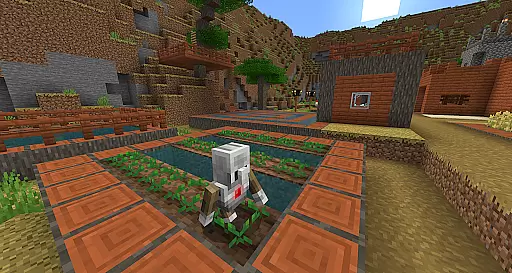
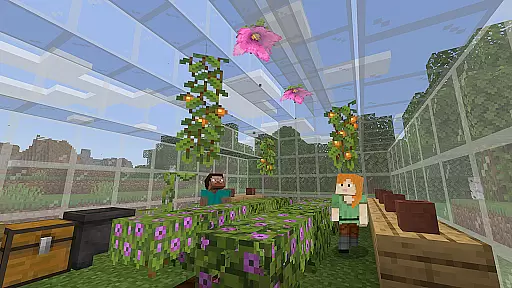
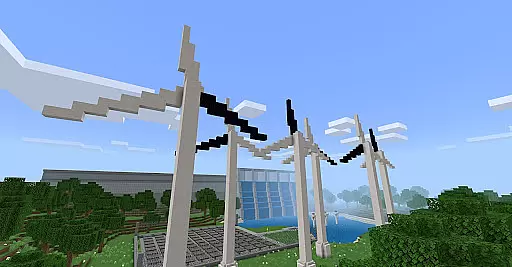
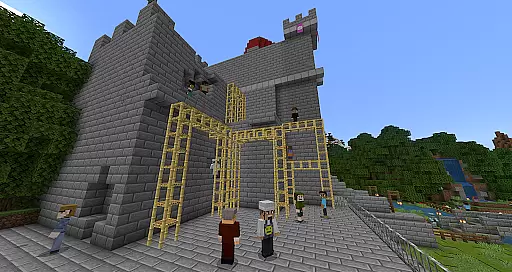
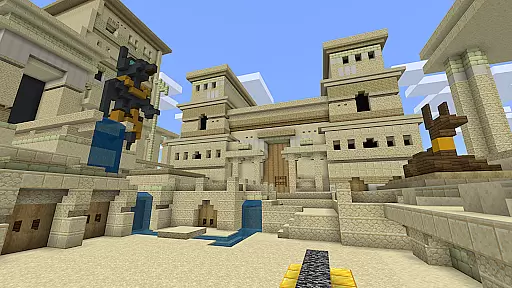
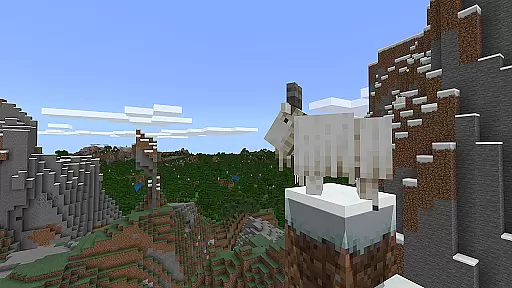
Minecraft Education is a game-based learning platform designed to inspire creative and inclusive education through interactive gameplay. This educational tool allows students and educators to explore various subjects such as reading, math, history, and coding in blocky, virtual worlds. The app provides an engaging way for learners of all types to tackle academic challenges while fostering essential skills like problem-solving, collaboration, and critical thinking.
With features tailored for classroom use, Minecraft Education offers multiplayer modes for collaborative learning, Code Builder for programming practice, and Immersive Reader for enhanced accessibility. Lessons are aligned with standardized curriculums and can be adapted to different teaching styles and student needs. Whether used for structured lessons or open-ended creative projects, this platform prepares students for future success by sparking interest in STEM fields and promoting digital citizenship.
Minecraft Education stands out with its diverse educational features that cater to modern learning environments. The app includes hundreds of ready-to-teach lessons and customizable worlds, enabling educators to tailor content to their specific curriculum. Multiplayer functionality supports cross-platform collaboration, allowing students to work together seamlessly in hybrid or remote settings.
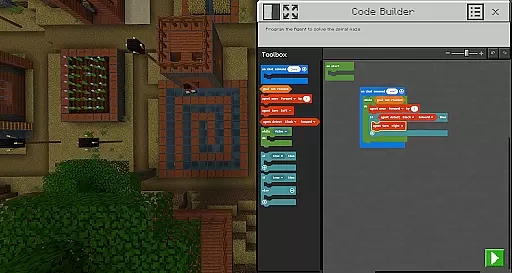
Coding is made accessible through Code Builder, which supports block-based coding, JavaScript, and Python, empowering students to learn programming within the game environment. Tools like the Camera, Book & Quill, and Immersive Reader enhance documentation, creativity, and accessibility. Additionally, integration with Microsoft Teams and Flipgrid streamlines teacher controls and assessments, making it easier than ever to incorporate Minecraft Education into existing workflows.
Minecraft Education stands out in the realm of educational tools by offering meticulously crafted content that aligns with academic standards. The platform collaborates with reputable organizations such as BBC Earth, NASA, and the Nobel Peace Center to create immersive learning experiences.
Each lesson and activity within Minecraft Education is designed not only to engage students through interactive gameplay but also to ensure that the information presented is both accurate and authoritative. This commitment to quality provides educators with confidence that the material supports genuine learning objectives across subjects like reading, math, history, and coding.
By integrating culturally relevant lessons and build challenges, Minecraft Education fosters an environment where students can explore real-world topics safely and effectively. This approach helps bridge theoretical knowledge with practical application, enhancing comprehension and retention.
One of the core strengths of Minecraft Education is its ability to cater to all types of learners through personalized learning paths. With hundreds of ready-to-teach lessons, creative challenges, and open worlds, educators can tailor the experience to meet individual student needs.
The platform's adaptability ensures that whether a learner thrives through structured lessons or exploratory play, Minecraft Education can accommodate their style. Features like Immersive Reader further enhance personalization by assisting with reading and translation, making content accessible to a broader audience.
Moreover, Minecraft Educationu2019s support for skills development in problem-solving, collaboration, digital citizenship, and critical thinking equips students with essential competencies for future success. By sparking interest in STEM fields through engaging activities, it lays a strong foundation for lifelong learning.
Engaging learning environment
Supports STEM education
Encourages creativity
Multiplayer collaboration
Accessible coding tools
Requires Microsoft 365 admin access
Limited free resources
Subscription-based pricing
Complex setup for beginners
Device compatibility issues

Test prep for Indiana students
 4.2
4.2
An aviator’s preparation, study and test tool for FAA Knowledge Exams.
3.90
Break Language Barriers with AI—Learn Language Anytime, Anywhere!
4.00
THE MOST COMPREHENSIVE JUMPMASTER STUDY RESOURCE AVAILABLE.
3.40
Age-Related Child Developmental Milestones
4.80
The Fighter Verses Bible memory system helps you memorize God's Word.
4.50
Listen, request and record pronunciations in more than 450 languages. Everywhere
3.90
Our most popular app series returns, better than ever!
3.90
Educational Activities for 2-8
3.70
Learn Japanese in an immersive educational game set in Japan!
4.90
Childcare Management App: Daily sheets, sign in-out, billing and learning tools
4.70
AI Language tutor: Speak fluently with Lucy’s personalized coaching
4.70
Perform physics experiments with your phone. (by the RWTH Aachen University)
4.70
Learn Words Daily in Just Minutes - Boost Your Language Skills Fast!
4.60
2026 DVSA Driving Theory Test revision with Hazard Perception + Highway Code
4.60
THE ESTABLISHED "GO TO" ARMY BOARD PREPARATION APP!
4.30
scanner body part for fun Prank friends realistic scan effects
3.00
Study the questions most likely to be asked during the Oral & Practical Exams.
2.80
Animals pop up and make sounds—learn names and noises in Peekaboo Barn!
4.3


User Reviews