
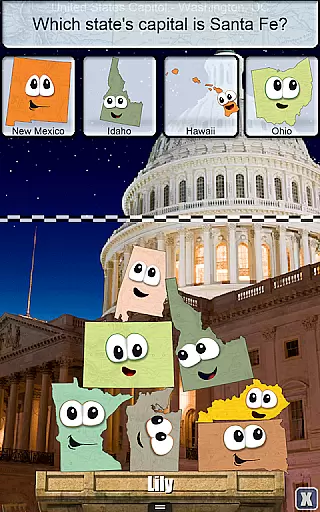
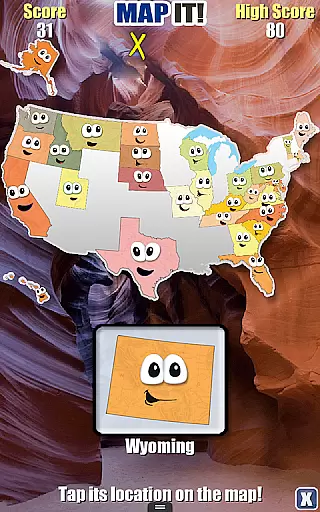
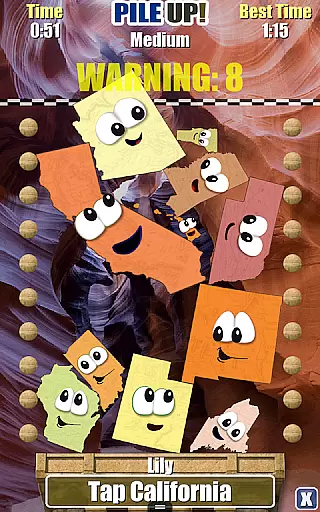
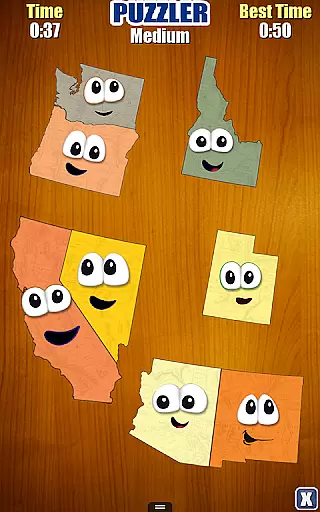
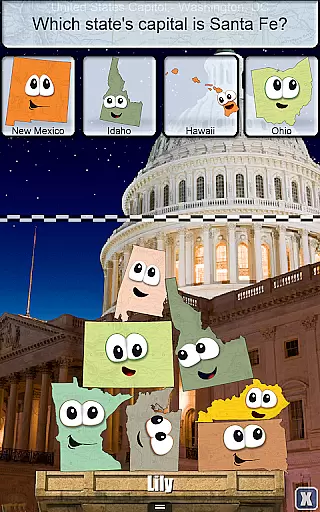
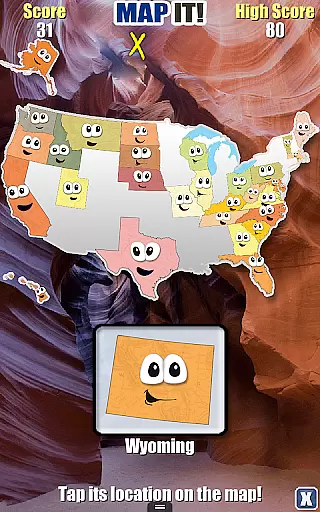
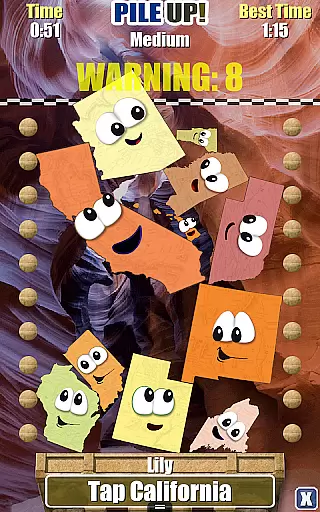
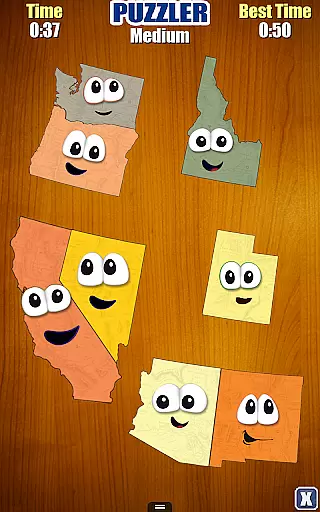
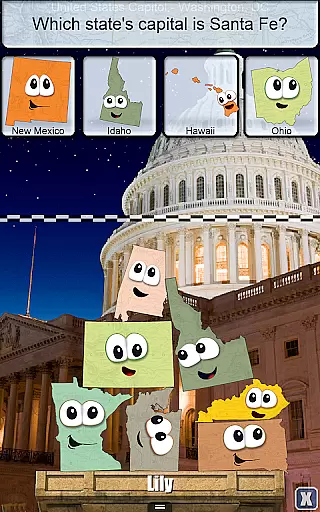
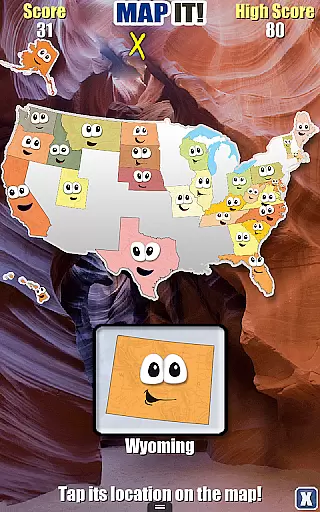
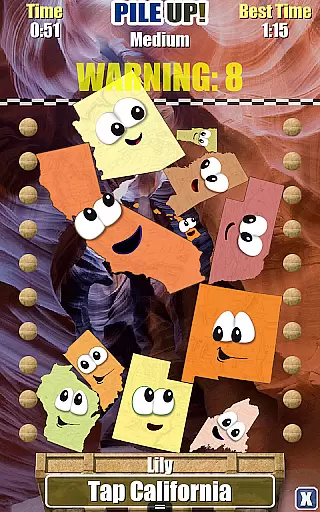
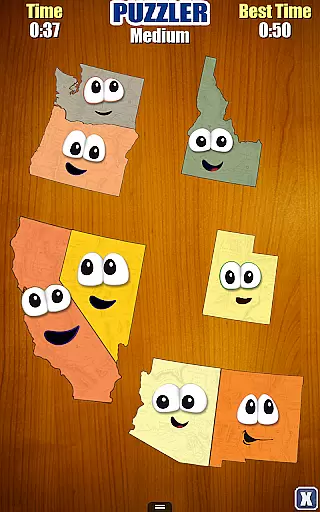
Stack the States® is an innovative educational game that makes learning about the 50 states engaging and enjoyable. The app combines vibrant animations with interactive gameplay, allowing users to explore state capitals, shapes, geographic locations, flags, and more in a tactile way. By physically interacting with animated states on-screen, learners can touch, move, and stack them to reach specific objectives.
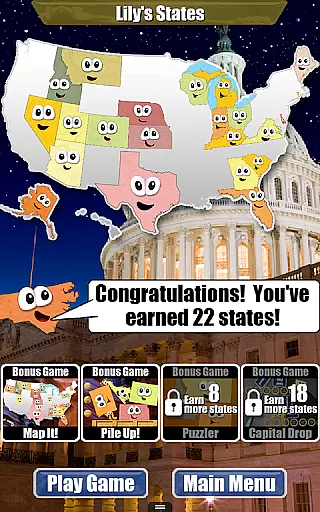
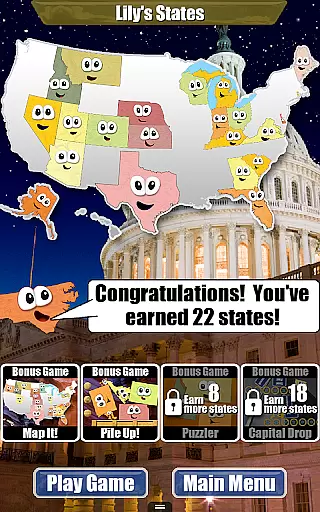
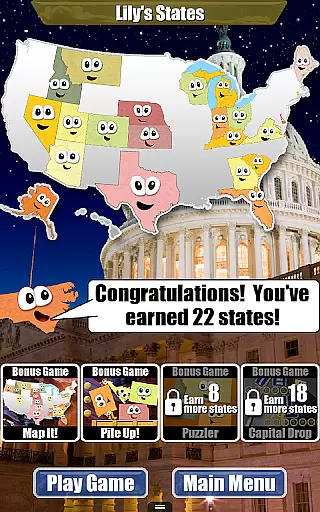
The app's core function is to help users build a personalized map of the United States by earning states for completing levels. With four bonus games unlocked as users collect more states, Stack the States® offers diverse ways to engage with geography. Its unique approach to education ensures that players absorb essential knowledge while having fun, making it ideal for students and curious minds alike.
Stack the States® stands out through its variety of features designed to enhance both entertainment and learning. The app includes hundreds of unique questions covering capitals, abbreviations, bordering states, landmarks, and more, ensuring comprehensive geographic knowledge. Players can also interact with a dynamic map and flashcards for all 50 states, providing additional study tools.
One of the app's highlights is its customization options, such as choosing any of the 50 friendly-looking states as avatars and creating up to six player profiles. The realistic physics engine adds another layer of immersion, simulating lifelike movements during gameplay. With five distinct mini-games—Stack the States, Map It, Pile Up, Puzzler, and Capital Drop—the app delivers varied challenges that cater to different learning styles.
Stack the States ensures content accuracy by providing hundreds of unique questions that cover various aspects of the 50 states. The app focuses on delivering factual information about state capitals, shapes, geographic locations, flags, and more.
Each interactive element within the game is designed to teach users through engaging activities. For instance, as players learn about state capitals and borders, they can touch, move, and drop animated states on the screen, reinforcing their geographical knowledge in a hands-on manner.
The app also includes high-resolution pictures of famous US landmarks, adding an extra layer of authenticity and educational value. These images help users visually connect with each state's unique features and cultural significance.
By integrating realistic physics and fun sound effects, Stack the States creates an immersive learning environment where users can enjoy assembling puzzles and playing games that are both entertaining and academically enriching.
One of the standout features of Stack the States is its ability to offer personalized learning paths for users. As players complete levels, they earn random states which appear on their personalized map of the United States.
This collection process encourages continuous engagement and allows users to track their progress visually. By earning all 50 states, learners unlock four free bonus games: Map It, Pile Up, Puzzler, and Capital Drop, each offering different ways to reinforce knowledge.
Users can choose any of the 50 friendly-looking states as their avatar, further personalizing their experience. This feature not only makes learning enjoyable but also helps in retaining interest over time.
Additionally, the creation of up to six player profiles ensures that multiple learners can use the app simultaneously while maintaining individual progress and personalized learning journeys.
Educational and entertaining
Interactive map included
Five games in one package
No third-party ads
High-quality visuals
No offline multiplayer
Limited advanced content
Some UI elements feel small
Occasional bugs reported
Premium price tag

Build math skills in: addition, subtraction, multiplication and division.
 4.10
4.10
An aviator’s preparation, study and test tool for FAA Knowledge Exams.
3.90
Study the questions most likely to be asked during the Oral & Practical Exams.
2.80
Pass your FAA written with flying colors - Study Buddy can help.
4.30
A must-have app for mastering Japanese verb/adjective conjugations.
3.60
Skelly is a fully poseable, anatomically correct reference skeleton for artists.
4.10
Flashnote Derby is the fun way for kids to learn music notes and memorize them.
3.40
Professional Award-Winning Astronomy Star Map App With Telescope Control
4.40
Learn to pass DMV permit tests. Driver license practice test 2025.
4.60
A fast and fun way to learn guitar - works with any guitar.
4.60
Astronomy Guide to the Night Sky
4.40
Break Language Barriers with AI—Learn Language Anytime, Anywhere!
4.00
FAR/AIM, FAR for Flight Crew and FAR for Aviation Maintenance Technicians
3.80
An aviator’s preparation, study and test tool for FAA Knowledge Exams.
3.80
Make your own game and world. Draw and animate characters
3.70
Bebefinn and Baby Shark educational, animated videos & games for kids
3.40
MONOPOLY JUNIOR brings Hasbro's classic the board game to life.
3.00
Grazing Risk Monitoring Service
4.2
Learn and joke with the Silly Turkey!
4.1


User Reviews