
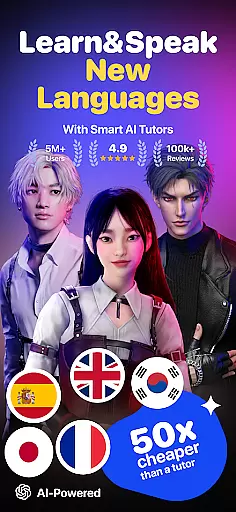
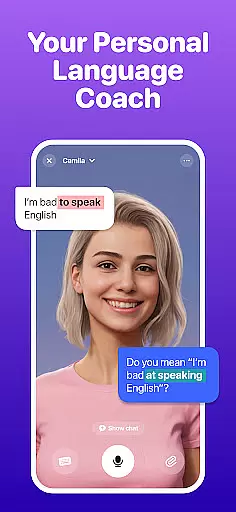
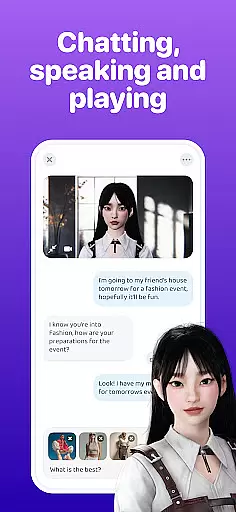
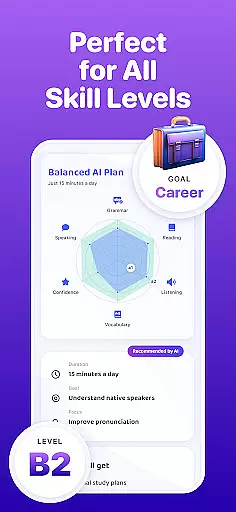
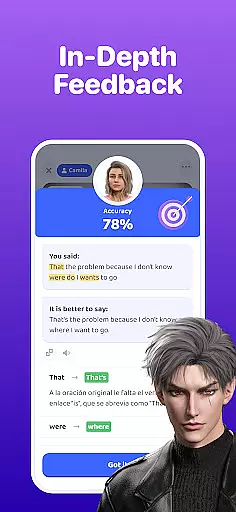
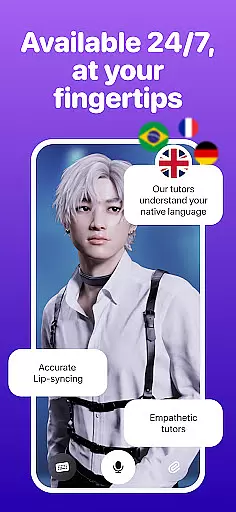
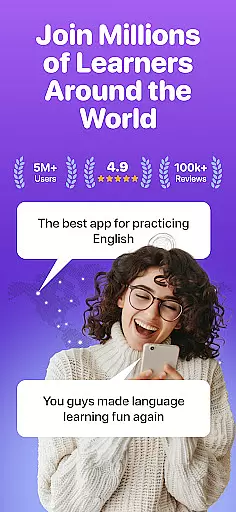
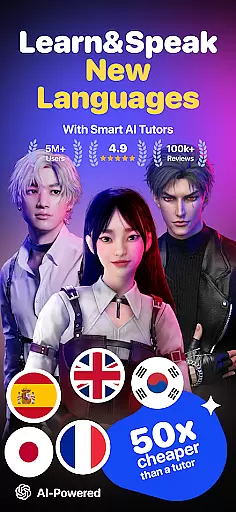
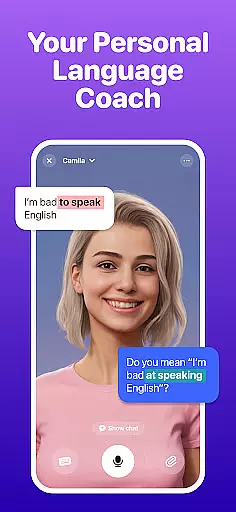
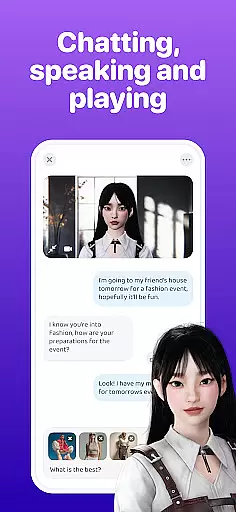
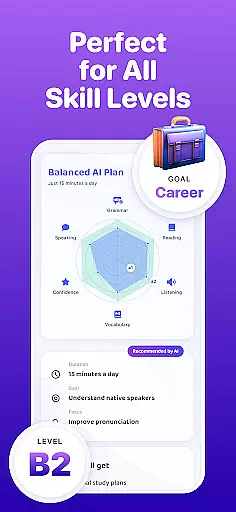
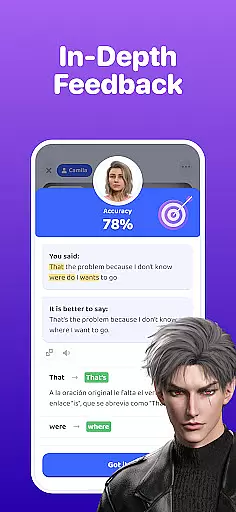
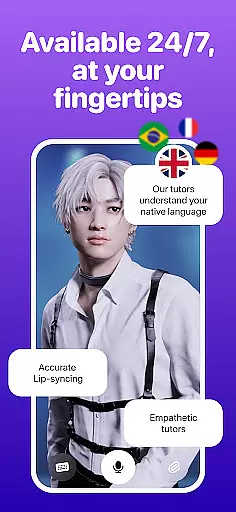
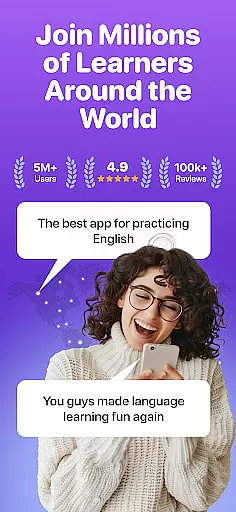
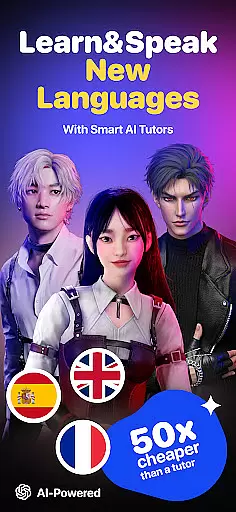
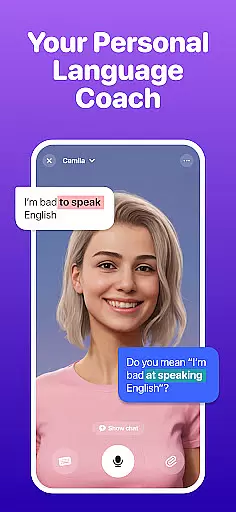
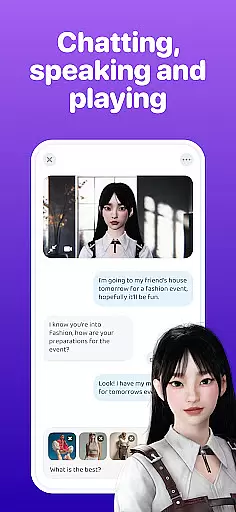
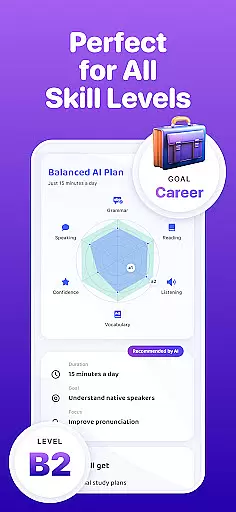
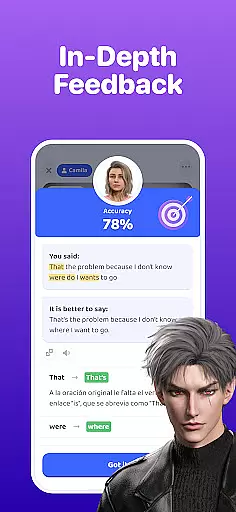
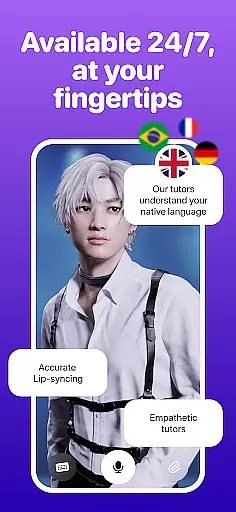
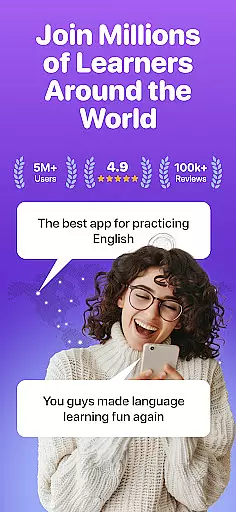
Praktika is an innovative AI-powered language learning app that offers users a unique opportunity to master multiple languages through realistic conversations with AI avatars. These avatars are designed with cultural depth, natural accents, and backstories, providing an immersive experience akin to speaking with real people. The app supports English, Spanish, Japanese, Korean, French, Portuguese, Italian, and German, making it versatile for learners worldwide.
What sets Praktika apart is its focus on practical conversation skills rather than rote memorization. Users can engage in role-playing scenarios such as being a sports commentator or startup founder, enhancing their ability to communicate effectively in various contexts. Additionally, the app's Multimodality feature allows learners to upload content like photos or documents to spark discussions or receive personalized feedback, simulating a 24/7 tutoring environment.
Praktika boasts several standout features that make it a comprehensive tool for language acquisition. One of its key innovations is the use of AI Avatars that adapt to the user's tone, pace, and learning goals, offering tailored guidance throughout the learning journey. With over 1000 lessons covering academic prep (such as IELTS and TOEFL), lifestyle topics, travel, career paths, and even slang, there's something for every proficiency level.
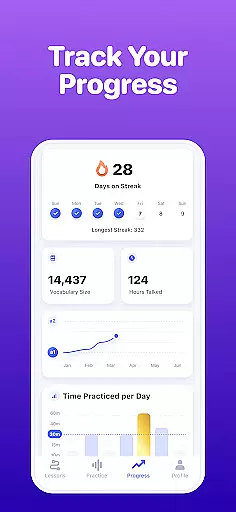
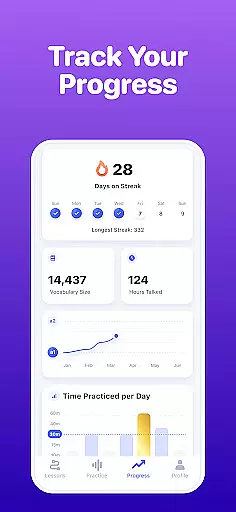
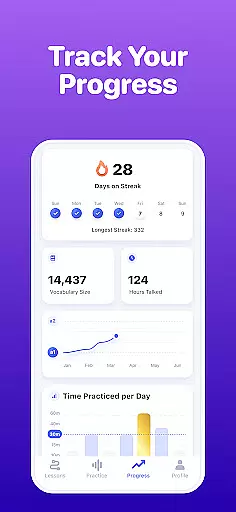
The app also includes Fluency Tracking, which provides speaking metrics, streaks, and in-app challenges to help users monitor their progress. Localized Avatars allow learners to select coaches from different regions, catering to specific cultural or accent preferences. Furthermore, the Multimodal Learning feature enables users to upload various types of media for personalized lessons, ensuring a dynamic and engaging educational experience.
When it comes to language learning, the precision and reliability of content are paramount. Praktika u2013 AI Language Tutor takes this seriously by offering lessons that are not only diverse but also meticulously crafted and vetted. The app includes over 1000 lessons covering a wide array of topics such as IELTS, TOEFL preparation, lifestyle, travel, career paths, and even regional slang.
The authenticity of Praktika's content is bolstered by its AI Avatars, which are designed with full backstories, cultural depth, and natural accents. These avatars simulate real-world conversation partners, ensuring that learners engage with contextually accurate language use. Whether you're practicing with Alisha, an inclusive and motivating Stanford grad, or Marco, an American news editor specializing in professional tone, you can be confident in the quality and authenticity of your learning experience.
Furthermore, Praktika incorporates Multimodality, allowing users to upload real content like photos, audio, videos, or documents to spark interactive conversations. This feature ensures that the language used is relevant and practical, enhancing the educational value. By integrating real-life materials into language practice, Praktika guarantees that users receive authoritative guidance tailored to their unique needs.
Praktika stands out by offering personalized learning paths that adapt to each user's individual pace, tone, and goals. Unlike traditional language apps that rely heavily on rote memorization, Praktika fosters a natural acquisition of language through engaging conversations with ultra-realistic AI Avatars. Each avatar is equipped to guide learners through various scenarios, making every interaction a step towards fluency.
The appu2019s adaptive technology tailors lessons based on user performance and preferences. For instance, if youu2019re preparing for a job interview, you can upload your resume and receive instant pronunciation coaching. If you want to expand your vocabulary, simply use an image of your surroundings to learn new words in context. This level of customization ensures that no two learning journeys are the same, providing a truly bespoke educational experience.
Additionally, Praktika tracks fluency through speaking metrics, streaks, and in-app challenges, giving users clear insights into their progress. With localized avatars from different regions, learners can select coaches that match their cultural or accent goals. This personal touch, combined with a vast array of practical conversation topics, empowers users to achieve confidence and fluency in their chosen language efficiently and enjoyably.
User-friendly interface
Wide range of languages
Realistic AI interactions
Customizable learning paths
Affordable pricing model
Limited offline functionality
Occasional technical glitches
Advanced features require subscription
Some accents less accurate
Learning curve for new users

An animated storybook app to help ease your child through toilet training.
 3.70
3.70
Bebefinn and Baby Shark educational, animated videos & games for kids
3.40
Designed for Calculator 84 users
4.20
Pickleball guide complete with illustrated Pickleball drills and helpful info
4.1
An interactive enhancement of the Sesame Street classic.
4.50
Enrich the experience of your visit to the Pantheon with our audiotour.
1.60
Astronomy Guide To Night Sky
4.30
Learn to make peaceful contact with extraterrestrial civilizations
4.10
Fun, personalized math learning games that adapt to your child’s needs.
4.40
The best way to study for your amateur radio license exam.
4.90
Short Lessons for Better Finances, Health, Skills, Jobs & Relationships.
4.80
Guitar chord finder, analyzer, smartly visualized theory, progressions, quizzes.
4.70
Pass your FAA written with flying colors - Study Buddy can help.
4.30
Master note reading with StaffWars….
4.00
Snap a dog photo to identify its breed instantly. Fast, accurate and easy to use
3.40
Visit Daniel's house & make believe. Play doctor, make music, & feed fish.
3.20
MONOPOLY JUNIOR brings Hasbro's classic the board game to life.
3.00
Study the questions most likely to be asked during the Oral & Practical Exams.
2.80
Hasbro’s classic CANDY LAND game is now a gorgeous interactive storybook app.
2.30


User Reviews