
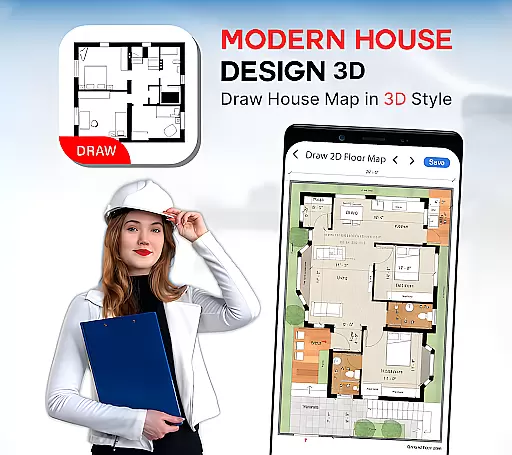
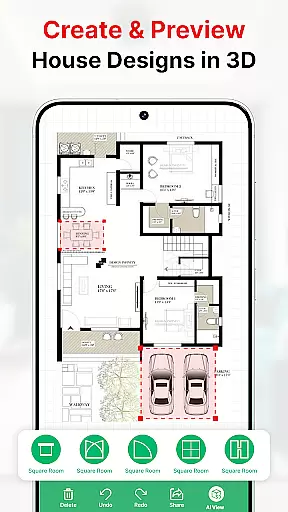
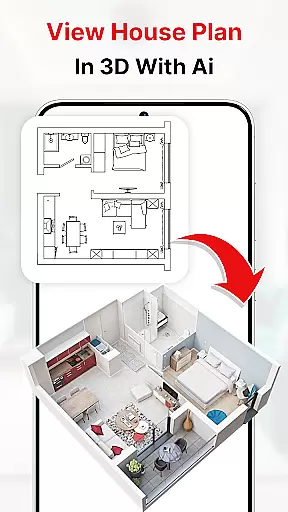
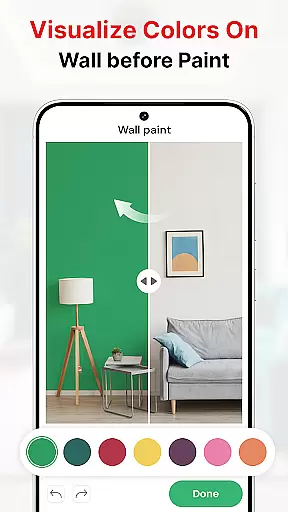
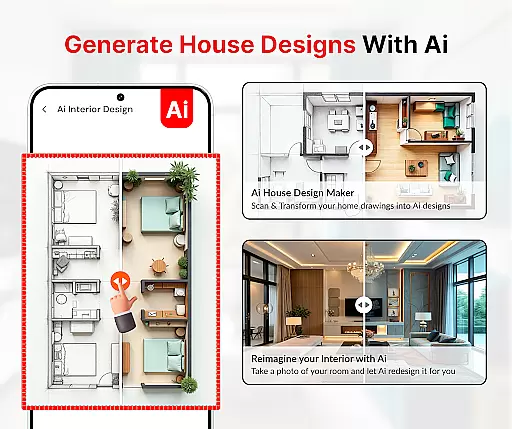
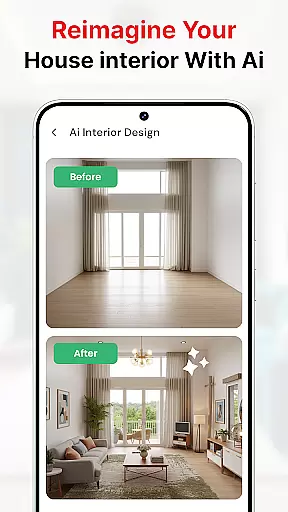
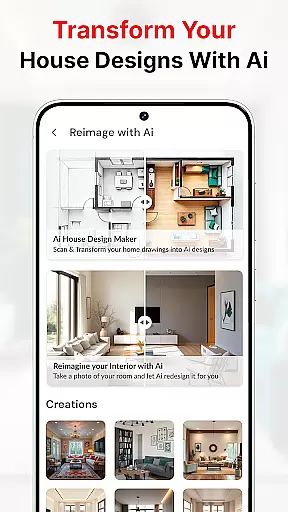
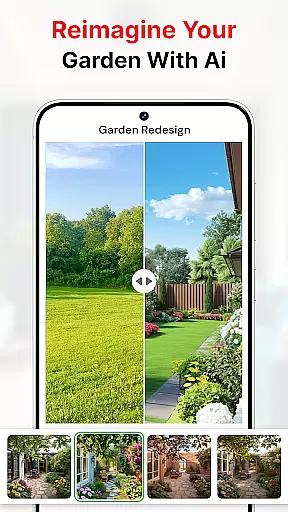
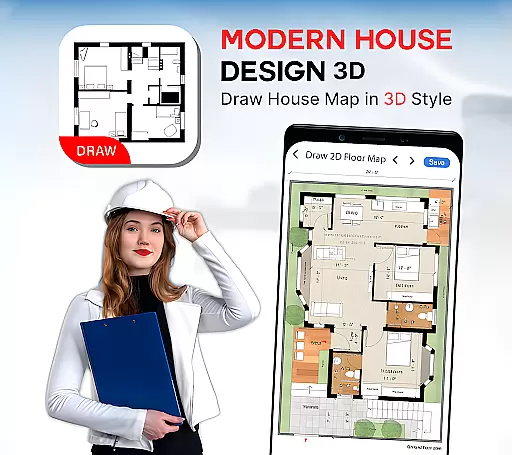
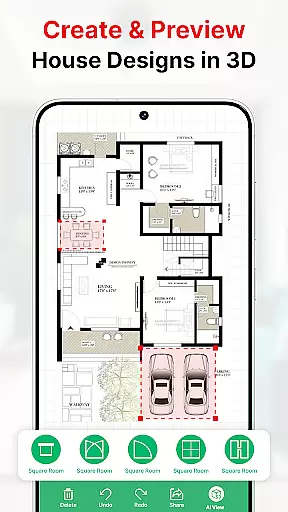
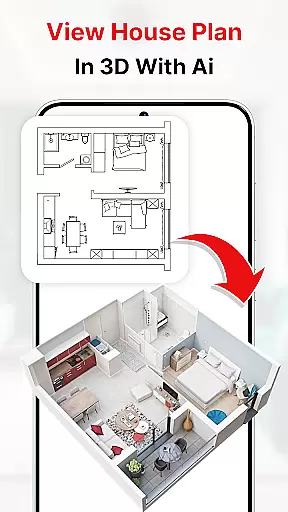
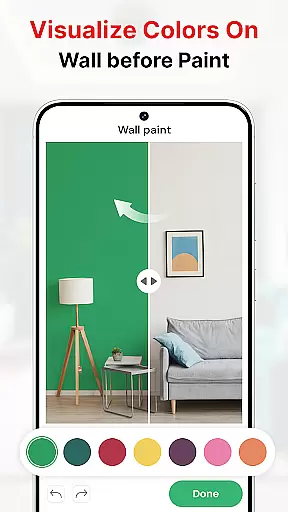
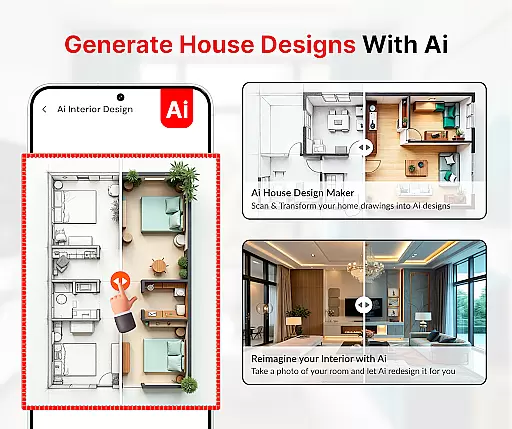
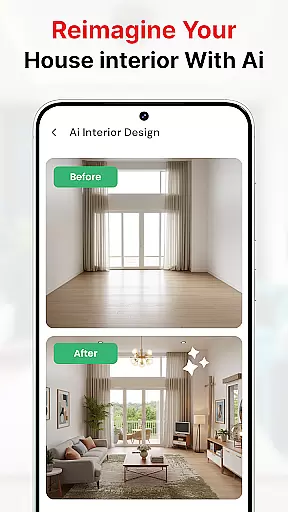
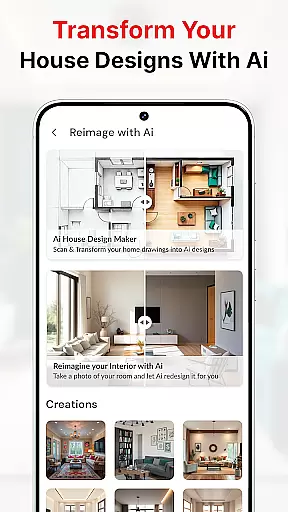
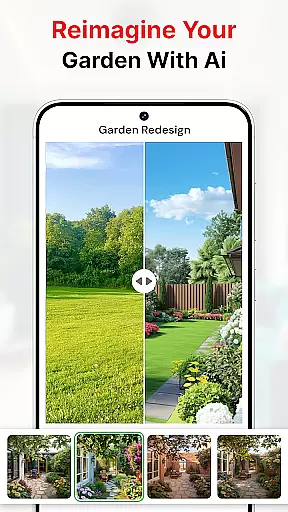
Modern House Design Draw House is a comprehensive 3D home design application that enables users to create detailed house plans and interior designs with ease. The app provides powerful tools for drawing accurate floor plans, customizing room layouts, and visualizing designs in both 2D and 3D formats. Users can take advantage of smart features like AI-powered color matching, virtual walkthroughs in first-person mode, and precise measurement tools to bring their architectural visions to life.
The application stands out with its ability to generate high-resolution images of projects, making it an invaluable tool for professionals who need to present their ideas to clients. Whether planning a new building project or redesigning an existing space, this app offers solutions for optimizing small spaces through innovative furniture arrangements and multi-functional room designs. Its offline functionality ensures uninterrupted productivity, while the intuitive interface makes home design accessible to both beginners and experienced designers.
This home design app distinguishes itself through an impressive array of professional-grade features. At its core, the application provides robust floor plan creation tools that allow users to draw precise walls, place doors and windows accurately, and incorporate essential architectural elements like stairs and columns. The inclusion of AI-powered decoration features enables users to capture images of existing spaces and virtually apply different paint colors, flooring options, and furniture arrangements.
For construction professionals, the app offers practical tools such as bubble levels and AR drawing capabilities, ensuring accurate measurements and alignments. The 3D visualization feature lets users explore their designs from multiple angles, while the comprehensive library of furniture and decorative elements helps create realistic representations of finished spaces. Additional features include water level measurement tools, sketch-to-AI conversion, and wall painting simulation, all working together to provide a complete solution for both amateur home designers and professional architects.
In the realm of house design and planning, ensuring the authenticity of property listings is paramount. Modern House Design Draw House app excels in this area by providing users with tools to create accurate and realistic 3D floor plans. The application allows for detailed customization of rooms according to specific requirements, ensuring that each design truly reflects the user's vision.
One of the standout features of this app is its ability to generate high-resolution images of projects, which can be crucial when persuading clients and business partners. By offering a first-person mode for virtual walkthroughs, it enhances the sense of realism and authenticity in the presented designs. This feature not only aids in visualizing the space but also builds trust with stakeholders through transparent and precise representations.
Furthermore, the app provides a variety of house floor plan ideas and basic templates, empowering users to make informed decisions about their designs. With functionalities that support the creation of mini-rooms and the use of transformer furniture, users can maximize the potential of their spaces without unnecessary physical alterations. These capabilities ensure that the property listings created are both innovative and practical.
Effective home management features are essential for anyone involved in designing and planning living spaces. The Modern House Design Draw House app offers an extensive suite of tools that cater to various aspects of home management. From drawing precise lines for the home basement to planning complete house foundations with accurate measurements, the app covers all bases necessary for comprehensive home design.
The inclusion of symbolic elements such as doors, windows, and stairs further enriches the design process, allowing users to represent their ideas accurately. Users can draw house maps according to plot sizes and incorporate all types of elevations and architectural rules, ensuring that every detail is accounted for. This meticulous approach to design empowers users to visualize their projects fully before any physical work begins.
Additionally, the app boasts features like capturing pictures of house interiors and exteriors, then altering colors akin to an AI decoration app. Whether changing the color of a living room, bedroom, or kitchen, these features facilitate better decision-making and creativity in home management. Coupled with construction tools such as AR drawing and bubble levels, the app ensures precision and ease in managing and executing home improvement projects.
User-friendly interface
Advanced 3D modeling
AI color matching
Offline functionality
Comprehensive toolset
Steep learning curve
Occasional glitches
Heavy storage use
Limited free features
High system requirements

Map-based search app for apartments and homes for rent.
 4.60
4.60
Unlock AI-based barcode scanning and support the development of Grocy Android
4.4
Tailored Care Guides For Houseplants, Indoor Plants, Garden Plants & Flowers.
4.60
Parcel Pending Resident App
4.50
Innovative and budget-friendly housing options
4.60
View houses and apartments for rent, updated daily.
4.80
WiZ smart light system
4.40
Apartment finder for apartments for rent. Compare prices, amenities & rentals.
4.50
Turn old phones into security cameras, baby monitors, pet cams, and more.
4.70
Connect with reliable pros for maintenance services, plumbing, and home design!
4.80
Home Ideas | Renovation Advice | Local Pros. Go From Dream to Home with Houzz.
4.70
Convert your Phone to HiSense Smart TV Remote Control
4.70
Find your next home, house, apartment, condo, casa, flat, rental, studio, or bed
4.70
A Smarter Home in Seconds
4.70
Resident Center, powered by Buildium, is designed with simplicity in mind.
4.50
Fire & Power Safety
4.50
Control your Vivint Smart Home with the next generation Vivint App.
4.30
USHUD.com helps you find the best homes for sale in your area
4.00
Draw your floor plan smartly. Make house design blueprint with home planner app
3.60


User Reviews