
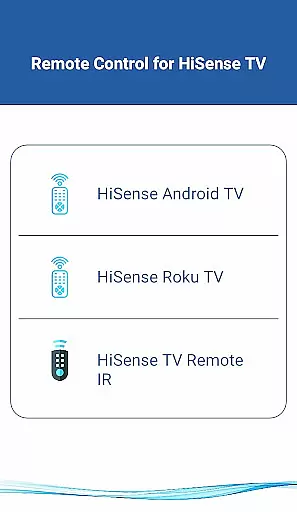
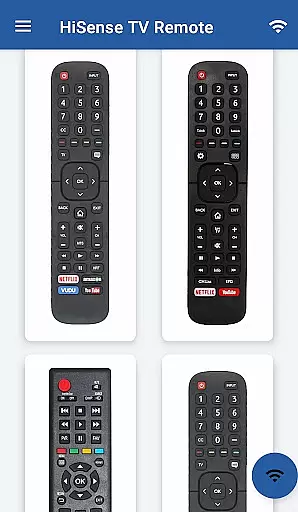
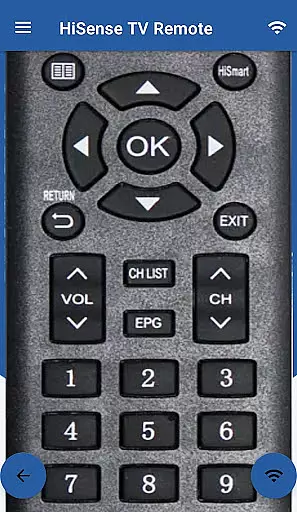
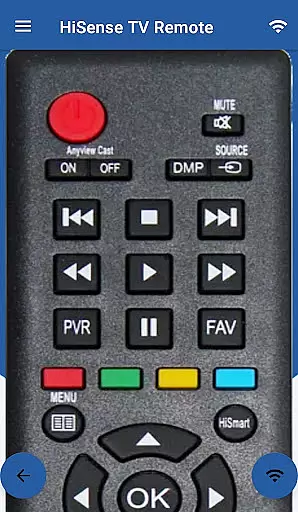
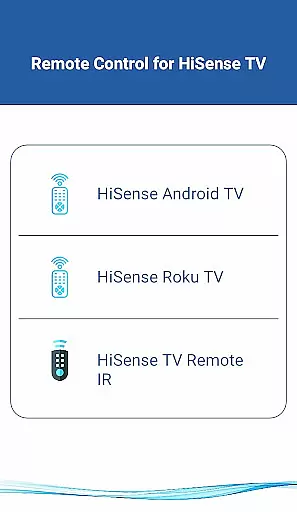
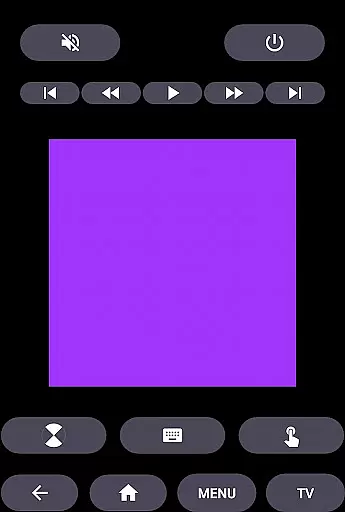
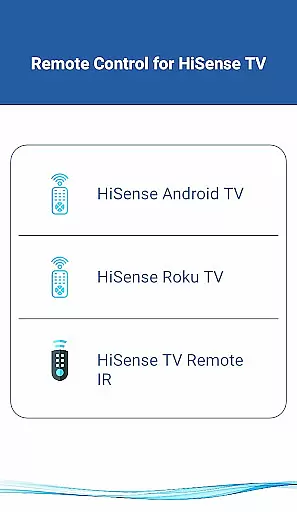
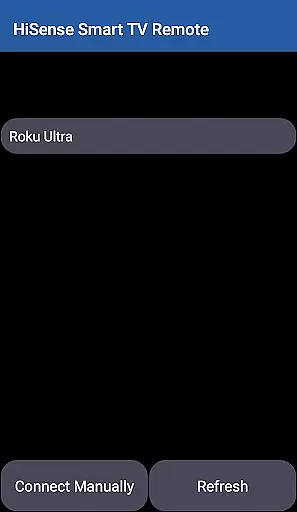
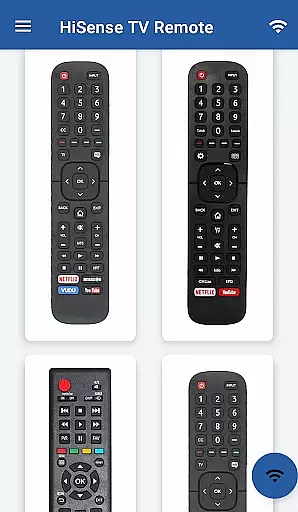
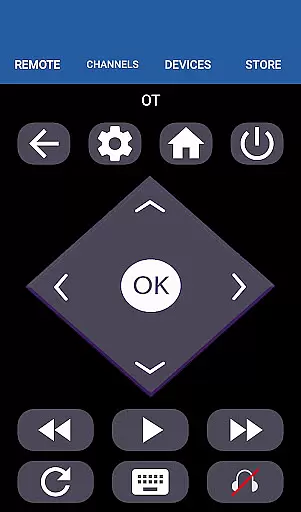
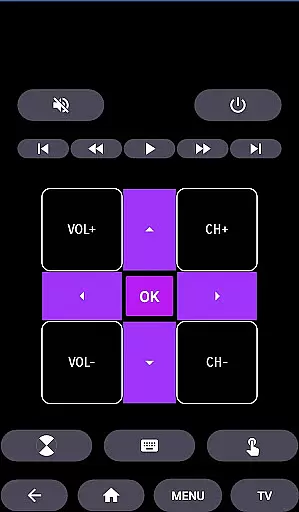
HiSense Smart TV Remote transforms your mobile device into a versatile remote control solution for HiSense Smart TVs. The app supports multiple operating systems including Android OS, Android TV, and Roku OS, while also maintaining compatibility with traditional IR-based devices. By utilizing your phone's IR blaster or Wi-Fi connectivity, this application eliminates the need for physical remotes and their associated battery issues.
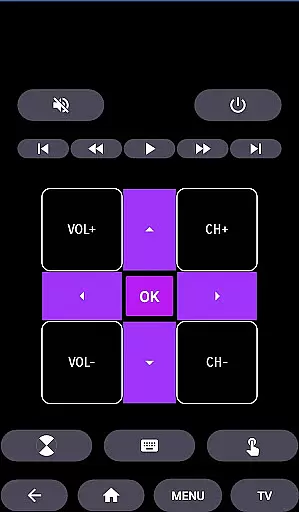
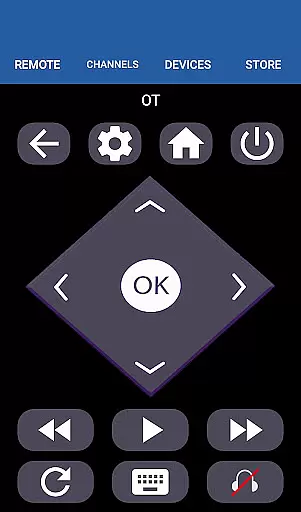
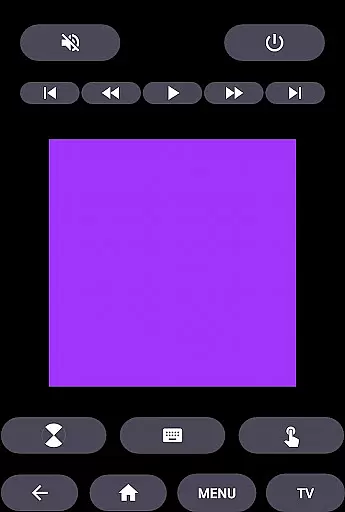
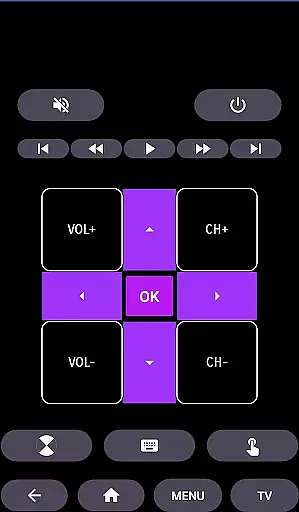
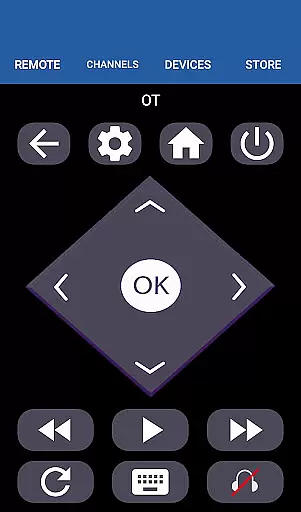
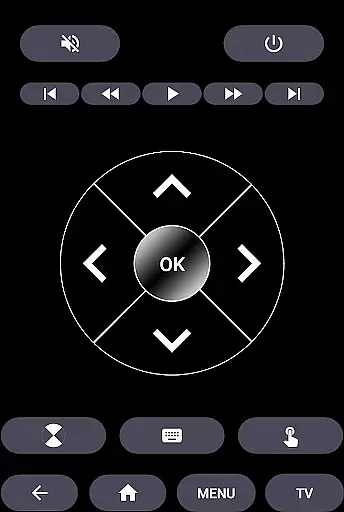
The app's core functionality includes power control, volume adjustment, channel switching, mute options, navigation controls, multimedia management, and more. It offers an intuitive touchpad interface and ensures seamless operation when both the TV and mobile device are connected to the same Wi-Fi network. This makes it an ideal solution for users seeking a modern, reliable way to manage their smart TV experience.
HiSense Smart TV Remote stands out through its comprehensive feature set tailored for diverse user needs. The app's most notable characteristic is its dual compatibility with both modern smart TVs and traditional IR devices. For Android-based TVs, users can enjoy advanced functionalities like Chromecast support and complete media control through an intuitive interface.
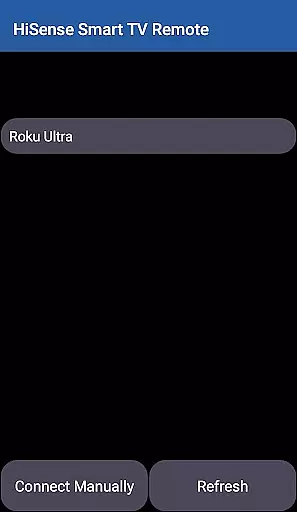
The application implements a robust pairing system that requires a PIN verification process, ensuring secure connections between devices on the same Wi-Fi network. Its traditional IR functionality supports all standard remote commands, making it suitable for older TV models as well. Additional features include dedicated buttons for home navigation, precise touch controls, and support for various multimedia operations, providing users with a complete remote control solution in one application.
In the context of smart home applications like HiSense Smart TV Remote, ensuring property listing authenticity is crucial for user trust and seamless device integration. This feature guarantees that all supported HiSense Smart TVs and devices listed within the app are verified and compatible with the remote functionality.
The application meticulously maintains an up-to-date database of HiSense Smart TVs, including models running on Android OS, Roku OS, and traditional IR devices. Each listing undergoes a verification process to confirm its compatibility with the app's control features, such as ON/OFF, volume control, channel switching, and multimedia navigation.
For users, this means they can confidently connect their mobile device to their HiSense Smart TV without worrying about compatibility issues. The app ensures that when a TV model is listed as supported, it will work with all the functionalities advertised, from basic controls to advanced features like touchpad navigation and multimedia commands.
This commitment to authenticity not only enhances user experience but also saves time and frustration by preventing connection attempts with incompatible devices. Users can enjoy the convenience of controlling their smart TVs without the need for additional hardware or batteries, knowing that each listed device has been verified for optimal performance.
HiSense Smart TV Remote offers comprehensive home management features that transform your mobile device into a versatile tool for controlling various aspects of your smart home entertainment system. These features allow users to manage their HiSense Smart TVs and other compatible devices efficiently through a single interface.
The application provides essential functions such as power control, volume adjustment, channel switching, and mute options. Beyond basic controls, it includes advanced navigation features, multimedia command capabilities, and even a virtual touchpad for more intuitive interaction with your smart TV. These features are designed to replace traditional physical remotes while offering enhanced functionality.
One of the key advantages of these home management features is the ability to control both modern smart TVs and traditional IR devices. Users with different generations of HiSense TVs can utilize the same application, making it a universal solution for households with mixed device ecosystems. The app supports Android OS, Roku OS, and even Chromecast-enabled devices.
By integrating these diverse control options into one application, HiSense Smart TV Remote simplifies home entertainment management. Users can easily switch between different control modes, access all necessary functions from their mobile device, and enjoy a clutter-free living space without multiple remote controls. This consolidation of features represents a significant advancement in smart home management technology.
User-friendly interface
Wide device compatibility
Secure PIN connection
Comprehensive functionality
Regular updates
Requires Wi-Fi for smart features
IR blaster needed for older TVs
Not official HiSense app
Limited customization
Occasional connectivity issues

Map-based search app for apartments and homes for rent.
 4.60
4.60
SmartRent - Opening Doors To A Smarter World
4.40
Schlage Lock Company LLC
4.00
Your guide to apartments & rental homes. Find your next place to rent with AG.
4.60
Find contractors for all home renovation projects. Remodeling, repair, and more.
4.20
Security App with HD Video, 2-way Audio, and event detection for Home monitoring
4.40
Connect with reliable pros for maintenance services, plumbing, and home design!
4.80
Find homes for sale and apartments for rent in the best neighborhood.
4.70
Houses for Sale & Homes for Rent: Buy Homes, Rent Apartments & Sell Real Estate
4.80
Download today to join the community to help bring lost pets home faster.
4.70
AI-powered home design, interior design, home decor, and room design solutions
4.50
Parcel Pending Resident App
4.50
Rent on-the-go with TurboTenant’s app made just for renters
4.50
Resident Center, powered by Buildium, is designed with simplicity in mind.
4.50
For all of your Airthings devices
4.30
Design house plans in 2D & 3D, style furniture, and preview renovation layouts
3.70
Use Home by ShowingTime to easily manage showings, tours, feedback and more
3.60
Unlock AI-based barcode scanning and support the development of Grocy Android
4.4
Calculate baluster spacing with ease and precision.
4.3


User Reviews