
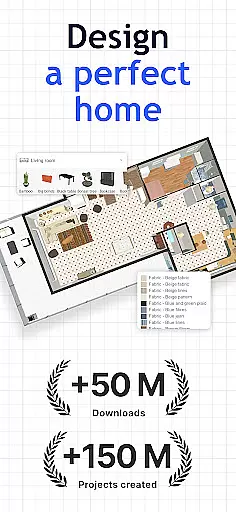
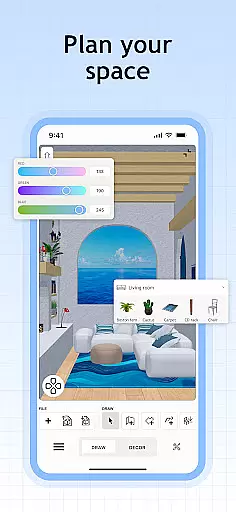
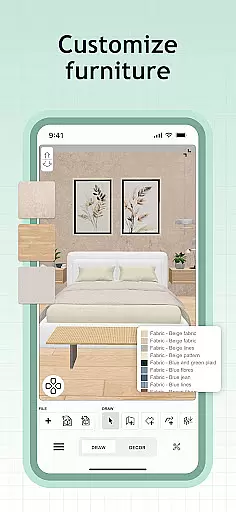
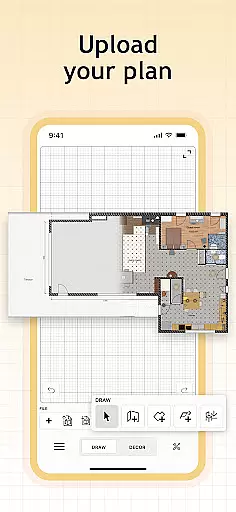
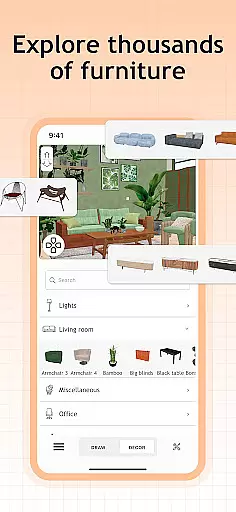
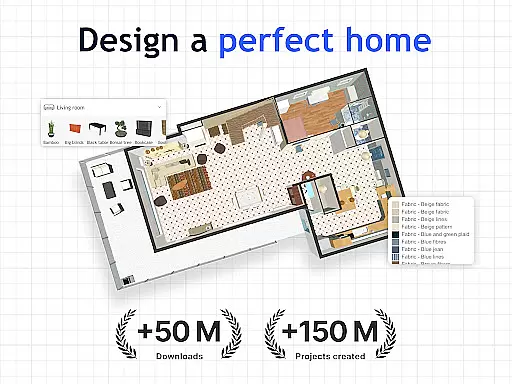
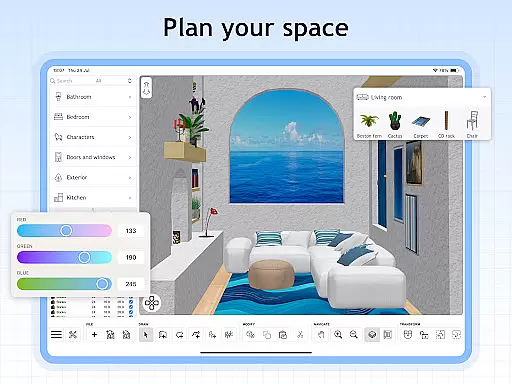
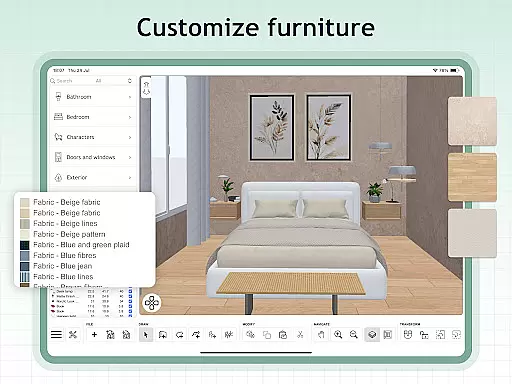
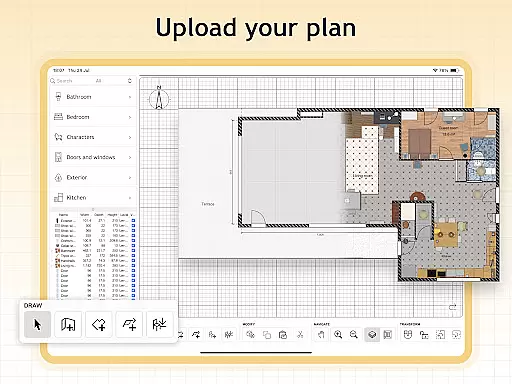
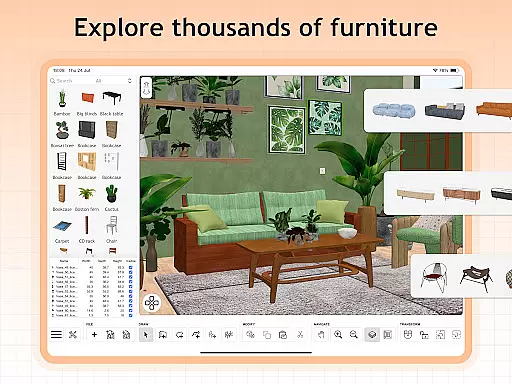
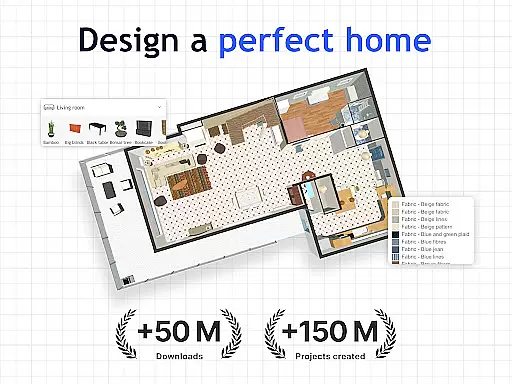
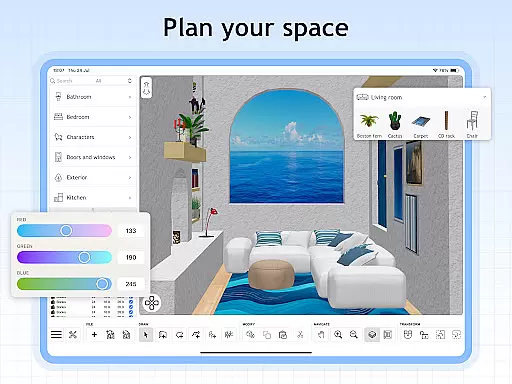
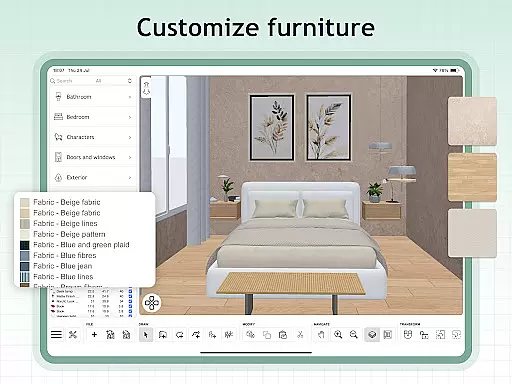
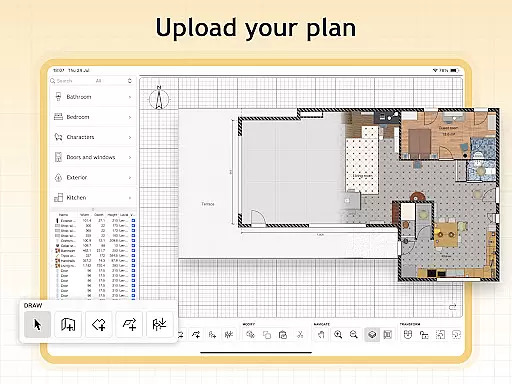
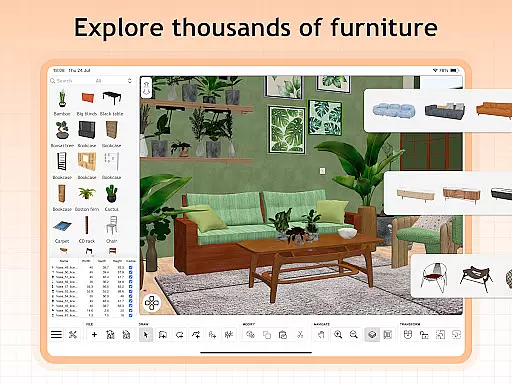
Sweet Home 3D is a premier house and apartment design planner, offering users the ability to craft detailed layouts with ease. The app provides an extensive library of over 800 furniture pieces and decor items, allowing for highly personalized interior designs. With its intuitive drag-and-drop interface, users can effortlessly adjust room layouts and architectural elements.
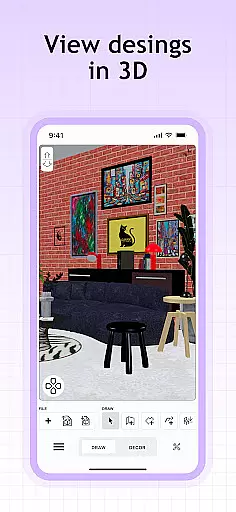
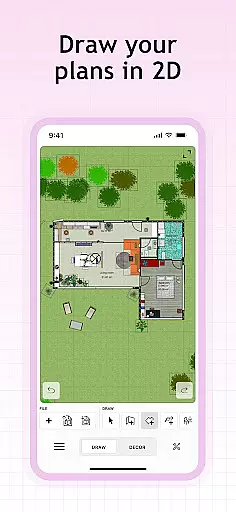
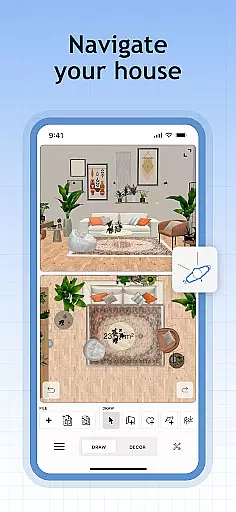
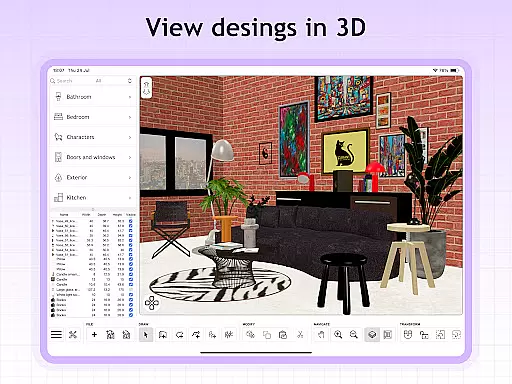
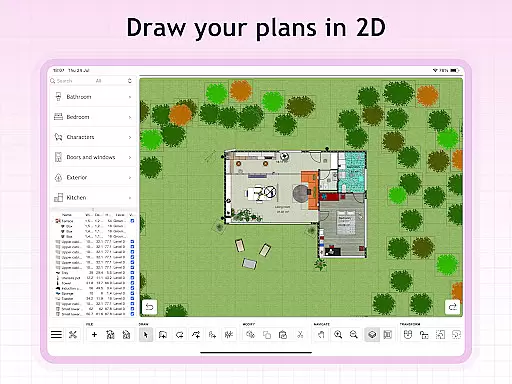
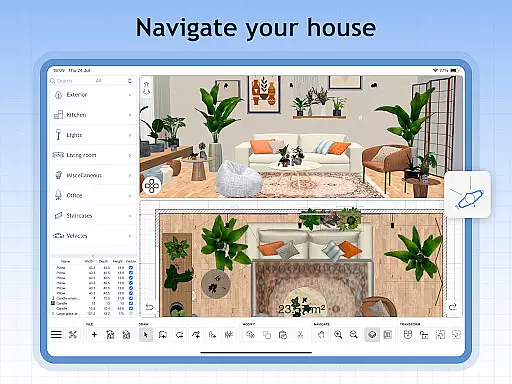
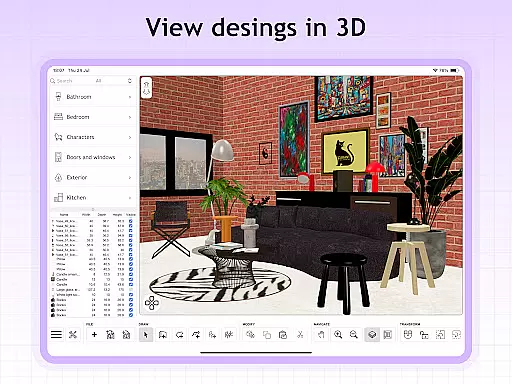
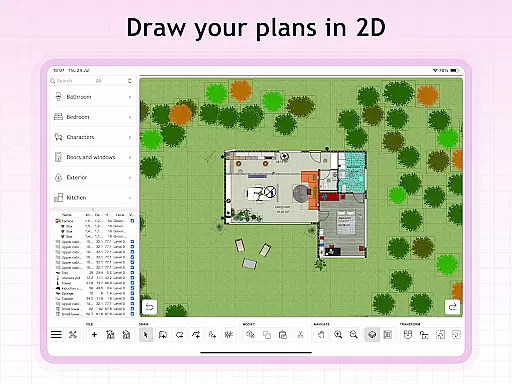
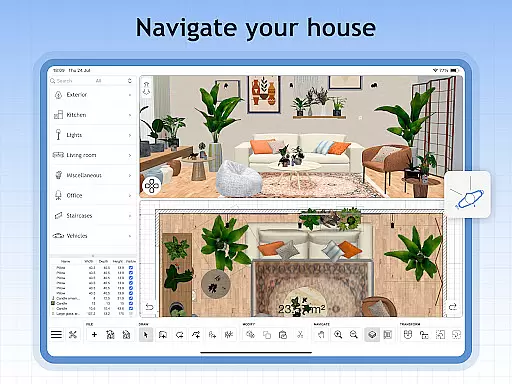
One of Sweet Home 3D's standout features is its dual 2D and 3D visualization capability, which lets users see their designs from multiple perspectives in real-time. This functionality ensures that users can accurately plan and visualize their spaces before making any physical changes. Whether you're a professional designer or a homeowner looking to renovate, Sweet Home 3D offers the tools needed to bring your vision to life with precision and creativity.
Sweet Home 3D boasts a comprehensive set of features designed to enhance the home planning experience. Users can create detailed 2D floor plans that instantly render into 3D visualizations, providing a realistic preview of the final design. The app supports importing custom 3D models and textures, enabling users to incorporate unique furniture and decor elements that reflect their personal style.
Precision is key in Sweet Home 3D, with tools that allow users to set exact dimensions and make fine adjustments to room layouts. Additionally, the app offers multi-language support, making it accessible to a global audience. Users can save their projects and return to them later, ensuring that their design process is both flexible and efficient. With access to an active online community, users can seek inspiration, share tips, and receive feedback on their designs, further enriching the design experience.
When designing a home in Sweet Home 3D, the authenticity of property listings is paramount. The app provides users with an extensive library of over 800 furniture pieces and decor items, each accurately represented with detailed textures and dimensions. This ensures that every item placed in your virtual space closely mirrors its real-world counterpart.
The precision in representing these elements allows users to create designs that are not only aesthetically pleasing but also practically feasible. With Sweet Home 3D's accurate room layout tools, you can be confident that the dimensions and arrangements planned digitally will translate seamlessly into physical spaces.
Furthermore, Sweet Home 3D supports importing custom 3D models, which means if there's a specific piece of furniture or decor not available within the existing library, users have the freedom to incorporate unique elements. This feature guarantees that all components within your design are genuine representations, enhancing both creativity and planning accuracy.
Sweet Home 3D offers robust home management features that cater to various aspects of interior design and space planning. One standout feature is its user-friendly interface, allowing for simple drag-and-drop functionality. This ease of use empowers users to effortlessly place and adjust furniture and other design elements, streamlining the entire design process.
In addition to its intuitive controls, Sweet Home 3D provides simultaneous 2D and 3D visualization. This dual-view capability enables users to explore their designs from multiple perspectives, ensuring a comprehensive understanding of spatial arrangements. Such thorough visualization aids in making informed decisions about room layouts and architectural adjustments.
Moreover, Sweet Home 3D includes precise dimension settings and unlimited project capabilities. Users can save their work and return to it later, refining plans as needed without constraints on project numbers or revisions. These features collectively enhance productivity and efficiency, making Sweet Home 3D an invaluable tool for anyone involved in home design and management.
User-friendly interface
Extensive furniture library
Real-time 2D and 3D views
Customizable dimensions
Multi-language support
Limited free features
Subscription required
No offline mode
Occasional bugs
Steep learning curve

Map-based search app for apartments and homes for rent.
 4.60
4.60
Unlock AI-based barcode scanning and support the development of Grocy Android
4.5
Convert your Phone to HiSense Smart TV Remote Control
4.70
Smart AI plant care schedules, Real plant experts, support & Thriving community!
4.20
Innovative and budget-friendly housing options
4.60
Find your next home, house, apartment, condo, casa, flat, rental, studio, or bed
4.70
A Smarter Home in Seconds
4.70
Looking for the perfect apartment finder app? Find beautiful rental homes here!
4.60
Houses for Sale & Homes for Rent: Buy Homes, Rent Apartments & Sell Real Estate
4.80
View houses and apartments for rent, updated daily.
4.80
B-hyve Pro App for landscape irrigation professionals
4.70
MLS-powered real estate app to find homes for sale & apartments for rent
4.70
The only mappable smart lights for custom decoration.
4.50
Find contractors for all home renovation projects. Remodeling, repair, and more.
4.20
Universal Tv Remote Control for all Tv. Cast for chromecast & all Tv Controller
4.20
Samsung remote app helps control all Samsung Smartthings TVs. Fast and Stable!
4.10
Our app allows Sunrun customers to monitor systems, pay bills, and get support.
3.80
Find the perfect paint color with advanced tools to explore and visualize color.
3.80
An easier way to make payments and maintenance requests from anywhere.
3.50


User Reviews