
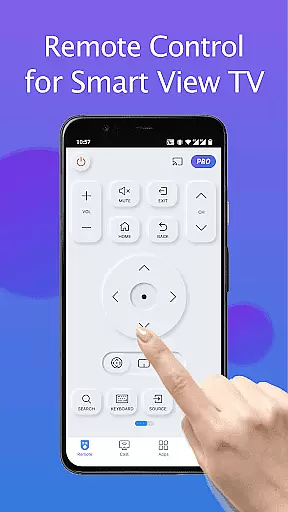
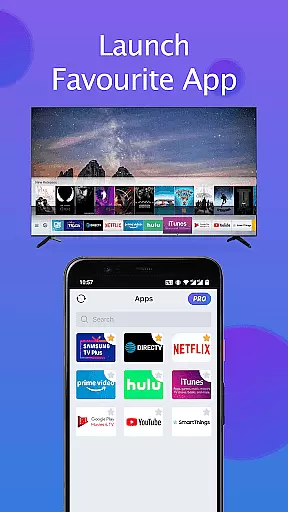
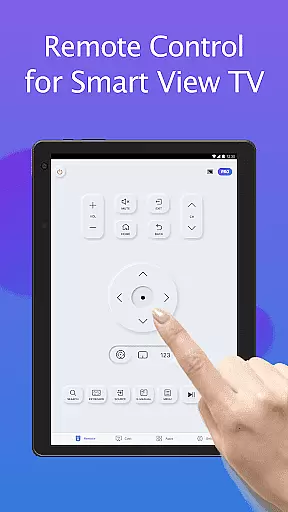
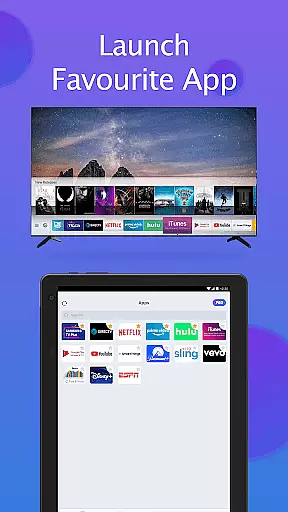
Remote for Smart Samsung TV is a dedicated mobile application that transforms your smartphone into a versatile remote control for Samsung smart TVs. This app offers seamless connectivity through Wi-Fi, enabling users to operate their Samsung 7 series, 6 series, Curved TVs, and K-Series (2016+) Tizen models with ease.
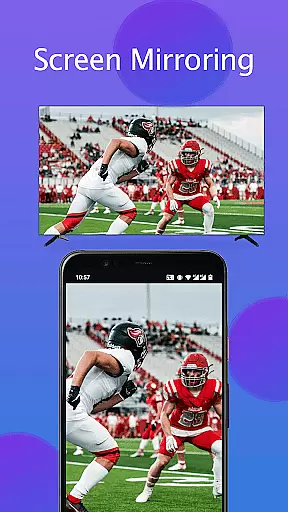
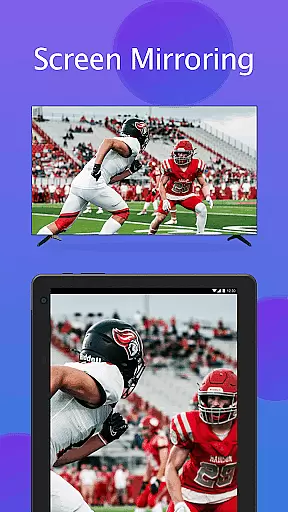
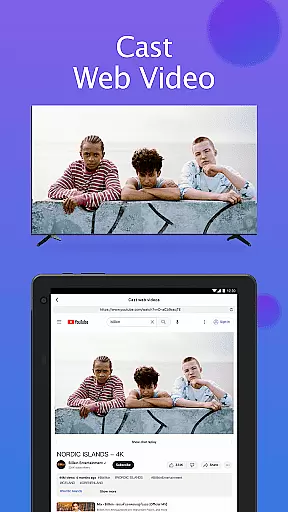
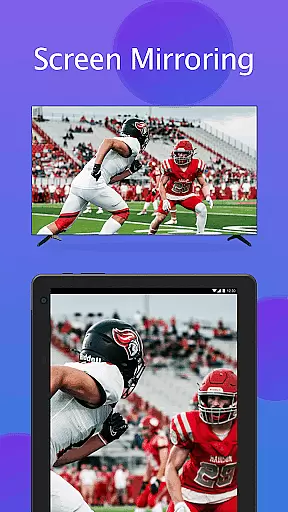
The app provides essential functions such as power on/off, volume adjustment, channel navigation, and quick access to favorite channels and apps. Additionally, it features advanced capabilities like screen mirroring in high resolution and casting local media or web videos to the TV. With its intuitive interface and reliable performance, this app eliminates the need for physical remotes and frequent battery replacements.
Ideal for tech-savvy individuals seeking convenience and eco-friendliness, Remote for Smart Samsung TV enhances the user experience by simplifying daily TV interactions. Its comprehensive functionality makes it an indispensable tool for modern smart home environments.
Remote for Smart Samsung TV stands out with its array of innovative features designed to enhance user interaction with Samsung smart TVs. The app automatically detects TVs on the same Wi-Fi network, ensuring effortless connectivity without complex setup procedures.
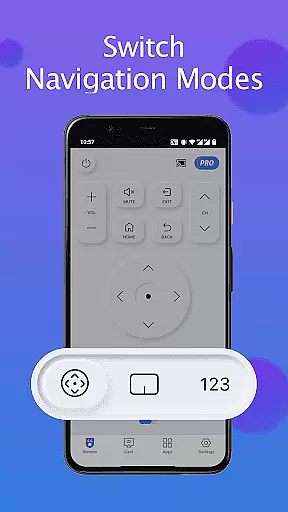
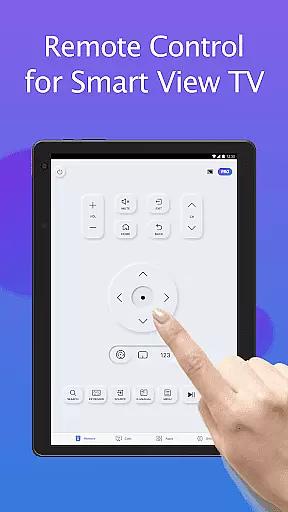
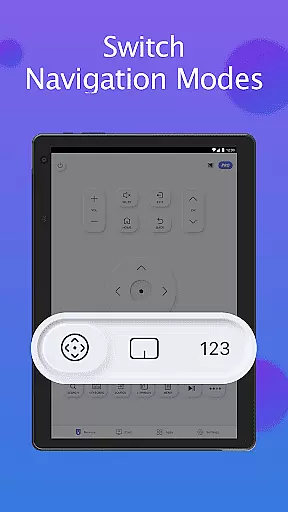
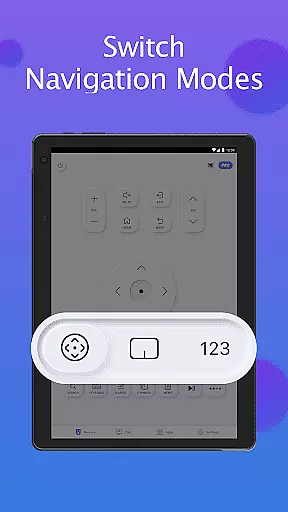
One of its key strengths is the integrated keyboard feature, which significantly simplifies text input and search operations on Samsung Smart View TVs. Users can enjoy complete control over their TV functions, including power management, volume adjustment, channel navigation, and switching between different viewing modes.
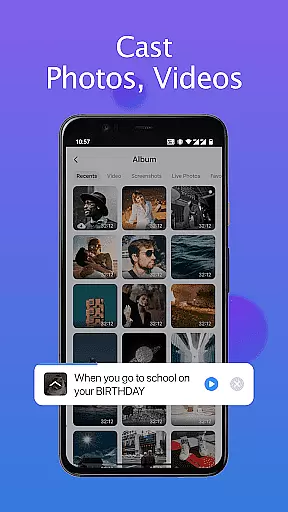
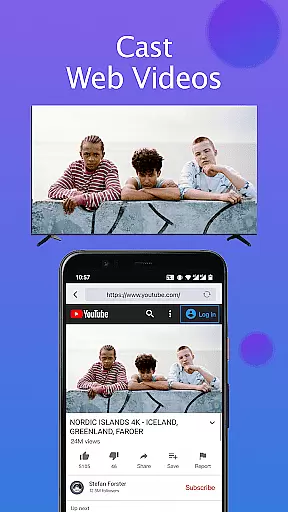
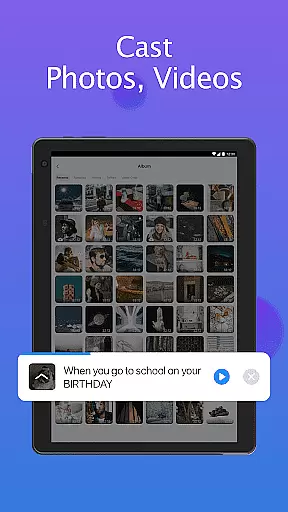
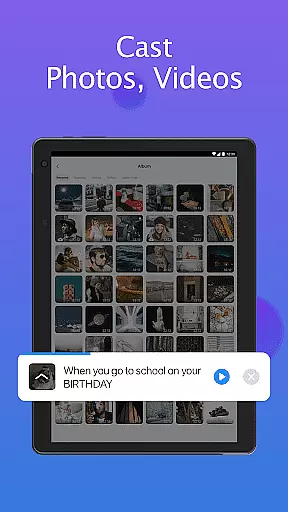
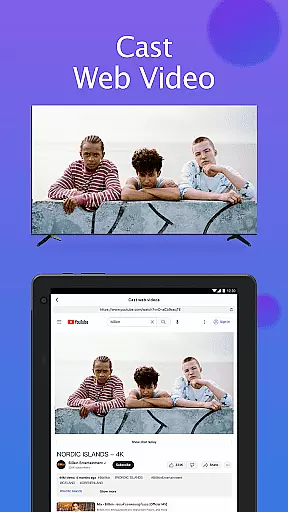
The app also supports advanced functionalities such as high-resolution screen mirroring from mobile devices to TV and media casting capabilities. These features allow users to share local photos/videos and stream web content directly to their Samsung smart TVs, creating a truly integrated entertainment experience.
In the context of smart home applications like Remote for Smart Samsung TV, ensuring property listing authenticity is crucial for user trust and seamless device integration. This feature guarantees that all supported Samsung TV models are accurately listed and verified within the app's database.
The application meticulously cross-references each Samsung TV model with actual product specifications and compatibility requirements. By maintaining an up-to-date registry of supported devices, including series like Samsung 7, Samsung 6, Curved TVs, and K-Series (2016+) Tizen models, the app ensures users can reliably connect with their specific TV model.
For users, this means they can confidently download and use the app knowing their exact TV model is supported. The app provides clear information about compatible devices, eliminating guesswork and potential frustration. This level of verification significantly enhances user experience by preventing connection issues and ensuring optimal functionality.
Ultimately, property listing authenticity in this context translates to accurate device representation, which saves users time and effort while maximizing the utility of their smart home ecosystem. This commitment to verification demonstrates the developer's dedication to quality and customer satisfaction.
Effective home management features are essential for modern smart home applications, and Remote for Smart Samsung TV excels in this area by offering comprehensive control solutions for Samsung smart TVs. These features enable users to manage their television experience through a single, intuitive mobile interface.
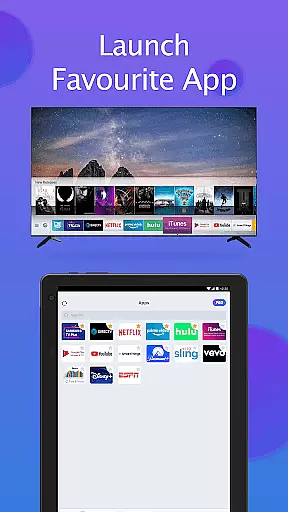
The app provides a complete suite of management tools, including power control, volume adjustment, channel navigation, and quick access to favorite apps and channels. Its innovative screen mirroring capability allows users to display their mobile content on the big screen in high resolution, while the casting feature supports local media and web video transmission to the TV.
Users benefit from simplified daily operations through features like automatic device detection on the same WIFI network and keyboard functionality for easy text input. The app also addresses common pain points such as lost remotes or battery replacements, offering a reliable alternative that enhances convenience and reduces electronic waste.
These sophisticated home management features not only improve user experience but also contribute to more efficient household operations. By consolidating multiple functions into one application, Remote for Smart Samsung TV establishes itself as an indispensable tool for modern smart home environments, demonstrating how technology can genuinely simplify our lives.
User-friendly interface
Wide compatibility range
Advanced casting options
Automatic device detection
Eco-friendly solution
Limited to Samsung models
Wi-Fi dependency required
Occasional connection issues
No official Samsung support
Model compatibility variations

Map-based search app for apartments and homes for rent.
 4.60
4.60
Draw your floor plan smartly. Make house design blueprint with home planner app
3.60
IP camera view and playback, for your WiFi cam or home security cctv system.
3.70
Your guide to apartments & rental homes. Find your next place to rent with AG.
4.60
Design your dream home with 3D planning app, Visualize your dream home in 3D.
4.20
Fire & Power Safety
4.50
WiZ smart light system
4.40
A Smarter Home in Seconds
4.70
Looking for the perfect apartment finder app? Find beautiful rental homes here!
4.60
Find your next home, house, apartment, condo, casa, flat, rental, studio, or bed
4.70
Apartment finder for apartments for rent. Compare prices, amenities & rentals.
4.50
Wobble Fix Tool
4.40
Control your Daikin, Amana & Goodman heating & cooling systems from anywhere
4.40
Control your Vivint Smart Home with the next generation Vivint App.
4.30
Universal Tv Remote Control for all Tv. Cast for chromecast & all Tv Controller
4.20
Find the perfect paint color with advanced tools to explore and visualize color.
3.80
This Fire TV Remote control's your Fire TV Device and Insignia Fire TV Remote
3.70
An awesome mobile app for Home Security Surveillance - uses ZoneMinder
3.20
Universal TV remote Control for Roku TV brands via WiFi remote
4.4


User Reviews