
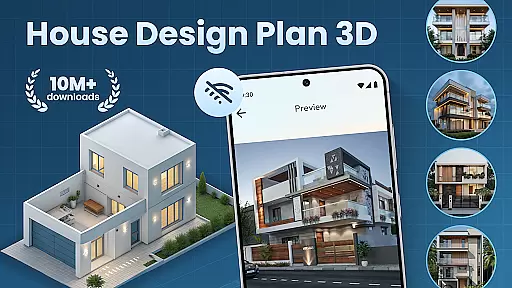
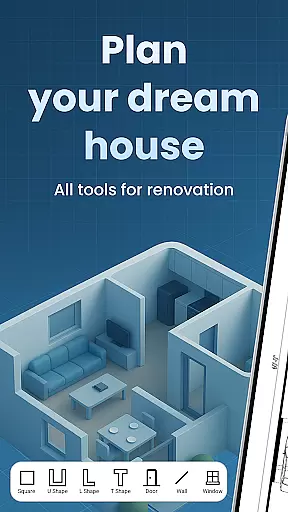
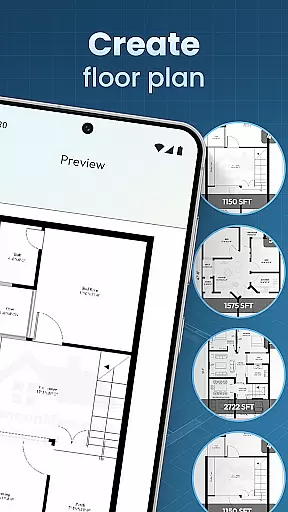
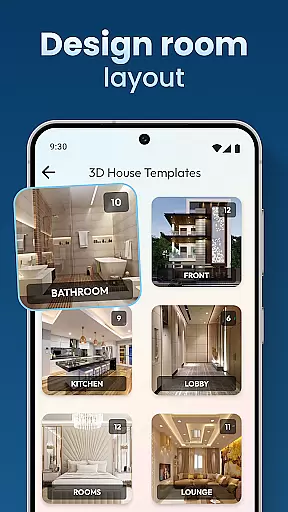
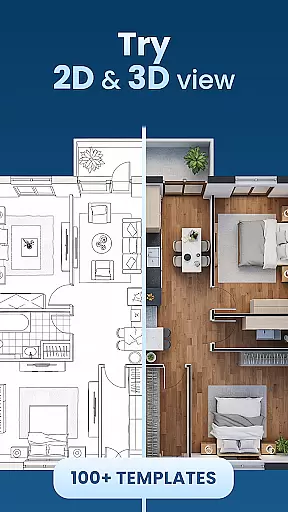
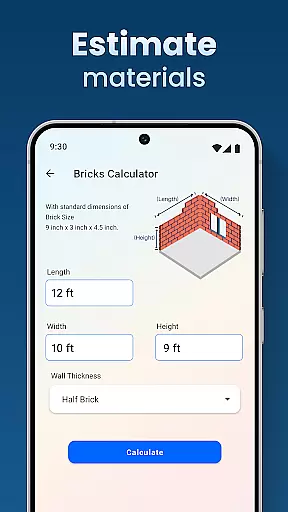
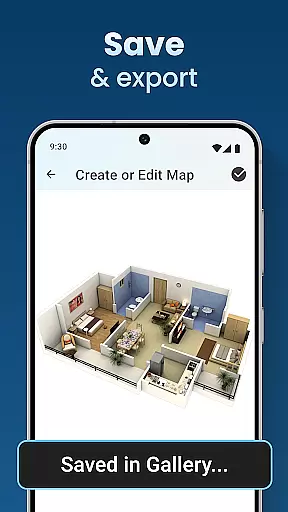
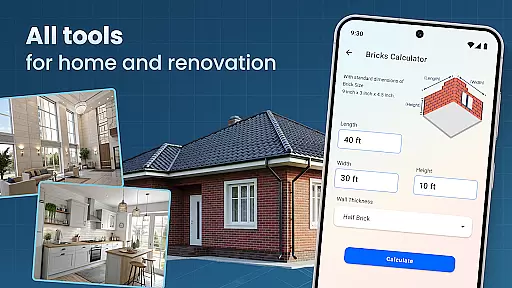
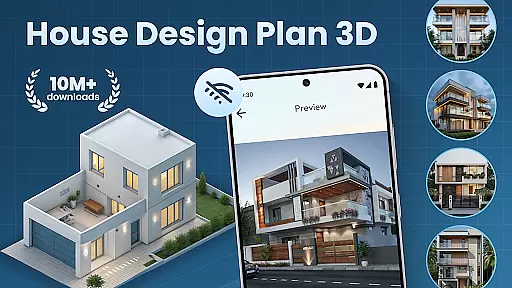
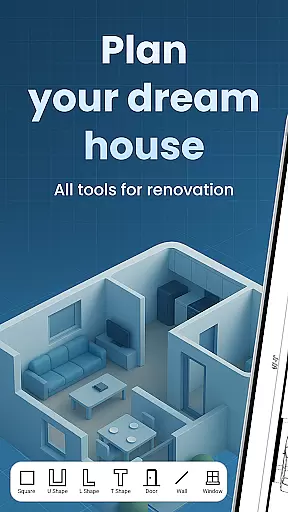
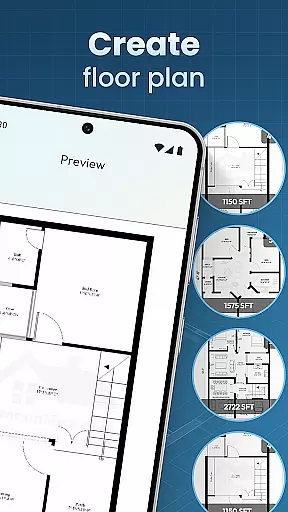
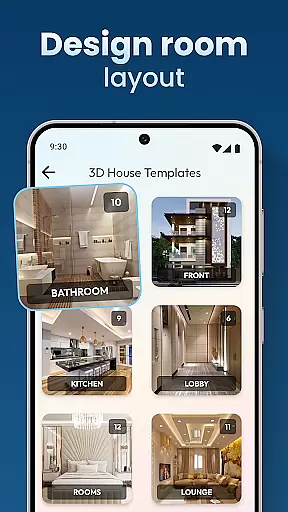
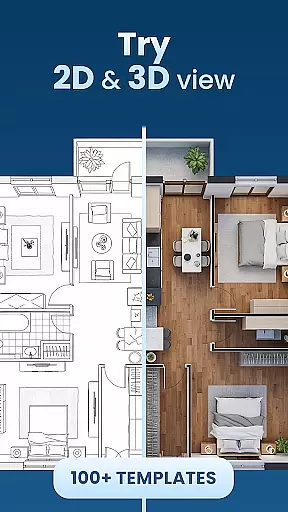
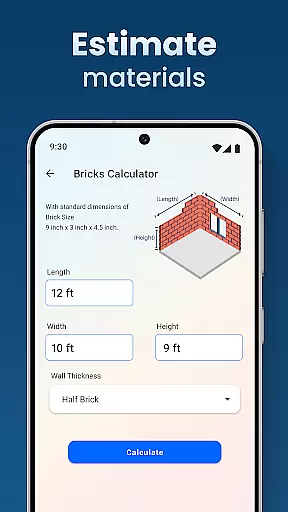
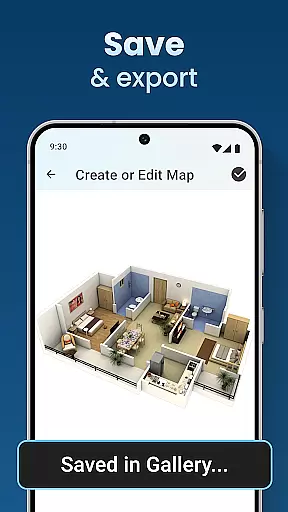
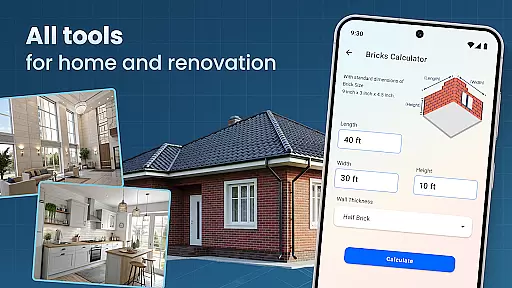
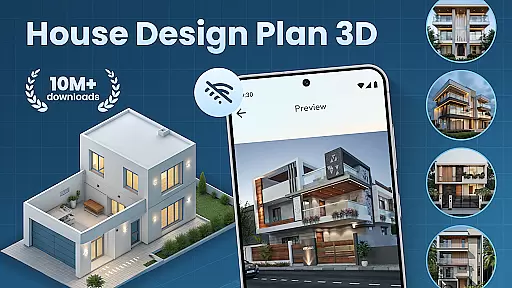
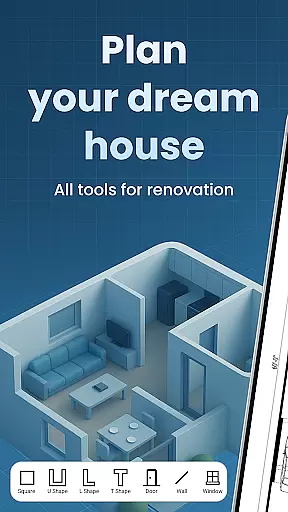
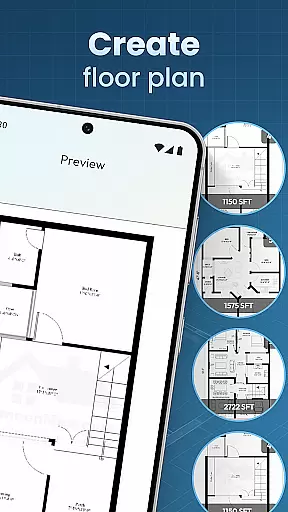
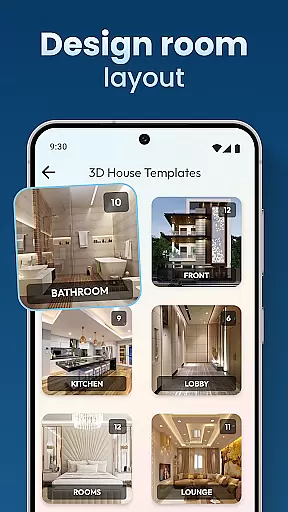
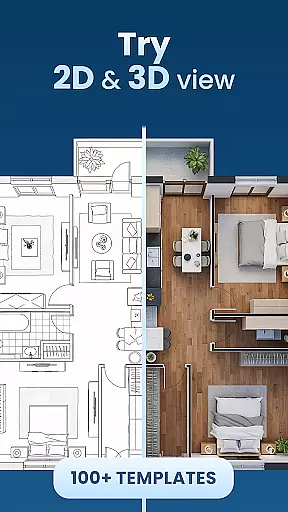
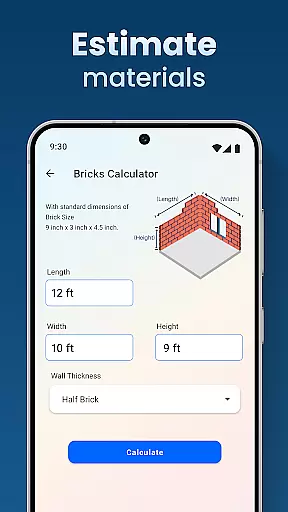
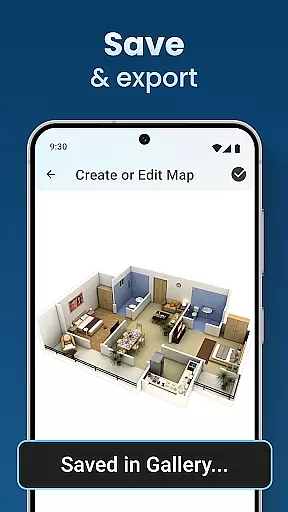
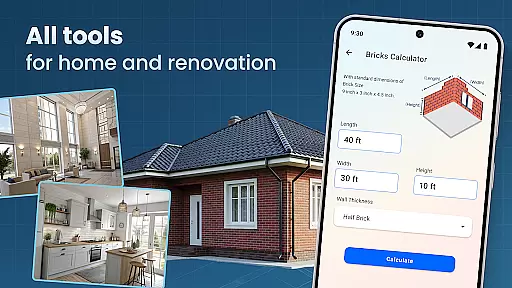
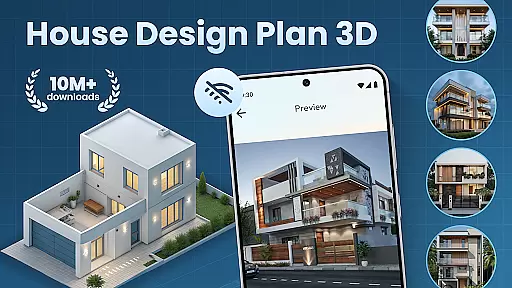
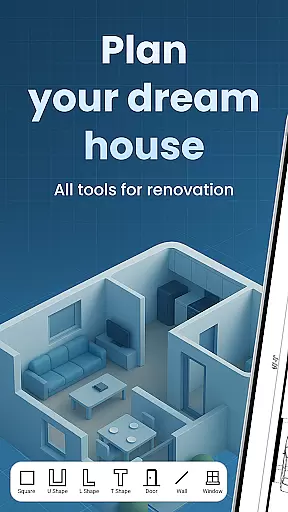
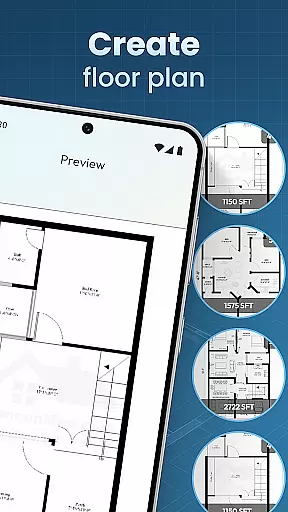
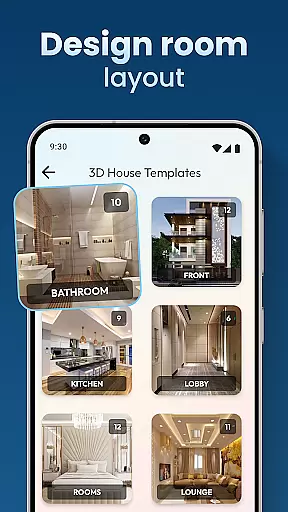
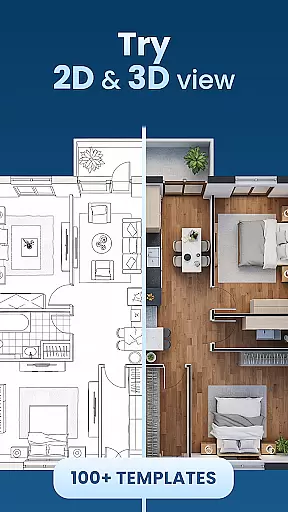
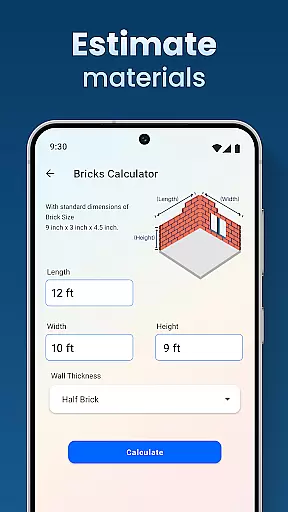
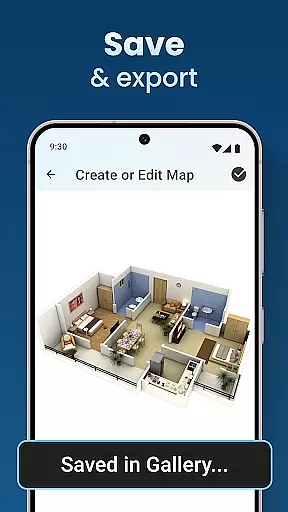
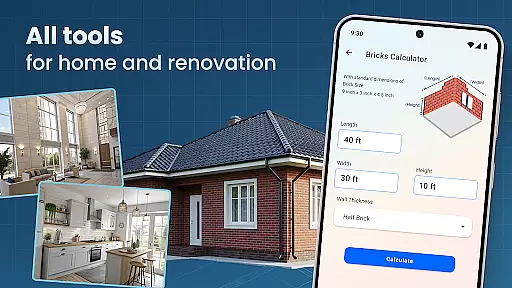
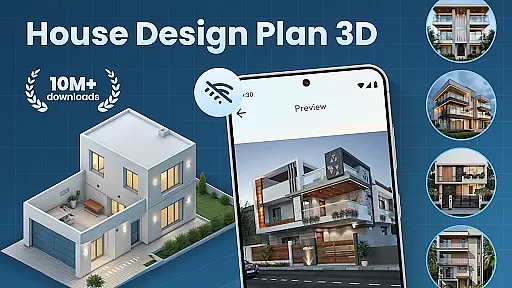
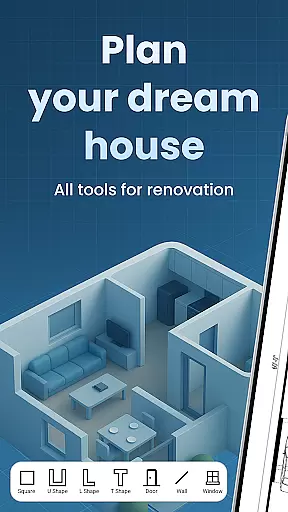
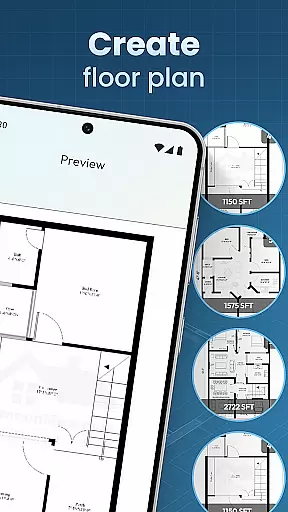
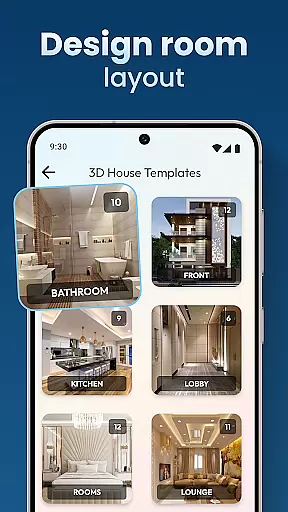
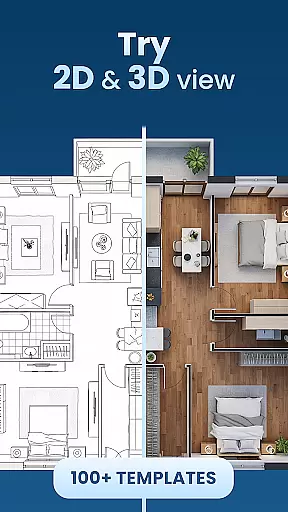
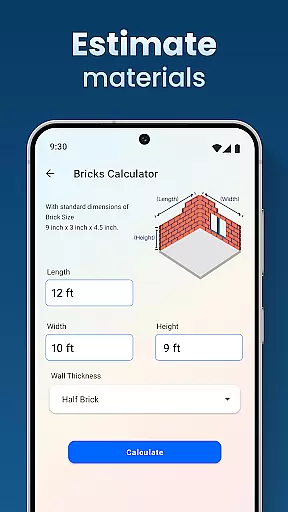
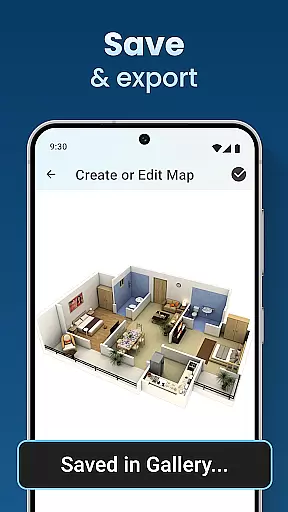
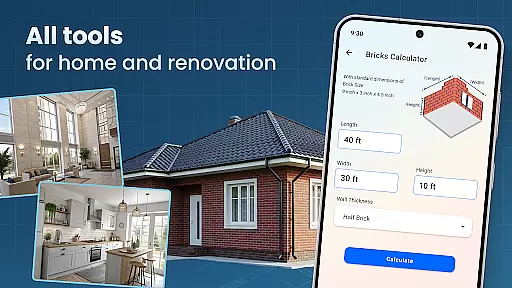
House Design Plan 3D App is a comprehensive home design tool that allows users to create detailed floor plans and visualize their dream homes in fully-rendered 3D. The app provides an intuitive drag-and-drop interface for designing room layouts, customizing interiors, and experimenting with various furniture arrangements and color schemes.
With its powerful set of features, this application suits both beginners and experienced designers. Users can access guided help through step-by-step instructions, utilize pre-made design templates, and employ professional-grade tools to craft every aspect of their interior spaces. From wall textures to lighting options, the app ensures precision and creativity in equal measure.
The true value of House Design Plan 3D App lies in its ability to turn conceptual ideas into realistic visualizations. Whether planning a single room makeover or designing a multi-level house, the app enables users to save, preview, and refine their projects with ease, making it an essential tool for anyone looking to build or renovate their living space.
One of the standout features of House Design Plan 3D App is its real-time 3D rendering capability. This functionality allows users to instantly view changes made to room layouts and furnishings, providing immediate feedback on design choices. The app supports intricate customization options, including furniture selection, flooring materials, and lighting setups, ensuring that every detail meets the user's specifications.
In addition to its robust design tools, the app offers a library of design templates and project-saving capabilities. These features enable users to quickly start new projects or revisit existing ones without losing progress. The inclusion of guided tutorials and step-by-step instructions makes complex design tasks more approachable, even for those new to home planning.
Another key advantage is the app's seamless integration of design and functionality. By combining precise floor plan creation with advanced visualization tools, House Design Plan 3D App bridges the gap between creative vision and practical implementation. This combination empowers users to produce professional-grade designs while maintaining complete control over their home planning process.
In the realm of house and home design, ensuring the authenticity of property listings is paramount. The House Design Plan 3D App addresses this by providing users with tools to create accurate and realistic representations of their envisioned spaces. This app allows for detailed floor plans and 3D visualizations that reflect true-to-life dimensions and aesthetics.
Users can craft precise room layouts and experiment with various interior elements such as furniture placement, color schemes, and lighting options. By offering a comprehensive suite of design features including guided help in building a house step-by-step, the app ensures that each project meets professional standards akin to real architectural designs.
The value derived from using the House Design Plan 3D App lies in its ability to transform conceptual ideas into tangible models. With functionalities like saving projects for future edits or previews, it empowers users to refine their creations until they are satisfied with the outcome. This level of detail and control over every aspect of home planning instills confidence in both amateur designers and seasoned professionals alike.
Effective home management extends beyond mere aesthetics; it encompasses organization, functionality, and adaptability within living spaces. The House Design Plan 3D App excels in these areas by equipping users with advanced tools for crafting not just visually appealing but also highly functional homes. From partitioning rooms to selecting textures and flooring, every choice contributes towards an efficiently managed household environment.
This application goes further by integrating smart design principles through its 'Architecture Design: House Plans' feature set. Users gain access to templates and customization options which facilitate optimal space utilization while maintaining style coherence throughout their virtual abodes. Moreover, the inclusion of Decorate House Designer capabilities enables personalization down to minute details, enhancing overall livability.
Ultimately, what sets this app apart is how seamlessly it blends creativity with practicality. Whether redesigning a single room or constructing multi-level residences, individuals benefit from having complete command over their domestic landscapes. Such empowerment leads to better decision-making when translating digital blueprints into physical dwellings, thus elevating one's approach to modern home management significantly.
User-friendly interface
Real-time 3D rendering
Extensive customization options
Guided step-by-step tutorials
Professional design templates
Limited free version features
Occasional performance lags
Advanced tools require learning
In-app purchases can add up
Some features are complex for beginners

Make Renting Easy
 4.40
4.40
Unlock AI-based barcode scanning and support the development of Grocy Android
4.4
Control your Daikin, Amana & Goodman heating & cooling systems from anywhere
4.40
Resident Center, powered by Buildium, is designed with simplicity in mind.
4.50
Smart AI plant care schedules, Real plant experts, support & Thriving community!
4.20
Security App with HD Video, 2-way Audio, and event detection for Home monitoring
4.40
Plan your remodel AI home renovation easily using planner 5D and home decor AI.
4.40
Control your thermostat, comfort, and home monitoring from your phone
4.30
Samsung remote app helps control all Samsung Smartthings TVs. Fast and Stable!
4.10
Search for Homes, Rentals, Agents & Schools
4.70
Fire & Power Safety
4.50
The only mappable smart lights for custom decoration.
4.50
The Merkury Smart app makes it easy to control your smart devices.
4.50
Control your Vivint Smart Home with the next generation Vivint App.
4.30
Turn your phone into a wifi cam with smart features and umlimited reach.
4.20
Schlage Lock Company LLC
4.00
Floor Plan Creator Home Design with 2D interior design and 3d view.
3.90
Design house plans in 2D & 3D, style furniture, and preview renovation layouts
3.70
Control Fire TV & mirror your phone screen instantly over Wi-Fi.
3.30


User Reviews