
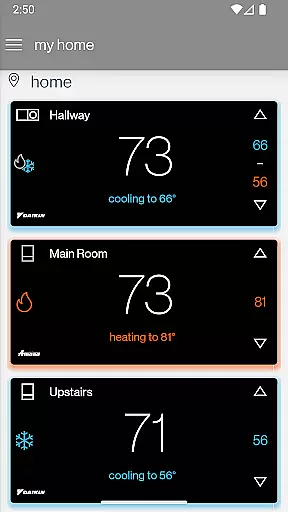
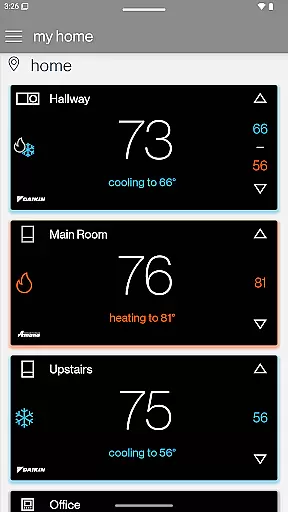
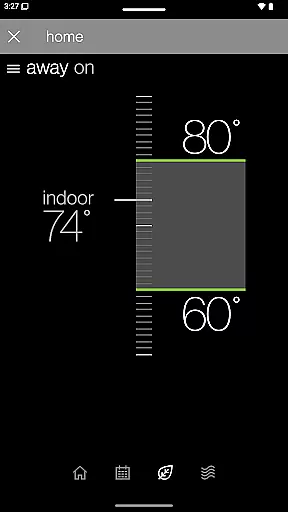
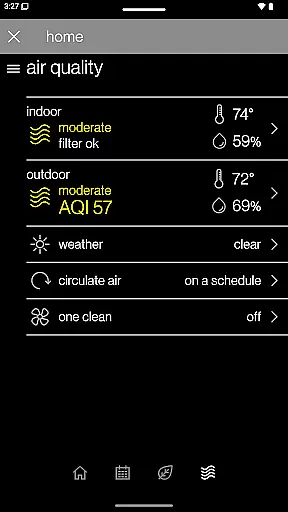
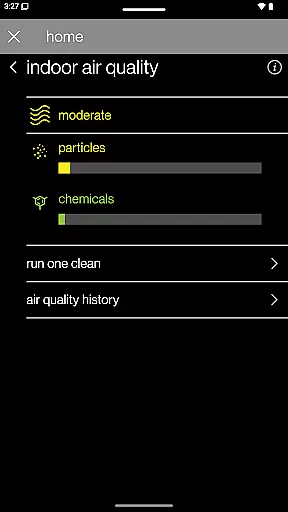
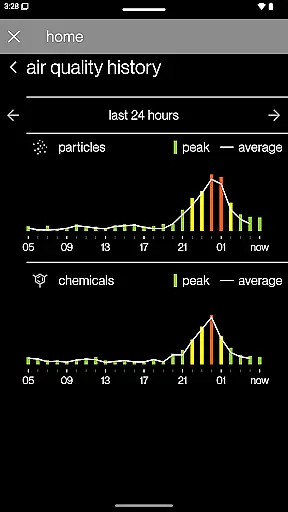
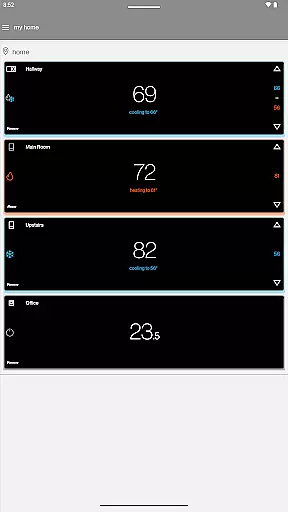
SkyportHome is a comprehensive smart home solution designed specifically for homeowners with Daikin, Amana, and Goodman HVAC systems. This innovative mobile application enables users to remotely monitor and control their heating and cooling systems from anywhere, at any time. With its intuitive interface and robust functionality, SkyportHome transforms the way users interact with their home climate systems.
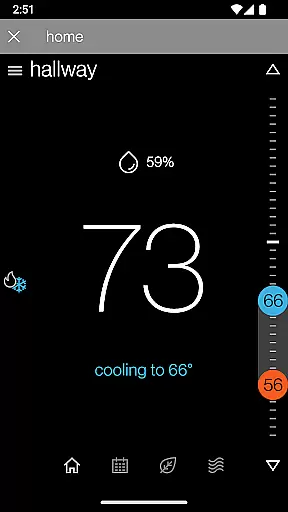
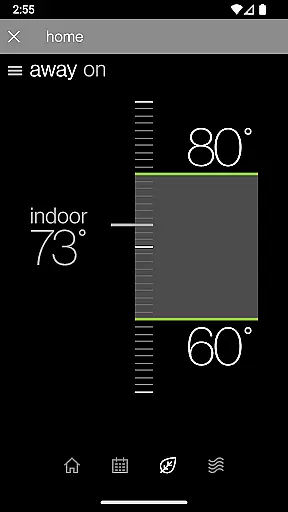
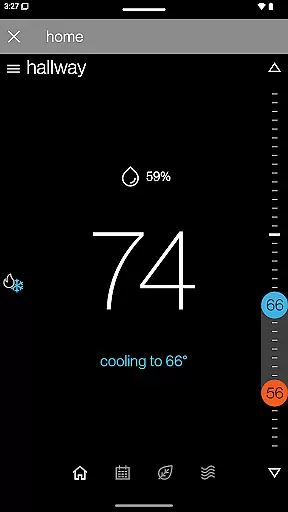
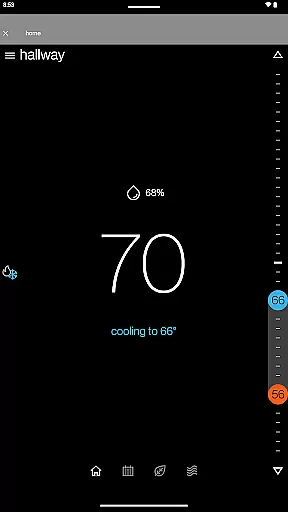
The app's core features include multi-location management, allowing users to oversee multiple properties and smart thermostats across different brands seamlessly. Homeowners can easily adjust temperature settings, humidity levels, and fan controls through their mobile devices. The app also provides real-time weather updates and system notifications, ensuring optimal home comfort while promoting energy efficiency.
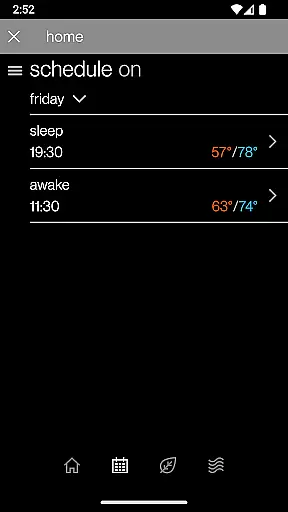
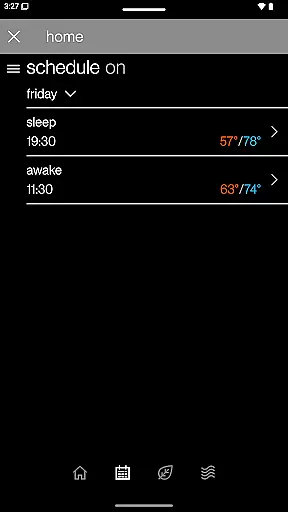
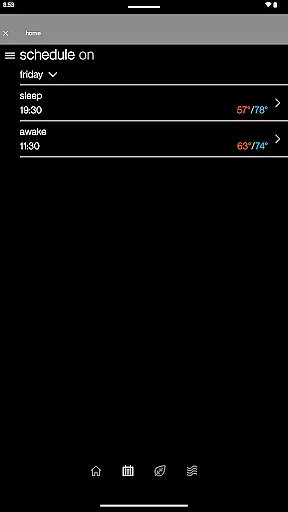
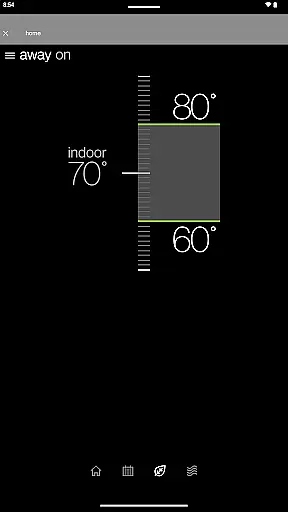
SkyportHome stands out with its extensive feature set tailored for modern homeowners. One of its key strengths is the ability to manage thermostat schedules directly from mobile devices, offering unparalleled convenience for busy households. The app's single-tap functionality for Adjustment Mode and Away Mode simplifies daily operations, while its remote control capabilities ensure comfort is always within reach.
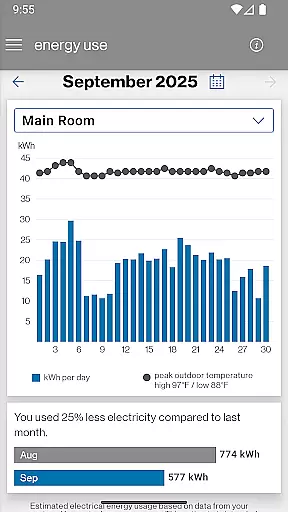
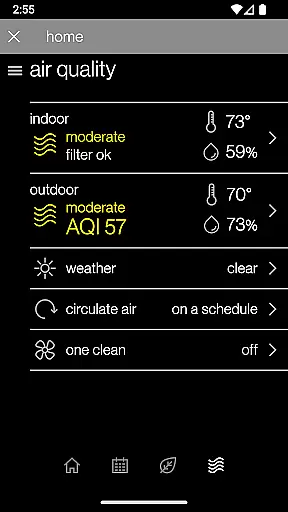
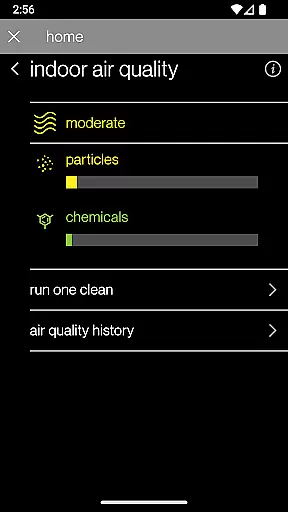
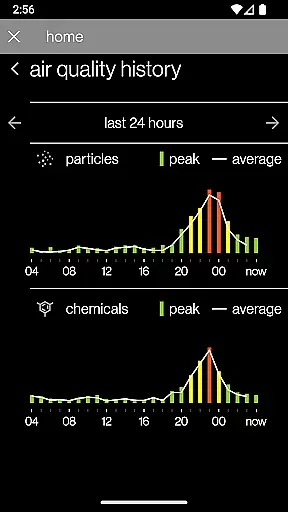
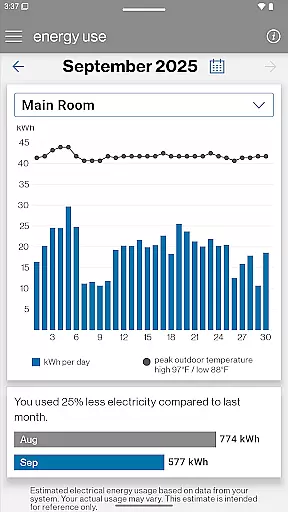
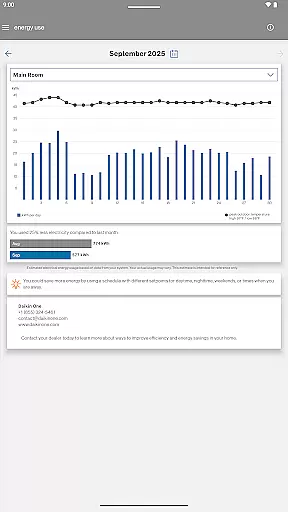
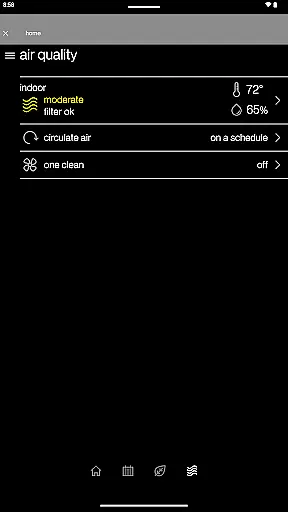
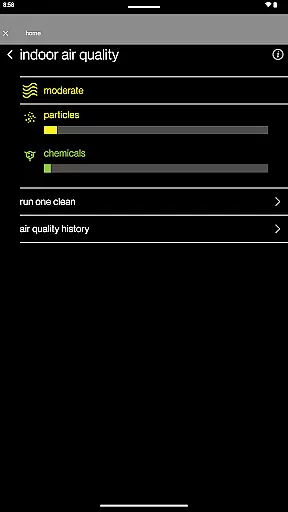
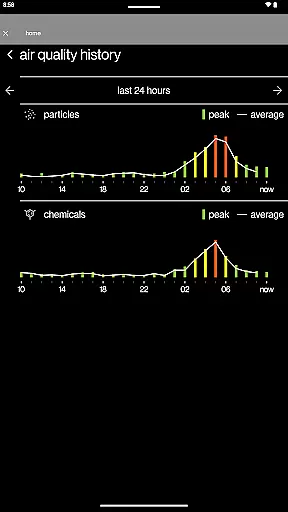
Advanced features include detailed energy usage reports that provide valuable insights into monthly consumption patterns. For users with compatible Daikin One Home Air Monitor devices, the app offers indoor air quality tracking and historical data analysis. The notification system keeps homeowners informed about maintenance requirements and system alerts, helping prevent potential issues before they arise. These comprehensive features make SkyportHome an indispensable tool for managing home climate systems efficiently.
In the context of smart home management, ensuring the authenticity and accuracy of connected devices is crucial. The SkyportHome app guarantees that all integrated Daikin, Amana, and Goodman systems are verified and fully compatible with the platform.
Each connected thermostat undergoes a rigorous verification process to ensure it meets the required standards and specifications. This meticulous approach ensures users can trust the information displayed within the app.
The application provides real-time updates on system status and maintenance needs, giving homeowners peace of mind knowing their property's HVAC systems are accurately represented and monitored.
This commitment to authenticity extends to the Energy Report feature, which delivers reliable estimates of monthly energy usage based on actual system performance data.
SkyportHome offers comprehensive home management capabilities that go beyond basic thermostat control. Homeowners can remotely manage multiple locations and smart thermostats across different brands from a single interface.
The app's intuitive design allows users to easily edit thermostat schedules, set various modes including Adjustment and Away Mode, and control temperature, humidity, and fan settings with simple taps.
Advanced features include real-time weather information for each location and instant notifications for alerts, maintenance reminders, and system status updates. These tools help homeowners optimize their home environment efficiently.
For enhanced air quality management, the app integrates with Daikin One Home Air Monitor devices, providing detailed indoor air quality history and insights for a healthier living space.
User-friendly interface
Multi-brand compatibility
Real-time notifications
Energy usage insights
Remote system control
Limited to HVAC systems
Device compatibility required
Internet connection needed
Premium features locked
Subscription may be required

Map-based search app for apartments and homes for rent.
 4.60
4.60
Universal TV remote Control for Roku TV brands via WiFi remote
4.0
Universal TV Remote for TV, control all Smart TVs with your mobile phone.
4.4
Our app allows Sunrun customers to monitor systems, pay bills, and get support.
3.80
Control Fire TV & mirror your phone screen instantly over Wi-Fi.
3.30
IP camera view and playback, for your WiFi cam or home security cctv system.
3.70
View houses and apartments for rent, updated daily.
4.80
Your guide to apartments & rental homes. Find your next place to rent with AG.
4.60
Plan your remodel AI home renovation easily using planner 5D and home decor AI.
4.40
Connect with reliable pros for maintenance services, plumbing, and home design!
4.80
B-hyve Pro App for landscape irrigation professionals
4.70
Convert your Phone to HiSense Smart TV Remote Control
4.70
The Merkury Smart app makes it easy to control your smart devices.
4.50
Security App with HD Video, 2-way Audio, and event detection for Home monitoring
4.40
Control your thermostat, comfort, and home monitoring from your phone
4.30
Fully control your Philips TV with this all-in-one remote control app.
4.20
Design your dream home with 3D planning app, Visualize your dream home in 3D.
4.20
An awesome mobile app for Home Security Surveillance - uses ZoneMinder
3.20
Unlock AI-based barcode scanning and support the development of Grocy Android
4.3


User Reviews