
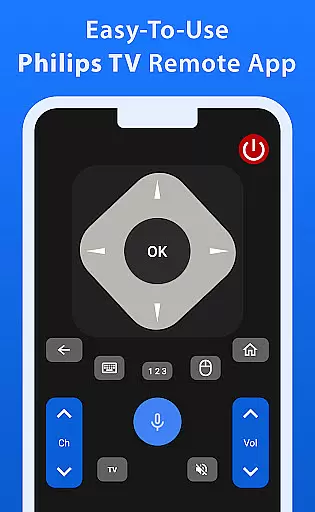
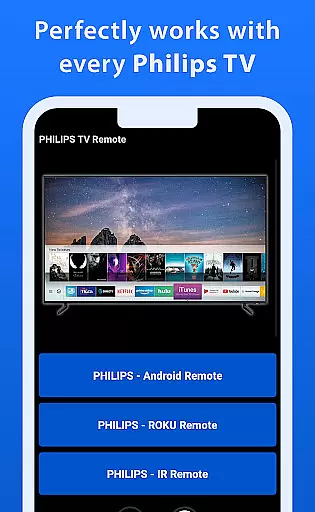
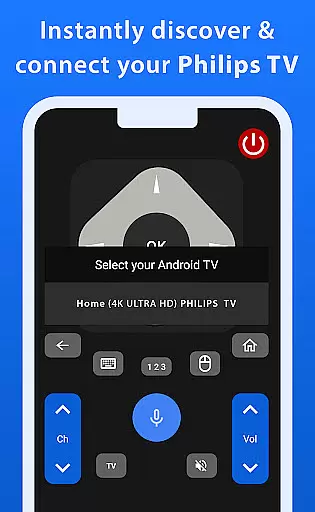
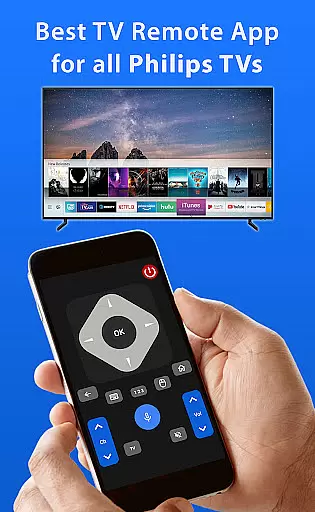
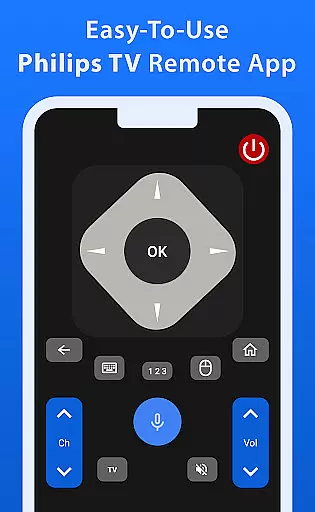
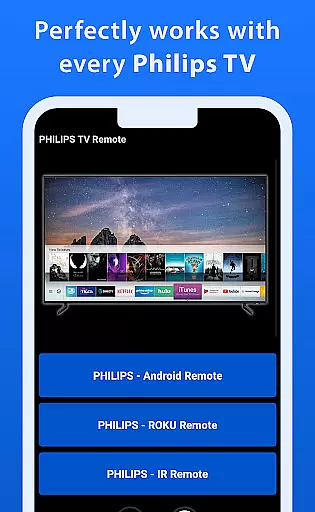
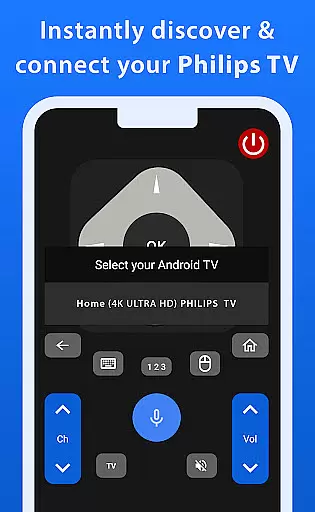
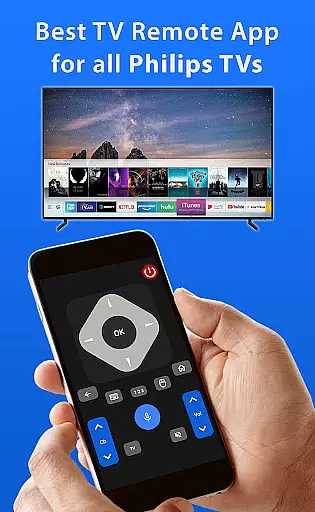
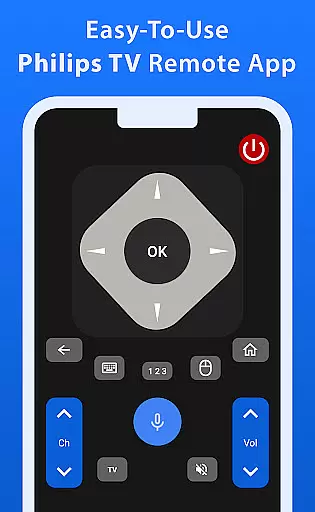
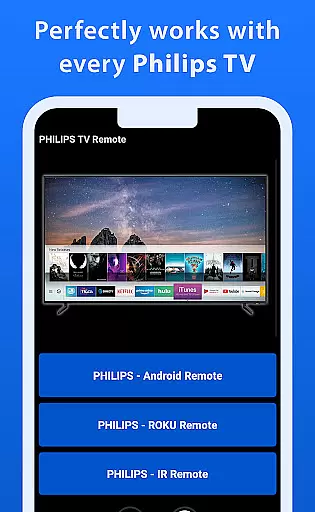
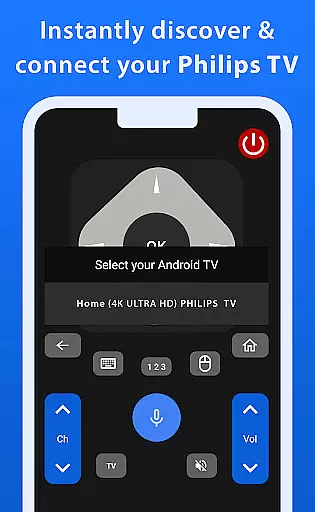
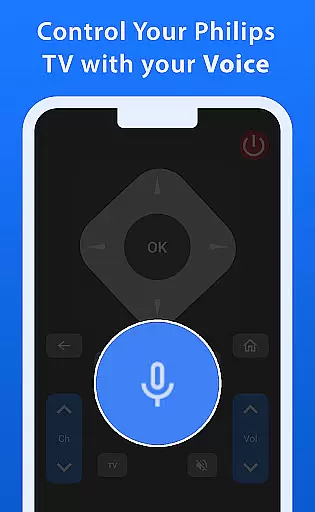

Philips TV Remote is a comprehensive remote control app designed specifically for Philips TVs, including Android, Roku, and IR-enabled models. This app allows users to take full control of their TV experience by offering essential functions such as changing channels, adjusting volume, accessing apps, and navigating menus. Its user-friendly interface ensures ease of use, making it an ideal choice for everyday TV viewing.
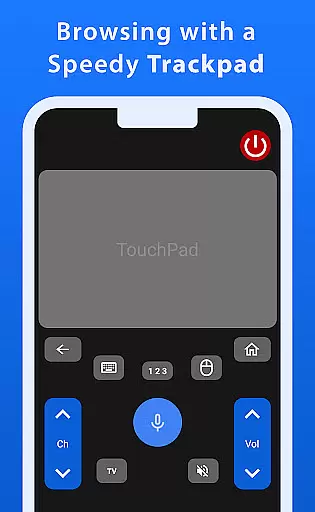
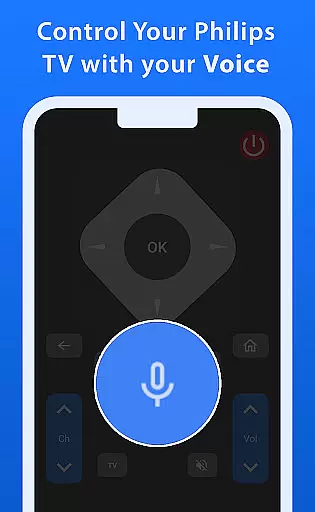
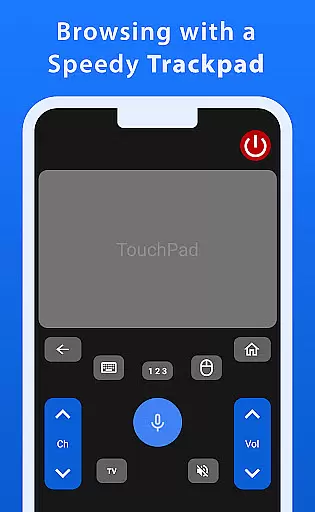
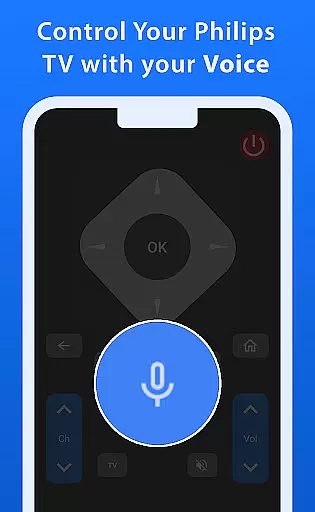
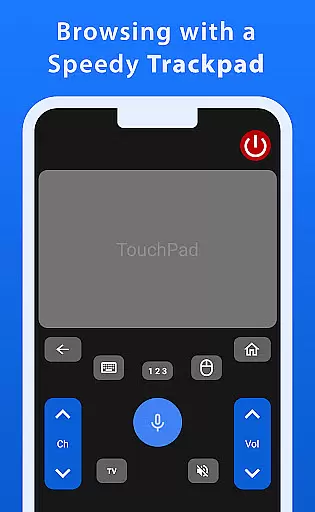
One standout feature of this app is its advanced functionality, including a responsive trackpad for smooth navigation and voice control capabilities that allow effortless command over your TV. Whether you're searching for shows or adjusting settings, the app provides a seamless and enjoyable experience. By transforming your mobile device into a powerful Philips TV remote, this app enhances convenience and control for TV users.
The Philips TV Remote app boasts a range of impressive features tailored to enhance TV control. First and foremost, it supports all major Philips TV models, including Android, Roku, and IR-enabled TVs, ensuring broad compatibility. The app's intuitive design includes a virtual trackpad that enables fast and precise navigation through menus and apps, significantly improving the user experience.
In addition to its navigation capabilities, the app incorporates a robust voice control function, allowing users to issue commands effortlessly. This feature eliminates the need for manual input when searching for content or adjusting settings. Furthermore, the app offers customizable options, enabling users to tailor their remote control experience to suit their preferences. These innovative features collectively make Philips TV Remote a versatile and indispensable tool for modern TV viewers.
When it comes to managing your Philips TV, ensuring the authenticity and accuracy of control features is crucial. The Philips TV Remote app provides a reliable and precise way to interact with your TV, offering functionalities that are verified to work seamlessly with all Philips TV models, including Android, Roku, and IR-enabled versions.
The app meticulously maintains an up-to-date database of compatible TV models, ensuring that users can trust the authenticity of the features provided. This includes everything from basic functions like changing channels and adjusting volume to more advanced options such as navigating menus and accessing apps.
By using this app, users benefit from the peace of mind that comes with knowing they are accessing a tool specifically tailored for their Philips TV model. This ensures not only convenience but also optimal performance, making it a dependable choice for everyday use.
Beyond basic remote control functionalities, the Philips TV Remote app offers a suite of home management features designed to enhance the user experience. One standout feature is the fast and responsive trackpad, which allows for smooth and intuitive navigation through your TV's interface, providing a level of control that is both precise and enjoyable.
In addition to the trackpad, the app includes powerful voice control capabilities. This feature enables users to effortlessly command their TV by simply speaking commands, whether itu2019s searching for favorite shows or adjusting settings. Such innovations ensure that managing your home entertainment system is both hassle-free and efficient.
Overall, these advanced home management features make the Philips TV Remote app an indispensable tool for modern households, streamlining daily interactions with your TV and enhancing the overall viewing experience.
User-friendly interface
Voice control functionality
Wide compatibility with Philips models
Fast and responsive trackpad
Customizable options for personalization
Limited to Philips TV models
Requires stable internet connection
No official Philips endorsement
Potential delays in voice recognition
Dependent on device Bluetooth performance

Technology powering many in-home services for residents across the United States
 3.80
3.80
Parcel Pending Resident App
4.50
AI floor creator to design your dream house, plan rooms & style your home
4.00
Fire & Power Safety
4.50
Apartment finder for apartments for rent. Compare prices, amenities & rentals.
4.50
MLS-powered real estate app to find homes for sale & apartments for rent
4.70
3D House Design and AI Room Planner - from floor plans to full interior design.
4.40
An easier way to make payments and maintenance requests from anywhere.
3.50
Make your phone a surveillance camera remote with a home camera app for Android!
4.40
Convert your Phone to HiSense Smart TV Remote Control
4.70
Map-based search app for apartments and homes for rent.
4.60
Your guide to apartments & rental homes. Find your next place to rent with AG.
4.60
Rent on-the-go with TurboTenant’s app made just for renters
4.50
The only mappable smart lights for custom decoration.
4.50
Find contractors for all home renovation projects. Remodeling, repair, and more.
4.20
Samsung remote app helps control all Samsung Smartthings TVs. Fast and Stable!
4.10
Schlage Lock Company LLC
4.00
This Fire TV Remote control's your Fire TV Device and Insignia Fire TV Remote
3.70
Use Home by ShowingTime to easily manage showings, tours, feedback and more
3.60


User Reviews