
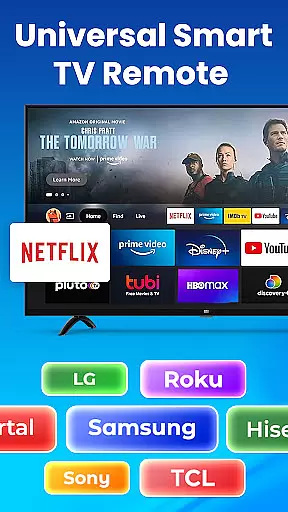
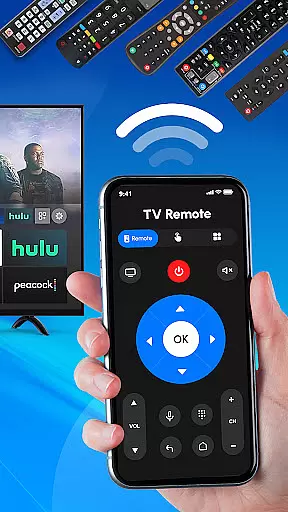
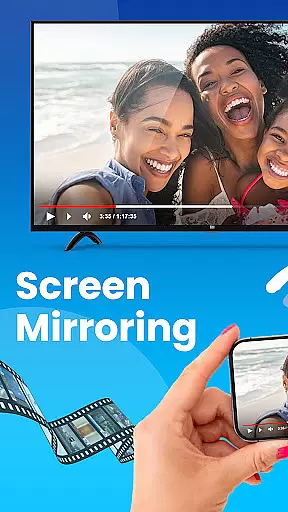
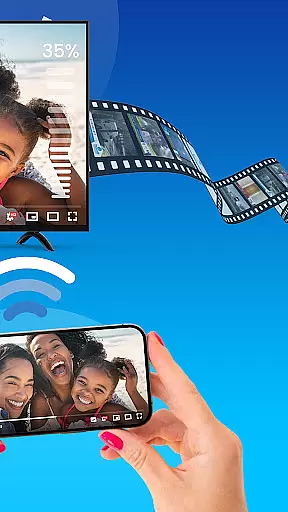
Universal TV Remote Control is a versatile application designed to replace traditional TV remotes for all major TV brands. This app supports Roku, Samsung, LG, Sony, and many other popular TV models, offering seamless control through Wi-Fi and Bluetooth connectivity. Whether you need to adjust the volume, change channels, or power your TV on and off, this app provides an all-in-one solution.
The application's intuitive interface allows users to easily navigate various functions such as switching input sources and managing streaming devices like Roku sticks or boxes. It is perfect for both smart TVs and non-smart TVs, making it a comprehensive tool for modern households. With its easy setup process and no additional hardware required, Universal TV Remote Control ensures that you can manage your entertainment system effortlessly from your smartphone.
Universal TV Remote Control stands out with its extensive compatibility and user-friendly features. The app supports a wide range of TV brands including Roku, Samsung, LG, Sony, TCL, Hisense, Vizio, Panasonic, Philips, and Mi. This broad compatibility ensures that regardless of your TV model, you can enjoy the convenience of controlling it directly from your phone.
One of the key highlights is the dedicated Roku remote functionality, which allows users to manage their Roku TVs and streaming devices seamlessly. The app also offers Wi-Fi remote control capabilities, enabling users to operate smart TVs without the need for line-of-sight. Additionally, the all-in-one TV control feature lets you manage multiple functions such as volume adjustment, channel surfing, and input switching from a single interface.
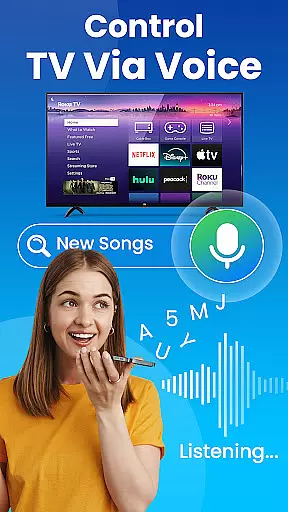
For added convenience, the app includes voice control options where supported, allowing for hands-free operation. Its fast and straightforward setup process means you can start using it almost immediately after installation, eliminating the hassle of configuring complex settings. These robust features make Universal TV Remote Control an indispensable tool for enhancing your TV viewing experience.
In the context of smart home management applications like Universal TV Remote Control, property listing authenticity refers to the accurate representation of supported devices and their functionalities. This app provides a comprehensive list of compatible TV brands including Roku, Samsung, LG, Sony, and more.
The application ensures that all listed TV models and brands are verified to work with the remote functionality provided. Users can trust that their specific TV model will be controllable through this app without facing compatibility issues. The detailed descriptions for each supported brand enhance user confidence in the product.
For users, this means they can reliably manage their home entertainment systems without worrying about false advertising or unsupported devices. The app's commitment to only listing authentic and verified TV brands ensures a seamless experience when switching between different TVs or upgrading their equipment.
Universal TV Remote Control offers essential home management features that simplify the way users interact with their television sets. By consolidating remote controls for various TV brands into one intuitive interface, it eliminates the need for multiple physical remotes cluttering living spaces.
This app supports advanced connectivity options such as Wi-Fi and Bluetooth, allowing users to control smart TVs and even older models with ease. Its ability to manage all TV functions u2013 from basic volume adjustments to complex input source switching u2013 demonstrates its versatility in modern home environments.
Additionally, the app's support for voice control on compatible devices adds another layer of convenience for hands-free operation. These features collectively contribute to a more organized and efficient home entertainment setup, enhancing overall user experience while maintaining a clean and minimalist living space.
User-friendly interface
Wide brand compatibility
No extra hardware needed
Fast and easy setup
Voice control option
Limited advanced features
Bluetooth not universal
Occasional connectivity issues
Ads in free version
Requires Wi-Fi access

For all of your Airthings devices
 4.30
4.30
Make Renting Easy
4.40
The official app for Home Assistant. Control your home anywhere in the world.
4.30
Technology powering many in-home services for residents across the United States
3.80
Control Fire TV & mirror your phone screen instantly over Wi-Fi.
3.30
Find contractors for all home renovation projects. Remodeling, repair, and more.
4.20
The Merkury Smart app makes it easy to control your smart devices.
4.50
Control your thermostat, comfort, and home monitoring from your phone
4.30
3D House Design and AI Room Planner - from floor plans to full interior design.
4.40
Home Ideas | Renovation Advice | Local Pros. Go From Dream to Home with Houzz.
4.70
Turn old phones into security cameras, baby monitors, pet cams, and more.
4.70
Looking for the perfect apartment finder app? Find beautiful rental homes here!
4.60
Rent on-the-go with TurboTenant’s app made just for renters
4.50
Resident Center, powered by Buildium, is designed with simplicity in mind.
4.50
Control the scent and ambiance of your home and car, right from your phone.
4.50
WiZ smart light system
4.40
Schlage Lock Company LLC
4.00
Floor Plan Creator Home Design with 2D interior design and 3d view.
3.90
An easier way to make payments and maintenance requests from anywhere.
3.50


User Reviews