
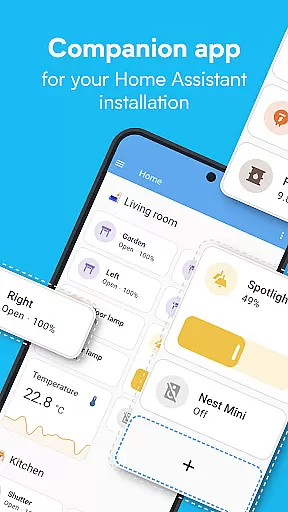
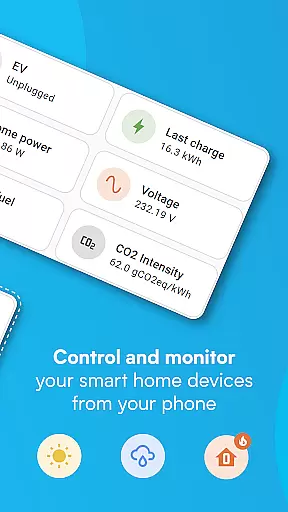
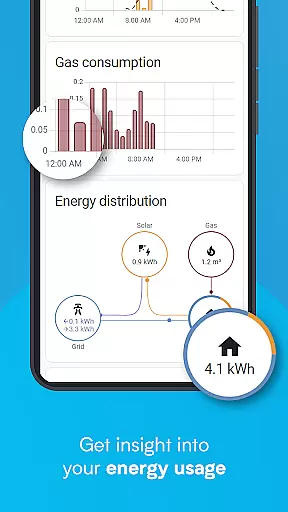
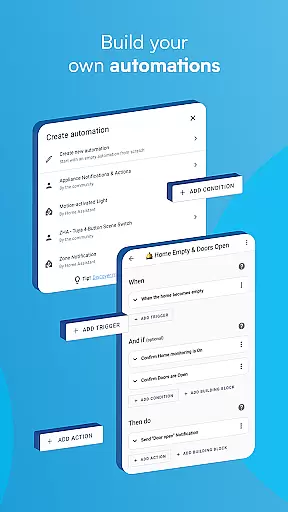
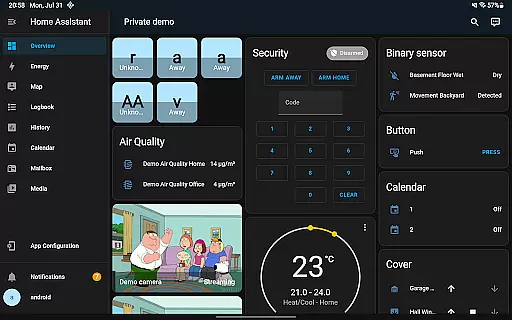
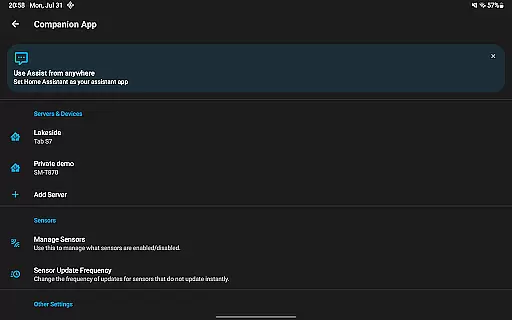
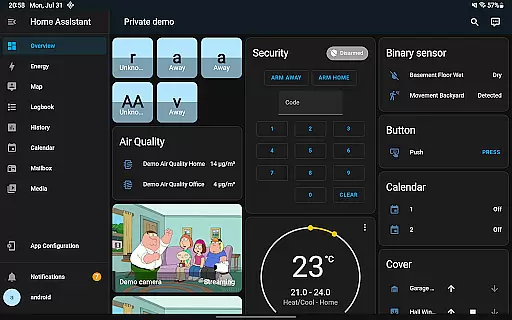
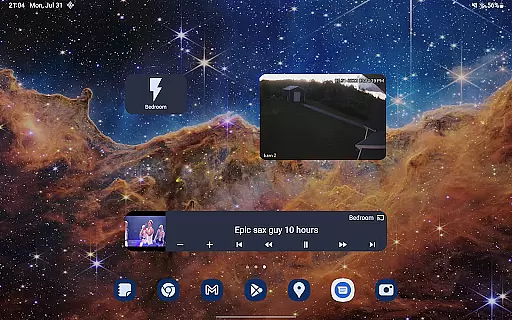
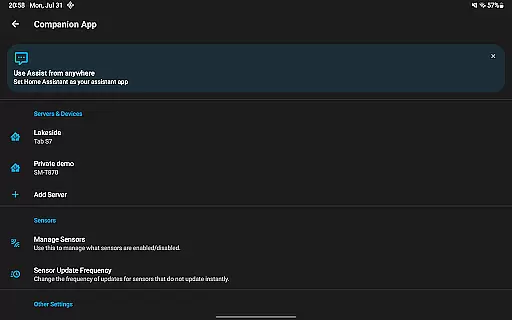

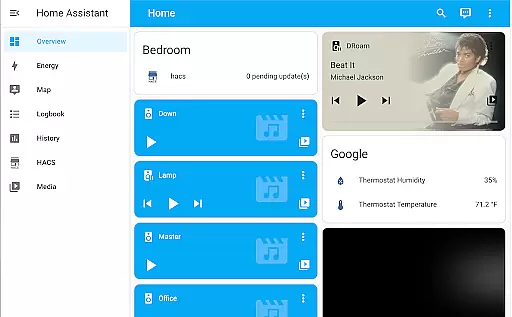
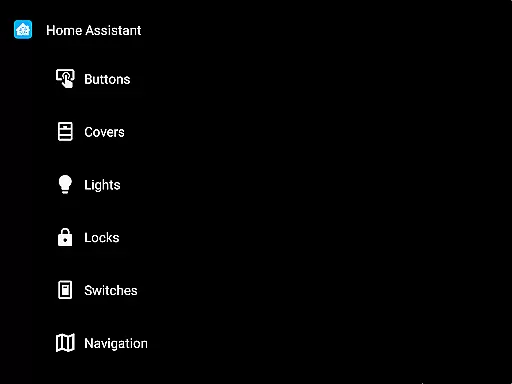
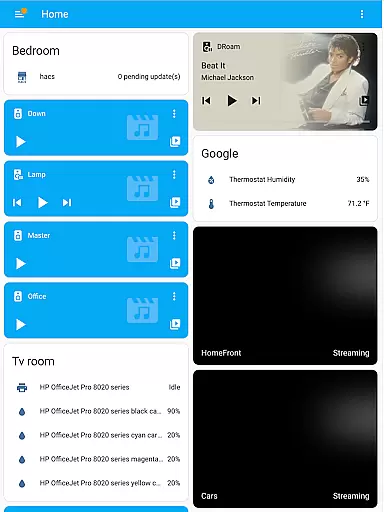
Home Assistant is a comprehensive smart home solution that prioritizes privacy, choice, and sustainability. This app allows you to access your Home Assistant instance on the go, providing control over thousands of smart devices from major brands. It supports automatic discovery and quick configuration of new devices like Philips Hue, Google Cast, and Sonos.
The app enables automation of your entire home, ensuring devices work in harmony. You can set up scenarios such as dimming lights during movie time or turning off heat when you're away. With local data storage, your home's information remains private, and you can connect via open standards including Z-Wave, Zigbee, Matter, Thread, and Bluetooth.
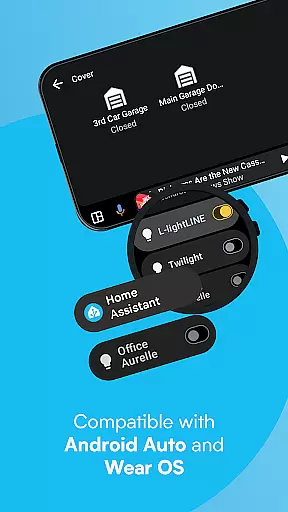
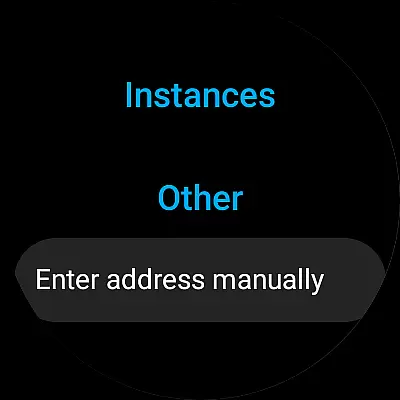
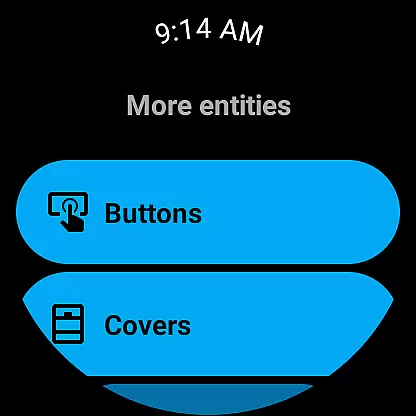
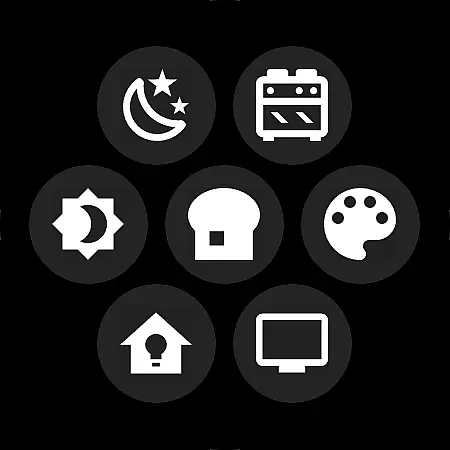
Unlock your smartphone or tablet as a powerful home automation tool. Share your location securely for automations related to heating and security. Access notifications about your home, use Android Auto functionality, create custom widgets, and interact with a local voice assistant. Compatible with Wear OS, it offers notifications, sensors, tiles, and watchface complications.
The Home Assistant app boasts an array of features designed to enhance your smart home experience. Control thousands of devices from one platform, integrating seamlessly with brands like Philips Hue, Google Cast, and Sonos. The app automatically discovers and configures new devices quickly, simplifying setup processes.
Automation capabilities allow all connected devices to operate harmoniously. Set conditions where lights adjust based on activity or manage heating systems according to occupancy. Privacy is maintained by storing data locally within your home network while supporting various hardware add-ons such as Z-Wave, Zigbee, Matter, Thread, and Bluetooth.
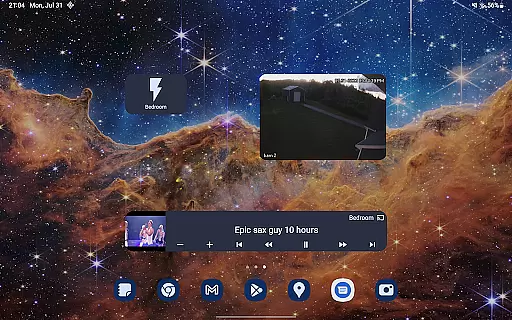
Your mobile device becomes an integral part of home automation through secure location sharing and sensor integration. Receive tailored notifications about events at home, utilize Android Auto functionalities directly from your car dashboard, design personalized widgets for easy access, engage with a local voice assistant via text or speech commands, and enjoy extended compatibility with Wear OS devices.
When it comes to managing a smart home, the authenticity and accuracy of connected devices are crucial. Home Assistant ensures that every integrated device is verified and functions as intended. This app provides users with genuine and reliable information about each connected device within their smart home ecosystem.
The application automatically discovers and configures new devices, ensuring that all listed properties are authentic and operational. For instance, when adding Philips Hue or Google Cast devices, Home Assistant checks for compatibility and proper functionality, thus maintaining the integrity of your smart home network.
Users benefit from this rigorous verification process as it guarantees that all components work seamlessly together. With Home Assistant, you can trust that every device is accurately represented and fully operational, enhancing the overall reliability and performance of your smart home setup.
Effective home management is at the core of Home Assistant's capabilities. The app offers comprehensive tools to control and automate various aspects of your home environment. From adjusting lighting based on daily routines to managing security systems, Home Assistant provides an all-encompassing solution for modern households.
One standout feature is the ability to create complex automations. For example, you can set up scenarios where lights dim automatically when starting a movie or turn off heating when the house is unoccupied. These automations not only improve convenience but also contribute to energy efficiency and sustainability.
Additionally, Home Assistant extends its functionality through mobile integration. Users can leverage their smartphones' sensors for advanced automation, such as triggering actions based on location or receiving notifications about home events. This holistic approach to home management empowers users to maintain a secure, efficient, and comfortable living space.
User-friendly interface
Extensive device compatibility
Strong focus on privacy
Robust automation options
Comprehensive notification system
Requires initial setup effort
Limited third-party integrations
Advanced features may overwhelm beginners
Occasional connectivity issues
Dependent on stable internet connection

Universal TV Remote for TV, control all Smart TVs with your mobile phone.
 4.5
4.5
Convert your Phone to HiSense Smart TV Remote Control
4.70
IP camera view and playback, for your WiFi cam or home security cctv system.
3.70
The only mappable smart lights for custom decoration.
4.50
Book your local plumber 24/7, track your service order & get exclusive coupons
4.00
Security App with HD Video, 2-way Audio, and event detection for Home monitoring
4.40
Apartment finder for apartments for rent. Compare prices, amenities & rentals.
4.50
Samsung remote app helps control all Samsung Smartthings TVs. Fast and Stable!
4.10
Make your phone a surveillance camera remote with a home camera app for Android!
4.40
Connect with reliable pros for maintenance services, plumbing, and home design!
4.80
Your guide to apartments & rental homes. Find your next place to rent with AG.
4.60
Control the scent and ambiance of your home and car, right from your phone.
4.50
The Merkury Smart app makes it easy to control your smart devices.
4.50
Set up your devices, customize settings, and monitor your home—from anywhere
4.40
Floor Plan Creator Home Design with 2D interior design and 3d view.
3.90
Find the perfect paint color with advanced tools to explore and visualize color.
3.80
Draw house plans, floor plans 3d & house design with house plan drawing 3d app
3.60
Unlock AI-based barcode scanning and support the development of Grocy Android
4.0
PRO Version of GLB AR Viewer
4.4


User Reviews