
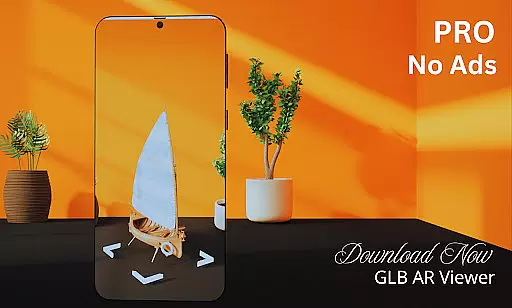
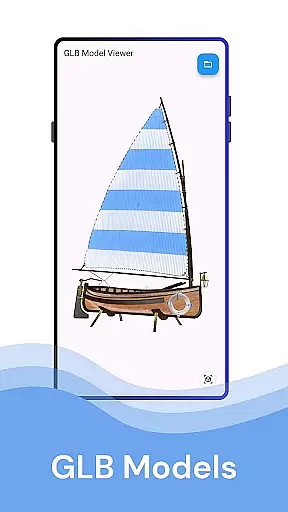
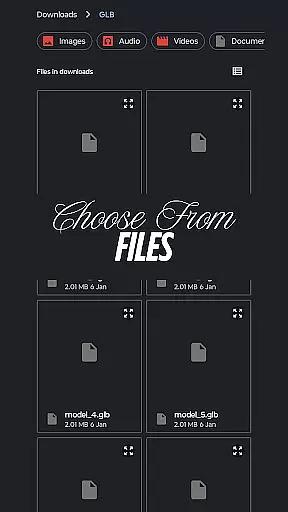
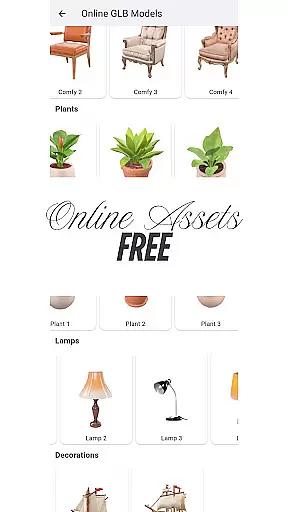
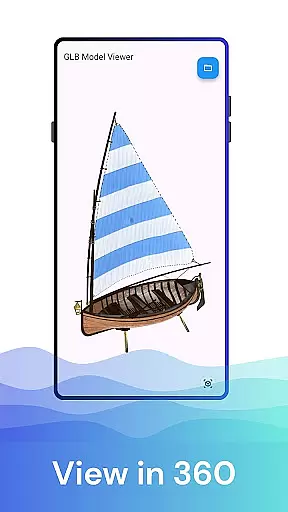
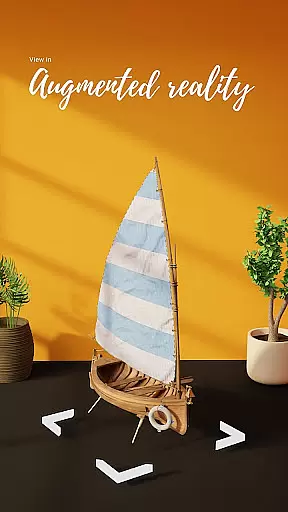

GLB AR Viewer 3D PRO is a cutting-edge application designed for users to seamlessly visualize and interact with 3D models in both standard and augmented reality (AR) modes. The app supports .glb file formats, making it an ideal tool for 3D artists, game developers, educators, and hobbyists who need quick access to high-quality 3D rendering.
With its intuitive user interface and robust feature set, the app allows users to load models directly from their device storage and interact with them through touch gestures like rotation, zooming, and panning. Its compatibility with ARCore technology enables users to project 3D models into real-world environments, enhancing design reviews, presentations, or educational demonstrations.
This app is particularly useful for professionals working on 3D modeling projects, offering a lightweight yet powerful solution that brings creative visions to life while maintaining optimal performance across devices.
GLB AR Viewer 3D PRO stands out with its comprehensive feature set tailored for efficient 3D model visualization. One of its core strengths is the ability to open .glb files directly from device storage, ensuring quick access without complicated setup processes. This functionality is complemented by interactive controls that allow users to manipulate 3D models effortlessly using touch gestures such as rotating, zooming, and panning.
The app's Augmented Reality (AR) capabilities are powered by ARCore, enabling users to place 3D models within their physical environment. This immersive experience is invaluable for designers conducting client presentations or educators demonstrating complex spatial concepts. Additionally, the minimalist user interface ensures a distraction-free experience, focusing solely on delivering smooth and responsive interactions.
Designed to be fast and lightweight, GLB AR Viewer 3D PRO eliminates unnecessary bloat while retaining essential tools needed for effective 3D viewing. These features collectively make it a versatile choice for anyone involved in 3D content creation or exploration.
When it comes to property listings, the accuracy and authenticity of information are paramount. GLB AR Viewer 3D PRO ensures that users can view detailed 3D models of properties in augmented reality, providing a realistic sense of space and design.
This app allows real estate professionals and potential buyers to upload and view .glb files, which are essentially 3D models, directly on their devices. This feature helps in verifying the authenticity of property listings by comparing them with the actual 3D representations.
By leveraging ARCore technology, the app places these 3D models in real-world environments, giving users an immersive experience. This way, users can ensure that the property details match the reality, enhancing trust in the listing information.
The ability to interact with 3D models through touch gestures such as rotating, zooming, and panning further aids in examining every detail of the property, ensuring that what is listed is what is offered.
Managing a home involves keeping track of various elements, from structural details to interior design. GLB AR Viewer 3D PRO offers innovative home management features by allowing users to visualize and manipulate 3D models of their properties in augmented reality.
With its interactive controls, users can easily rotate, zoom, and pan 3D models, making it simpler to plan renovations or modifications. This hands-on approach helps homeowners and designers experiment with different layouts and designs without any physical changes.
The app's user-friendly interface ensures a smooth experience while managing these tasks. Its clean and minimal UI makes navigation intuitive, even for those who may not be tech-savvy, thus broadening its appeal across different user groups.
Additionally, being fast and lightweight, GLB AR Viewer 3D PRO provides all necessary tools without overwhelming the user, making home management both efficient and enjoyable.
Fast loading times
Intuitive UI
ARCore support
Touch gesture controls
Cross-device compatibility
Limited file formats
No advanced editing
Premium pricing
Device-specific AR
Small feature set

Tailored Care Guides For Houseplants, Indoor Plants, Garden Plants & Flowers.
 4.60
4.60
An awesome mobile app for Home Security Surveillance - uses ZoneMinder
3.20
Draw your floor plan smartly. Make house design blueprint with home planner app
3.60
This Fire TV Remote control's your Fire TV Device and Insignia Fire TV Remote
3.70
Download today to join the community to help bring lost pets home faster.
4.70
SmartRent - Opening Doors To A Smarter World
4.40
Night Owl Protect helps you secure, protect, and connect your world!
4.60
Find your next home, house, apartment, condo, casa, flat, rental, studio, or bed
4.70
Apartment finder for apartments for rent. Compare prices, amenities & rentals.
4.50
Resident Center, powered by Buildium, is designed with simplicity in mind.
4.50
Wobble Fix Tool
4.40
Control your Daikin, Amana & Goodman heating & cooling systems from anywhere
4.40
Security App with HD Video, 2-way Audio, and event detection for Home monitoring
4.40
Plan your remodel AI home renovation easily using planner 5D and home decor AI.
4.40
Make your phone a surveillance camera remote with a home camera app for Android!
4.40
For all of your Airthings devices
4.30
Smart AI plant care schedules, Real plant experts, support & Thriving community!
4.20
Book your local plumber 24/7, track your service order & get exclusive coupons
4.00
An easier way to make payments and maintenance requests from anywhere.
3.50


User Reviews