
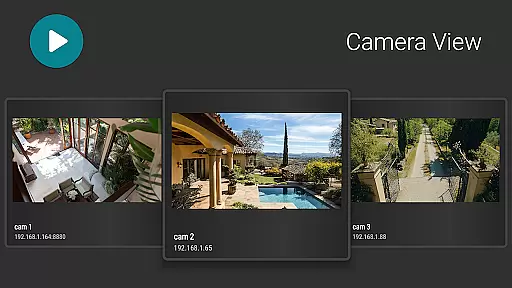
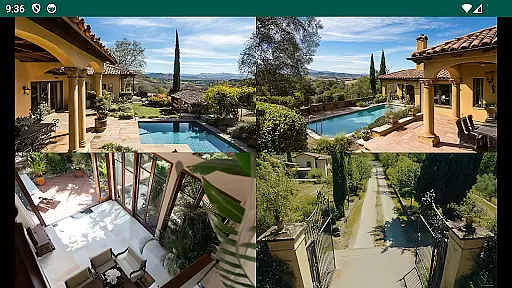
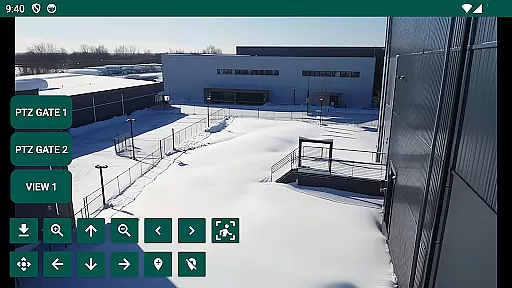
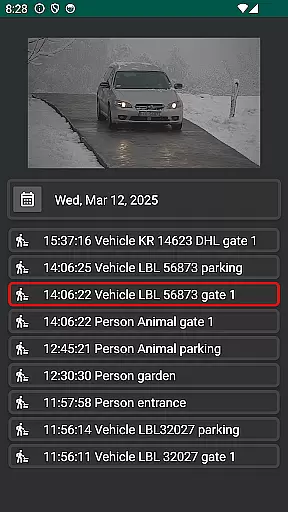
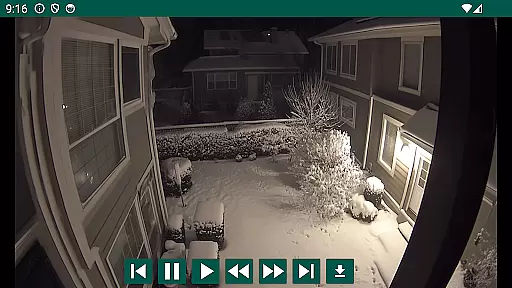
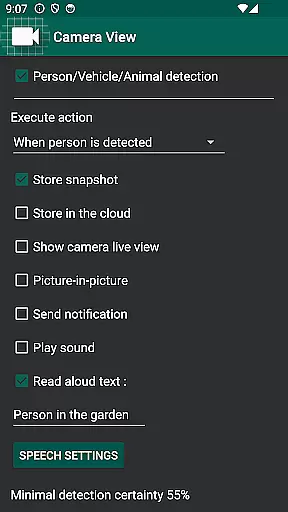
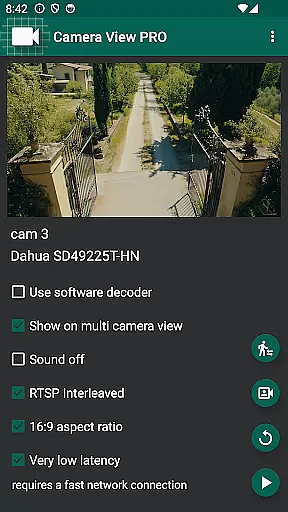
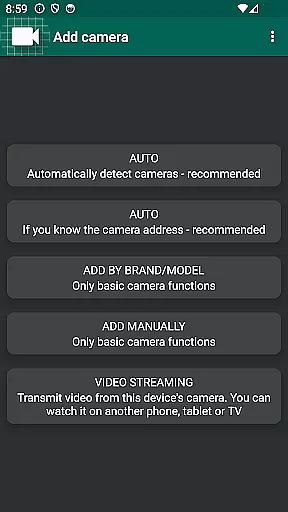
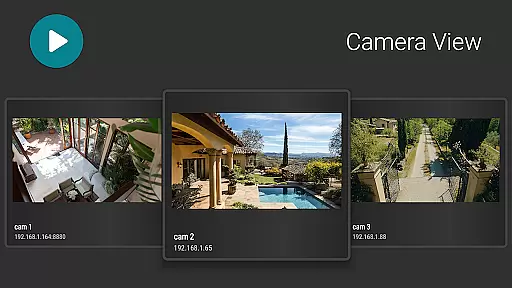
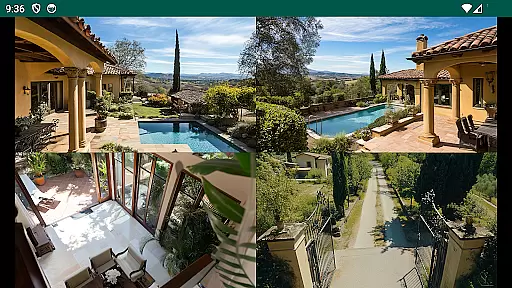
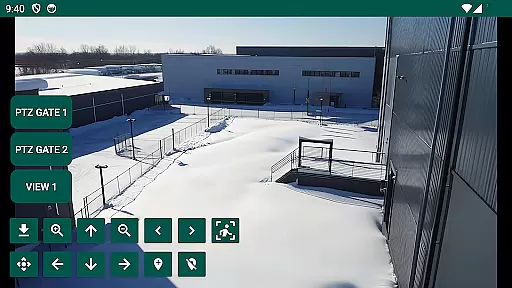
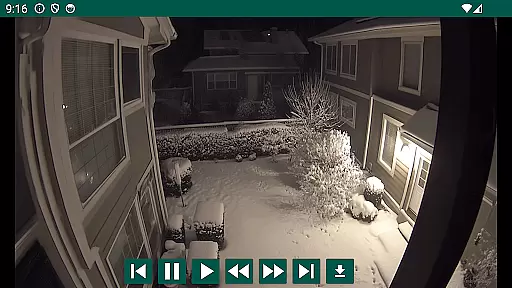
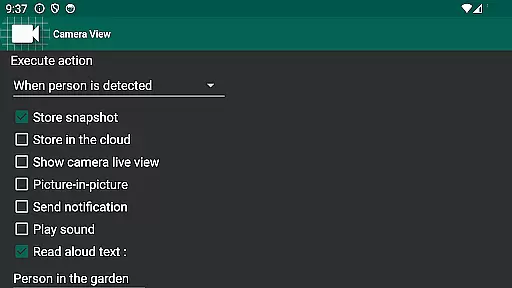
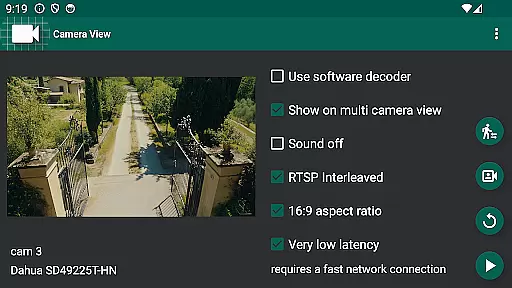
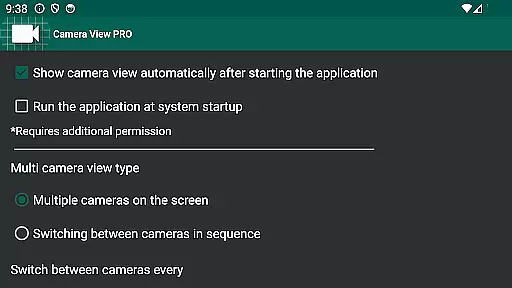
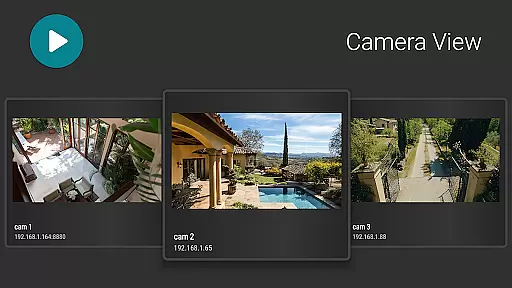
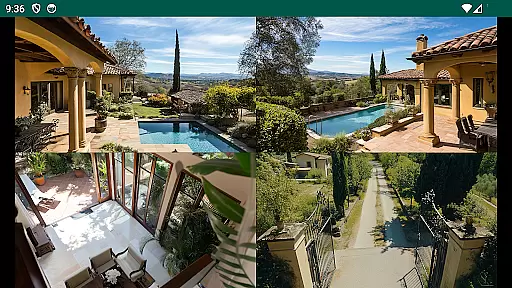
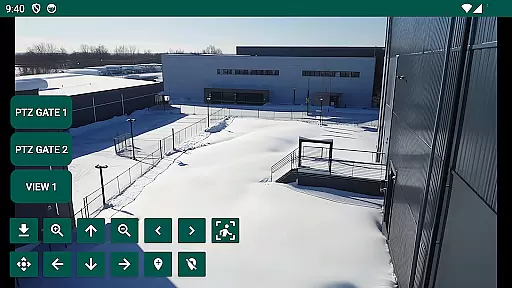
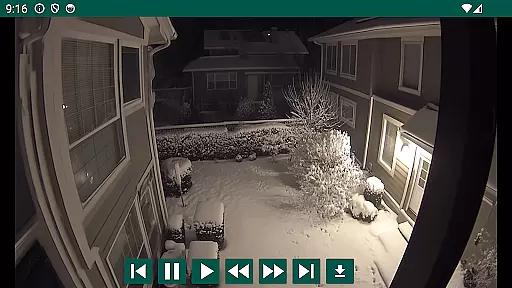
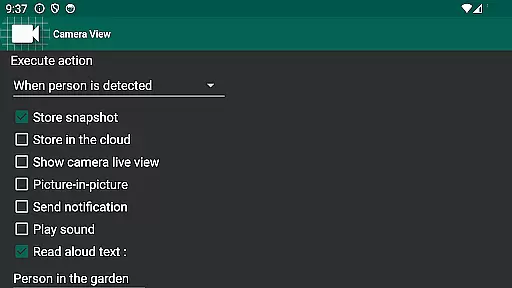
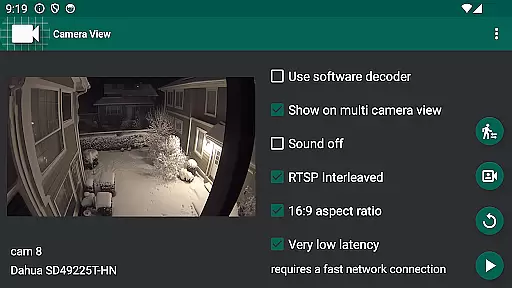
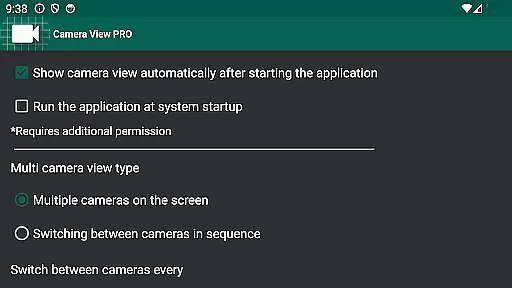
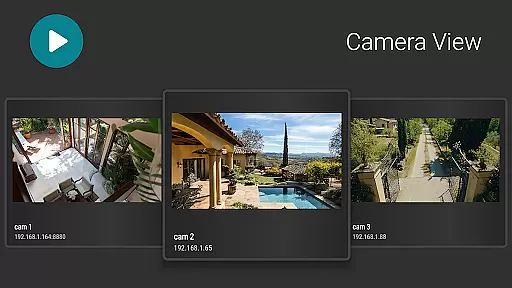

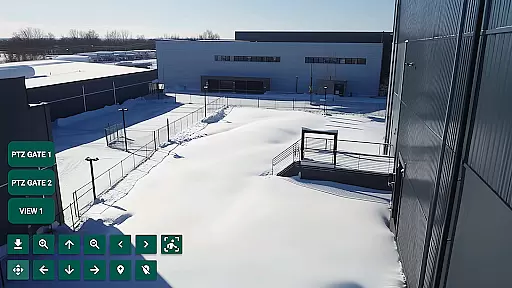
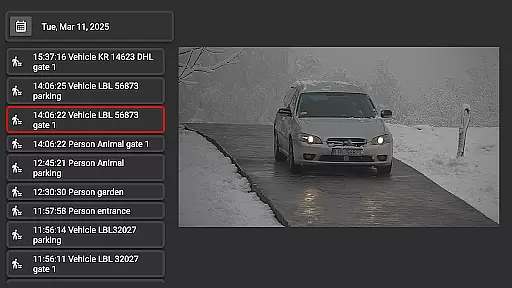
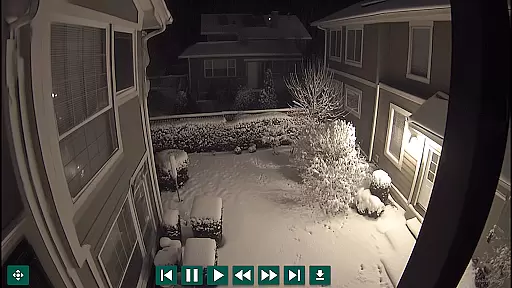
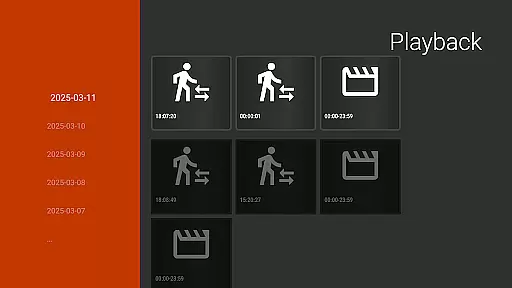
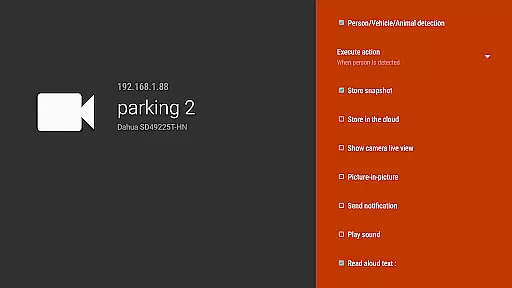
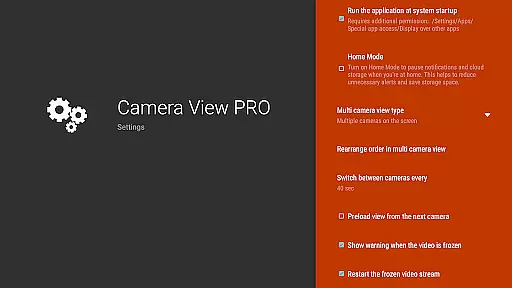
IP Camera Viewer is a versatile application designed for both home and professional use, allowing users to comfortably watch live views from their network IP cameras on various devices including big TV screens, phones, or tablets. The app supports playback of video recordings and enables event reception from cameras or NVR recorders.
This application works seamlessly with most IP cameras, WiFi cams, or entire home security CCTV systems, offering optimized performance especially with Hikvision and Dahua devices. Whether you're looking to enhance your home security or manage professional surveillance setups, IP Camera Viewer provides a comprehensive solution tailored to meet diverse needs.
One of the standout features of IP Camera Viewer is its compatibility with a wide range of devices, including Hikvision and Dahua systems, making it an ideal choice for users seeking flexibility and broad device support. It allows real-time monitoring, playback of recordings, and event notifications, ensuring users never miss an important moment.
The app is optimized for multiple platforms such as phones, tablets, TVs, and TV boxes with the Android system, providing a smooth and responsive user experience across different screen sizes and device types. Its intuitive interface and robust functionality make managing your security system effortless and efficient, regardless of your technical expertise.
When it comes to managing your home security system, the authenticity of your property listings is paramount. IP Camera Viewer ensures that every camera feed is genuine and directly linked to your actual devices. This application connects seamlessly with most IP cameras, providing users with peace of mind knowing they are viewing legitimate live footage.
The app's robust verification mechanism guarantees that all camera feeds are true representations of their respective locations. Whether you're monitoring a single WiFi cam or an entire home CCTV system, this viewer validates each stream's origin. With compatibility across Hikvision, Dahua, and other major brands, users can trust in the integrity of their surveillance data.
Regular updates to the application ensure that any new devices added to your network are promptly authenticated and displayed. This commitment to accuracy means that homeowners and professionals alike can rely on IP Camera Viewer for accurate, real-time insights into their property's security status without worrying about false or misleading information.
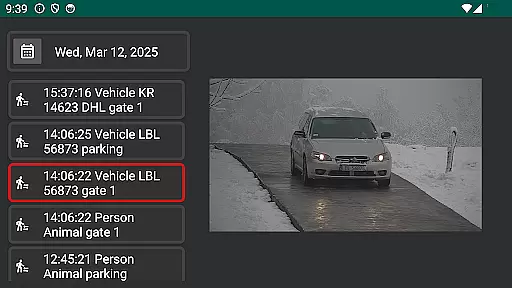
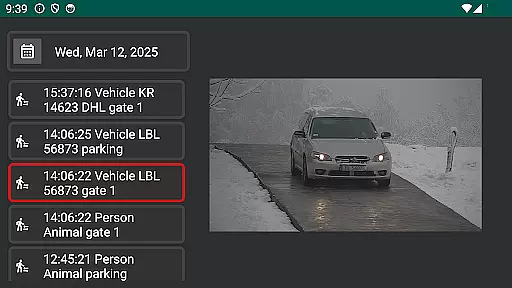
Beyond just viewing camera feeds, IP Camera Viewer offers comprehensive home management features that enhance your ability to monitor and control your security setup. The application allows users to playback video recordings, making it easy to review past events and identify any unusual activities around the property.
One standout feature is its event notification system, which alerts users to specific triggers captured by their cameras or NVR recorders. Whether it's motion detection or doorbell rings, these notifications provide timely updates, ensuring you never miss an important moment. Additionally, the intuitive interface makes it simple to switch between live view and recorded footage, offering flexibility in how you manage your home security.
Designed for both home and professional use, the app optimizes performance across various devices including phones, tablets, TVs, and TV boxes with Android systems. This versatility enables users to comfortably oversee their properties from different screens while maintaining high-quality visuals and responsive controls. Such integration empowers users to efficiently manage their smart homes with confidence.
User-friendly interface
Wide device compatibility
Real-time monitoring
Event notifications
Optimized for multiple platforms
Limited to Android devices
No iOS version available
Occasional connectivity issues
Advanced features require specific devices
Interface may feel cluttered

Wobble Fix Tool
 4.40
4.40
An awesome mobile app for Home Security Surveillance - uses ZoneMinder
3.20
Turn your phone into a wifi cam with smart features and umlimited reach.
4.20
AI-powered home design, interior design, home decor, and room design solutions
4.50
Fully control your Philips TV with this all-in-one remote control app.
4.20
Find your next home, house, apartment, condo, casa, flat, rental, studio, or bed
4.70
Apartment finder for apartments for rent. Compare prices, amenities & rentals.
4.50
Control your thermostat, comfort, and home monitoring from your phone
4.30
A Smarter Home in Seconds
4.70
Innovative and budget-friendly housing options
4.60
Tailored Care Guides For Houseplants, Indoor Plants, Garden Plants & Flowers.
4.60
Night Owl Protect helps you secure, protect, and connect your world!
4.60
The only mappable smart lights for custom decoration.
4.50
3D House Design and AI Room Planner - from floor plans to full interior design.
4.40
The official app for Home Assistant. Control your home anywhere in the world.
4.30
Control your Vivint Smart Home with the next generation Vivint App.
4.30
AI floor creator to design your dream house, plan rooms & style your home
4.00
Unlock AI-based barcode scanning and support the development of Grocy Android
4.2
PRO Version of GLB AR Viewer
4.3


User Reviews