
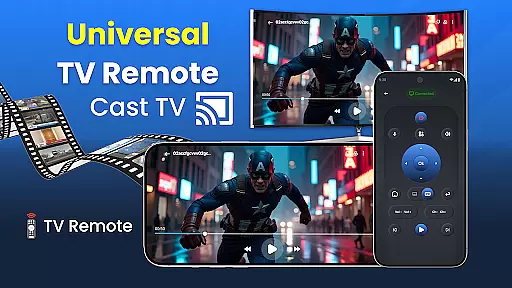
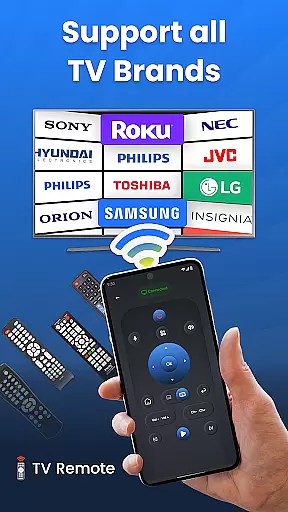
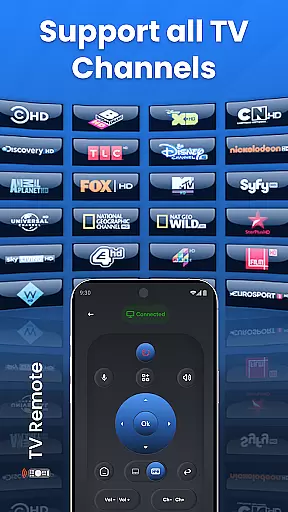
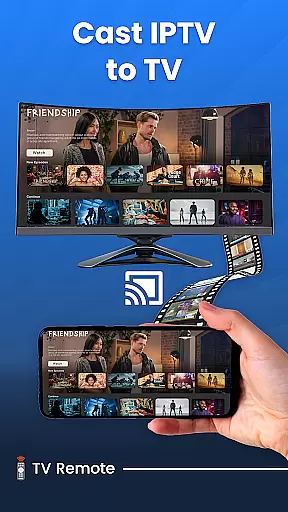
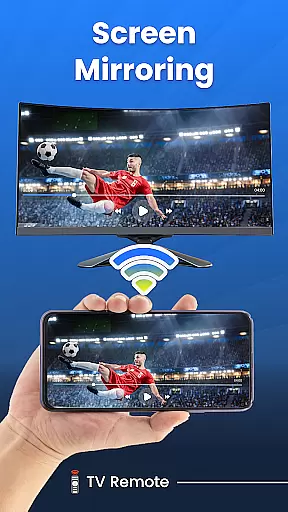
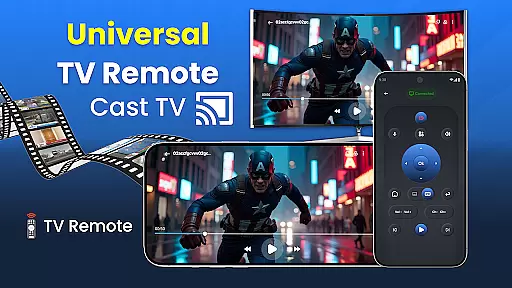
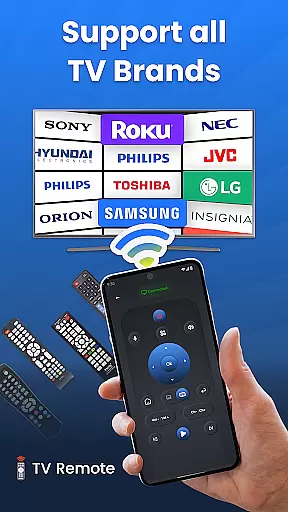
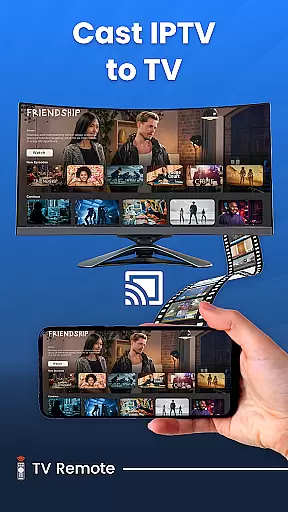
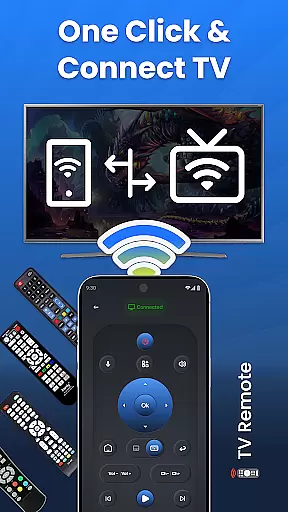
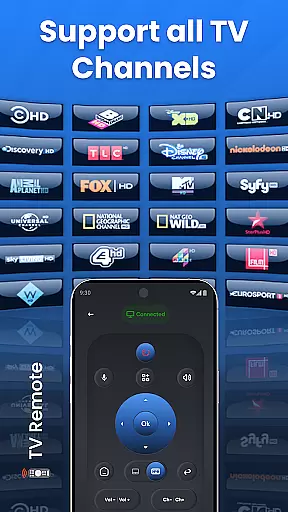
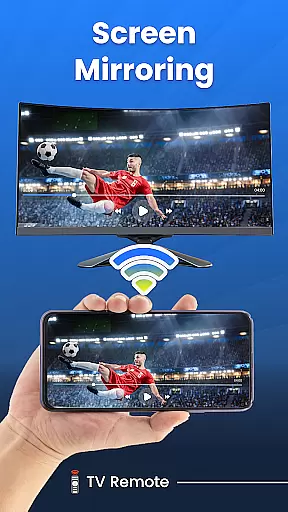
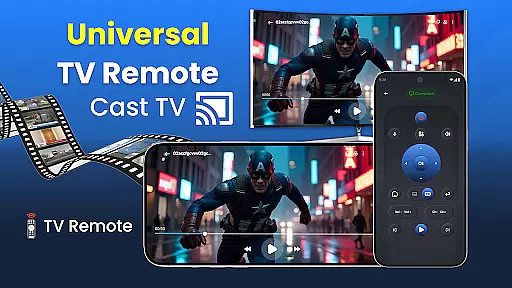
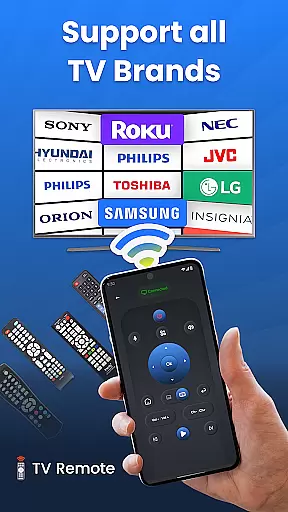
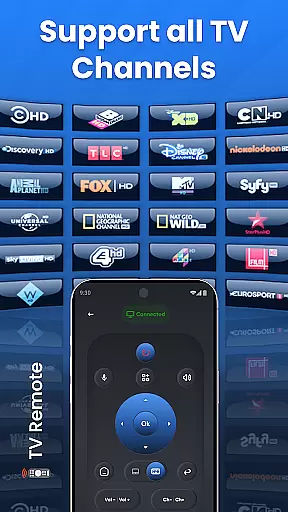
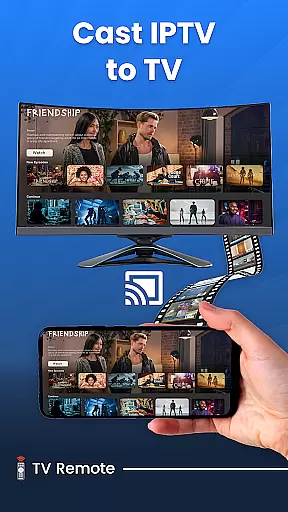
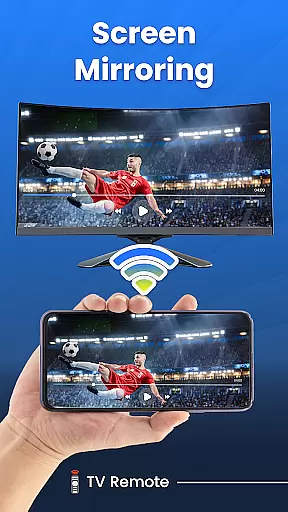
Universal TV Remote for All TVs is a versatile home utility application that transforms your smartphone into a universal remote control for smart TVs. The app supports major TV brands like Samsung, LG, Roku, and more, allowing users to perform essential functions such as turning the TV on/off, adjusting volume, changing channels, and even screen mirroring.
Beyond basic controls, this app offers advanced features including voice commands, gesture-based navigation, and customizable settings. Whether you're looking to simplify your living room setup or need a replacement remote, Universal TV Remote provides a comprehensive solution through Wi-Fi or infrared connectivity. Its intuitive interface makes controlling multiple devices effortless, enhancing the overall smart home experience.
The app's ability to connect with various TV models on the same Wi-Fi network makes it particularly useful for households with mixed-brand electronics. By consolidating multiple remotes into one convenient mobile app, Universal TV Remote for All TVs streamlines home entertainment management while offering features like screen casting that expand viewing possibilities beyond traditional television programming.
Universal TV Remote stands out with its extensive compatibility across TV brands and advanced control options. The app supports both Wi-Fi and infrared connections, enabling seamless integration with modern smart TVs as well as older models. Its quick setup process allows users to connect their devices in just a few steps, while the intuitive interface provides easy access to all essential TV functions.
Among its notable features are voice control capabilities, gesture-based navigation, and customizable settings that let users personalize their remote experience. The app's screen mirroring functionality enables wireless content sharing from mobile devices to TV screens, perfect for presentations or family entertainment. Additionally, the inclusion of specialized modes like source switching and channel surfing makes daily TV operation more efficient.
What sets Universal TV Remote apart is its comprehensive approach to home entertainment control. From basic power and volume adjustments to sophisticated screen casting and multi-device management, the app delivers professional-grade features in an accessible format. The combination of traditional remote functions with innovative smart controls creates a powerful tool for modern households seeking to optimize their home entertainment systems.
In the context of smart home management, ensuring the authenticity and reliability of connected devices is crucial. The Universal TV Remote for All TVs app excels in this area by providing verified compatibility with a wide range of television brands. This includes popular names such as Roku TV, LG, Vizio, Samsung, and many others.
The app's developers have established partnerships and tested their software rigorously to ensure seamless integration with these brands. As a result, users can trust that when they connect their smartphone to their TV via the same Wi-Fi network, the listed functionalities will work as intended. This verification process eliminates the frustration of false or misleading compatibility claims.
For users, this means peace of mind knowing that their device is supported and that the remote control features will function correctly. Whether it's turning the TV on or off, changing the volume, or switching channels, the app delivers on its promises due to its commitment to authentic device listings.
By focusing on property listing authenticity, the Universal TV Remote app ensures that users can confidently manage their smart TVs without worrying about compatibility issues. This dedication to accuracy enhances the overall user experience and solidifies the app's position as a reliable tool in the smart home ecosystem.
Beyond basic remote control functions, the Universal TV Remote for All TVs app offers advanced home management features that significantly enhance the smart TV experience. One standout feature is the seamless screen mirroring capability, allowing users to cast content from their mobile devices directly to their TVs without any physical connections.
This functionality extends beyond just video playback; users can also display photos, open apps, and even control other smart devices within their home network. By integrating voice control and gesture-based navigation, the app provides an intuitive way to interact with your TV, making it more than just a remote control replacement.
The app's comprehensive approach to home entertainment management includes customizable settings, multiple control methods including infrared and Wi-Fi, and support for various input sources. These features collectively create a sophisticated home management system that adapts to different user preferences and technical requirements.
Furthermore, the Universal TV Remote app's ability to handle multiple devices and maintain stable connections across different rooms demonstrates its value as a complete home management solution. Users can efficiently control all their smart TVs from a single interface, streamlining their home entertainment experience while maintaining full functionality across different brands and models.
User-friendly interface
Wide brand compatibility
Voice command support
Screen mirroring feature
Customizable settings
Requires Wi-Fi connection
Ads in free version
Occasional connectivity issues
Limited advanced features
Device compatibility varies

Map-based search app for apartments and homes for rent.
 4.60
4.60
Make Renting Easy
4.40
Home Ideas | Renovation Advice | Local Pros. Go From Dream to Home with Houzz.
4.70
Control your Daikin, Amana & Goodman heating & cooling systems from anywhere
4.40
Your guide to apartments & rental homes. Find your next place to rent with AG.
4.60
Real estate app to find homes for sale or rent in the right neighborhood for you
4.70
The Merkury Smart app makes it easy to control your smart devices.
4.50
Looking for the perfect apartment finder app? Find beautiful rental homes here!
4.60
Find homes for sale and apartments for rent in the best neighborhood.
4.70
Convert your Phone to HiSense Smart TV Remote Control
4.70
Plants, Beauty, Collectibles
4.60
SmartRent - Opening Doors To A Smarter World
4.40
WiZ smart light system
4.40
Fully control your Philips TV with this all-in-one remote control app.
4.20
Samsung remote app helps control all Samsung Smartthings TVs. Fast and Stable!
4.10
Schlage Lock Company LLC
4.00
Find the perfect paint color with advanced tools to explore and visualize color.
3.80
Draw your floor plan smartly. Make house design blueprint with home planner app
3.60
Find paints using a Color Muse & ColorSnap® Match
3.60


User Reviews