
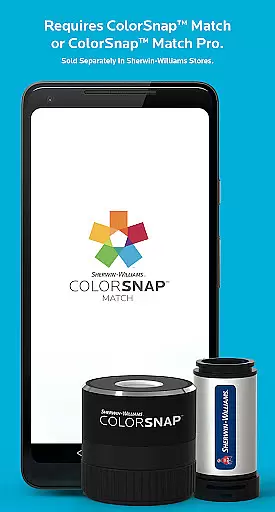
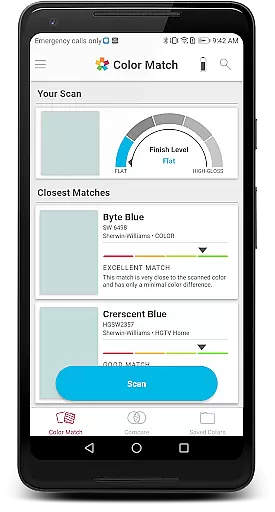
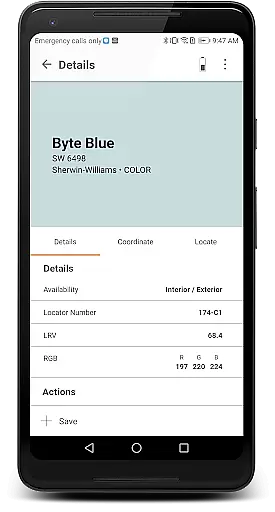
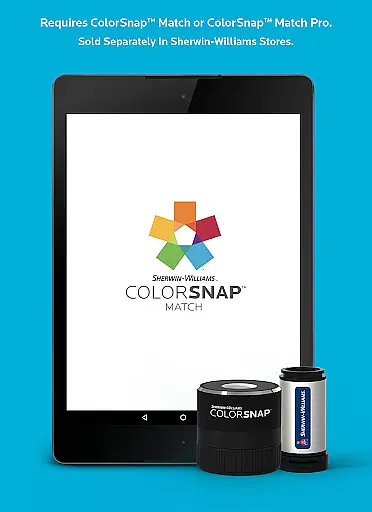
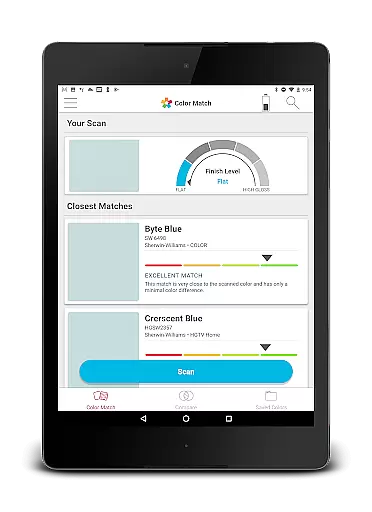
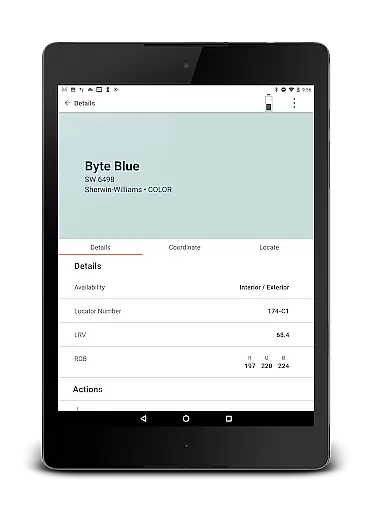
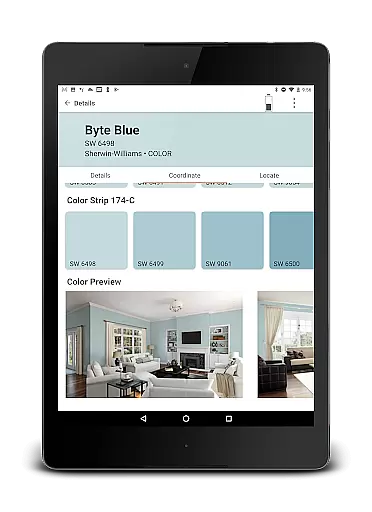
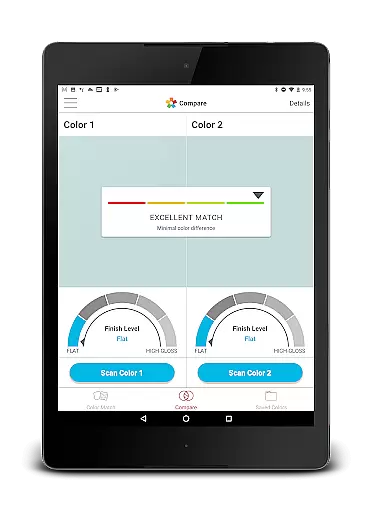
ColorSnap Match is an innovative paint matching solution designed to simplify the color selection process for both professionals and DIY enthusiasts. The app connects seamlessly with ColorSnap™ Match Pro or ColorSnap™ Match devices, available at Sherwin-Williams stores, enabling users to scan flat surfaces and instantly identify the closest Sherwin-Williams paint color. For those using the Pro device, the app also determines the paint's sheen, adding another layer of accuracy to the matching process.
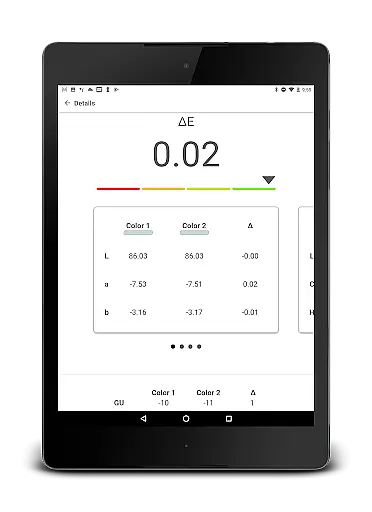
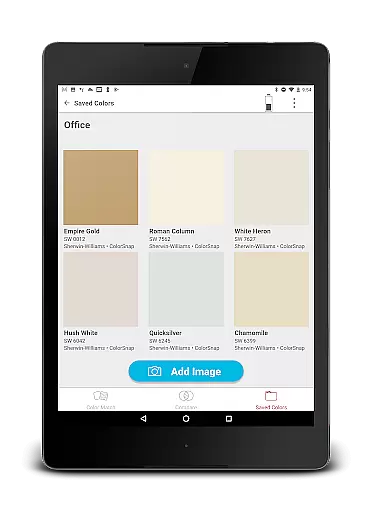
Beyond its core scanning functionality, ColorSnap Match offers practical features that enhance the painting experience. Users can compare two colors side-by-side, save and share their matched colors, and explore coordinating color palettes. Whether you're working on a small home improvement project or managing large-scale renovations, this app ensures precision and convenience in paint matching.
The true value of ColorSnap Match lies in its ability to eliminate the guesswork from paint matching. By providing instant results directly on your mobile device, it saves time and reduces the need for physical samples. This makes it an essential tool for anyone looking to achieve professional-quality results without the hassle of traditional color-matching methods.
ColorSnap Match stands out with its comprehensive set of features tailored specifically for accurate paint matching. At its core, the app allows users to scan any flat surface and match it to the nearest Sherwin-Williams paint color. When paired with the ColorSnap™ Match Pro device, it goes a step further by identifying the paint's sheen, ensuring a perfect match every time.
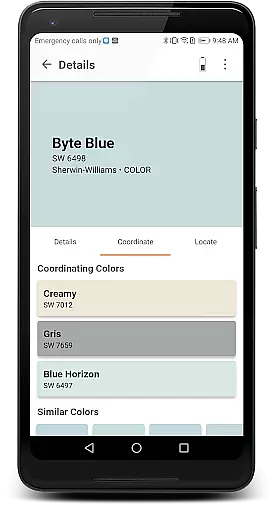
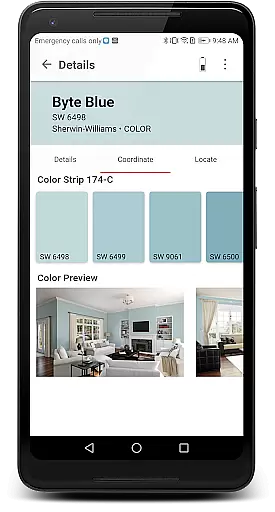
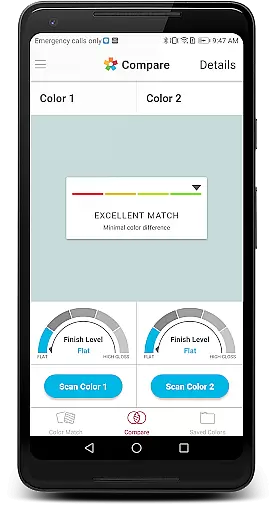
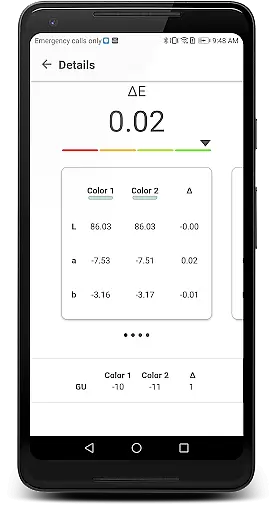
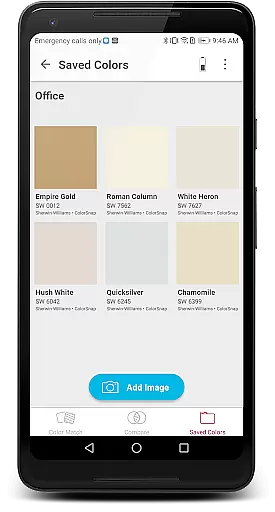
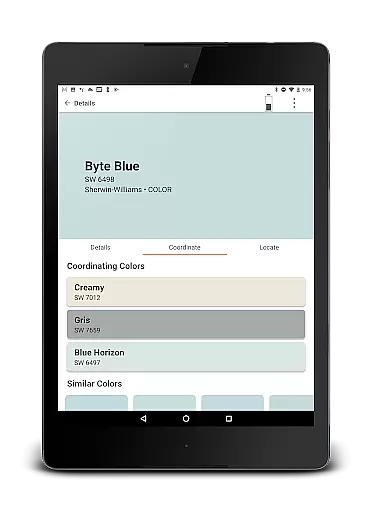
In addition to its primary scanning capability, the app includes several other valuable tools. Users can compare two different colors to see how they look side-by-side, helping them make more informed decisions. The app also enables saving and sharing of matched colors and photos, making collaboration easier whether you're working with clients or family members. Furthermore, users can view coordinating colors to create harmonious color schemes for their projects.
Another key feature is the built-in store locator, which helps users find the nearest Sherwin-Williams store quickly. This combination of advanced scanning technology, practical comparison tools, and convenient store location services makes ColorSnap Match an indispensable resource for anyone involved in painting projects, from homeowners to professional painters.
In the realm of home improvement and property enhancement, ensuring the authenticity of paint colors is crucial. ColorSnap Match revolutionizes this aspect by offering precise color matching capabilities directly from your mobile device. The app connects seamlessly with ColorSnapu2122 Match Pro or ColorSnapu2122 Match tools, which are available at Sherwin-Williams stores, to deliver accurate results every time.
The technology behind ColorSnap Match ensures that each scanned color is matched to the closest Sherwin-Williams paint color with remarkable precision. For professionals and DIY enthusiasts alike, this means an end to the guesswork associated with traditional paint sampling. By simply scanning a flat surface, users can obtain a reliable match without the need for physical swatches or store visits, streamlining the entire painting process.
Furthermore, the app's integration with ColorSnapu2122 Match Pro allows users to identify not only the color but also the sheen of the paint. This dual capability significantly enhances the accuracy of matches, providing assurance that the selected paint will look exactly as expected when applied. With regular updates and a comprehensive database, ColorSnap Match guarantees that property listings reflect true-to-life colors, enhancing both customer satisfaction and project outcomes.
Beyond its primary function of color matching, ColorSnap Match offers a suite of features designed to simplify home management tasks related to painting projects. One standout feature is the ability to compare two colors side-by-side within the app. This functionality is invaluable for decision-making processes, allowing users to visualize different options before committing to a final choice.
Additionally, ColorSnap Match enables users to save and share paint colors and photos effortlessly. Whether collaborating with interior designers or seeking input from friends and family, this sharing capability facilitates communication and ensures everyone involved in the project is on the same page. Saved colors can be revisited anytime, making it easy to keep track of preferred shades throughout various stages of renovation or redecoration.
The app further enhances user experience by providing access to coordinating colors and locating the nearest Sherwin-Williams store. These features empower homeowners and professionals to explore complementary palettes and conveniently source required materials. By integrating practical tools with intuitive design, ColorSnap Match stands out as an indispensable resource for efficient and enjoyable home management.
Accurate color matching
User-friendly interface
Sheen detection (Pro)
Save and share options
Coordinating color suggestions
Requires separate hardware
Limited to Sherwin-Williams
Pro version is costly
Dependent on device quality
No offline functionality

Draw house plans, floor plans 3d & house design with house plan drawing 3d app
 3.60
3.60
Home Ideas | Renovation Advice | Local Pros. Go From Dream to Home with Houzz.
4.70
Our app allows Sunrun customers to monitor systems, pay bills, and get support.
3.80
AI-powered home design, interior design, home decor, and room design solutions
4.50
AI floor creator to design your dream house, plan rooms & style your home
4.00
Book your local plumber 24/7, track your service order & get exclusive coupons
4.00
AI Home Designer & Room Planner: Decorate your interior space with AI
4.40
Find the perfect paint color with advanced tools to explore and visualize color.
3.80
Fire & Power Safety
4.50
Houses for Sale & Homes for Rent: Buy Homes, Rent Apartments & Sell Real Estate
4.80
Innovative and budget-friendly housing options
4.60
Tailored Care Guides For Houseplants, Indoor Plants, Garden Plants & Flowers.
4.60
Rent on-the-go with TurboTenant’s app made just for renters
4.50
Resident Center, powered by Buildium, is designed with simplicity in mind.
4.50
Control your Daikin, Amana & Goodman heating & cooling systems from anywhere
4.40
Fully control your Philips TV with this all-in-one remote control app.
4.20
Unlock AI-based barcode scanning and support the development of Grocy Android
4.0
Calculate baluster spacing with ease and precision.
4.3
Universal TV Remote for TV, control all Smart TVs with your mobile phone.
4.3


User Reviews