
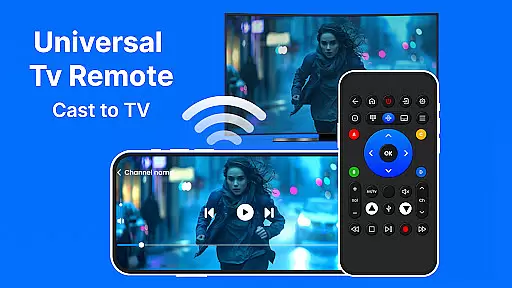
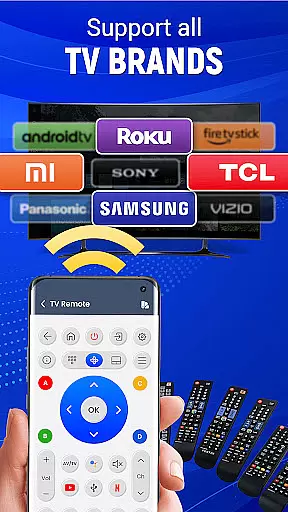
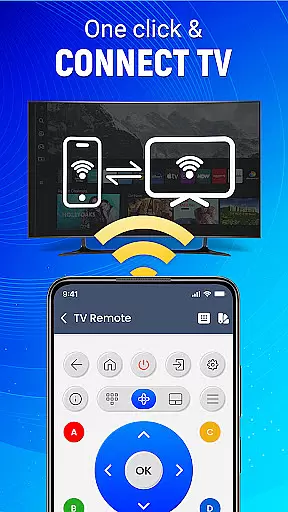
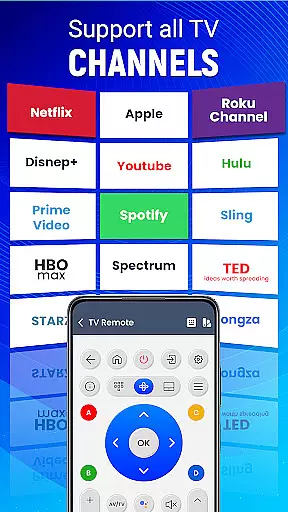
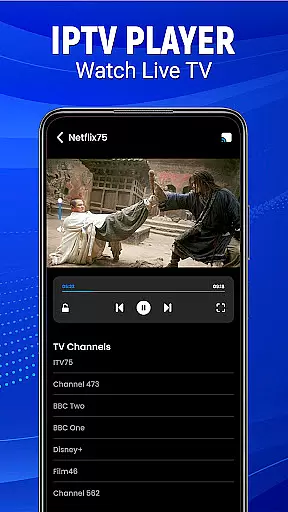
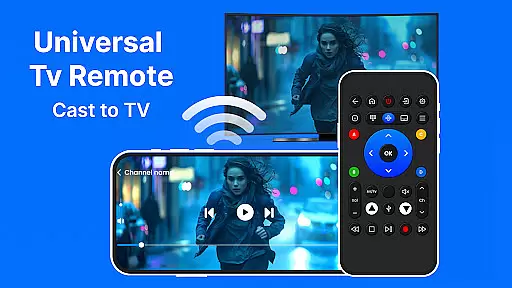
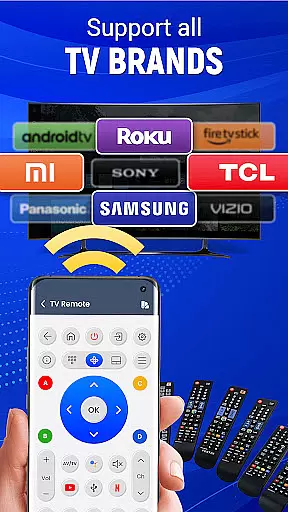
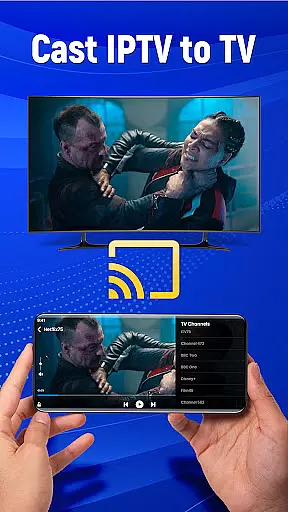
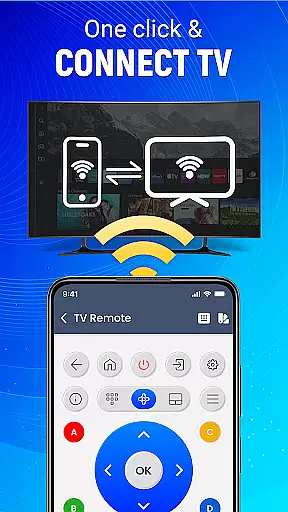
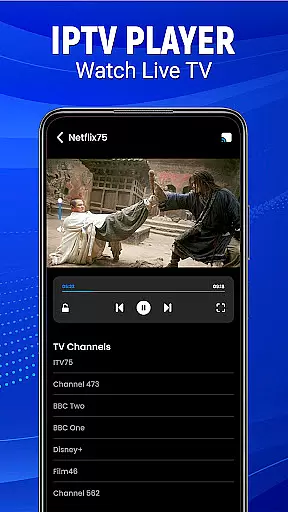
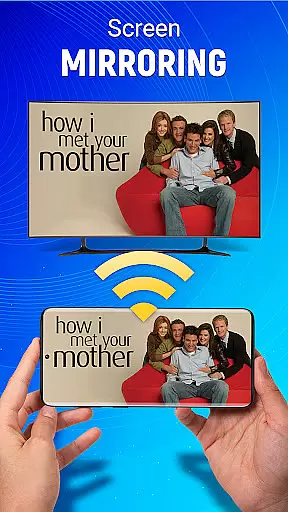
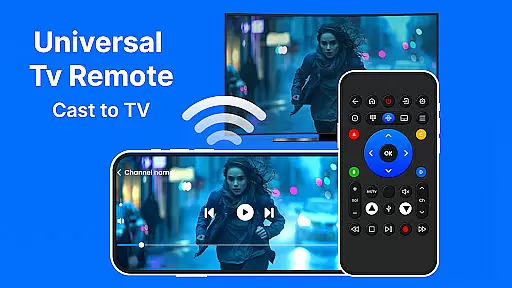
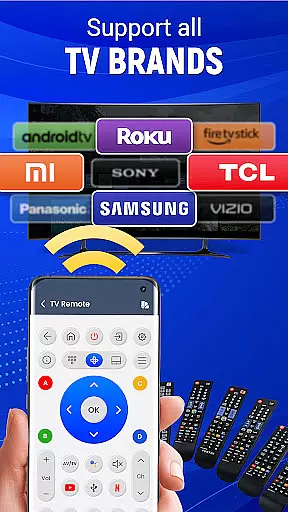
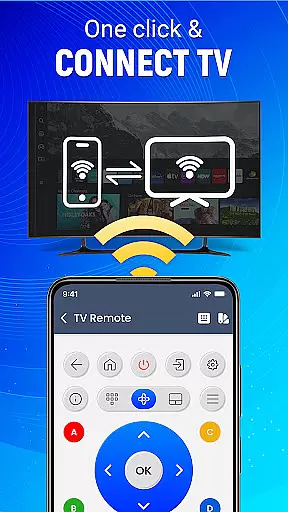
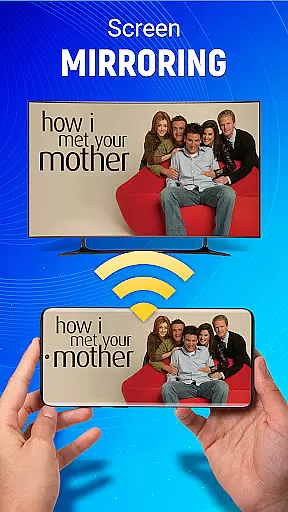
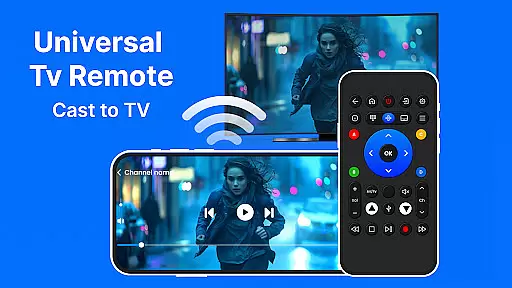
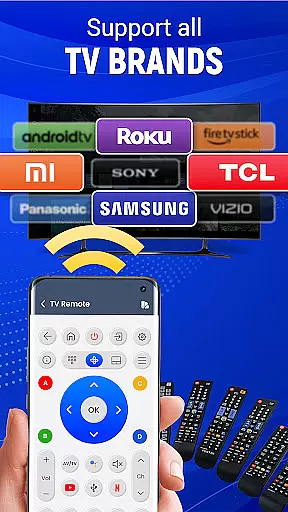
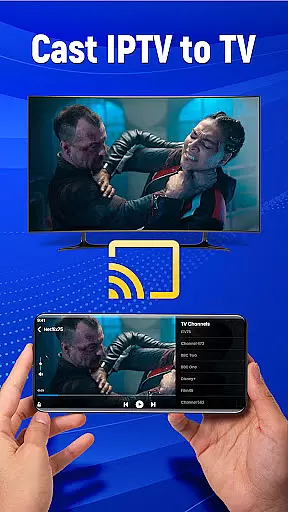
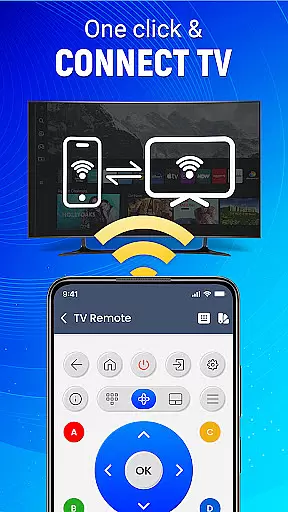
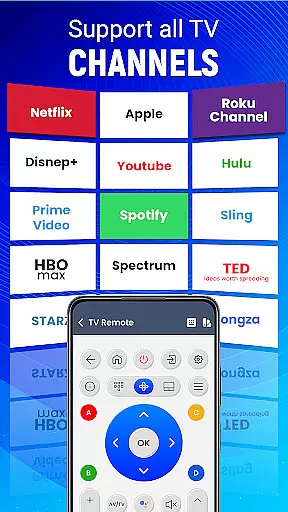
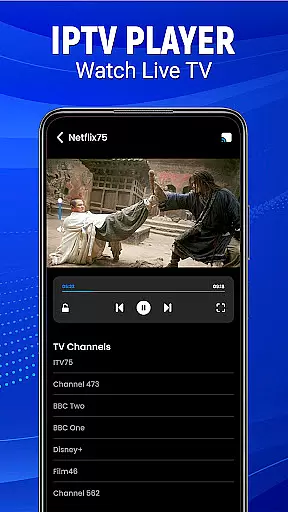
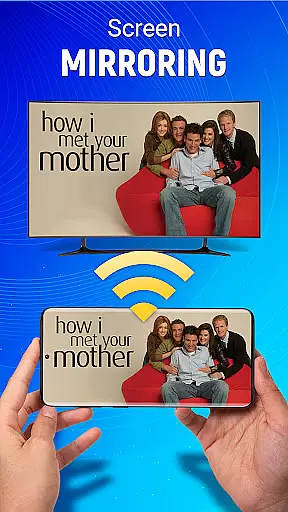
Universal TV Remote-Cast to TV is a versatile home utility application that transforms your smartphone into a universal remote control for televisions. This app supports all major TV brands and offers multiple connectivity options including infrared and Wi-Fi, ensuring compatibility with both older and newer TV models.
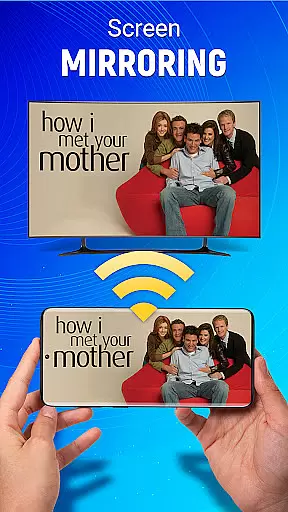
The application provides essential TV control features such as channel surfing, volume adjustment, and input switching. Its standout feature is the screen mirroring capability that allows users to cast their mobile device's display directly to their television without any wired connections. The intuitive gesture navigation and customizable remote settings make it an ideal solution for managing entertainment systems from your phone.
This app is particularly useful in modern smart homes where users want to consolidate their remote controls. By replacing multiple remotes with a single smartphone application, it streamlines the home entertainment experience while offering advanced features like voice commands and personalized button configurations.
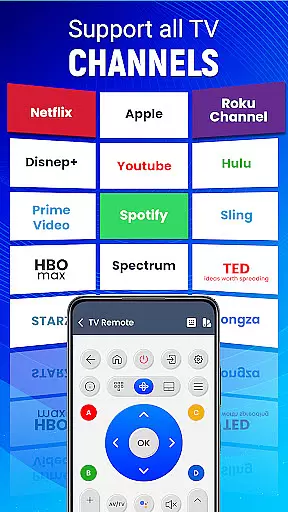
Universal TV Remote-Cast to TV distinguishes itself through its comprehensive feature set designed for maximum convenience. The app's universal compatibility covers virtually all television brands, making it a reliable solution for households with mixed TV models. Its dual connectivity system supports both traditional infrared signals and modern Wi-Fi connections, ensuring seamless integration with different TV technologies.
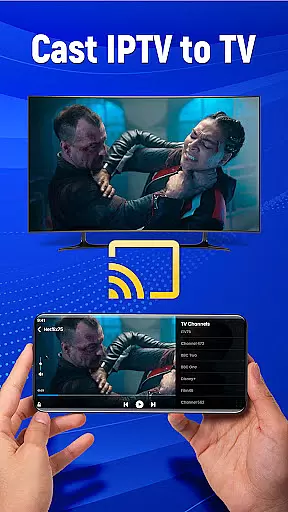
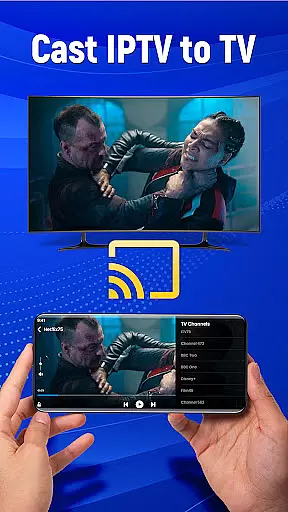
The application's screen mirroring functionality enables wireless content sharing from mobile devices to television screens. Users can stream videos, display photos, or present applications directly from their phones. The innovative gesture-based controls allow for intuitive navigation through simple taps and swipes, while the customizable interface lets users create personalized control layouts.
Additional notable features include voice command support for hands-free operation, automatic TV pairing for quick setup, and source switching capabilities. These features collectively enhance the user experience by providing sophisticated control options that surpass traditional remote functionality.
When it comes to controlling your television with the Universal TV Remote Controller, ensuring the authenticity of the connection is crucial. This app guarantees that every command sent from your Android device is accurately mirrored on your television.
The application meticulously verifies compatibility with a wide range of TV brands, ensuring that users experience genuine and reliable control over their devices. This verification process eliminates any guesswork or potential issues arising from mismatched connections.
By transforming your phone into a universal remote, the app provides an authentic and seamless way to manage your entertainment system. Users can trust that each button press corresponds directly to their specific TV model's functions.
This level of authenticity in connecting and controlling your TV brings convenience and peace of mind, allowing you to focus on enjoying your favorite shows without worrying about connectivity problems.
Beyond basic remote functionality, the Universal TV Remote Controller offers advanced home management features that enhance your living space's technological integration. With capabilities like screen mirroring and voice commands, this app elevates your TV watching experience.
The inclusion of smart features such as gesture navigation and customizable preferences allows users to tailor their remote control experience. These options provide intuitive ways to interact with your television, making daily operations smoother and more personalized.
Additionally, the app supports both infrared and Wi-Fi connections, offering flexible solutions for different home setups. This dual-connectivity approach ensures that whether you're casting content or adjusting settings, the process remains straightforward and efficient.
By consolidating multiple remote controls into one powerful application, the Universal TV Remote Controller simplifies home entertainment management while introducing innovative ways to engage with your devices.
User-friendly interface
Wide brand compatibility
Voice command support
Wireless connectivity
Customizable controls
Requires compatible hardware
Occasional connection issues
Ads in free version
Limited advanced features
Battery consumption

The official app for Home Assistant. Control your home anywhere in the world.
 4.30
4.30
Technology powering many in-home services for residents across the United States
3.80
Calculate baluster spacing with ease and precision.
4.3
Resident Center, powered by Buildium, is designed with simplicity in mind.
4.50
The only mappable smart lights for custom decoration.
4.50
Your guide to apartments & rental homes. Find your next place to rent with AG.
4.60
Find contractors for all home renovation projects. Remodeling, repair, and more.
4.20
Fire & Power Safety
4.50
Control your thermostat, comfort, and home monitoring from your phone
4.30
Parcel Pending Resident App
4.50
Wobble Fix Tool
4.40
3D House Design and AI Room Planner - from floor plans to full interior design.
4.40
Control your Vivint Smart Home with the next generation Vivint App.
4.30
AI floor creator to design your dream house, plan rooms & style your home
4.00
USHUD.com helps you find the best homes for sale in your area
4.00
Our app allows Sunrun customers to monitor systems, pay bills, and get support.
3.80
This Fire TV Remote control's your Fire TV Device and Insignia Fire TV Remote
3.70
IP camera view and playback, for your WiFi cam or home security cctv system.
3.70
Find paints using a Color Muse & ColorSnap® Match
3.60


User Reviews