
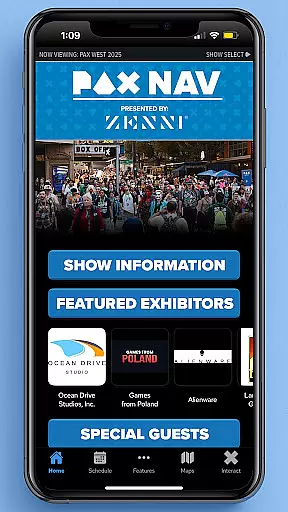
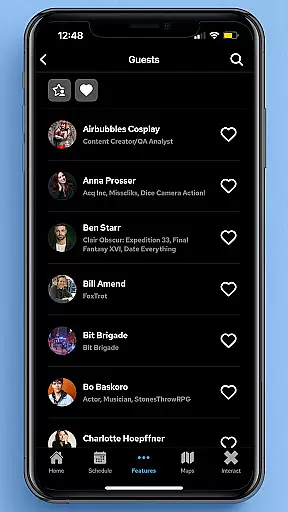
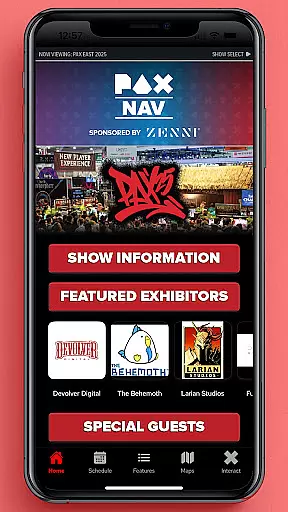
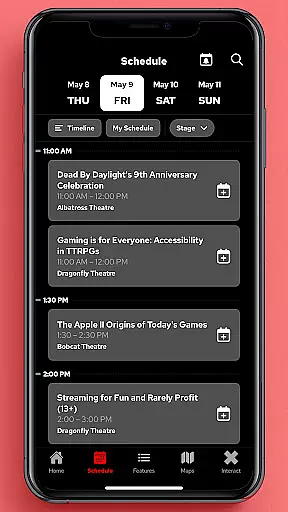
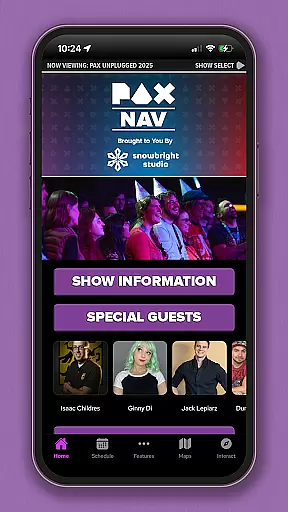
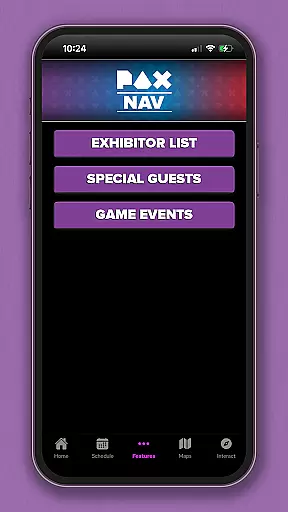
PAX Nav is the official app for PAX West, PAX East, and PAX Unplugged events. It provides users with comprehensive access to event schedules, exhibitor lists, interactive maps, exclusive show specials, and entry into the PAX XP program. Designed specifically for gaming enthusiasts and event attendees, this app serves as an all-in-one guide to maximize your PAX event experience.
The app's intuitive interface allows for easy navigation through various event features. Whether you're planning your day with the detailed schedule or locating your favorite exhibitors on the map, PAX Nav ensures you never miss a key moment. Its seamless integration with PAX XP adds an extra layer of engagement for dedicated fans.
PAX Nav offers a robust set of features tailored for PAX event attendees. The app includes a complete event schedule with filtering options, ensuring you can personalize your itinerary. Exhibitor lists provide essential information about vendors and their offerings, while interactive maps help you navigate the venue effortlessly.
One standout feature is the PAX XP integration, which lets users participate in special activities and earn rewards. The app also highlights exclusive show specials available only to app users. With real-time updates and notifications, PAX Nav keeps you informed about any changes or important announcements during the event.
Task creation and detail customization are essential features for event management applications like PAX Nav. This functionality allows users to create personalized schedules by selecting specific panels, workshops, or exhibitors they want to see at the event.
The app provides a comprehensive scheduling system where attendees can browse through various sessions and add them to their personal itinerary. Each task or event entry includes detailed information such as time, location, description, and related tags, making it easier for users to organize their visit.
Users benefit from this feature by having a tailored experience that matches their interests and availability. They can set reminders for each session and receive notifications to ensure they never miss an important event during the convention.
This level of customization not only enhances user engagement but also improves overall satisfaction with the event experience. Attendees can share their customized schedules with friends or sync them across devices, ensuring seamless access to their plans throughout the event.
Reminder settings in event apps like PAX Nav play a crucial role in keeping attendees informed and on track with their schedules. These settings allow users to configure when and how they receive alerts about upcoming sessions or important announcements.
PAX Nav offers flexible reminder options, enabling users to set multiple reminders for different activities. Whether it's a 10-minute warning before a panel discussion or a daily summary of the next dayu2019s events, the app ensures timely notifications that help users manage their time effectively.
The benefits of customizable reminder settings include reduced stress for attendees who no longer need to worry about missing out on key events. Additionally, these reminders enhance participation rates by prompting users to engage with more content than they might have without prompts.
By providing robust reminder features, PAX Nav demonstrates its commitment to delivering a user-centric experience that prioritizes convenience and efficiency, ultimately leading to higher attendee satisfaction and retention.
User-friendly interface
Comprehensive event tools
Real-time updates
Exclusive show specials
PAX XP integration
Limited to PAX events
Requires internet connection
Occasional bugs
Notifications can be intrusive
Maps may lack detail

Here you can choose tickets for films, performances, concerts and other events
 4.60
4.60
Microsoft Build is an annual developer conference hosted by Microsoft
4.20
Local events, contests, and giveaways for local dads
3.70
Create invitation cards for birthdays, weddings, Christmas and more.
4.80
The world's largest selection of tickets is now at your fingertips
3.90
RAISE-365 makes fundraising easy and fun!
3.20
Design Invitations & Cards for Any Occasion
4.80
TV Garden - World Live TV : Play & cast your videos seamlessly!
3.20
Find Live Event Ticket Deals to Sports, Concerts, Festivals, & Comedy For Less!
4.80
Invitation card maker for birthday party & Wedding. Digital greeting card editor
4.90
Find EDM shows near you! See your favorite artists live, and discover new music.
4.90
Find tickets to upcoming concerts, sports events, festivals, shows, attractions
4.70
Discover events, experiences, and things to do near you - Anytime, Anywhere!
4.70
Connect with an ecosystem of 5M+ eventgoers and organizers.
4.50
Rocket Monkey - Space rocket launch schedule for launch sites around the world
4.20
Purchase line-skip passes, drinks, cover, and more at bars and clubs
3.50
Browse events, find transportation, keep up with the latest news from your team
4.2
Digital Income Wallet of the Final Libertadores 2025
4.0
The official app of the Carmel Christkindlmarkt!
4.4


User Reviews