
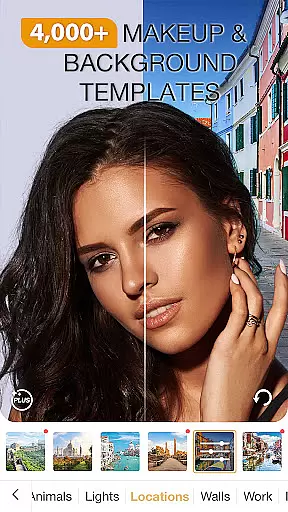
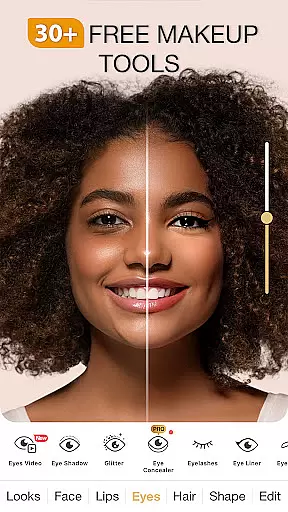
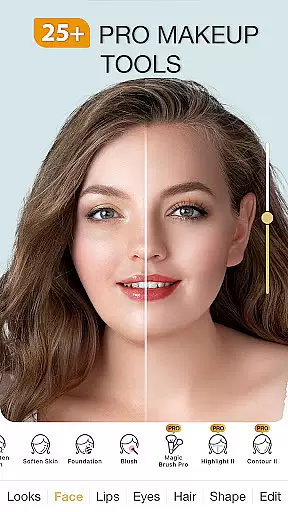
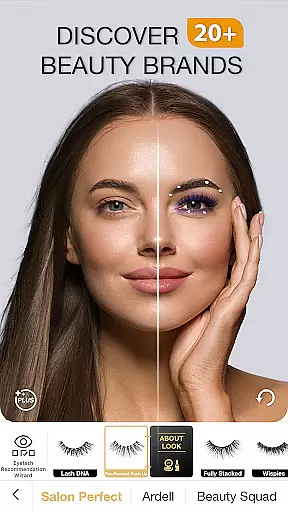
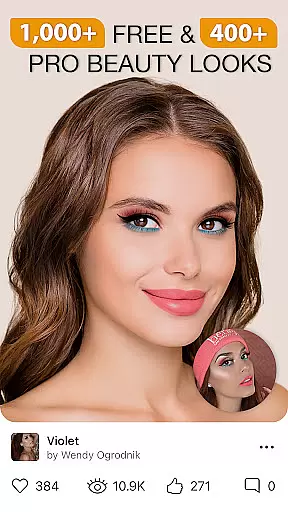
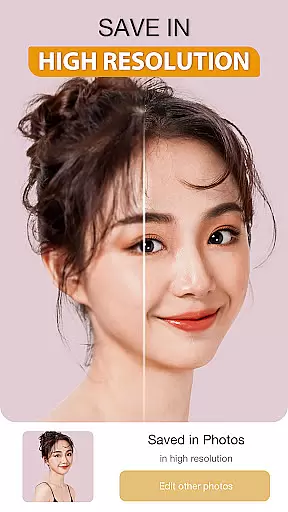
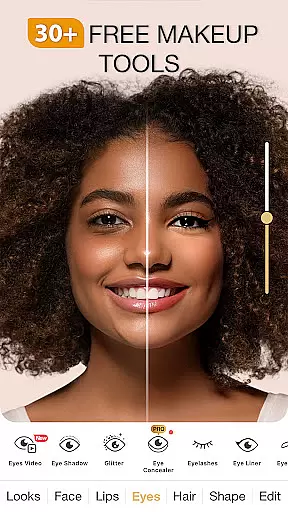
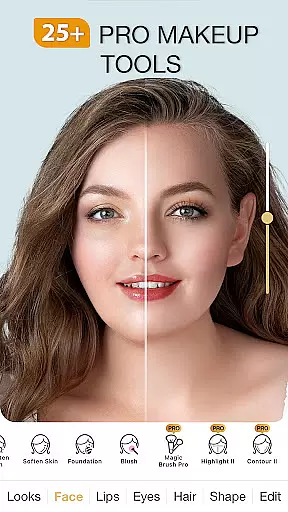
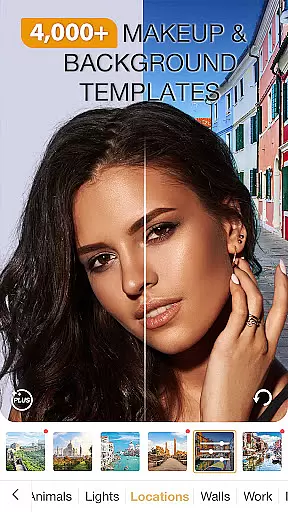
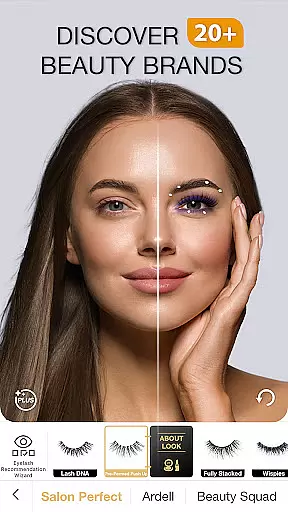
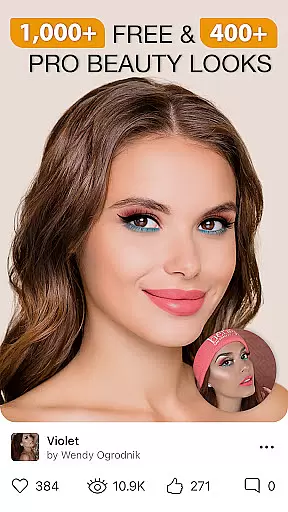
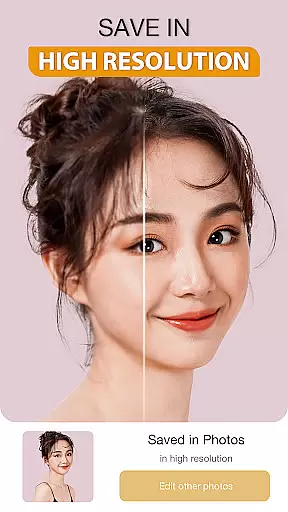
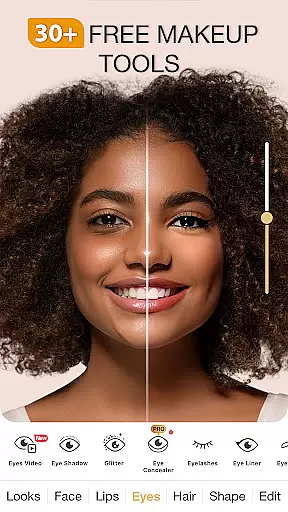
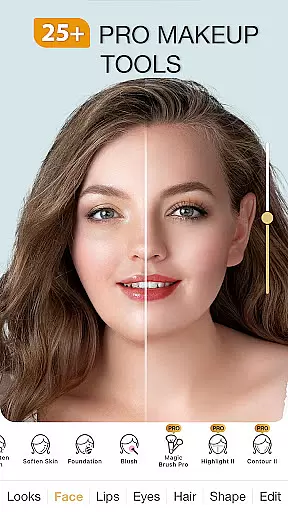
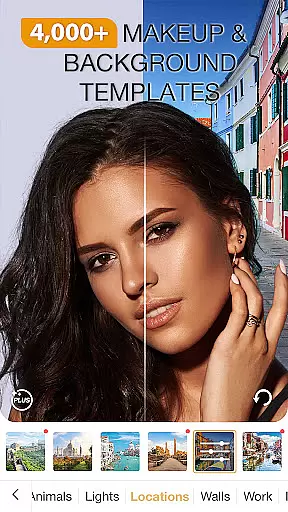
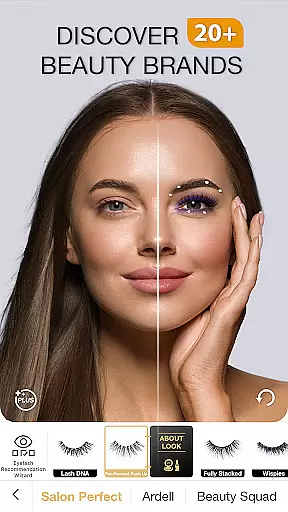
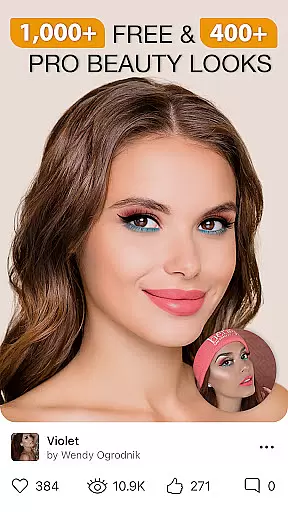
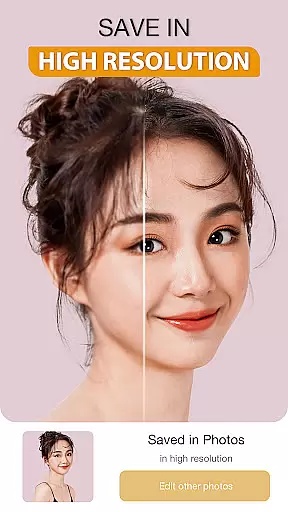
Perfect365 is a comprehensive virtual makeup and beauty editor app that allows users to try on various makeup looks, apply photo filters, and retouch images instantly. With features curated by professional makeup artists, the app offers over 100 beauty tools for customizing personal style, including eye shadows, lip liners, and lipsticks. Its advanced face detection technology ensures accurate makeup placement, while the built-in beauty camera helps capture great selfies.
The app stands out with its vast array of customizable options, such as the Pro Color Palette and pre-set Hotstyles that provide one-tap makeovers. Users can explore subtle filters and touch-up features for a natural look or go bold with vibrant styles. Perfect365 also delivers daily beauty tips, video tutorials from YouTube artists, and fashion product recommendations, making it an all-in-one destination for beauty enthusiasts looking to enhance their photos and stay updated with the latest trends.
Perfect365 boasts an impressive suite of features designed to elevate your photo editing experience. The app's beauty camera lets you take stunning selfies directly within the platform, while the blemish remover, teeth whitener, and skin brightener tools help perfect every shot. With thousands of new styles created weekly by expert makeup artists, users can experiment with everything from bold lipstick shades to funky hair colors.
One of the standout aspects of Perfect365 is its customization capabilities. The app provides unlimited color options through the Pro Color Palette, enabling users to design unique looks tailored to their preferences. Additionally, Perfect365 offers over 3000 pre-set Hotstyles for instant makeovers and includes subtle filters for achieving a no-makeup glow. These innovative features ensure that whether you're aiming for high glam or a more natural appearance, Perfect365 has the tools to bring your vision to life.
When it comes to beauty applications, the depth of the product database is crucial for an enriching user experience. Perfect365 Makeup Photo Editor offers a comprehensive collection that covers a vast array of cosmetics, from lipsticks to eye shadows. This extensive database allows users to virtually try on different products and see how they would look without the need for physical application.
The app's collaboration with professional makeup artists ensures that each item in the database is carefully selected and accurately represented. Users can explore various shades and styles curated by experts, which enhances the authenticity of the virtual try-on feature. With thousands of options available, individuals can experiment with bold new looks or subtle changes to find what suits them best.
Moreover, Perfect365's commitment to keeping up with the latest trends means that its product database is regularly updated. As new makeup trends emerge, the app incorporates these styles, providing users with cutting-edge options. This dedication not only improves user engagement but also helps customers make informed decisions about their purchases.
Ultimately, the depth of the product database in Perfect365 empowers users to become more adventurous with their beauty choices. By offering a rich variety of options and precise representations, the app transforms the way people interact with cosmetics digitally, making it an invaluable tool for both amateur enthusiasts and professional artists.
Personalization precision in beauty apps like Perfect365 Makeup Photo Editor refers to the ability to tailor makeup effects and filters to suit individual preferences and facial features. The app employs advanced face detection technology to ensure that virtual makeup is applied accurately, enhancing the user's natural beauty without appearing artificial.
Perfect365 provides customizable tools such as the Pro Color Palette, allowing users to create unique color combinations that match their skin tone and style. This level of personalization extends to specific features like blemish removal, teeth whitening, and skin brightening, giving users control over every aspect of their appearance. Such detailed customization ensures that each user's experience is tailored specifically to their needs.
In addition to customizable options, the app offers one-tap makeover styles designed by expert makeup artists. These Hotstyles provide instant transformations while still maintaining a personalized touch. Users can choose from thousands of pre-set looks or modify them further, ensuring that their final appearance aligns perfectly with their desired outcome.
By focusing on personalization precision, Perfect365 enhances user satisfaction and engagement. The ability to fine-tune every detail of a virtual makeover fosters a deeper connection between the user and the app, encouraging regular use and exploration of new styles. This personalized approach sets Perfect365 apart in the digital beauty space, making it a go-to solution for anyone looking to experiment with their look.
User-friendly interface
Extensive filter options
Professional artist styles
Accurate face detection
Daily beauty updates
Some features require purchase
Occasional ads
Privacy concerns
Subscription fees
Limited offline use

A tool that brings skin care and technology together at your fingertips.
 4.50
4.50
Face Makeup Camera: Photo makeup app and perfect Lipstick app, beauty lip filler
4.70
Beauty/age defining ai coach guides you through the exercises in daily routine.
3.30
Beauty Mirror - True mirror app with light, shaving mirror, makeup mirror app
4.50
Manage your daily skin care beauty regimen & track your skin's progress.
4.70
Try On Style with AI: Virtual Dressing Room & Personal Fashion Stylist App
4.00
Beauty Camera & Selfie Camera snap Beauty selfie with filter, makeup, stickers
4.80
DSLR Hd camera capture high quality 4k hd picture with filters and blur editor
4.50
The ultimate beauty membership
4.70
Book your appointments
4.90
Blushify is a beauty camera for makeup, face editing, and glowing selfies!
4.70
Try interesting trending filters allows you switch to a cute girl
4.70
Beauty Camera - Selfie Camera with sweet selfie, makeup, filter, sticker, editor
4.50
Download Today
4.40
This application is for the Luvme Hair official website: shop.luvmehair.com .
4.30
Seasonal color palettes for shopping clothes and makeup products with confidence
4.20
Seasonal color palette, my personal color, hair color changer, makeup, wardrobe
4.20
Snap stunning selfies with AI from the Sweet Beauty Camera editor
4.10
Create, design and dress up your own beautiful characters in cute fashion styles
3.50


User Reviews