
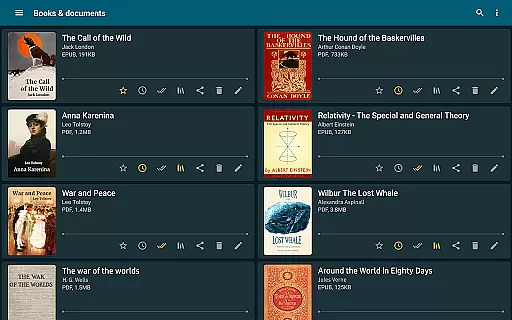
ReadEra is a versatile eBook reader that supports an extensive range of formats including PDF, EPUB, Microsoft Word, Kindle, DJVU, FB2, TXT, ODT, and CHM. This application allows users to read books offline for free, without intrusive ads or the need for registration. Its comprehensive format support makes it an all-in-one solution for various reading materials, from novels to business documents.
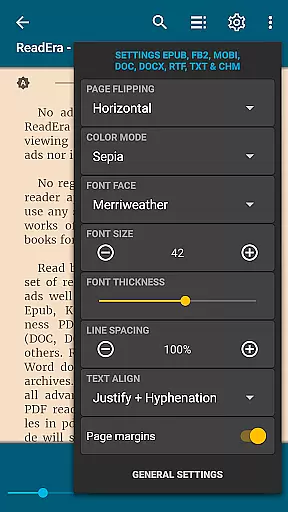
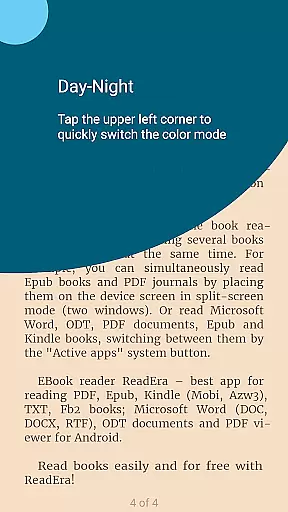
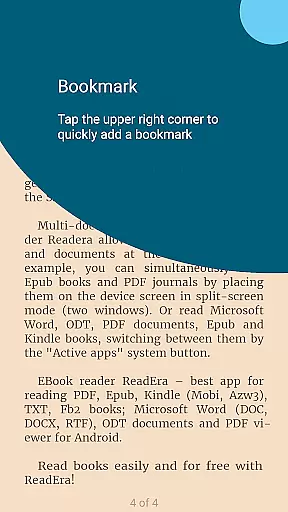
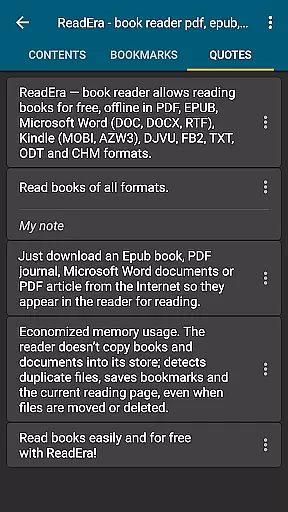
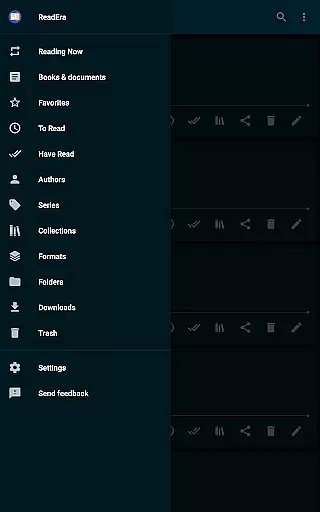
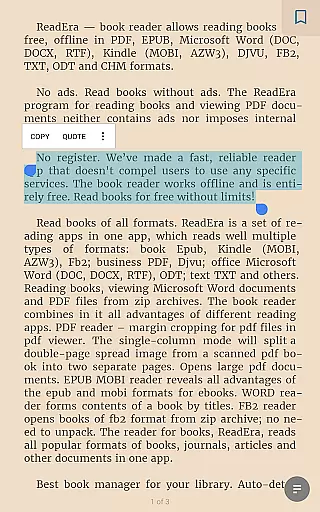
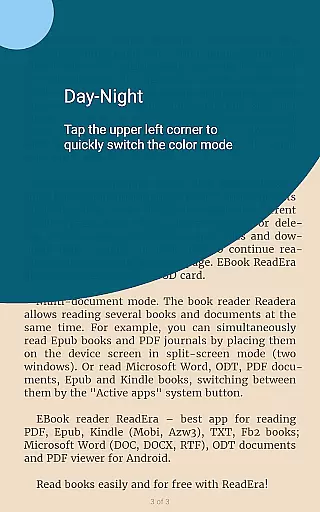
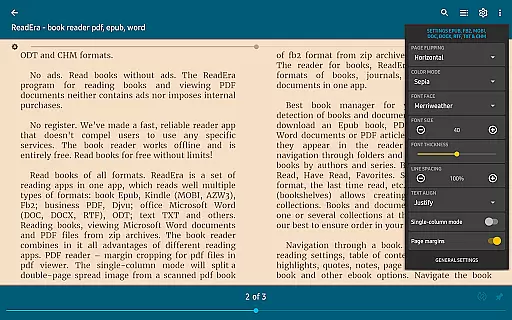
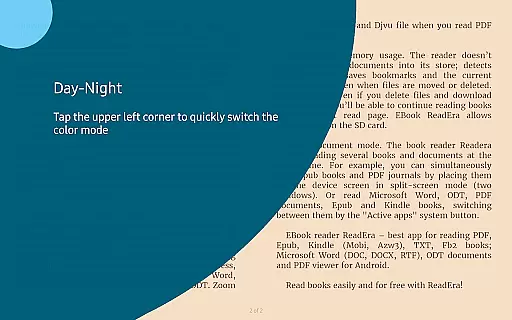
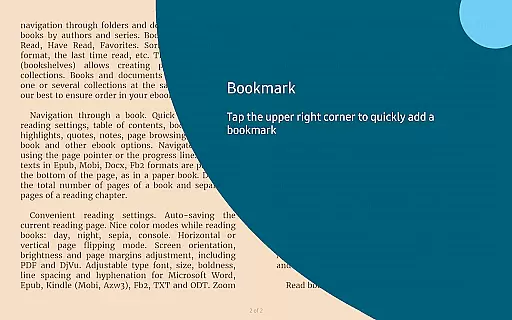
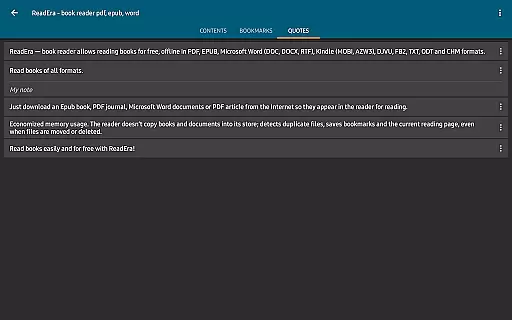
The app stands out with its advanced book management features, enabling auto-detection of books, organizing by author and series, and creating personalized collections. ReadEra also offers convenient navigation tools such as table of contents, bookmarks, and text highlights. With adjustable reading settings like color modes, page flipping orientation, and font customization, it ensures a comfortable reading experience tailored to individual preferences.
Whether you're a student managing multiple textbooks or a professional handling various document types, ReadEra's multi-document mode and memory-efficient design make it an ideal choice. The ability to read several documents simultaneously in split-screen mode enhances productivity and provides flexibility for diverse reading needs.
ReadEra distinguishes itself through its robust feature set designed to enhance the reading experience. One notable feature is its powerful format compatibility, supporting everything from popular eBook formats like EPUB and MOBI to document types such as PDF and Microsoft Word. This versatility eliminates the need for multiple apps and streamlines the reading process across different file types.
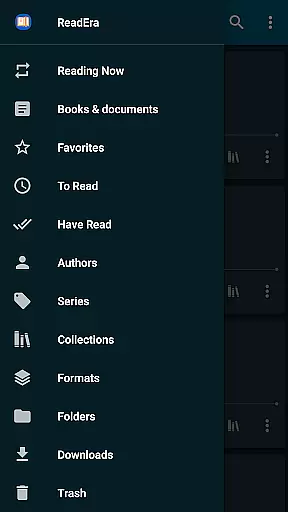
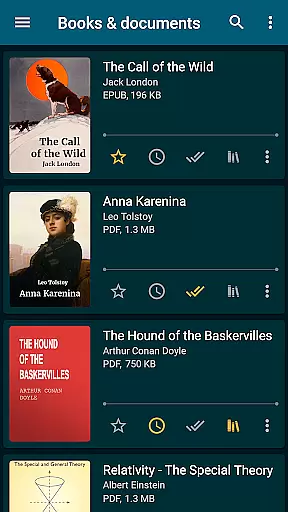
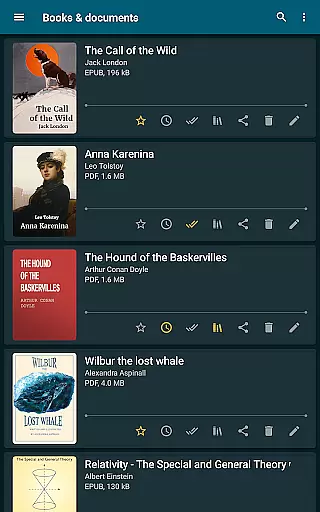
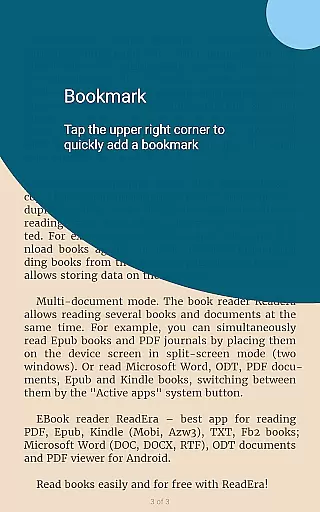
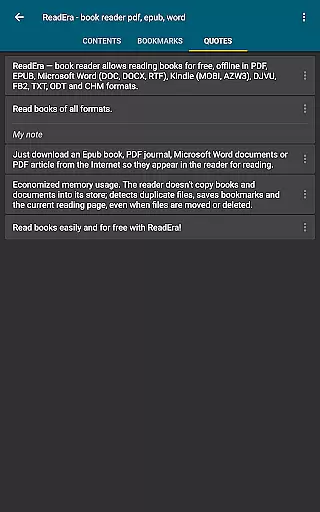
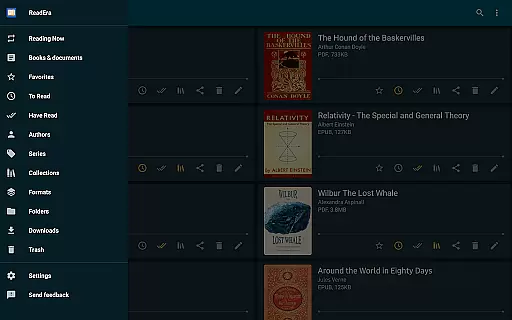
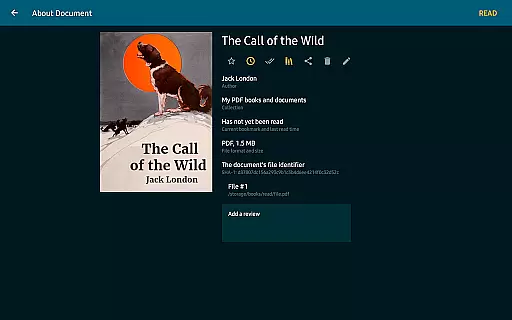
The application excels in document management and organization. It automatically detects books and documents on your device, categorizes them efficiently, and allows for sophisticated collection management. Users can create custom bookshelves and organize reading lists into To Read, Have Read, and Favorites categories. The built-in navigation system provides quick access to essential reading tools including bookmarks, notes, and reading history.
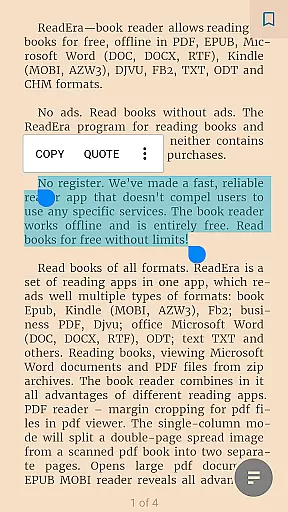
ReadEra's customization options are particularly impressive. The app offers various color modes for different lighting conditions, flexible page layout adjustments, and detailed font settings. These features, combined with its unique memory management system that preserves reading progress even when files are moved or deleted, demonstrate the app's commitment to providing both functionality and convenience to its users.
ReadEra offers an extensive e-book library that supports multiple formats including PDF, EPUB, Microsoft Word, Kindle, DJVU, FB2, TXT, ODT, and CHM. This wide-ranging compatibility ensures users can access a vast collection of books and documents without restrictions.
The application guarantees copyright authenticity by allowing users to import their legally acquired files. It does not host or distribute content directly but focuses on providing tools to manage and read personal libraries efficiently.
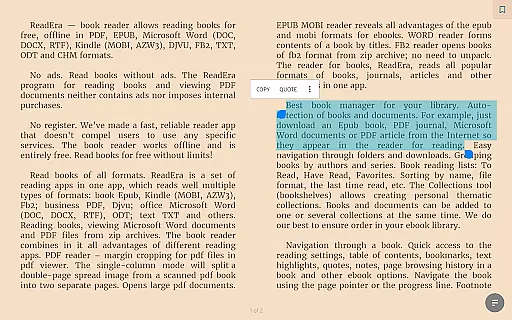
With ReadEra, users benefit from advanced features tailored for different formats. For instance, the app provides margin cropping for PDFs, single-column modes for scanned books, and footnote display at the bottom of pages, enhancing readability across various document types.
One of ReadEra's standout features is its exceptional format compatibility. The app supports an array of file types such as PDF, EPUB, MOBI, AZW3, DOC, DOCX, RTF, ODT, and more, making it a versatile tool for readers who engage with diverse digital materials.
This broad format support allows seamless integration into existing workflows. Whether you're reading academic papers in PDF, enjoying novels in EPUB, or reviewing business documents in Word, ReadEra handles each format with precision and care.
Users gain significant advantages through this comprehensive compatibility. They experience consistent performance and high-quality rendering regardless of file type, ensuring that every document is presented clearly and accurately on any Android device.
User-friendly interface
Multi-format support
Offline reading capability
Advanced book management
Customizable reading settings
No cloud synchronization
Limited collaboration features
Occasional format compatibility issues
Interface may feel complex to new users
Large app size

Bible, Catechism, Study, Saints, Mass Readings, Rosary, Prayer, Bible in a Year
 4.80
4.80
Cute bedtime story for kids
4.30
The Psalms for singing
4.0
Essential Technical Rescue Field Operations Guide 6, the Industry Standard Guide
4.20
Discover Stars and Planets: Live Map Shows Current Constellations in Full Detail
4.70
The Original & Authentic Crystals, Gemstones, Rocks & Minerals Encyclopedia.
4.60
Full text, sheet music, and recordings of the print edition
4.60
Identify birds of North America by call or picture | Bird Identification
4.20
Calculate, Knowledge, Homework
4.40
Audiobook player with cross-device progress sync, playlists, and widget support.
4.80
Universal Zoom, learn about sizes & distances of the universe and microcosmos
4.80
Liturgy of the Hours totally off-line
4.80
This is the pro version King James bible Offline that we have
4.70
Find, discuss, and organize your world of books and shows.
4.60
Daily Bible app: King James Version with verses and audio for studying&prayer
4.40
Prime novels await! Fantasy & Romance on JoyRead. Immersive reads!
4.20
Enjoy your favorite books
3.50
Read popular romance books and web novels on the fantastic ebook reader
3.50
Battle Royale Chapter 5 Season 2 HD Wallpapers Emotes Skins and BattlePass
3.00


User Reviews