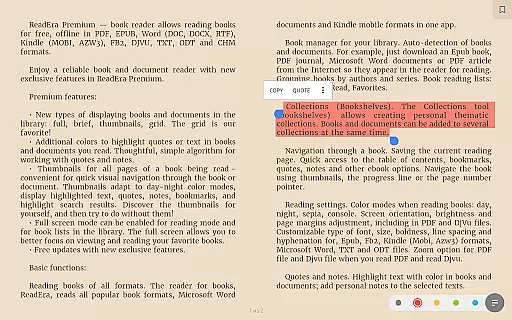
ReadEra Premium is a comprehensive eBook reader and document manager that transforms how you interact with digital texts. This app allows users to automatically locate all supported books and documents on their device, search for books by title and author, and manage files in various formats including PDF, EPUB, Microsoft Word, Kindle, Comic, DJVU, FB2, TXT, ODT, and CHM. With its powerful synchronization feature, reading progress, bookmarks, and quotes can be synced across all devices via Google Drive.
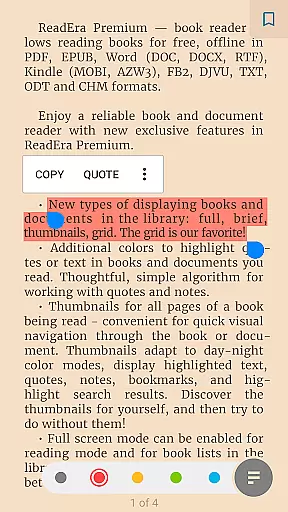
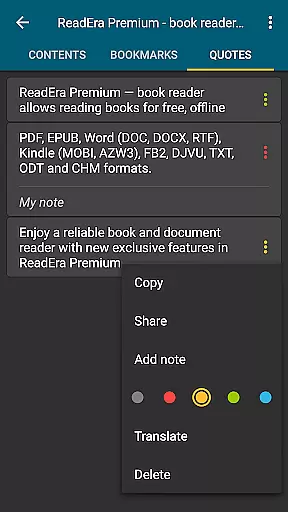
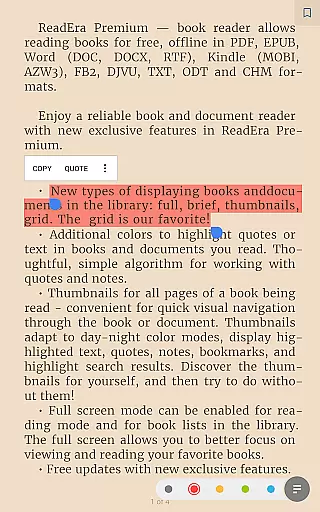
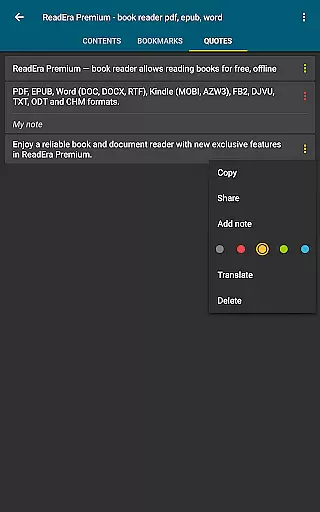
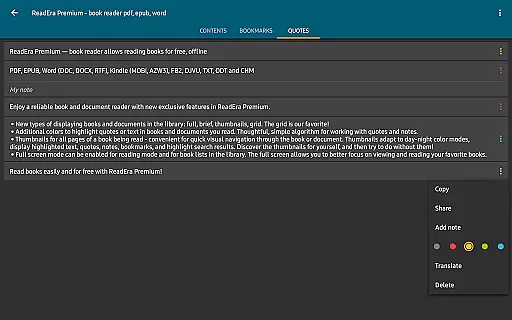
The app's premium features enhance the reading experience through advanced functionalities such as text-to-speech (TTS) for background listening, even with the screen locked. Users can also enjoy a centralized section for organizing quotes, notes, and bookmarks from all their books. Additionally, ReadEra Premium offers customization options like personalized fonts, library view settings, and color themes for highlighting text. These features make it an ideal tool for avid readers who want a seamless and enriched reading experience.
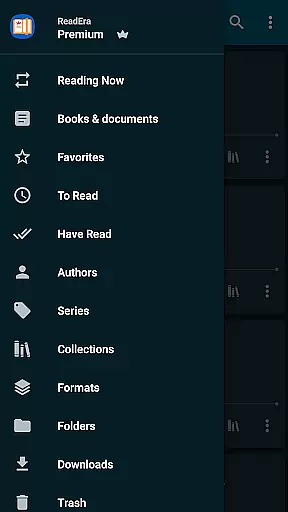
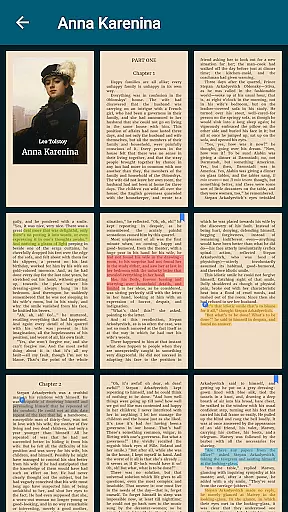
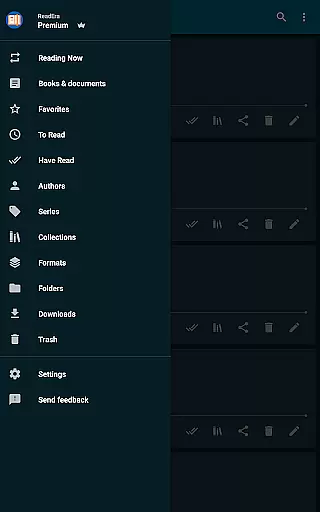
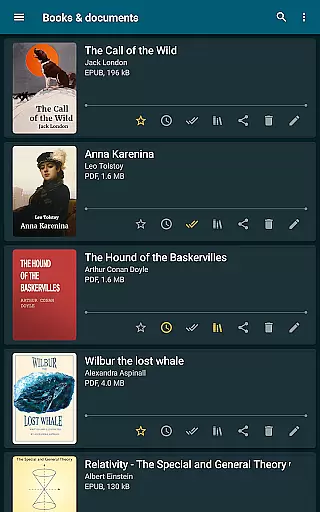
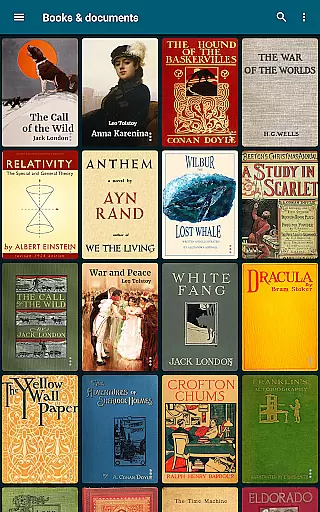
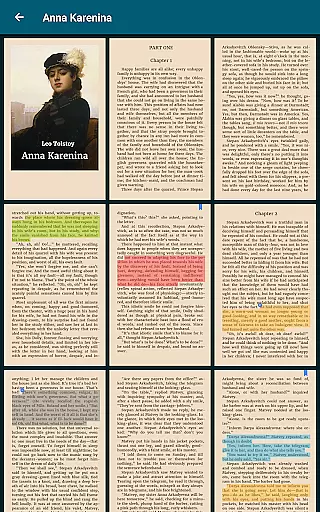
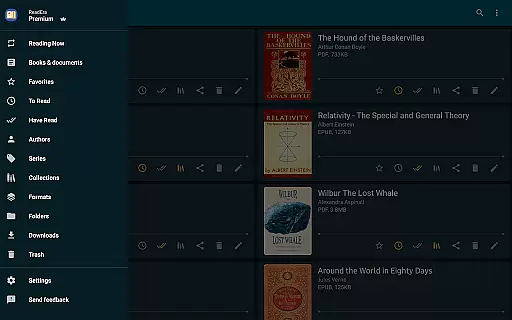
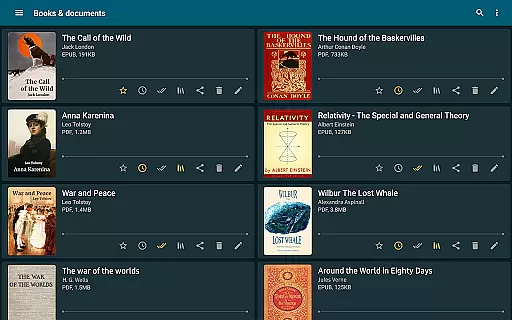
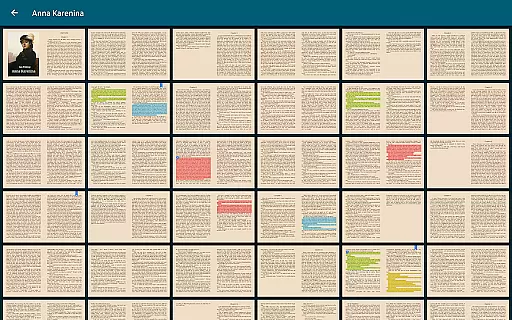
ReadEra Premium stands out with its extensive array of features designed to optimize the reading and document management process. One of its key features is the automatic detection and organization of all compatible books and documents on your device. The app provides quick navigation tools, allowing users to sort books by title, author, series, format, or language. It also includes sections dedicated to authors, series, collections, and downloads, making it easy to manage large libraries efficiently.
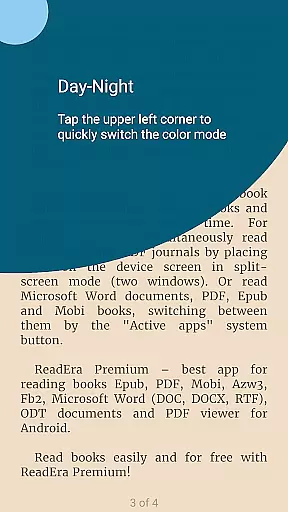
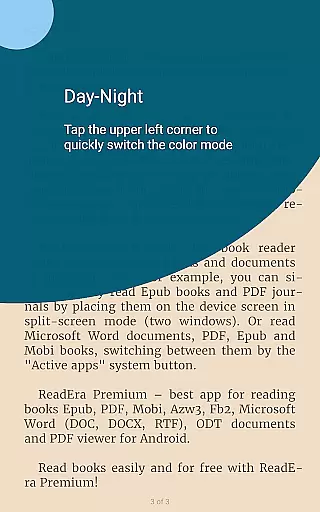
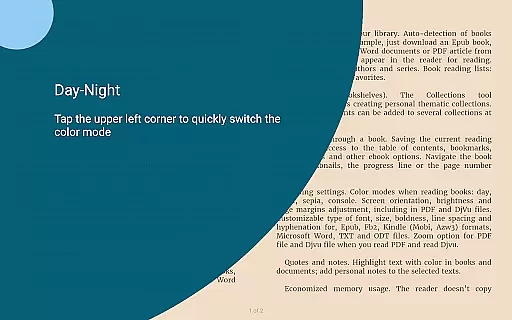
Another significant feature is the ability to customize the reading experience. Users can adjust color themes, orientation, screen brightness, page margins, font size, type, boldness, line spacing, and hyphenation. For PDF and DjVu files, zooming functionality is supported. Moreover, the app offers robust file management capabilities, enabling users to view, rename, move, and manage folders directly within the app. These features collectively ensure that ReadEra Premium caters to both casual readers and power users who demand flexibility and control over their digital libraries.
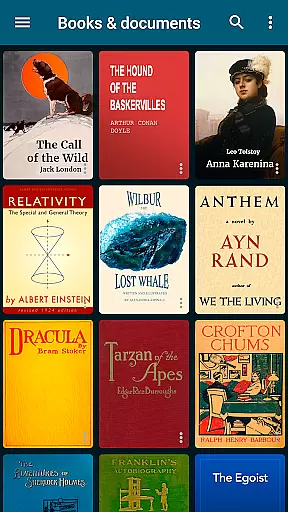
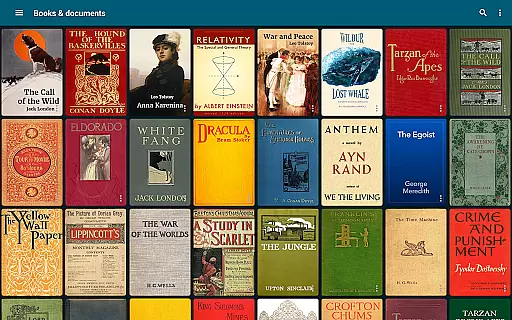
ReadEra Premium offers an extensive e-book library that supports multiple formats including PDF, EPUB, Microsoft Word, Kindle, Comic, DJVU, FB2, TXT, ODT, and CHM. This wide-ranging compatibility ensures users can access a vast collection of books and documents across various genres and subjects.
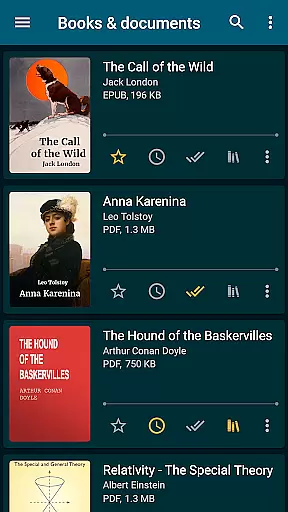
The app automatically detects all supported books on your device, making it easy to build and manage your personal library. With the ability to search by title, author, series, format, or language, users can quickly locate specific books among potentially thousands stored in their digital collection.
Regarding copyright authenticity, ReadEra Premium respects intellectual property rights by allowing users to manage only those books and documents they legally own. The app does not provide or distribute copyrighted materials but rather serves as a powerful tool for organizing and reading personal collections.
This combination of extensive format support and responsible copyright management creates a trustworthy platform where book enthusiasts can confidently build and enjoy their digital libraries without concerns about legal issues or content restrictions.
One of ReadEra Premium's standout features is its exceptional format compatibility, supporting over ten different document types including PDF, EPUB, Microsoft Word (DOC, DOCX, RTF), Kindle (MOBI, AZW3), Comic (CBZ, CBR), DJVU, FB2, TXT, ODT, and CHM formats. This comprehensive support makes it a versatile tool for managing diverse digital libraries.
The application maintains high-quality rendering across all supported formats, ensuring that documents display correctly regardless of their original structure or complexity. Users can switch between different file types without experiencing formatting issues or losing important content elements during reading sessions.
Advanced reading settings enhance format compatibility by offering customizable options such as color themes, font adjustments, line spacing, hyphenation control, and zoom functionality for PDF and Djvu files. These features guarantee optimal readability while preserving the original layout and formatting of various document types.
This level of format compatibility and customization establishes ReadEra Premium as a universal solution for readers who work with multiple document sources and need consistent performance across different file formats in their daily reading activities.
User-friendly interface
Extensive format support
Advanced synchronization
Customizable reading settings
Powerful file management
No cloud storage included
Limited free features
Occasional sync issues
Heavy on system resources
Complex for beginners

Cute bedtime story for kids
 4.30
4.30
Battle Royale Chapter 5 Season 2 HD Wallpapers Emotes Skins and BattlePass
3.00
Translate into 100+ languages with the world’s most accurate AI translator.
4.70
Enjoy your favorite books
3.50
Research your family history to explore ancestors and search for your heritage
4.50
Enjoy daily devotionals, Bible verses, audio courses, and more.
4.80
A KJV Bible with Apocrypha and precept-based study concordance
5.00
Calculate, Knowledge, Homework
4.40
A highly sophisticated app for all of your mobile reading—any format, any time
4.50
Daily thoughts, meditations, and prayers for living a sober life in recovery.
4.90
The Bible Audio Guide
4.80
Plan of Life that Saint Josemaría recommended
4.80
Read and study the Bible and other content in over 1,000 languages.
4.80
Universal Zoom, learn about sizes & distances of the universe and microcosmos
4.80
Unlock unlimited access to bestselling ebooks, novels, stories, and audiobooks
4.60
7 Languages, Google, Wiki, Vocabulary.com, Cambridge & Urban Dictionary!
4.50
Zerobooks Light Novel Reader by GOLDENAGATO
4.20
"BIG A, little a. What begins with A?"
4.10
The Psalms for singing
4.2


User Reviews