
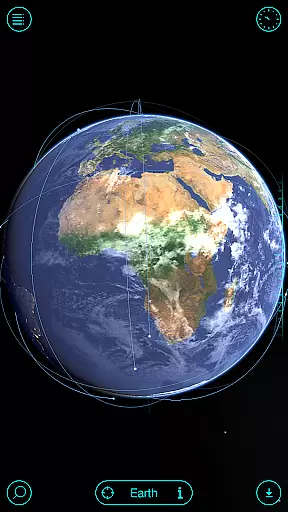
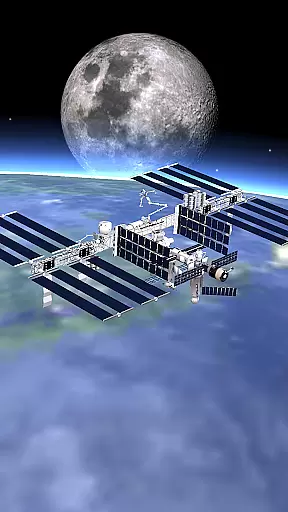
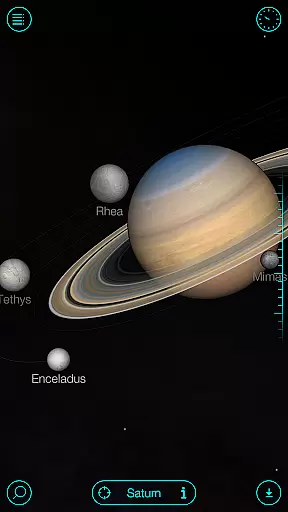
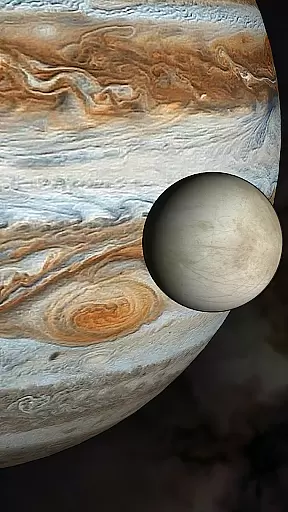
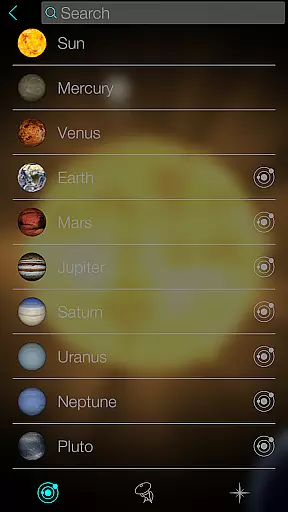
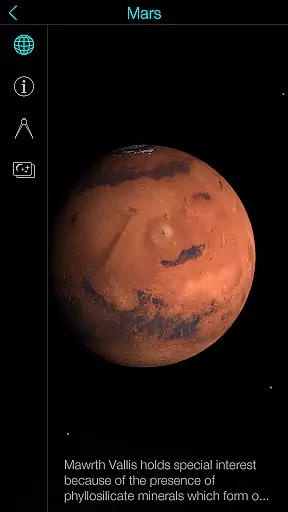
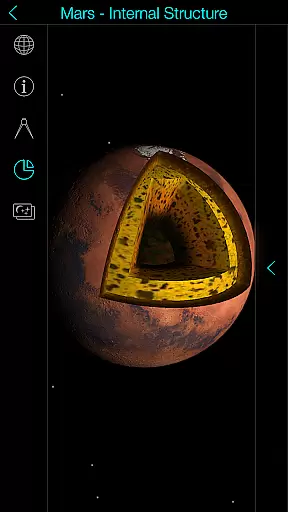
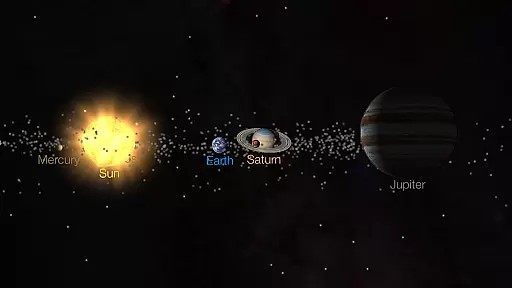
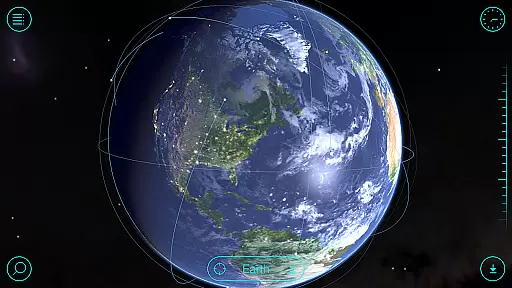
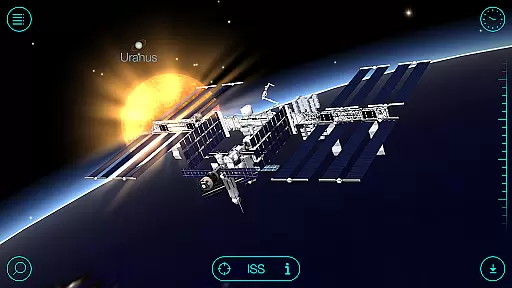
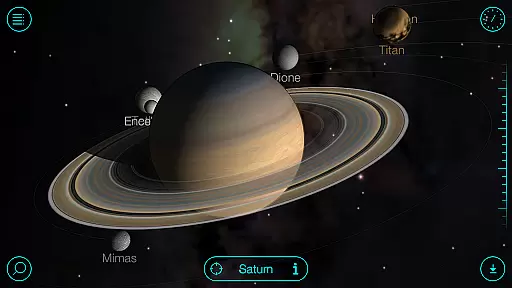
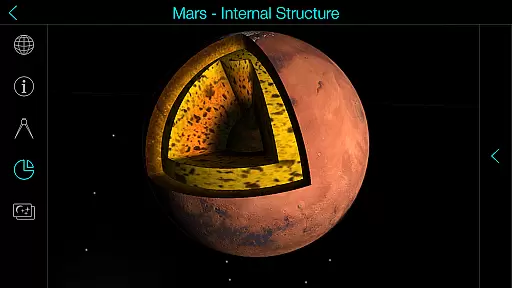
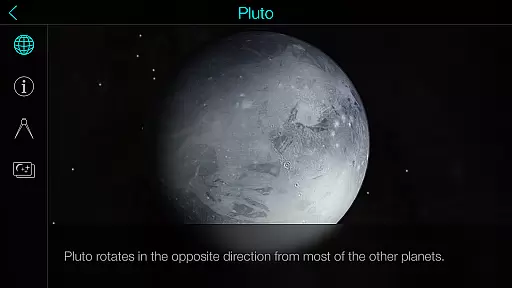
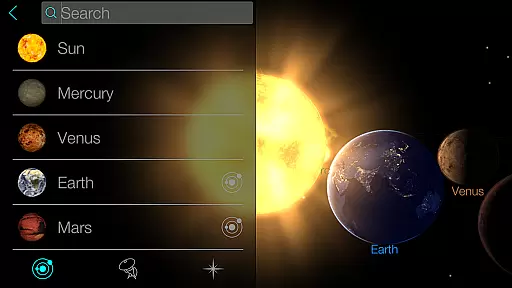
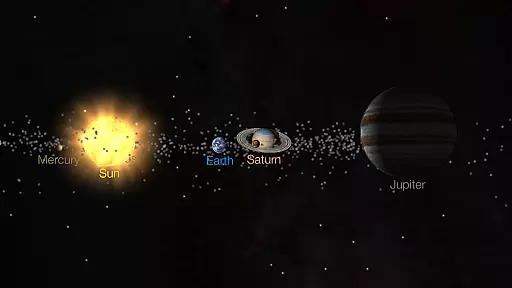
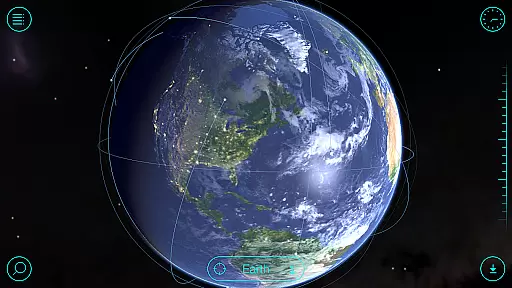
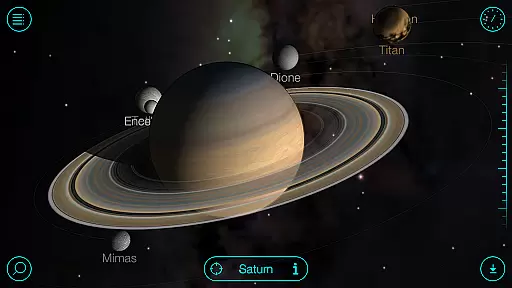
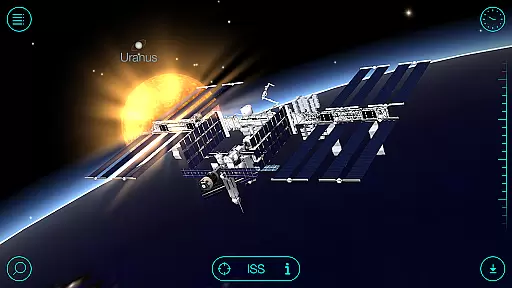
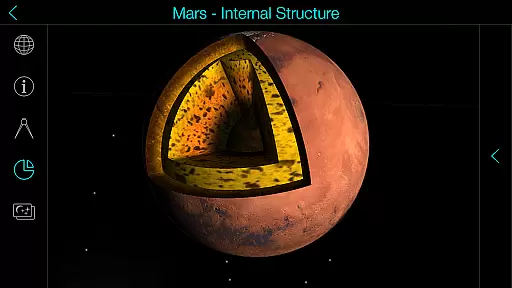
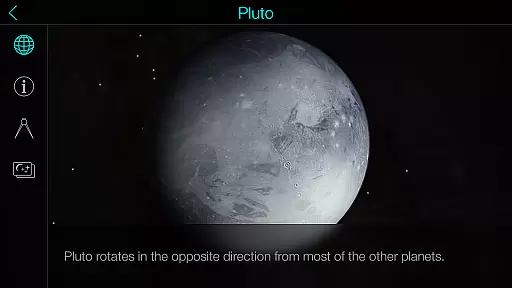
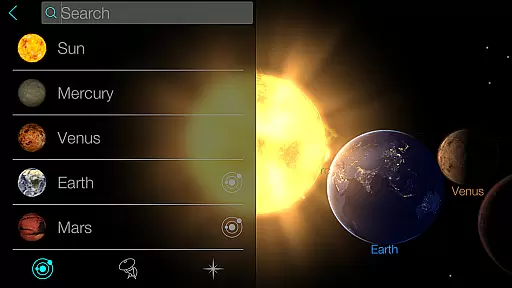
Solar Walk is an educational 3D planetarium app that brings the universe to your fingertips. This interactive tool allows users to explore planets, moons, satellites, comets, and spacecraft in real-time, offering a comprehensive view of our solar system. With its stunning graphics and detailed information, it serves as a virtual telescope for both amateur astronomers and curious learners.
The app's key feature is its ability to provide an immersive experience through time travel, letting users see the state of the universe at any given point in history. It also includes educational movies and anaglyph 3D mode for enhanced visualization. Whether you're studying celestial bodies or simply fascinated by space exploration, Solar Walk offers valuable insights into astronomy while making learning engaging and fun.
Solar Walk stands out with its rich set of features designed for space enthusiasts. The app provides an interactive encyclopedia of the solar system, complete with detailed information on celestial bodies like planets, moons, asteroids, and comets. Users can access high-quality 3D models of spacecraft and watch educational videos about various astronomical phenomena.
One notable feature is the ability to simulate space travel between celestial objects, providing a dynamic way to explore the solar system. Additionally, the app supports anaglyph 3D mode, which enhances the visual experience when using special glasses. These features not only make learning more engaging but also help users understand complex astronomical concepts through hands-on interaction.
The app caters to different learning styles by offering multiple view modes, including orrery and true-to-scale options. This flexibility ensures that users can customize their experience based on their preferences, whether they are students, educators, or casual learners interested in astronomy.
In the realm of educational applications, content accuracy is paramount, especially for an app like Solar Walk that serves as an interactive encyclopedia of the Solar system. This planetarium 3D app provides detailed and precise information about celestial bodies, ensuring that users learn correct astronomy facts. The app meticulously represents planets, satellites, moons, comets, and spacecraft with 3D models that are based on real scientific data.
Solar Walk's dedication to accuracy extends to its educational movies that cover various space-related topics such as Earth's moon phases, Earth's cycles, tidal phenomena, and zodiacal constellations. By presenting these subjects through animated videos, the app makes learning engaging while maintaining factual integrity. Users can trust that the knowledge they gain about the universe is in line with current astronomical understanding.
Moreover, the app allows users to travel in time and see what the universe looked like at a certain period, reinforcing its commitment to not only accurate but also comprehensive space education. With this feature, learners can explore historical astronomical events or project into the future, all while receiving authoritative guidance from the app's extensive database.
Solar Walk stands out in the Education category by offering personalized learning paths tailored to each user's curiosity and pace. As an interactive encyclopedia of the Solar system, it allows individuals to choose any celestial body and delve into astronomy facts at their discretion. This customization empowers learners to craft their own educational journey through space exploration, focusing on areas that intrigue them most, whether it be studying satellite orbits or marveling at the scale of different stars.
The application further supports personalization by providing multiple view modes for exploring the Solar system 3D, including orrery and true-to-scale options. Such flexibility ensures that educators and students alike can adjust their experience according to their specific educational needs or preferences. Whether one seeks a visually rich overview or a scientifically accurate scale representation, Solar Walk accommodates these personalized approaches to learning.
Additionally, with features like virtual flights between space objects and sharing capabilities for interesting screenshots, Solar Walk fosters an individualized and social learning environment. These tools encourage users to set unique learning goals, such as mastering the identification of constellations or understanding complex tidal phenomena, thus creating a custom pathway through the vast fields of astronomy.
User-friendly interface
Highly detailed 3D models
Interactive learning experience
Comprehensive solar system data
Educational video content
Some features require in-app purchases
Can be resource-intensive
Limited offline functionality
Advanced details may overwhelm beginners
Occasional performance lags

An animated storybook app to help ease your child through toilet training.
 3.70
3.70
Learn and joke with the Silly Turkey!
4.5
Learning the ancient Viking language made simple
4.70
Study the questions most likely to be asked during the Oral & Practical Exams.
2.80
Explore myths and gods across cultures with in-depth insights and stories.
5.00
The Fighter Verses Bible memory system helps you memorize God's Word.
4.50
Master note reading with StaffWars….
4.00
Stack the Countries makes learning world geography fun!
4.50
Plant identifier: Identify plants, trees, weeds, flowers. Disease diagnosis.
4.30
Short Lessons for Better Finances, Health, Skills, Jobs & Relationships.
4.80
AI Language tutor: Speak fluently with Lucy’s personalized coaching
4.70
Universe simulator: Find & explore planets system, outer space, astronomy events
4.60
Dinosaurs coloring book game. Drawing and painting dinos.
4.50
Welcome to the Speak Navajo Language Application - Volume 1
4.50
THE ESTABLISHED "GO TO" ARMY BOARD PREPARATION APP!
4.30
A magical world of fun, building, and learning with Mickey Mouse and more!
4.20
Designed for Calculator 84 users
4.20
Make your own game and world. Draw and animate characters
3.70
Quiz App to help case managers studying for CCMC Certification, 200+ Questions
3.40


User Reviews