
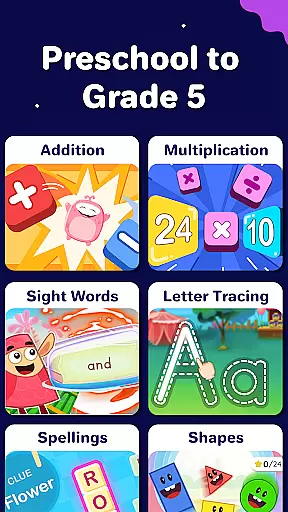
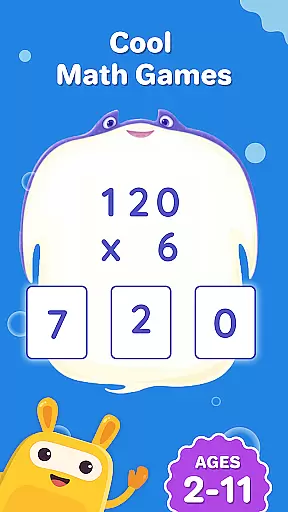
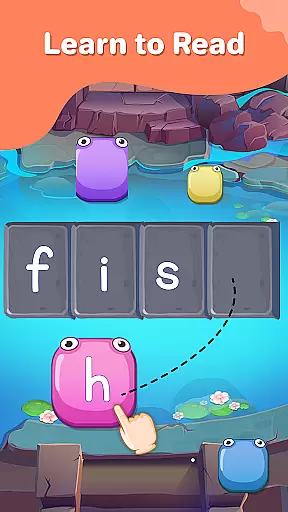
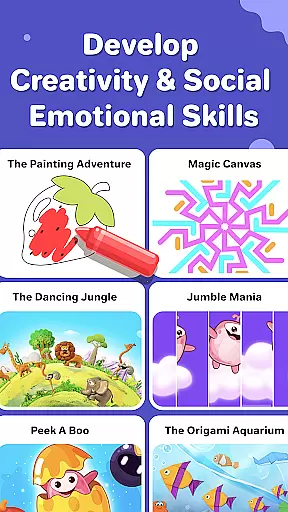
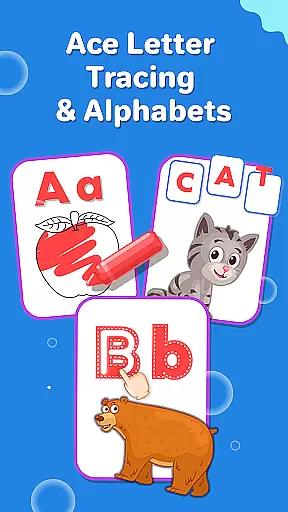
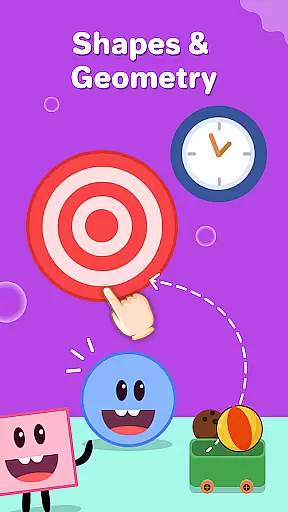
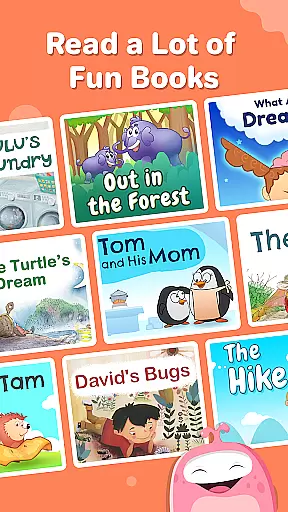
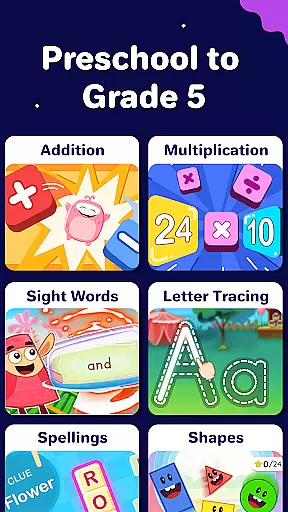
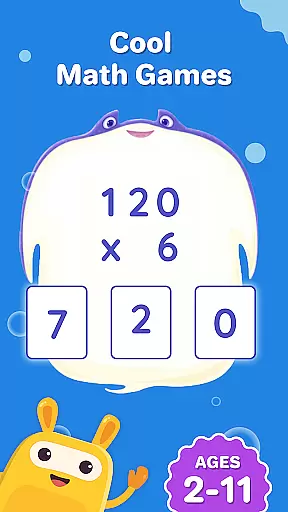
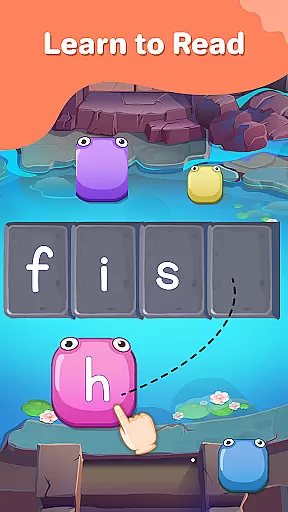
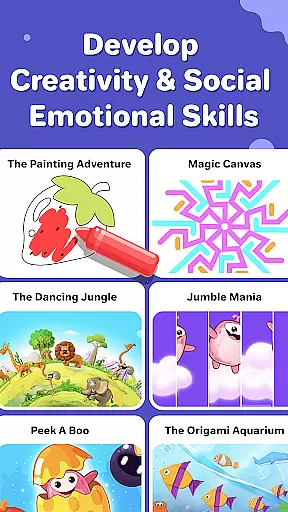
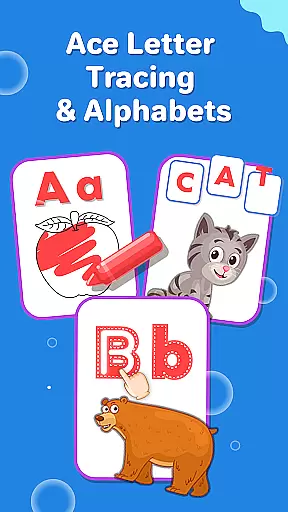
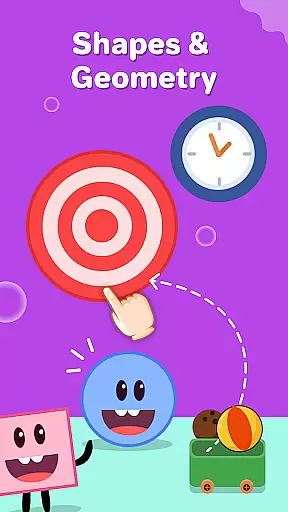
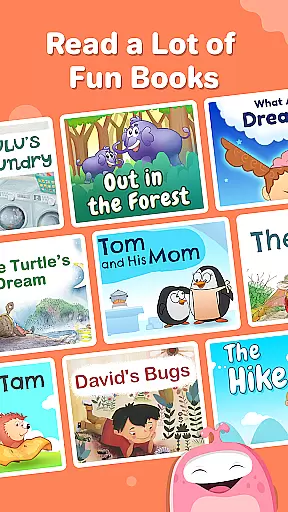
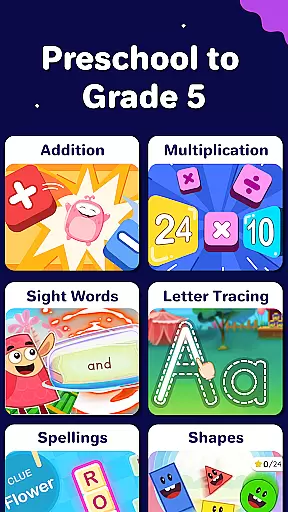
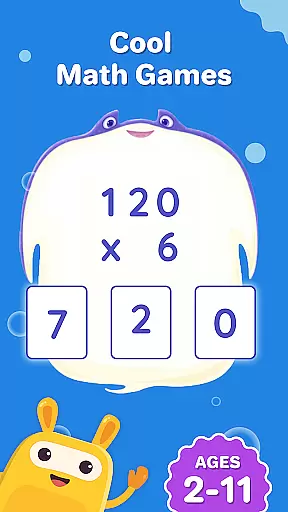
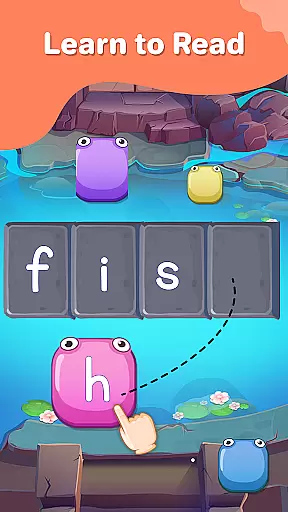
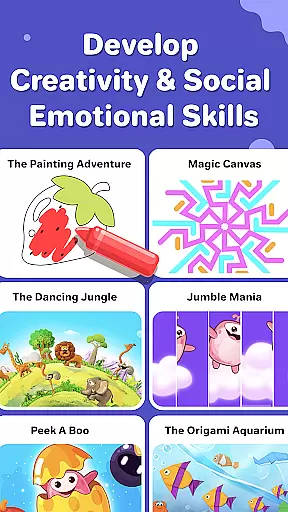
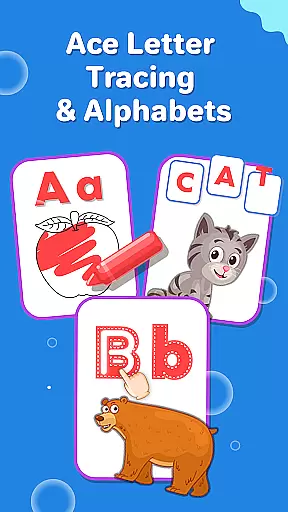
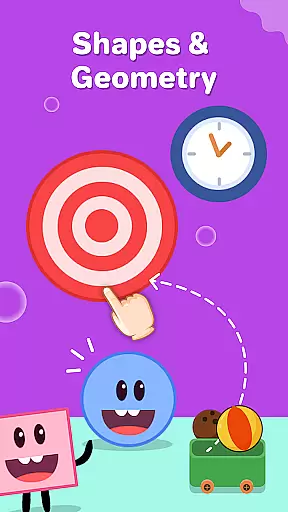
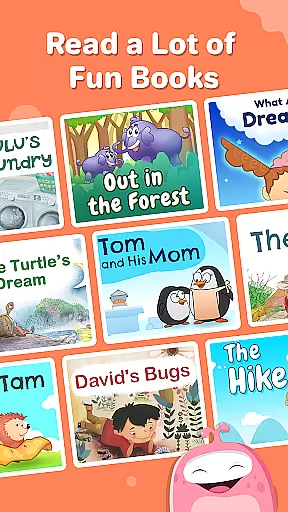
SplashLearn is an award-winning educational app designed for children aged 2-11, offering a comprehensive learning experience across math, reading, and creativity. The app provides personalized learning paths that adapt to each child's level, from preschool to 5th grade. With engaging activities like math counting games, phonics exercises, and creative coloring games, SplashLearn transforms screen time into productive learning sessions.
The app's strength lies in its structured curriculum alignment and adaptive technology. It covers essential skills such as number recognition, operations, geometry, phonics, reading fluency, and sight words. Additionally, the built-in reward system and progress tracking make it an ideal tool for both parents and educators who want to monitor children's development while keeping them motivated through fun learning games.
SplashLearn stands out with its diverse range of features tailored to support young learners' growth. The app includes common core-aligned content that spans multiple subjects, ensuring that children receive a well-rounded education. Its adaptive technology creates a customized learning path for each child, adjusting difficulty levels based on their performance and providing real-time feedback to enhance understanding.
Parents appreciate the robust progress tracking system that offers detailed insights into their child's strengths and areas needing improvement. The app also emphasizes safety by maintaining an ad-free environment while incorporating engaging rewards to keep kids motivated. From interactive math solving to immersive reading aloud tools, every feature is designed to foster academic success while making learning enjoyable.
In the realm of education, content accuracy is paramount, and SplashLearn excels in this area. The app offers a comprehensive suite of learning resources that adhere to Common Core standards, ensuring that every lesson is not only engaging but also academically sound. From math counting games for toddlers to advanced topics like decimals and fractions for older students, each activity is crafted with precision.
SplashLearn's commitment to authority in educational content is evident through its expert-backed curriculum. Every math problem and reading exercise is developed under the guidance of seasoned educators, guaranteeing that children receive instruction that aligns with national educational benchmarks. This meticulous attention to detail extends across all grade levels, from preschool counting games to 5th-grade math challenges.
Parents and teachers can trust that the app's personalized learning paths are built on a foundation of reliable, up-to-date information. Whether it's through interactive geometry puzzles or phonics games, learners benefit from a wealth of knowledge that has been rigorously reviewed for accuracy. This dedication ensures that as children progress from one level to the next, they're acquiring skills that will serve them well in their academic journey.
SplashLearn stands out by offering highly personalized learning paths tailored to each child's unique needs. The app intelligently adapts to individual learning styles and paces, creating a customized educational experience that grows with the child. For instance, while some students might thrive with visual aids such as geometry shapes puzzles, others may prefer interactive number games; SplashLearn accommodates both preferences seamlessly.
The adaptive technology behind these personalized paths ensures that no two learning experiences are exactly alike. As children work through various activitiesu2014from abc phonics games for early readers to complex multiplication tables for advanced mathematiciansu2014the system continuously assesses their performance. Based on these evaluations, it adjusts the difficulty level and suggests new challenges that are perfectly suited to each learner's current abilities.
This dynamic approach not only keeps young minds engaged but also fosters a deeper understanding of subjects ranging from basic counting to sophisticated reading comprehension strategies. With features like progress tracking and built-in rewards, SplashLearn motivates students to take ownership of their learning journey. By providing an environment where kids can learn at their own pace, the app helps build confidence and mastery across multiple subjects, making education both effective and enjoyable.
Personalized learning paths
Engaging reward system
Comprehensive curriculum coverage
Adaptive technology
Parent-friendly progress reports
Limited advanced math topics
No offline functionality
Subscription costs may be high
Occasional loading delays
Interface can overwhelm younger users

Test prep for Indiana students
 4.3
4.3
scanner body part for fun Prank friends realistic scan effects
3.00
Turns you phone or tablet into TI graphing calculator (ROM required).
4.20
The official CCM Glossary app, including 700+ terms and definitions.
2.90
Hasbro’s classic CANDY LAND game is now a gorgeous interactive storybook app.
2.30
Professional Award-Winning Astronomy Star Map App With Telescope Control
4.40
Learn & Speak New Languages
4.70
Snap a dog photo to identify its breed instantly. Fast, accurate and easy to use
3.40
Courses, certificates, degrees
4.50
A realistic sky map to observe stars, planets, satellites and constellations!
4.80
Stargazing Guide App. Stars and constellations map. Solar system planets finder.
4.60
Turn scrolling hours into improving your knowledge, communication, intelligence
4.50
Stack the Countries makes learning world geography fun!
4.50
Designed for Calculator 84 users
4.20
Learn to make peaceful contact with extraterrestrial civilizations
4.10
An aviator’s preparation, study and test tool for FAA Knowledge Exams.
4.00
Your guide to thousands of satellites and spacecraft in orbit around Earth!
3.90
Master the NRP with 700+ questions, rationales, and updated NREMT scenarios.
3.00
Study the questions most likely to be asked during the Oral & Practical Exams.
2.80


User Reviews