
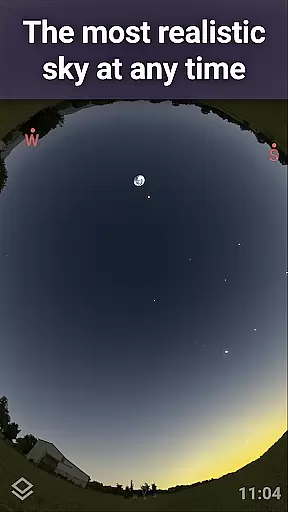
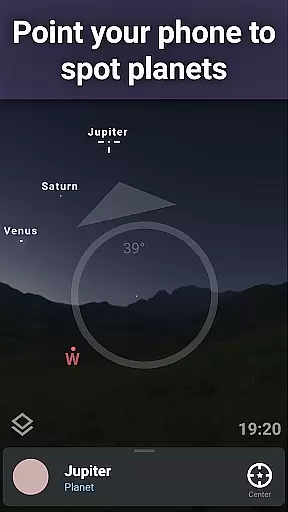
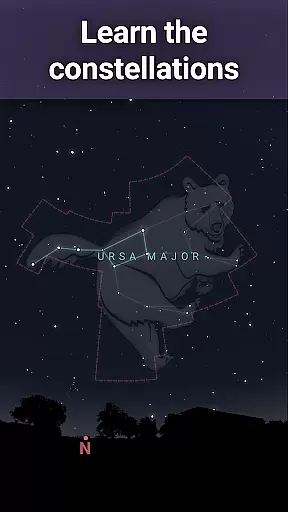
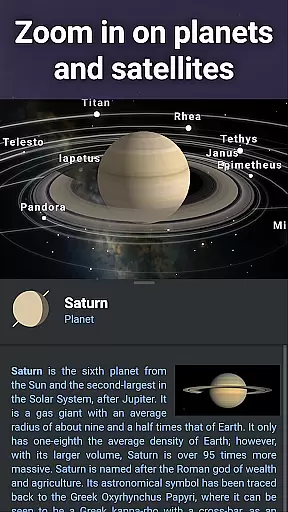
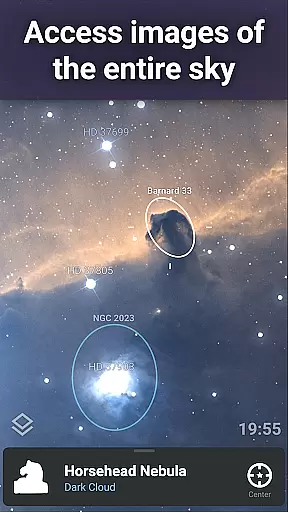
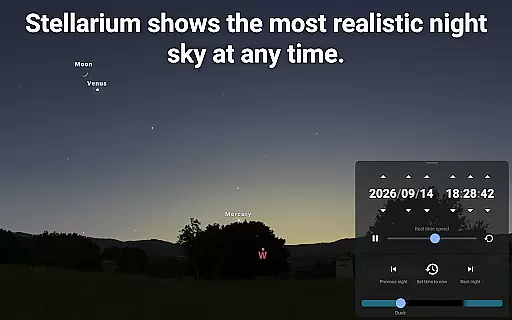
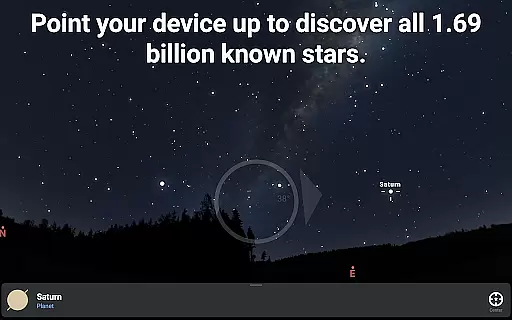
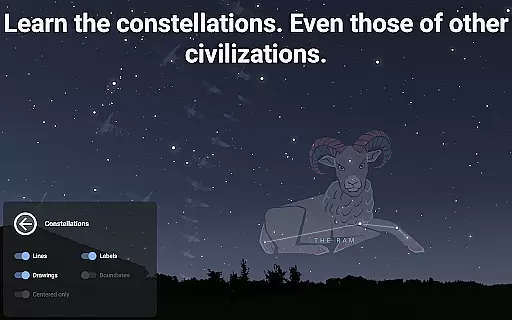
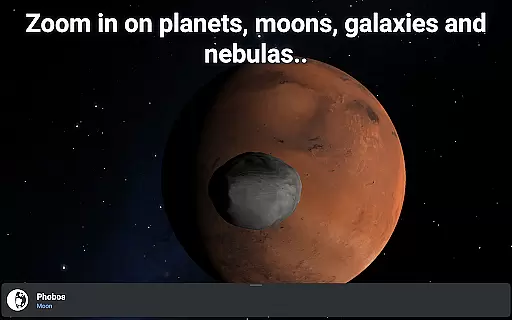
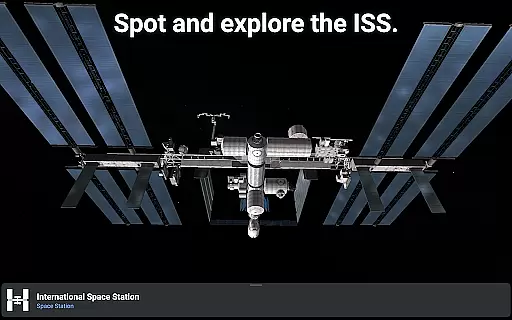
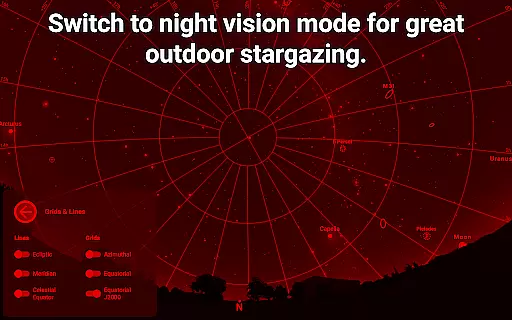
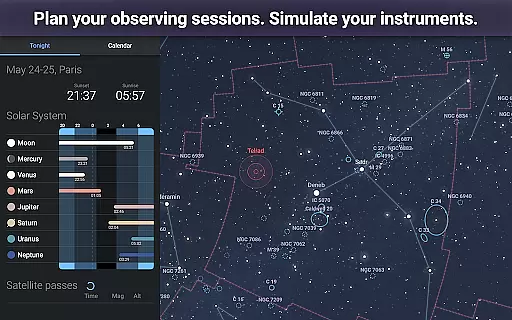
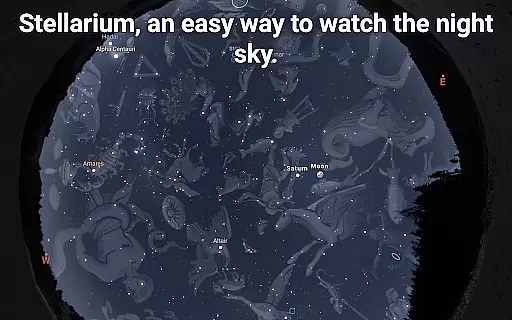
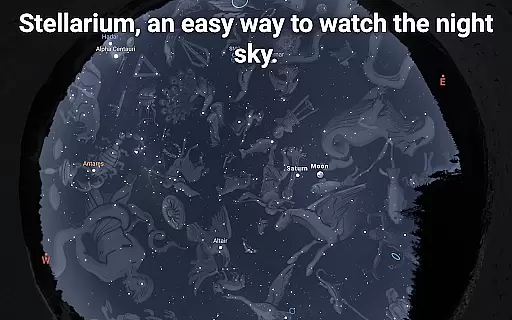
Stellarium Mobile - Star Map is an advanced planetarium app designed for both amateur stargazers and seasoned astronomers. This application provides a real-time, accurate representation of the night sky, featuring stars, planets, constellations, and deep-sky objects visible from any location on Earth. With its intuitive interface and powerful features, it serves as an educational tool for users of all ages who wish to explore and understand the cosmos.
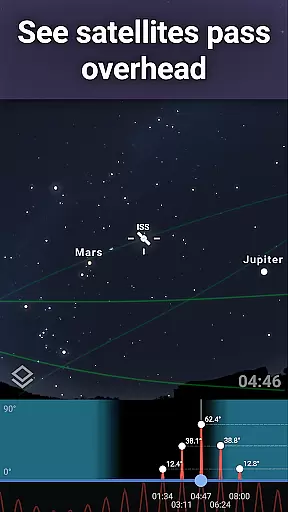
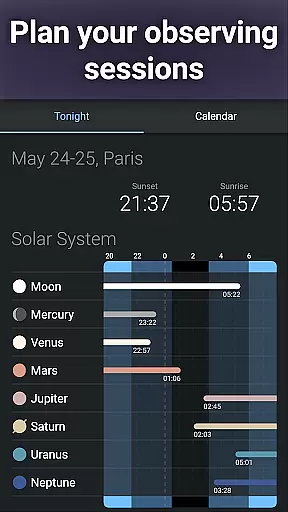
The app stands out with its ability to simulate the sky as seen through a telescope, complete with realistic renderings of the Milky Way, sunrise, sunset, and atmospheric refraction. Users can also track artificial satellites, including the International Space Station, enhancing their understanding of orbital mechanics. Whether used indoors for planning observation sessions or outdoors for real-time sky mapping, Stellarium Mobile offers an immersive experience that brings the wonders of the universe to your fingertips.
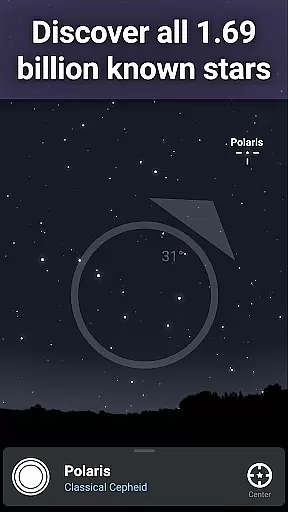
Stellarium Mobile boasts an impressive array of features tailored for astronomy enthusiasts. The app provides an accurate simulation of the night sky, displaying over 1.69 billion stars from the Gaia DR2 catalog, along with planets, moons, and comets. Its deep-sky object catalog includes nebulas, galaxies, and star clusters, offering users a comprehensive view of the universe. The app's augmented reality mode allows users to point their device at the sky and instantly identify celestial bodies, making it an invaluable tool for both learning and exploration.
Advanced functionalities include landscape and atmosphere simulation, 3D rendering of solar system objects, and a red night mode to preserve dark adaptation. For serious astronomers, the Stellarium Plus upgrade unlocks professional-grade features such as telescope control via Bluetooth or WIFI, massive star catalogs, and offline functionality with millions of celestial objects. These capabilities make Stellarium Mobile not just an educational app but a powerful instrument for astronomical research and observation planning.
When it comes to educational applications, especially in the field of astronomy, content accuracy is paramount. Stellarium Mobile - Star Map delivers precise simulations of the night sky, showing stars, planets, and other celestial bodies for any date, time, and location. This level of precision ensures that users are getting an authentic representation of the cosmos, which is crucial for both amateur stargazers and professional astronomers.
The app draws from extensive astronomical catalogs, including the Gaia DR2 catalog with over 1.69 billion stars, ensuring comprehensive coverage and accuracy. By incorporating data on all known planets, natural satellites, comets, and even minor solar system objects, Stellarium Mobile provides a reliable resource for exploring the universe. The inclusion of deep sky objects like nebulas and galaxies further enriches the experience, making it a trustworthy tool for learning about astronomy.
For users seeking authoritative content, Stellarium Plus offers an expanded view of the universe down to magnitude 22, far exceeding the base version's limit of magnitude 8. This upgrade allows enthusiasts to delve into millions of celestial objects with confidence in the information provided. With such detailed and verified content, learners can trust that their understanding of the skies is based on the most up-to-date and scientifically-backed data available.
Stellarium Mobile - Star Map not only provides accurate astronomical data but also supports personalized learning experiences tailored to individual interests and needs. Whether you're interested in constellations, planets, or deep sky objects, the app allows you to customize your exploration of the universe. By selecting specific dates, times, and locations, users can simulate the exact conditions they wish to study, creating a unique and self-directed learning journey.
The app's ability to display constellation shapes and illustrations from various cultures adds another layer of personalization. This feature enables learners to connect with different cultural perspectives on the stars, broadening their understanding and appreciation of global astronomical traditions. Additionally, the option to track artificial satellites, including the International Space Station, caters to those fascinated by human-made objects orbiting our planet.
Advanced features unlocked through Stellarium Plus further enhance personalized learning. Users gain access to high-resolution images of planetary surfaces and deep sky objects, allowing them to zoom in and explore areas of particular interest. These capabilities empower learners to follow their curiosity and tailor their educational path according to what excites them most about the cosmos. With offline functionality and telescope control options, Stellarium Mobile becomes a versatile companion for anyone eager to deepen their knowledge of the universe at their own pace.
User-friendly interface
Accurate sky simulation
Extensive object database
Augmented reality feature
Offline functionality
Premium features locked
High system requirements
Occasional performance lag
Complex for beginners
Limited free content

Grazing Risk Monitoring Service
 4.0
4.0
Learn math, step-by-step
4.30
Gain new skills in 10 minutes
4.70
Quiz App to help case managers studying for CCMC Certification, 200+ Questions
3.40
A collection of favorite stories from Daniel Tiger's Neighborhood
2.00
Visit Daniel's house & make believe. Play doctor, make music, & feed fish.
3.20
An aviator’s preparation, study and test tool for FAA Knowledge Exams.
4.10
Make your own game and world. Draw and animate characters
3.70
Courses, certificates, degrees
4.50
Short Lessons for Better Finances, Health, Skills, Jobs & Relationships.
4.80
Perform physics experiments with your phone. (by the RWTH Aachen University)
4.70
Guitar chord finder, analyzer, smartly visualized theory, progressions, quizzes.
4.70
Stargazing Guide App. Stars and constellations map. Solar system planets finder.
4.60
Stack the Countries makes learning world geography fun!
4.50
Professional Award-Winning Astronomy Star Map App With Telescope Control
4.40
Master note reading with StaffWars….
4.00
Master the NRP with 700+ questions, rationales, and updated NREMT scenarios.
3.00
AR planetarium app that brings the solar system to you via XREAL Glasses.
4.0
Test prep for Indiana students
4.5


User Reviews