
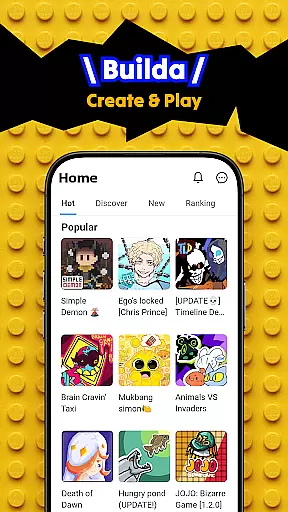
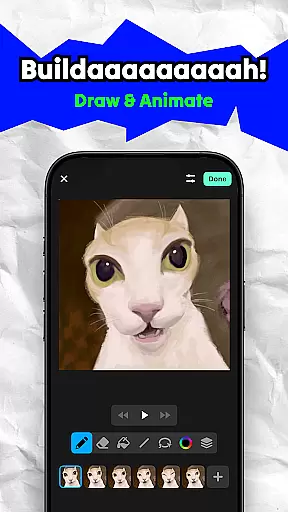
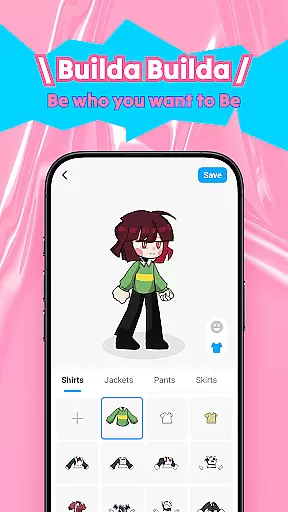
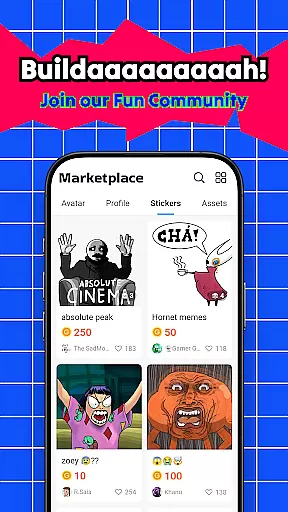
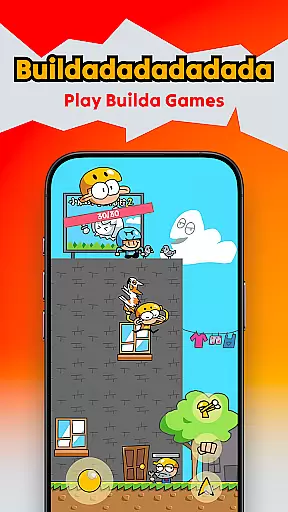
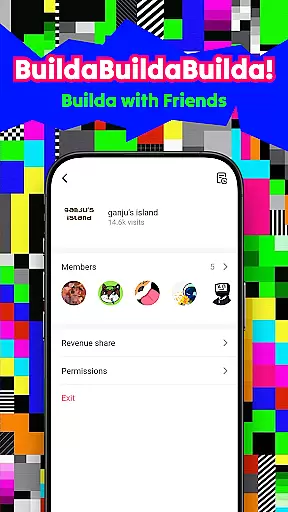
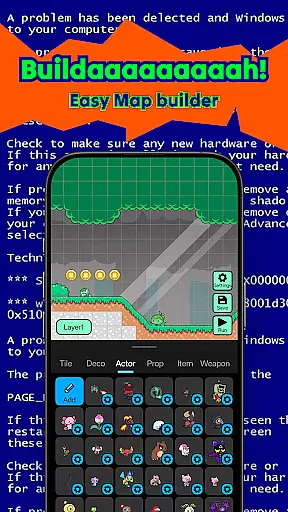
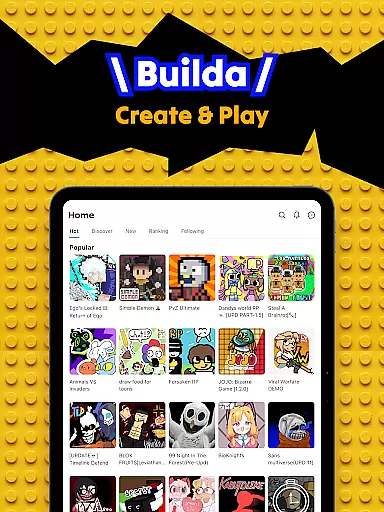
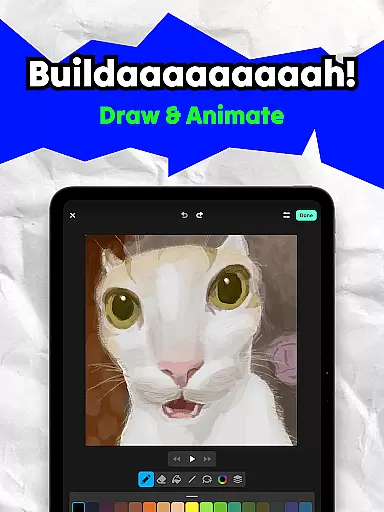
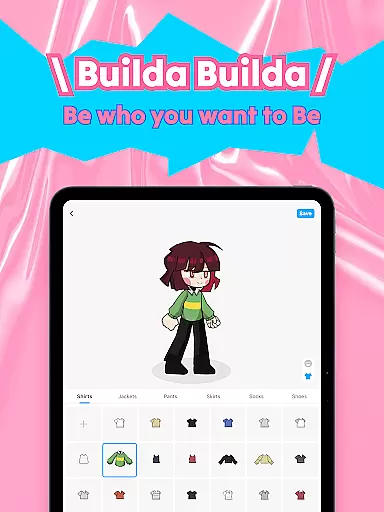
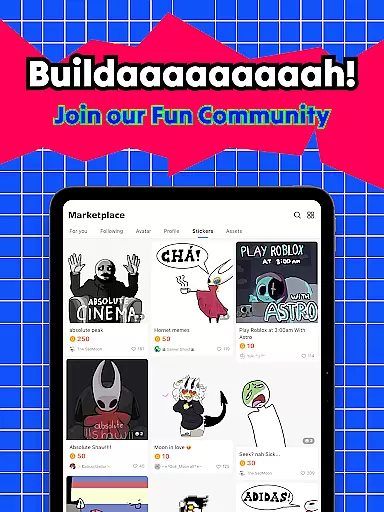
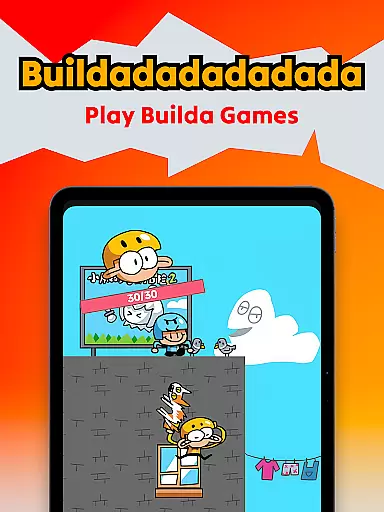
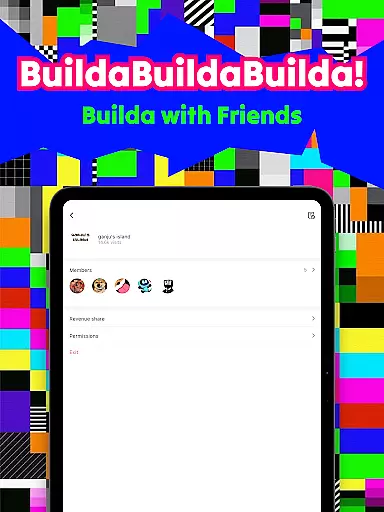
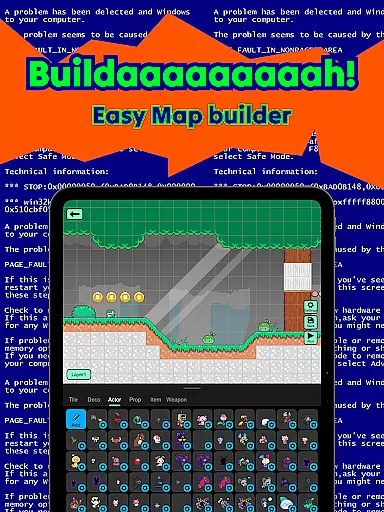
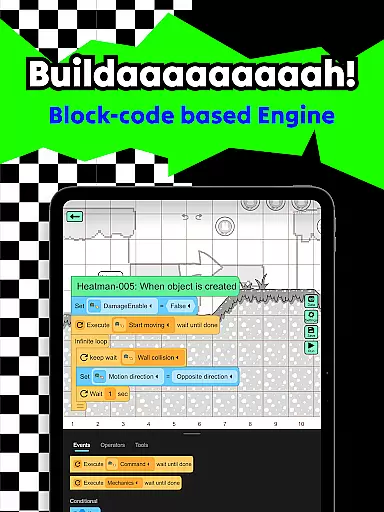
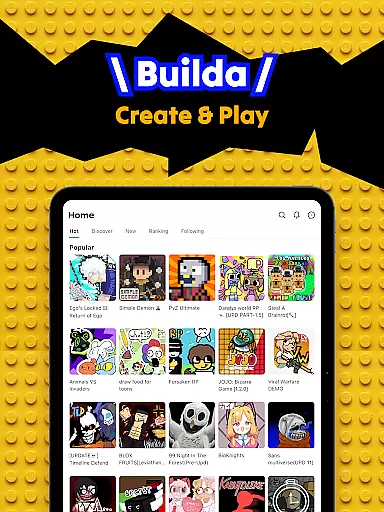
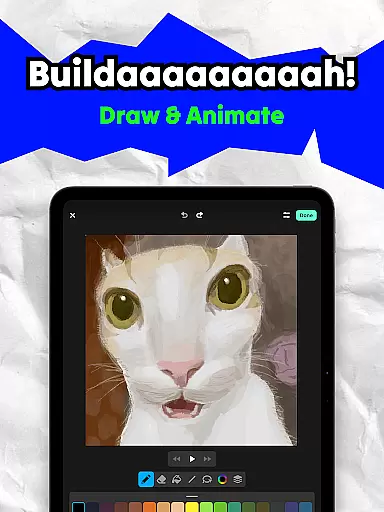
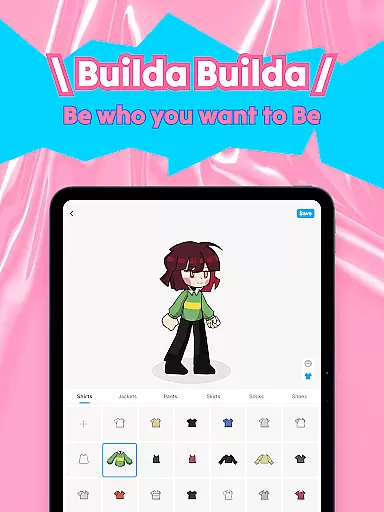
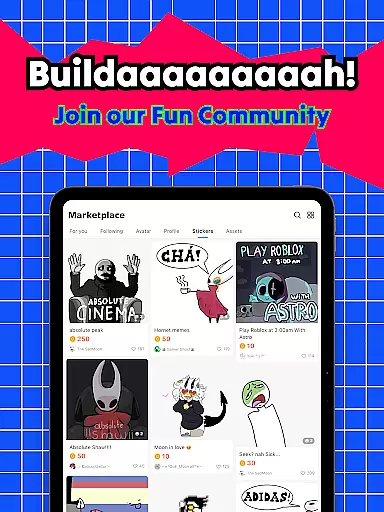
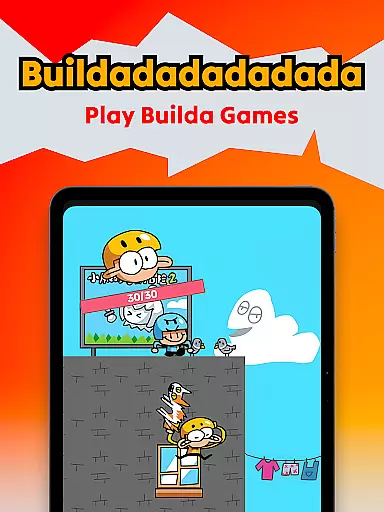
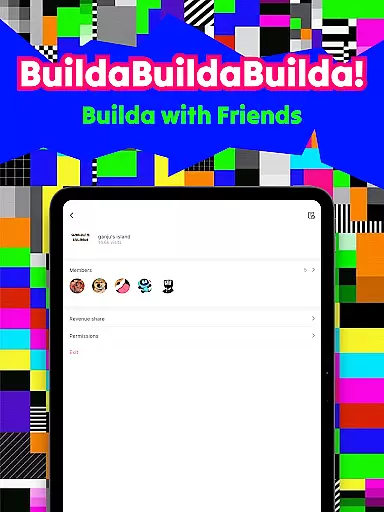
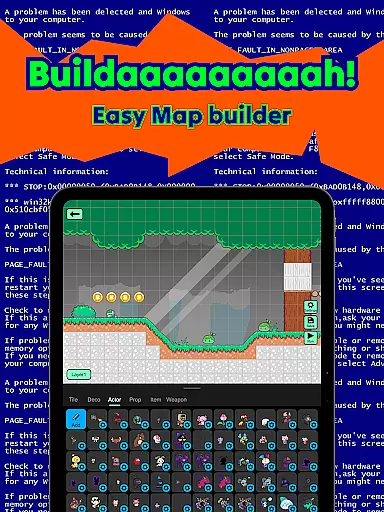
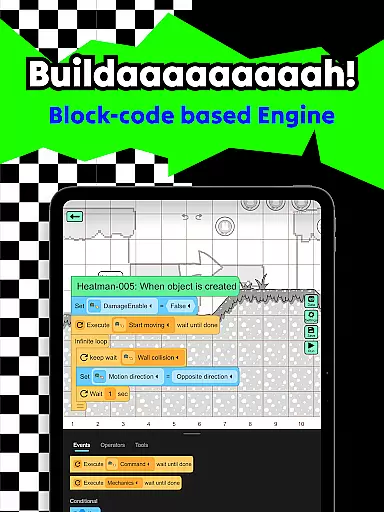
Builda is an innovative educational platform that combines game creation with social interaction, empowering users to both create and play games. The app offers a unique collaborative environment where users can team up with friends to design games, draw and animate characters, and customize avatars.
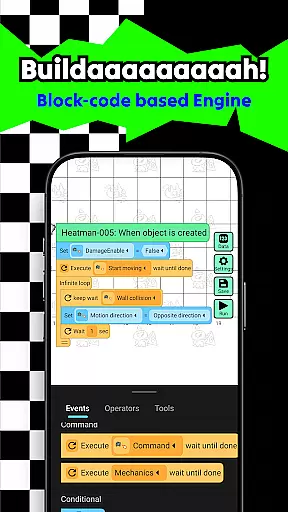
With its user-friendly interface, Builda allows creators to bring their ideas to life without requiring any programming knowledge. The inclusion of easy block coding and animation tools makes it simple for users to develop complex game mechanics and animations. This makes the app particularly suitable for educational settings, where students can learn fundamental concepts of game design and digital art in an engaging way.
The platform's strength lies in its strong community focus. Users can share their creations, participate in global collaborations, and connect with like-minded individuals through chat and group features. This social aspect, combined with the creative tools, makes Builda a valuable educational resource for developing both technical and social skills.
Builda distinguishes itself through several key features that enhance the educational experience. The platform's collaborative game creation tools allow multiple users to work together in real-time, fostering teamwork and communication skills while learning game development.
The drawing and animation suite provides professional-grade tools adapted for educational use. Features like onion skinning for precise animation and a versatile character creator enable students to explore digital art techniques. The ability to remix existing games with custom characters and elements encourages experimentation and iterative learning.
What sets Builda apart from other educational platforms is its comprehensive approach to creativity. The combination of game-making tools, social features, and artistic capabilities creates a well-rounded learning environment. The platform's emphasis on non-programming game creation through block coding makes advanced game mechanics accessible to learners of all ages and skill levels.
In the realm of educational tools, content accuracy is paramount. Builda ensures that all game mechanics and creative elements adhere to factual correctness. The platform provides an intuitive block coding system that allows users to create games without needing programming expertise.
Each feature, from drawing tools to animation editors, is designed with precision to foster learning through play. Users can draw and animate characters using onion skinning techniques, a method widely recognized in professional animation circles. This guarantees that the skills acquired are applicable beyond the app.
The authority of Builda's content stems from its alignment with educational standards. By enabling users to create games, stories, and animations, it encourages critical thinking and problem-solving. These activities are grounded in pedagogical theories that emphasize active learning and creativity.
Builda offers personalized learning paths by allowing users to tailor their creative processes. With features like custom character creation and animation editing, learners can focus on areas that interest them most. This customization fosters a unique educational journey for each user.
The platform supports various styles of drawing and animating, accommodating different skill levels and preferences. Whether users prefer stick figures or detailed pixel art, they can progress at their own pace. This flexibility ensures that learning remains engaging and relevant to individual goals.
Moreover, Buildau2019s community aspect enhances personalization. Users can collaborate with friends, join groups, and participate in global challenges. These interactions provide diverse perspectives and feedback, enriching the learning experience. By integrating social elements, Builda creates a dynamic environment where personalized learning thrives.
User-friendly interface
Collaborative creation tools
No coding required
Strong community focus
Versatile art tools
Limited advanced features
Mobile-only platform
Occasional bugs
Learning curve for tools
Internet connection required

An aviator’s preparation, study and test tool for FAA Knowledge Exams.
 3.90
3.90
Deal Craps (Practice Craps Payouts)
3.80
Guitar chord finder, analyzer, smartly visualized theory, progressions, quizzes.
4.70
Study for your 608 certification.
4.50
Quiz App to help case managers studying for CCMC Certification, 200+ Questions
3.40
Astronomy Guide To Night Sky
4.30
Learn Japanese in an immersive educational game set in Japan!
4.90
Snap a dog photo to identify its breed instantly. Fast, accurate and easy to use
3.40
Educational Activities for 2-8
3.70
The best way to study for your amateur radio license exam.
4.90
Short Lessons for Better Finances, Health, Skills, Jobs & Relationships.
4.80
THE ESTABLISHED "GO TO" ARMY BOARD PREPARATION APP!
4.30
Watch and Play Elmo's World!
4.00
Break Language Barriers with AI—Learn Language Anytime, Anywhere!
4.00
An aviator’s preparation, study and test tool for FAA Knowledge Exams.
3.80
MONOPOLY JUNIOR brings Hasbro's classic the board game to life.
3.00
The official CCM Glossary app, including 700+ terms and definitions.
2.90
Your best partner for learning Japanese words. Based on a best-selling textbook.
2.90
Study the questions most likely to be asked during the Oral & Practical Exams.
2.80


User Reviews