
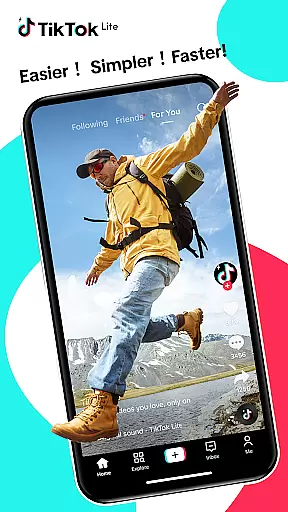

TikTok Lite is a streamlined version of TikTok, optimized for users with low-end devices or limited connectivity. It offers seamless video streaming, trending music videos, and social sharing capabilities while consuming minimal data and storage space. The app's lightweight design ensures fast performance even on devices with limited resources.
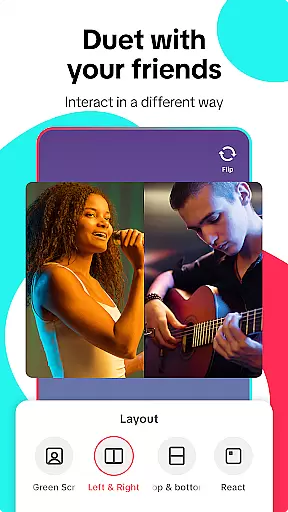
With its compact size of just 18MB, TikTok Lite provides an accessible platform for content creation and consumption. Users can enjoy personalized video feeds, create music-powered videos using advanced editing tools, and engage with the global community through interactive features like duets and comments. This makes it an ideal choice for staying connected and creative under challenging network conditions.
The app's value lies in its ability to deliver the full TikTok experience to users who might otherwise be excluded due to technical limitations. By offering features like offline mode, reduced load times, and cross-platform sharing, TikTok Lite ensures that everyone can participate in the joy of video creativity and social connection regardless of their device capabilities.
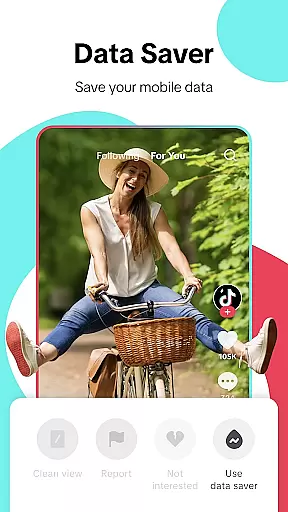
TikTok Lite stands out with its performance-optimized features designed for accessibility. The app saves up to 20% on data usage during video streaming and includes an offline mode for viewing cached videos without an internet connection. Its smaller size and faster loading times make it especially suitable for low-RAM devices, ensuring smooth operation even in areas with unstable networks.
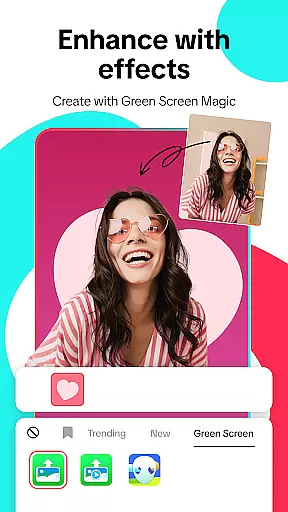
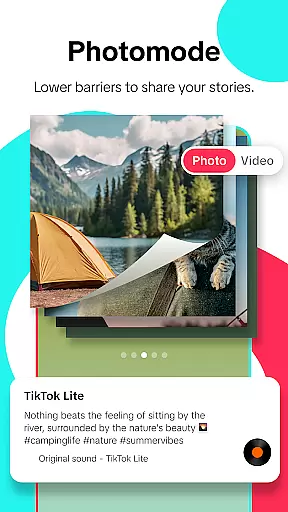
Creative tools are at the heart of TikTok Lite's appeal. Users can access advanced editing features such as music integration, filters, voiceovers, and green screen effects. The app also supports longer video uploads from the gallery and offers privacy controls for managing audience interactions. These features empower users to produce professional-quality content while maintaining control over their shared creations.
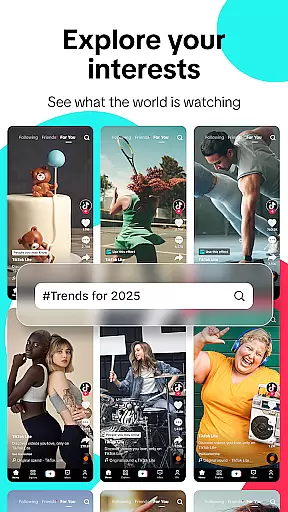
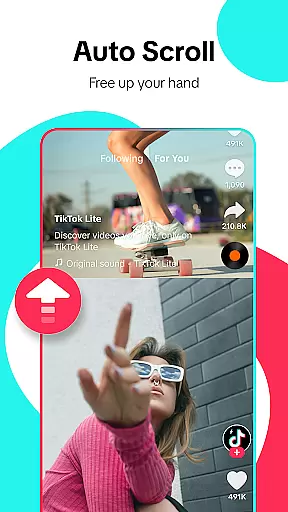
Social engagement is another key aspect of TikTok Lite. The app facilitates interaction through personalized feeds, hashtag discovery, and direct messaging. Users can easily connect with friends across various platforms, share videos widely, and participate in trending challenges. This interconnectedness fosters a vibrant community where creativity thrives despite technical constraints.
User profile customization is a crucial aspect of any social platform, allowing users to express their individuality and establish a unique digital identity. TikTok Lite offers a range of personalization options that enable users to tailor their profiles according to their preferences. From profile pictures to bio information, users can create a representation of themselves that resonates with their personality.
Authenticity verification is equally important in the realm of social media. TikTok Lite employs various methods to ensure that user profiles are genuine and credible. This process not only enhances trust within the community but also helps content creators reach a wider audience by verifying their authenticity. Verified profiles often enjoy increased visibility and credibility among peers and followers.
The combination of robust customization features and stringent authenticity checks provides a balanced ecosystem where creativity thrives alongside accountability. Users feel more connected and engaged when they know they are interacting with real people, which ultimately enriches the overall social experience on TikTok Lite.
Connection discovery is an essential feature for expanding one's social network and engaging with like-minded individuals. TikTok Lite facilitates this process through intelligent algorithms that recommend potential connections based on shared interests, interactions, and viewing habits. By analyzing user behavior, the app suggests friends or content creators whose videos align with a user's preferences.
This proactive approach to connection discovery ensures that users are constantly exposed to new and relevant content, fostering a dynamic and ever-evolving feed. Moreover, it encourages interaction between users who might not have crossed paths otherwise, leading to diverse communities forming around common themes or passions.
Furthermore, TikTok Lite allows seamless integration with other social platforms, making it easier for users to find and connect with friends from different networks. Whether it's through direct messaging, commenting on videos, or participating in challenges, the app provides numerous avenues for users to engage with each other and build meaningful relationships within the global TikTok Lite community.
Lightweight design
Low data usage
Offline viewing
Quick load times
Cross-platform sharing
Limited advanced features
Fewer customization options
Restricted video quality
Smaller user base
Less frequent updates

Swipe, Meet & Chat Real People
 3.80
3.80
Follow the Truth! Join America's leading free-speech social platform.
3.10
Online group games like Mafia, Word War, Scattergories, Ludo, Uno, and many more
4.30
FREE calling and texting (SMS texts + MMS) in US & Canada with FREE phone number
4.30
Sell unwanted items and buy preloved stuff in your local community.
4.10
Dating & make friend to chat, meet, flirt, and make real connections!
4.60
Live Chat & Match! Explore Real-Time Dating and Make Friends!
4.40
Watch 24/7 great live stream, or go live to boost your social followers!
4.50
Reddit is where you’ll find your people and feel at home in every conversation.
4.60
Watch super live shows 24/7, chat & meet friends in Plamfy social networking app
4.70
Live pics from your friends - Only the photos you want to see
4.60
Social App Used By Millions
4.40
Meet Strangers Online, Live Video Chat & Make Random Video Calls on Joi!
4.30
Free texting (SMS) to US, Canada & more. Free new number. Call free & Text free.
4.30
Looking for a date or a friend? Swipe to match and meet open-minded singles.
4.20
Honest dating app where real people find genuine love and real matches.
4.20
A warm, simple dating app for adults seeking real connection.
4.20
Unlimited messages, WiFi Calling, Texting app. Text now with Second Phone Number
4.10
Watch, Edit, Upload and Share Gaming Clips
4.00


User Reviews