
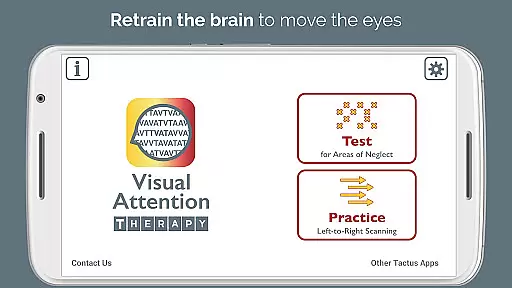
Visual Attention Therapy is a specialized medical application designed to assist individuals with visual attention deficits, particularly those recovering from brain injuries or strokes. The app focuses on retraining the brain to correctly move the eyes across the screen from left to right, which is crucial for improving reading, concentration, memory, and attention to detail.
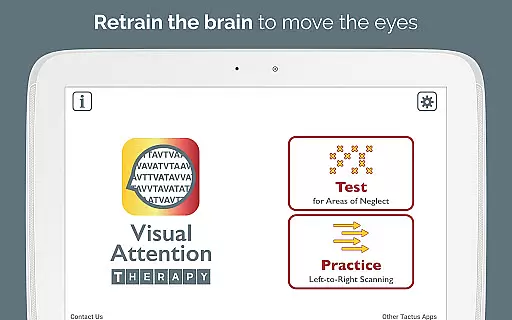
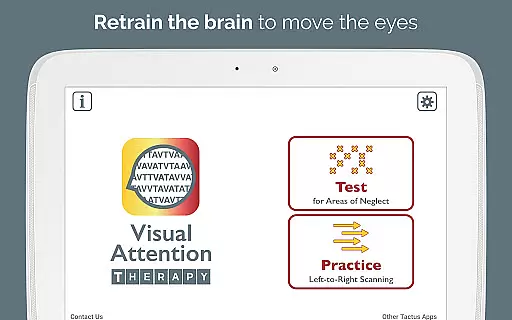
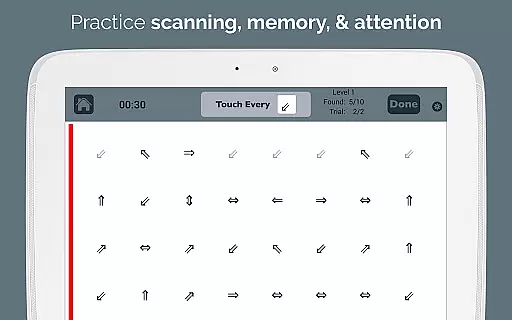
The app offers two primary modes of operation: Test mode and Practice mode. Test mode helps determine if a visual attention deficit exists and its location. Practice mode trains users to scan by finding targets in order, promoting thorough scanning of the entire screen before progressing. This feature is especially beneficial for occupational therapy (OT) and speech therapy (SLP) professionals assessing and treating right or left neglect.
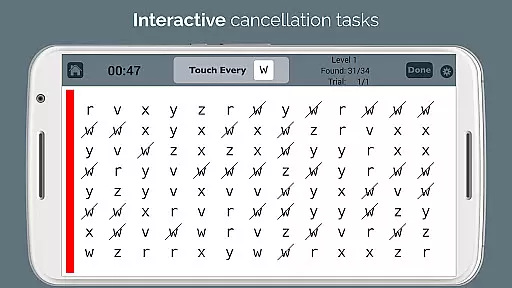
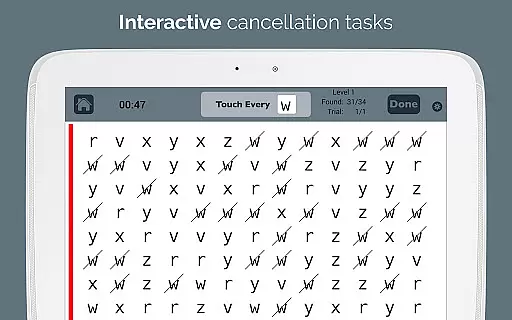
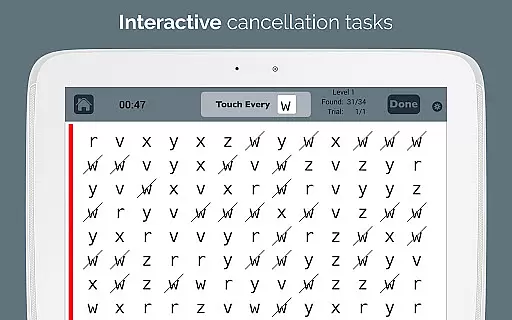
Visual Attention Therapy transforms traditional cancellation tasks into an interactive tool suitable for all ages. It incorporates timed exercises, immediate feedback through visual and auditory cues, automated scoring, and adjustable layouts. These features not only engage users but also provide detailed performance reports, making it a valuable asset in stroke and brain injury rehabilitation.
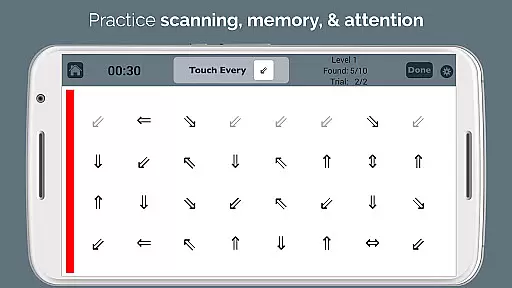
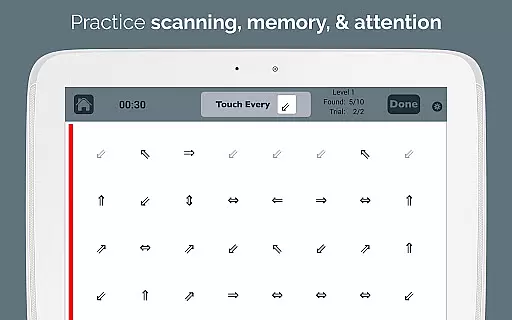
Visual Attention Therapy boasts several distinctive features that set it apart as a dynamic cognitive training tool. One key feature is the requirement for users to tap targets in a specific sequence from left to right and top to bottom in Practice mode. This trains users to slow down and methodically scan the entire screen, enhancing their attention to detail.
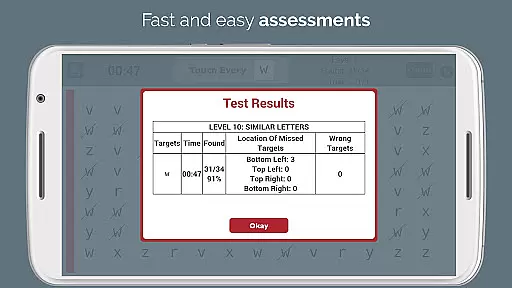
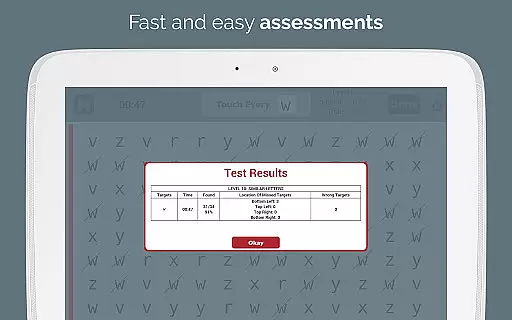
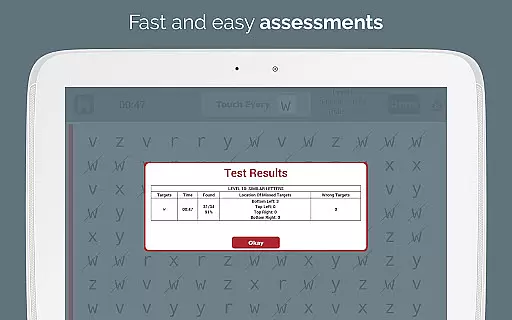
Another standout feature is the provision of immediate feedback through visual and auditory cues, which keeps users engaged and motivated. Timed exercises further encourage quick and accurate work, while automated scoring eliminates the need for manual error counting. The app generates professional emailed reports with data on accuracy by quadrant, completion time, and mistakes.
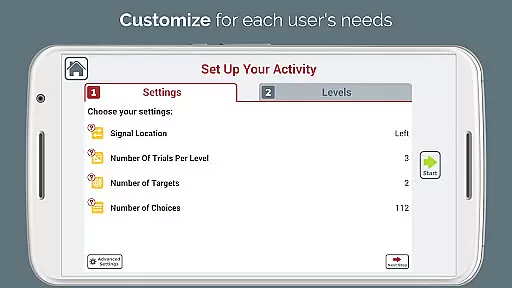
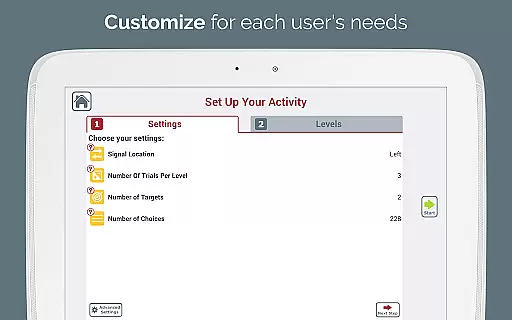
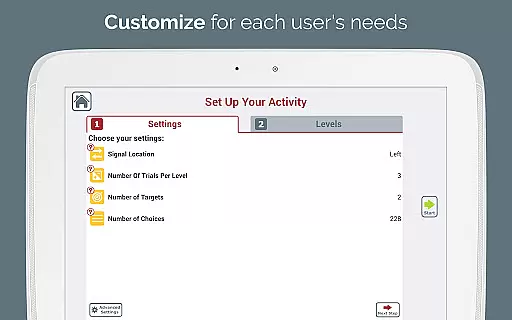
Customization is another hallmark of Visual Attention Therapy. With adjustable layouts, 10 levels of difficulty, and the option to use different targets, the app caters to varying needs and multiple users. A flashing sidebar signal can draw attention to either side, and an endless variety of combinations ensures that users never run out of new challenges. Additionally, the app supports literacy goals and challenges visual memory skills, making it versatile for both adults and children.
Visual Attention Therapy stands out for its strong foundation in medical expertise and professional validation. Developed by a certified Speech-Language Pathologist (SLP), the app ensures that all therapeutic exercises are grounded in scientific research and clinical best practices.
The application is widely used by occupational therapists, speech therapists, neuropsychologists, and reading specialists worldwide. This widespread adoption by professionals underscores the app's credibility in addressing conditions such as left neglect after stroke, brain injury rehabilitation, dyslexia, and attentional deficits in both adults and children.
Users benefit from the app's two modes: Test mode helps determine the presence and extent of visual attention deficits, while Practice mode trains users to improve their scanning abilities through structured exercises. These features are designed based on proven therapeutic techniques, ensuring that patients receive effective and reliable treatment.
Moreover, the automated scoring system provides detailed reports with accuracy metrics, completion times, and error analysis. This data-driven approach not only enhances the reliability of the therapy but also supports healthcare professionals in making informed decisions about patient progress and treatment adjustments.
While Visual Attention Therapy does not offer traditional teleconsultation services, it excels in providing remote therapeutic support through its innovative digital platform. The app bridges the gap between patients and healthcare providers by enabling consistent and accessible therapy sessions from any location.
Occupational therapy (OT) and speech therapy (SLP) professionals can efficiently assess and treat patients with right or left neglect using the app's dynamic tools. The ability to customize layouts and difficulty levels ensures that each user receives personalized care tailored to their specific needs and progress.
Immediate feedback through visual and auditory cues keeps users engaged and motivated during therapy sessions. Timed exercises further enhance this engagement by encouraging users to work quickly and accurately, simulating the focused attention required in real-world scenarios.
In addition, the app's automated scoring and professional e-mailed reports streamline communication between patients and therapists. These reports provide comprehensive insights into user performance, including quadrant accuracy and completion times, allowing therapists to monitor progress remotely and adjust treatment plans as needed.
Improves cognitive skills
Engaging user interface
Automated performance reports
Customizable difficulty levels
Suitable for all ages
Limited to visual tasks
Requires device access
Premium version costly
No offline functionality
Complex for beginners

Modivcare members can book and manage trips.
 4.50
4.50
The Omada app enhances your program experience and helps you stay engaged.
4.50
Personalized hearing experience and health data tracking
4.50
Log your symptoms in the MyZio app — the perfect companion to the Zio monitor!
4.60
Zepbound & Mounjaro support & resources for savings, tracking & more
3.90
Search by insurance, see real-time openings & verified reviews, get care fast.
4.80
Take your aphasia therapy to the next level with 4 evidence-based advanced apps
4.70
A comprehensive 3D atlas of the human body
4.80
Hear far away sounds, conversations, TV and surrounding sounds more clearly.
4.70
CPR Timer for High Performance AHA BLS / ACLS
5.00
Access health information and communicate with your care team anytime, anywhere.
4.80
Your donation experience just got smoother; Donor Hub is your go-to place.
4.70
Remote, medical-grade heart care at your fingertips
4.70
Sync your blood glucose device, log values automatically and tame your diabetes!
4.60
PPP provides quick offline access to over 350 field treatment protocols.
4.60
Download OctaApp for easy access to your plasma donation info
4.40
Your pocket guide to following The Monash University Low FODMAP diet.
4.20
Continuous Glucose Monitoring
3.40
The world's best selling 3D Human Anatomy app with groundbreaking 3D technology
2.00


User Reviews