
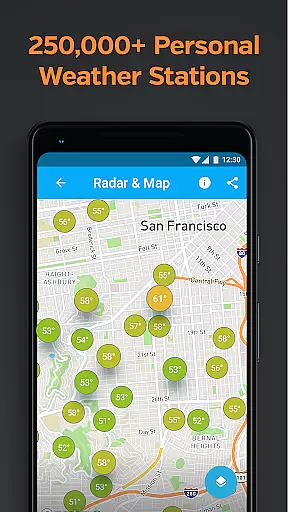
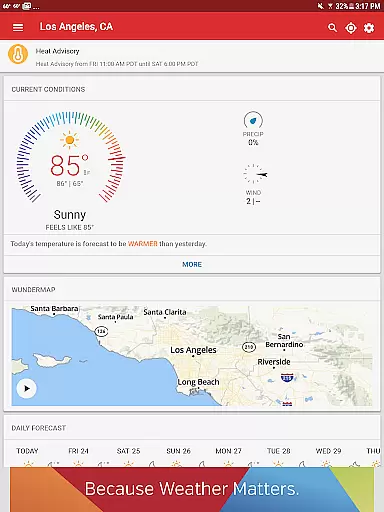
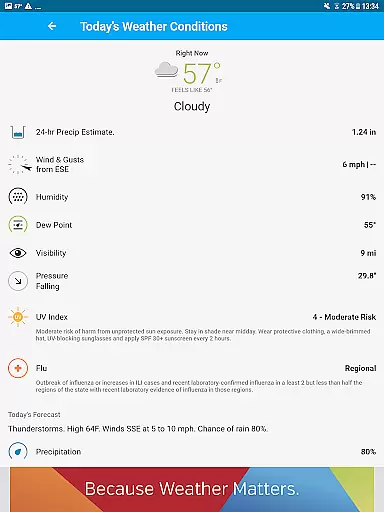
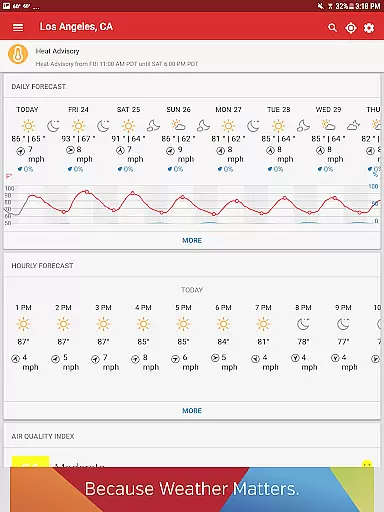
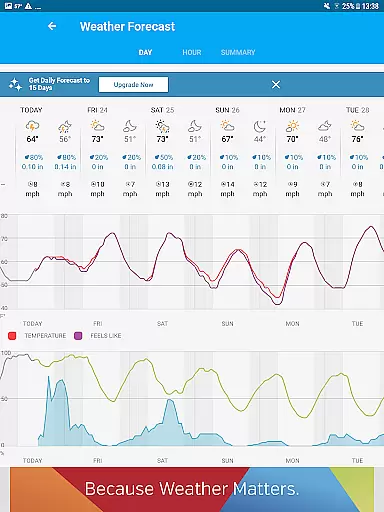
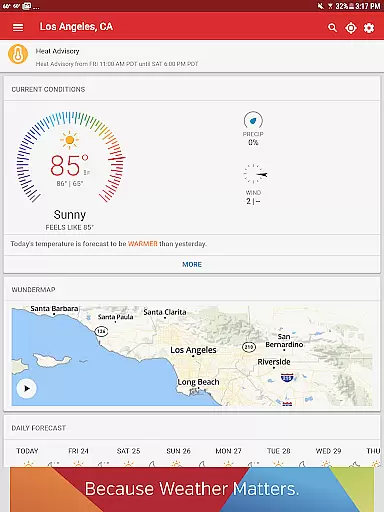
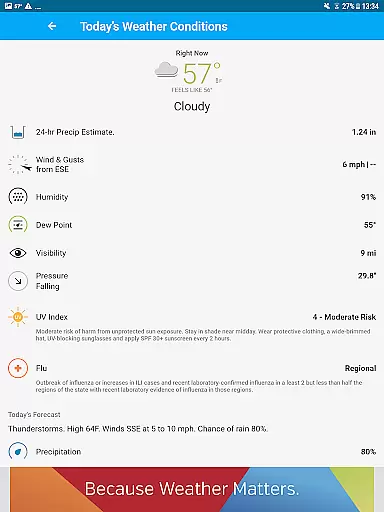
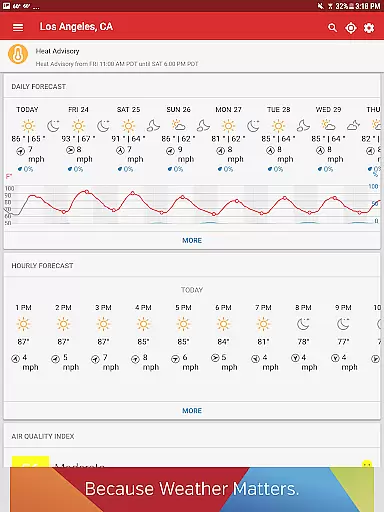
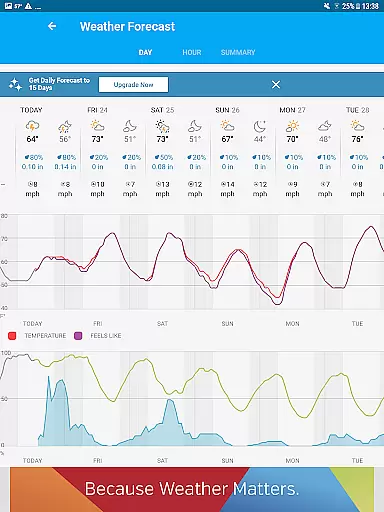
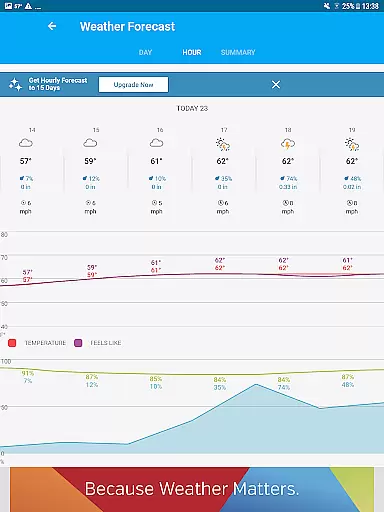
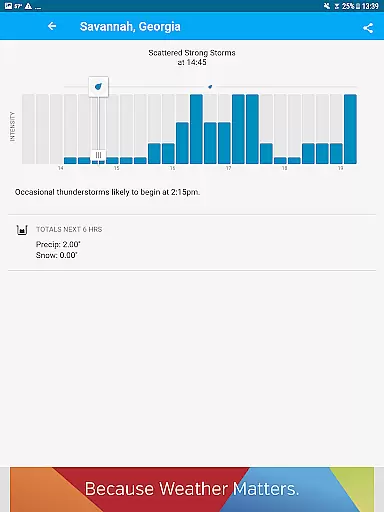
Weather data & microclimate is a hyper-local weather application that provides users with precise current conditions and forecasts based on the closest weather station. The app leverages data from over 250,000 personal weather stations and a proprietary forecast model to deliver accurate weather updates at a microclimate level.
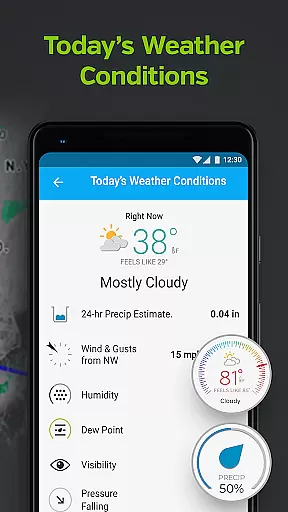
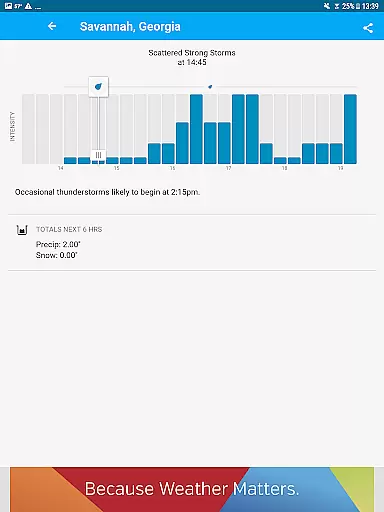
Users can access detailed local weather information including temperature, wind speed, humidity, and pressure. The app also features customizable weather alerts, Nexrad radar imagery, and advanced storm tracking capabilities. Whether planning outdoor activities or preparing for severe weather, this app ensures you stay informed and ready for any weather condition.
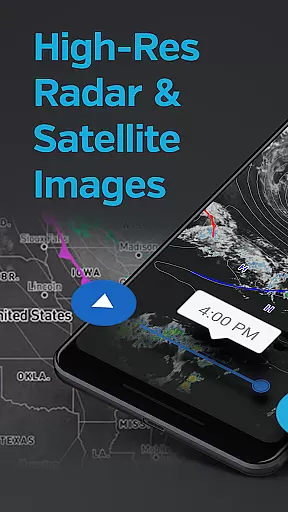
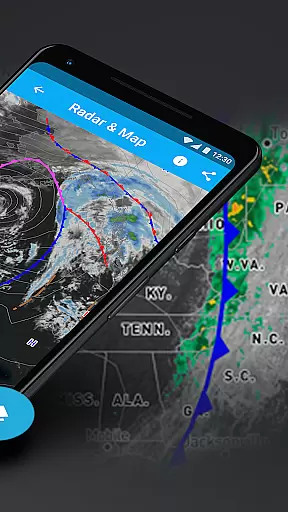
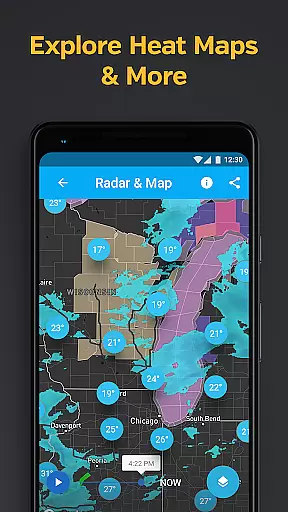
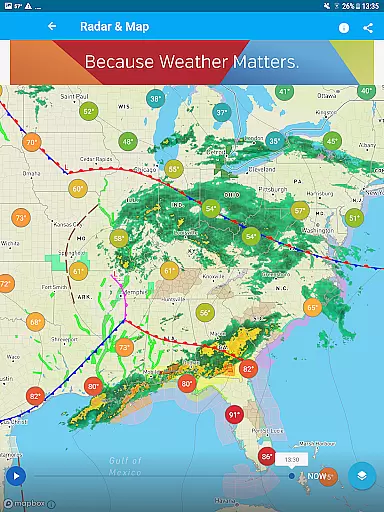
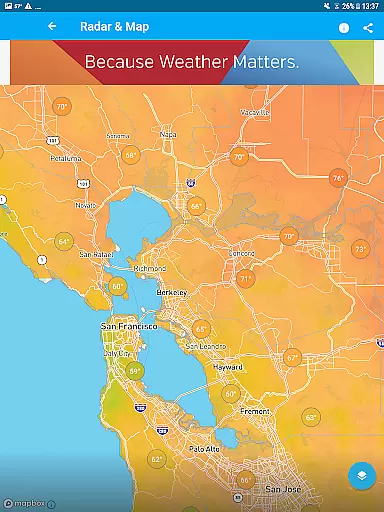
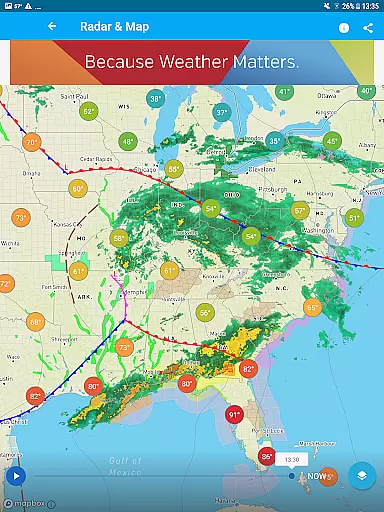
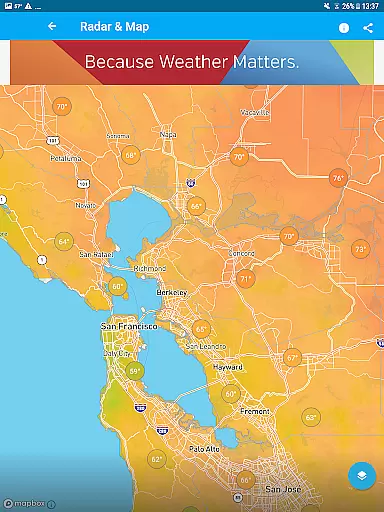
The Weather data & microclimate app stands out with its interactive weather maps powered by Nexrad radar technology. Users can visualize various weather overlays, satellite imagery, and heat maps, providing a comprehensive view of current and upcoming weather patterns.
A key feature is the hyper-local forecasting system. Unlike traditional weather services that rely on airport weather stations, this app uses data from nearby personal weather stations, ensuring more accurate and relevant weather information for each user's specific location. Additionally, the premium subscription offers smart forecasts and extended hourly predictions up to 15 days in advance.
Weather data accuracy is crucial for making informed daily decisions. Weather Underground achieves exceptional precision by sourcing information from over 250,000 personal weather stations worldwide. This extensive network ensures that users receive hyper-local forecasts tailored to their specific microclimate.
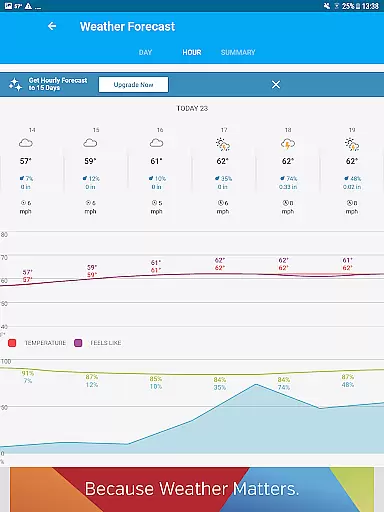
The app's proprietary forecast model combines real-time data with advanced algorithms to deliver reliable predictions. Users can access detailed current conditions, including temperature updates wind speed and direction as well as precise chance of rain forecasts. The integration of Nexrad radar technology further enhances the accuracy of storm tracking and severe weather alerts.
This level of data credibility provides significant value to users who depend on accurate weather information for their outdoor activities and safety planning. Whether preparing for extreme rain or monitoring drought conditions the app's trustworthy data sources ensure users are always well-prepared for their local weather patterns.
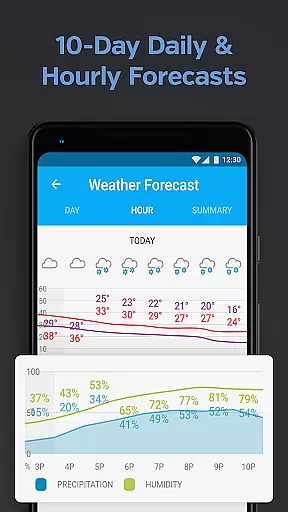
Comprehensive weather forecasting requires both temporal and spatial accuracy. Weather Underground excels in this area by providing detailed forecasts up to 10 days in advance while maintaining precise geographical coverage through its network of personal weather stations. This dual capability ensures users receive reliable information about their immediate surroundings and future weather patterns.
The app's sophisticated weather maps offer various overlays including satellite imagery radar and temperature maps. These visualizations powered by NOAA's GOES-16 satellite provide hi-resolution cloud cover and atmospheric data. Users can track developing weather systems through customizable map layers that display precipitation accumulation and storm movement.
This extensive forecast range combined with precise location-based data enables users to plan effectively for both short-term and long-term weather events. From hourly updates to extended forecasts the app maintains consistent accuracy across different time frames and geographical areas ensuring users stay informed regardless of their location or planning horizon.
Hyper-local forecasts
Interactive weather maps
Customizable alerts
Precise weather data
Advanced storm tracking
Premium subscription cost
Ad-heavy free version
Limited global coverage
Complex interface
Occasional data delays

Local weather forecast, reliable daily weather report
 4.30
4.30
Retro TV-style digital watch face with weather, heart rate, steps & events!
4.0
Live Alabama weather from James Spann—forecasts, radar, alerts, Spanncams.
4.70
No ads, No data collected. Beautiful and powerfully customizable weather app
4.90
Local Weather provides accurate and current hourly and daily forecasts.
4.80
Track lightning strikes with our thunderstorms map, radar and lightning alarm.
4.70
14-day & 24-hour Forecast | Real-time Alert | Accurate & Fast
4.40
Stay Ahead Of Changing Weather Conditions
4.00
Your ultimate app for real-time weather information!
4.70
Hurricane Tracker, Rain Map
4.80
NOAA forecast & radar for your exact location.
4.80
Nuts Weather, your ideal choice for knowing weather forecast & weather radar
4.70
Road weather, live radar, wind, snow, and conditions along your driving route.
4.70
Weather channel forecasts weather daily & hourly, local and national air quality
4.70
Weather watch face for Wear OS 5
4.40
Your Reliable Weather Companion
4.10
3D Animation Weather Icon
4.00
Determine Best Hunting Times for any date, any location.
2.50
Detailed weather info and moon phase, subtle animation, customizable
4.5


User Reviews