
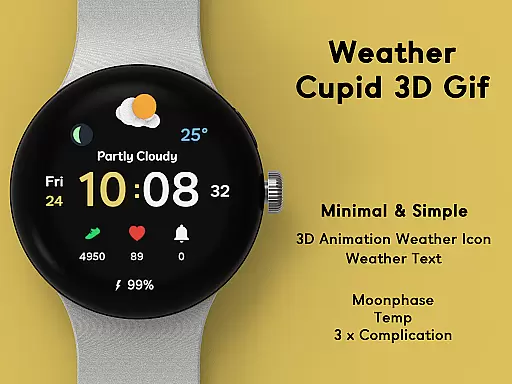
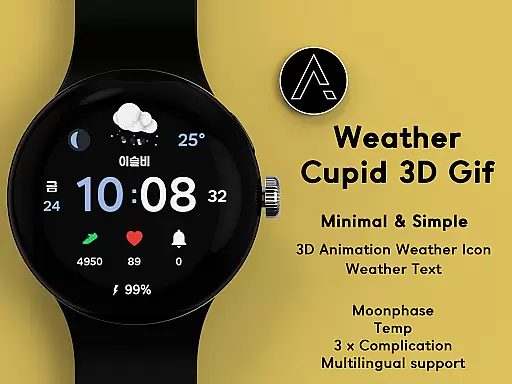
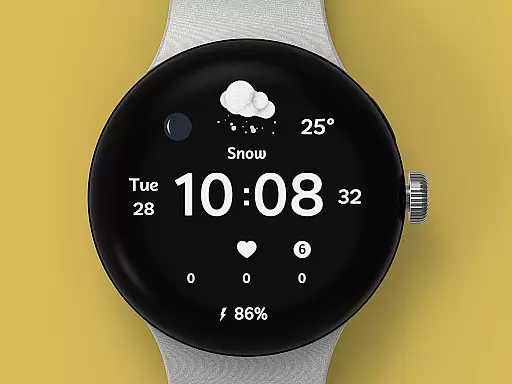
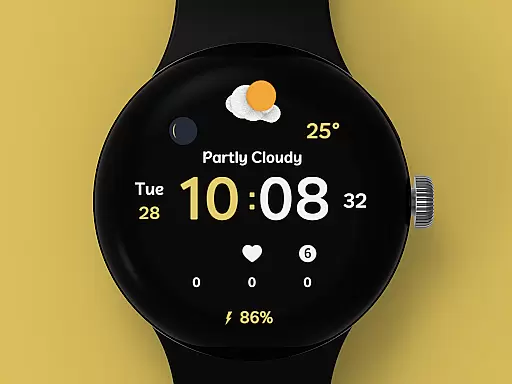
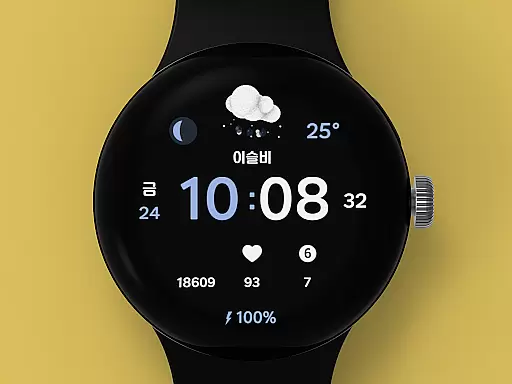
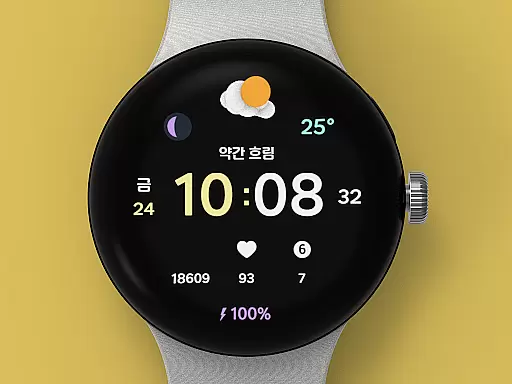
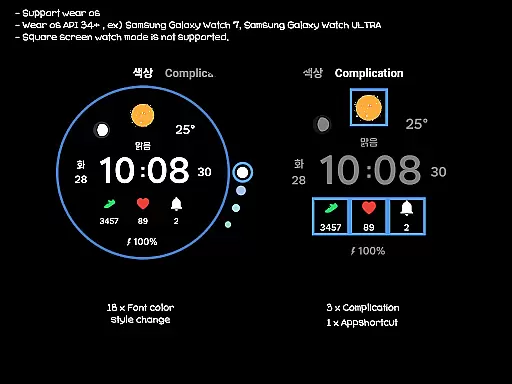
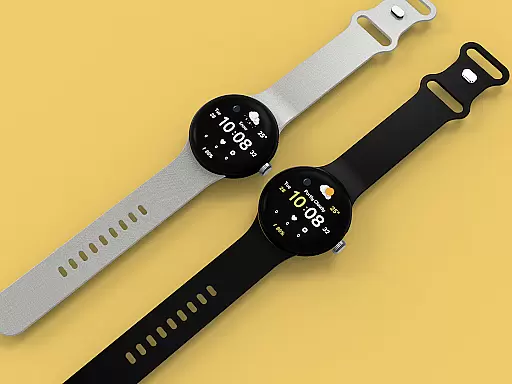
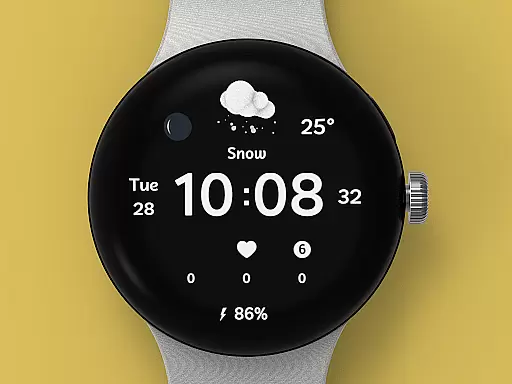
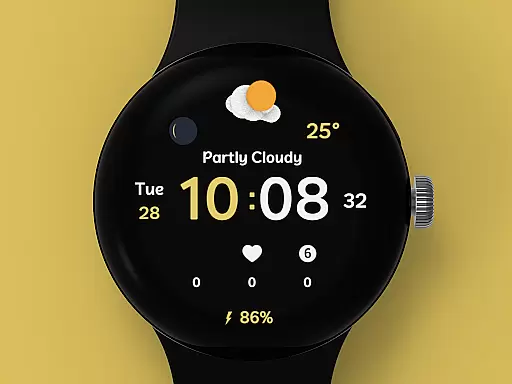
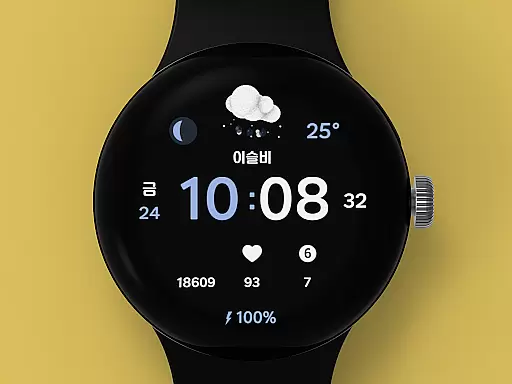
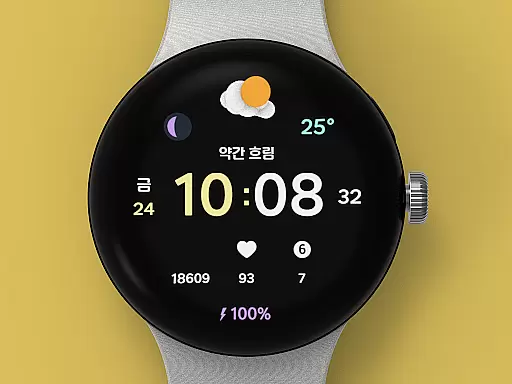
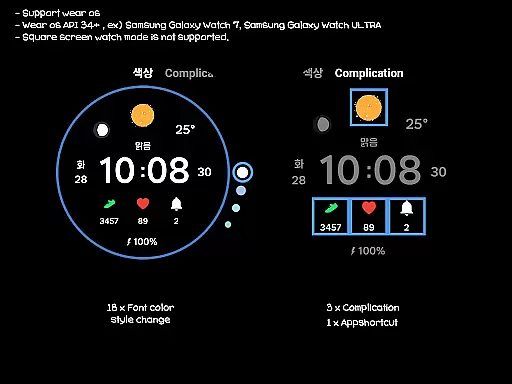
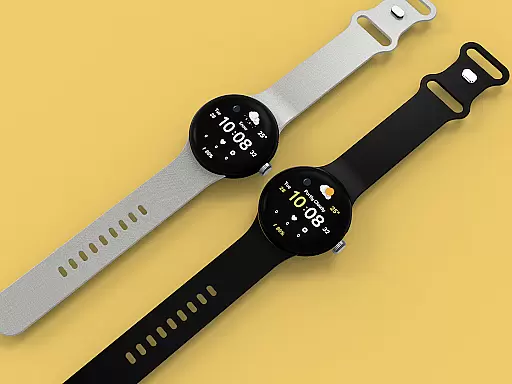
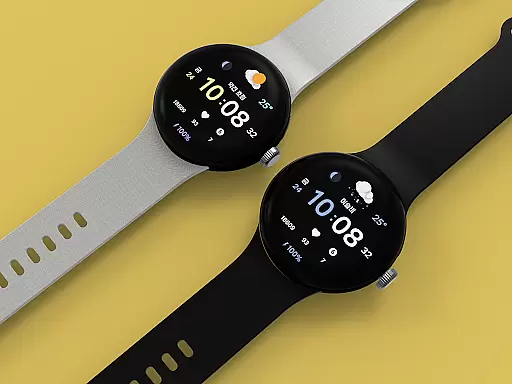
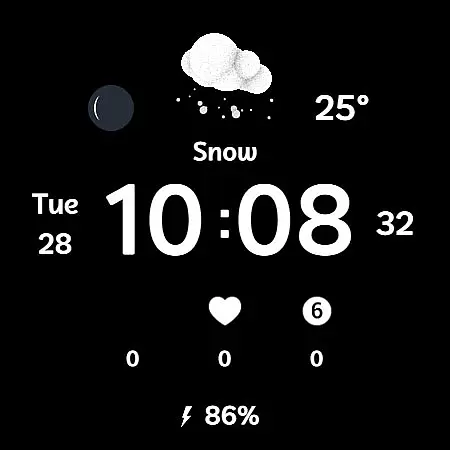
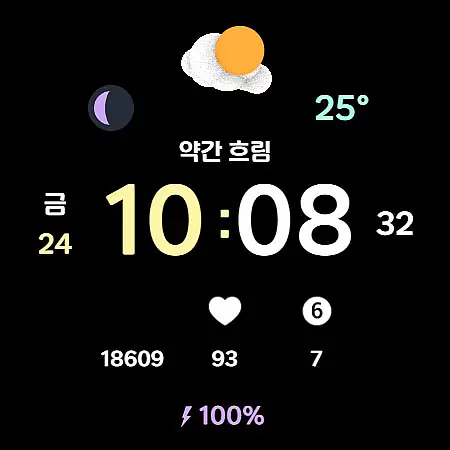
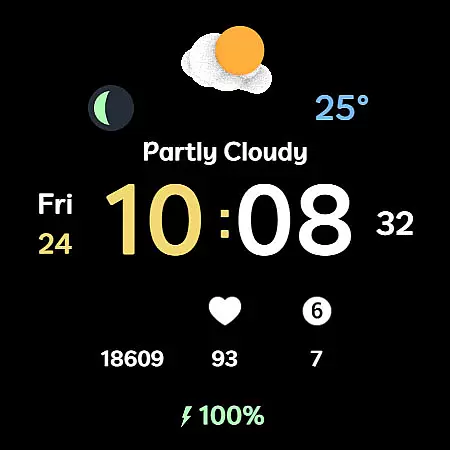
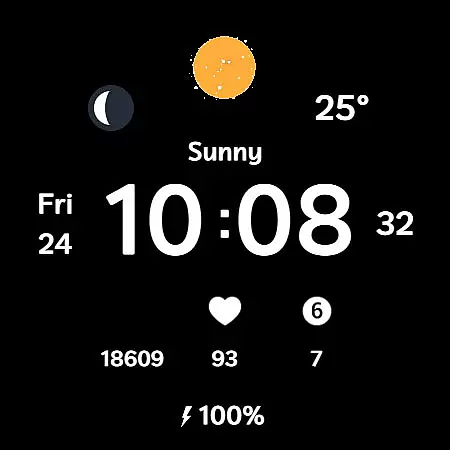
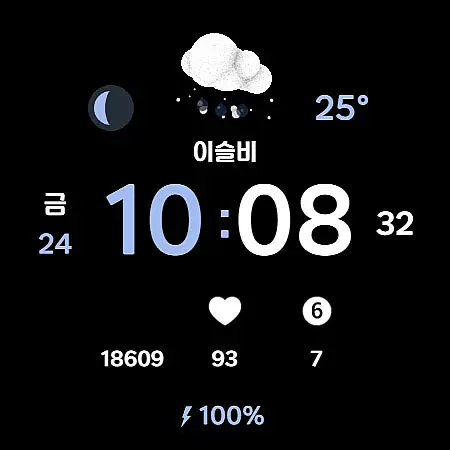
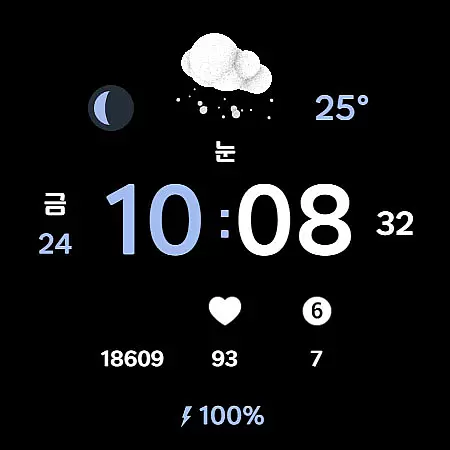
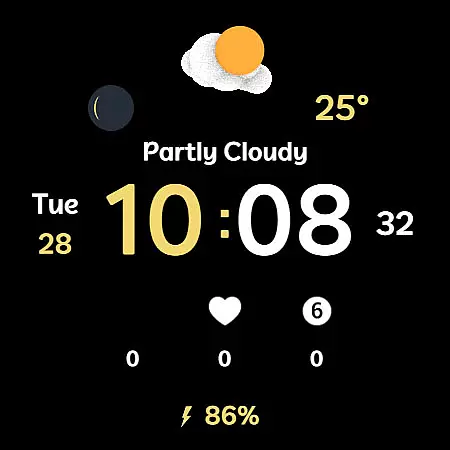
Weather Cupid 3D Gif is a visually appealing Wear OS watch face that combines functionality with aesthetics. This digital watch face features a minimalistic design complemented by lively 3D animated weather icons, making it both practical and engaging. Users can easily check essential information such as temperature, moon phase, and battery percentage while enjoying the intuitive interface.
The watch face supports multiple languages and offers both 12-hour and 24-hour time formats. Weather data is automatically updated every 30 minutes, ensuring users have access to current information. With customization options like font color styles and complications, this app provides a personalized experience tailored to individual preferences. Its compatibility with Samsung's weather API ensures reliable data accuracy for daily use.
Weather Cupid 3D Gif stands out with its unique combination of features designed for Wear OS devices. The app showcases vibrant 3D weather animations that bring the watch face to life, offering an interactive way to view weather updates. It includes support for both Celsius and Fahrenheit temperature scales, catering to global users' needs.
Additional functionalities include multilingual support, moon phase tracking, and battery percentage display. Users can customize their experience through 18 different font color styles and three complication options. The app also integrates seamlessly with Samsung’s weather API, providing dependable weather information. Although square screen modes aren't supported, the overall design ensures optimal performance on compatible devices.
Weather Cupid 3D Gif provides accurate weather forecasts based on the API provided by Samsung. This ensures that users receive reliable and precise weather information directly to their Wear OS device. The temperature data is available in both Celsius and Fahrenheit, catering to global users.
The application updates weather information approximately every 30 minutes, ensuring that users have access to the latest forecast throughout the day. For those needing more immediate updates, a manual update feature allows users to refresh the weather data by accessing the weather complication and pressing the update button.
While the weather information is generally reliable, it's important to note that there may be slight variations compared to other providers. This discrepancy stems from differences in data sourcing and processing methods. However, for everyday use, Weather Cupid 3D Gif offers sufficiently accurate data for planning outdoor activities.
With Weather Cupid 3D Gif, users can easily check weather conditions with its intuitive design and lively animated weather icons. The application supports multilingual options, making it accessible to a wide audience across different regions. This spatial coverage ensures that no matter where you are, you'll receive localized weather updates.
In terms of temporal coverage, the app provides current temperature readings as well as moon phase information. While it doesn't offer an extended forecast, the regular updates every 30 minutes give users a near real-time snapshot of the weather conditions. This makes it easier to make quick decisions about going outside or preparing for upcoming weather changes.
Additionally, if weather information fails to display after restarting your watch, simply reapply the watch face to restore normal functionality. This minor inconvenience is outweighed by the convenience of having essential weather details right on your wrist.
User-friendly interface
Customizable design
Accurate weather data
Vibrant 3D animations
Multilingual support
No square screen support
Limited manual updates
Bluetooth dependency
Weather data delay
Initial setup complexity

Live local weather updates: various widgets & radar maps & hourly forecast.
 4.70
4.70
Get the ad-free version of the highly rated WeatherBug app for accurate weather!
4.50
Global weather forecast, powered by layered radar & hourly weather updates
4.10
Industry leading whitetail movement predictor & hunting app.
4.60
Accurate Weather App: various widgets, real-time storm radar, hurricane tracker.
4.50
Weather watch face for Wear OS 5
4.40
Powerful US and worldwide earthquake feed with earthquake alerts and maps.
4.70
Advanced weather toolkit, providing detailed weather information for any season!
3.50
NOAA forecast & radar for your exact location.
4.80
Hurricane Tracker, Rain Map
4.80
My Tide Times Pro is the only tide tables and forecasts application you'll need.
4.80
Check room temperature with this indoor thermometer. thermostat & hydrometer
4.70
Live weather forecast for your everyday life
4.60
Weather watch face for Wear OS 5+
4.40
All-in-one weather radar launcher with rain, temperature maps & local forecast.
4.30
Weather forecast & live radar map
4.20
Accurate Local Weather Forecast, let you easily understand the nearby weather!
4.20
Storm Radar, Alerts & Live Weather Forecasts Right on Your Home Screen
3.70
Instant weather updates, easy to check anytime on your home screen.
3.50


User Reviews