
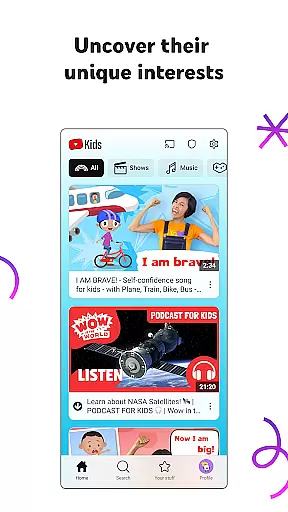
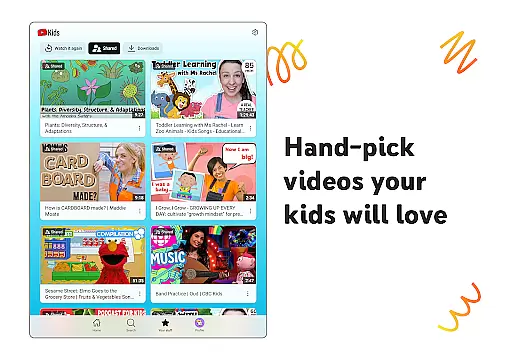
YouTube Kids is a specialized entertainment app designed to provide a safe and engaging video-watching experience for children. The app offers a vast selection of kid-friendly content, allowing young users to explore videos that spark their curiosity and imagination while ensuring parental peace of mind.
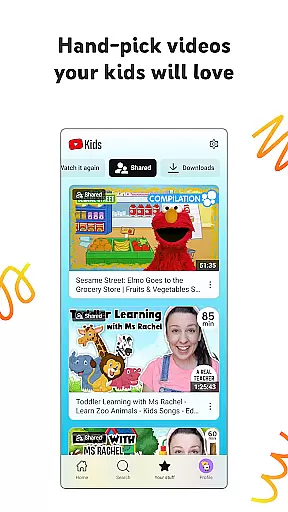
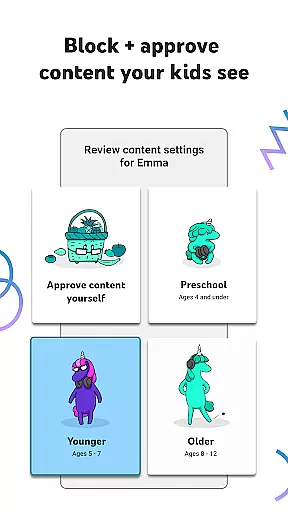
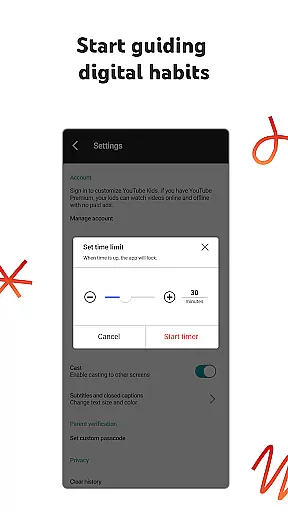
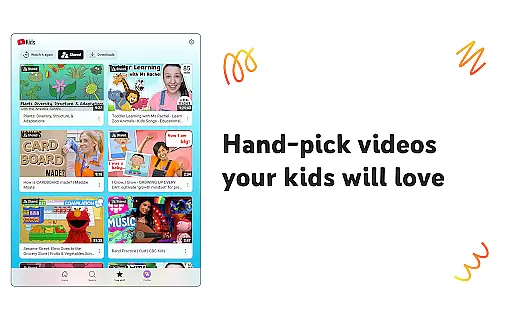
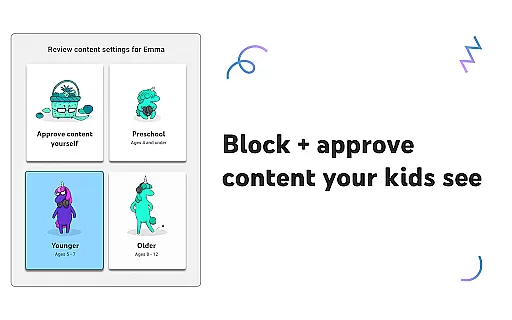
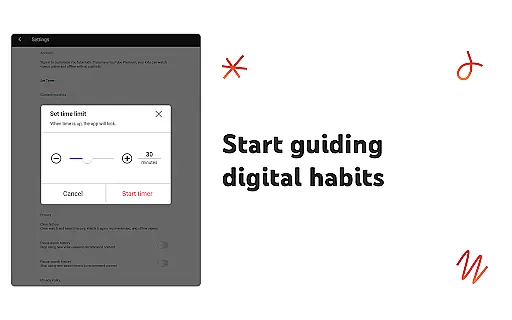
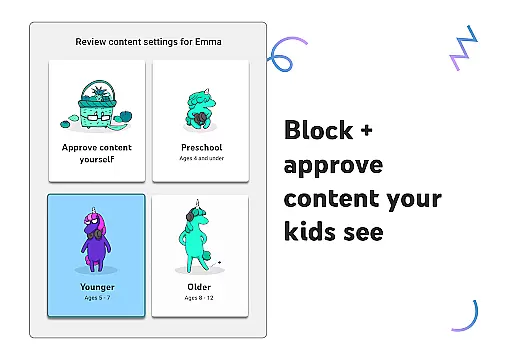
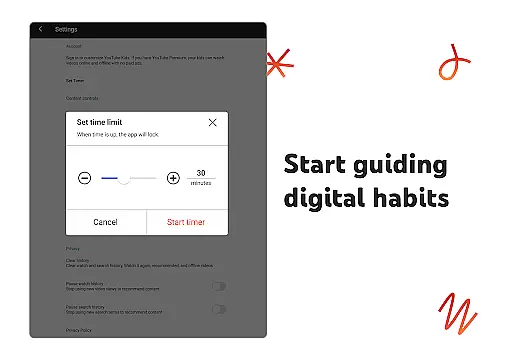
With features like age-specific modes (Preschool, Younger, and Older), parents can tailor the viewing experience to match their child's developmental stage. Additionally, the Approved Content Only mode lets guardians hand-pick exactly what their kids can watch. YouTube Kids also includes parental controls, enabling adults to block unwanted content and set screen-time limits, making it an ideal tool for fostering a balanced digital lifestyle.
This app is particularly useful for families looking to introduce their children to digital media in a controlled environment. By combining educational content with fun, creative videos, YouTube Kids helps children discover new interests and build confidence in navigating the digital world.
YouTube Kids stands out with its robust suite of features designed to create a customized and secure viewing environment. One of its key features is the availability of four distinct content modes: Preschool, Younger, Older, and Approved Content Only. These modes allow parents to filter videos based on age-appropriateness and individual preferences, ensuring that children only access content that aligns with their maturity level.
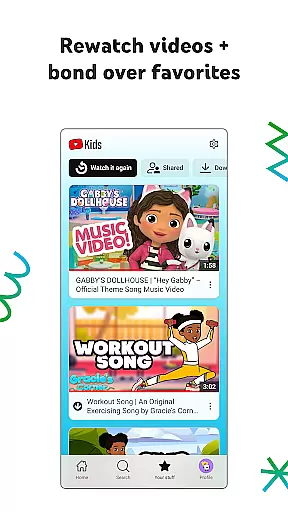
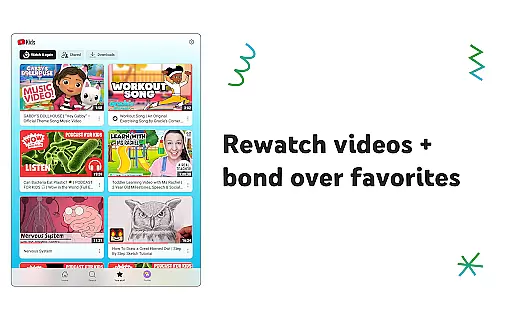
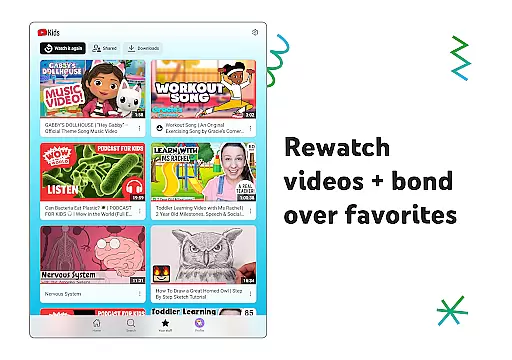
The app also includes a Watch it Again section, where kids can easily revisit their favorite videos. Parental controls are another highlight, empowering guardians to block specific videos or channels and flag inappropriate content for review. Furthermore, the Timer feature helps manage screen time by pausing the app when the allocated time is over, encouraging healthier digital habits.
These features collectively ensure that YouTube Kids not only entertains but also educates and protects young viewers, offering significant value to both children and their parents.
In the realm of digital entertainment, content variety and freshness are paramount to maintaining user engagement. YouTube Kids excels in this area by offering a diverse range of video content tailored specifically for children.
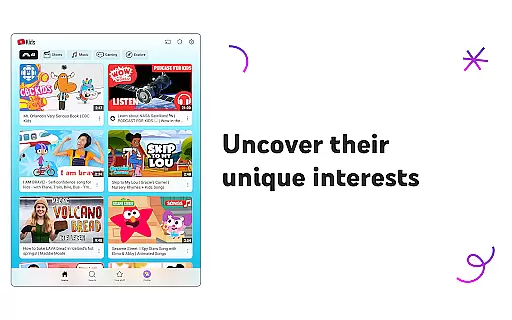
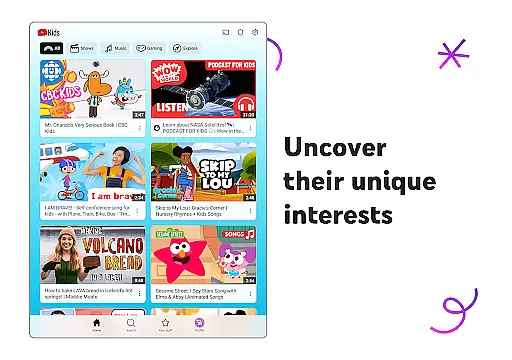
From educational videos that teach the alphabet and nurture curiosity in Preschool mode, to popular music and gaming videos for older kids, the app covers an extensive array of interests and age groups. This ensures that every child can find something that resonates with their current preferences and developmental stage.
The app's dedication to fresh content is evident through its various modes, such as Younger and Older, which allow children to explore new songs, cartoons, DIY crafts, and more. By continuously updating its library, YouTube Kids keeps young viewers engaged and excited to discover what's new.
Parents can feel confident that their children have access to a dynamic and ever-evolving platform that encourages exploration and learning. The result is an entertaining experience that grows with the child, consistently offering novel and engaging content.
User engagement duration and retention are critical metrics for any entertainment platform, indicating how well it captures and holds the audience's interest over time. YouTube Kids addresses these aspects effectively by creating an environment where children want to return repeatedly.
One key feature contributing to prolonged engagement is the Watch it Again tab, which allows kids to easily revisit their favorite videos. This not only enhances user satisfaction but also increases the likelihood of continued use as children bond over familiar content.
Additionally, parental controls play a significant role in retention by ensuring a safe viewing experience. With customizable content filters and the ability to block inappropriate videos or channels, parents can tailor the app to suit their familyu2019s unique preferences, fostering trust and long-term usage.
By combining a rich selection of engaging content with tools that promote safety and personalization, YouTube Kids successfully maintains high levels of user engagement and retention, making it a go-to destination for young viewers seeking both fun and learning opportunities.
User-friendly interface
Parental control options
Age-specific content filters
Educational and entertaining videos
Customizable profiles
Limited offline functionality
Potential ad exposure
Content moderation concerns
Requires parental setup
Dependent on internet connection

Ultimate VR movie player for android mobile videos
 4.2
4.2
Exclusive creator communities
4.70
Watch short films, dramas, reels, series and movies anytime on Micro Drama.
4.60
Classic dynamic pixel art from Mark Ferrari.
4.70
Create melty bead designs by numbers, photos or your imagination
4.40
Underrated short-drama gems that hit hard and keep your heart hooked.
4.50
Series,Películas y Telenovelas
4.50
Start EVP/Spirit Box tonight: real EMF, offline, recording. One-time purchase.
4.10
Original short dramas with diverse genres for a rich viewing experience!
4.80
The OFFICIAL PeeWee Purpdrank Soundboard!
4.80
Time tracking, lap counting and much more for Carrera® Digital 132/124
4.80
Watch Reels, Drama Shorts & TV Series Anytime. Download DramaWave Now!
4.70
Stream Movies & TV Series: Original Shows, Family Movies & New Releases Weekly
4.60
Fetch money rewards all just for playing games. Cash out for gift cards in app.
4.50
Geooh GO is the most feature rich geocaching app available today.
4.50
Heroclix search units with multi filter , team builder, collection manager.
4.40
Come and watch short dramas, reels with diverse genres!
4.40
Alice Box is an Instrumental Trans Communication app.
3.80
Raise Christmas Magic with daily missions, magical scanners, and kindness.
4.3


User Reviews