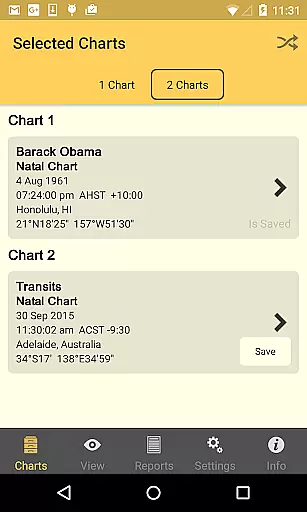
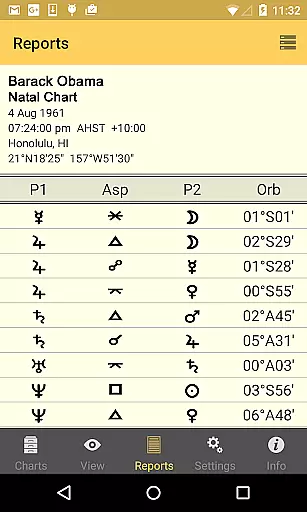
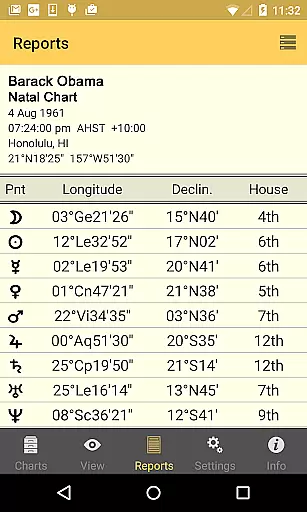
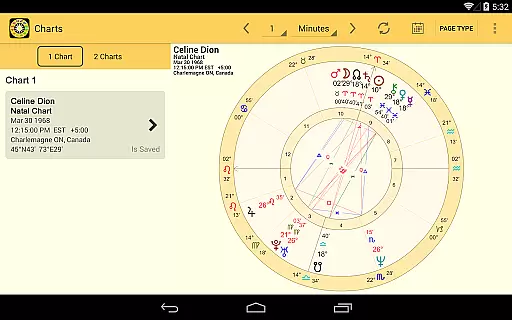
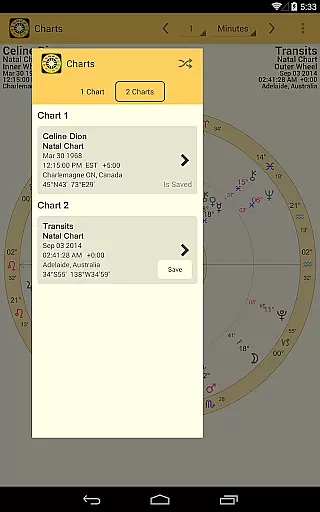
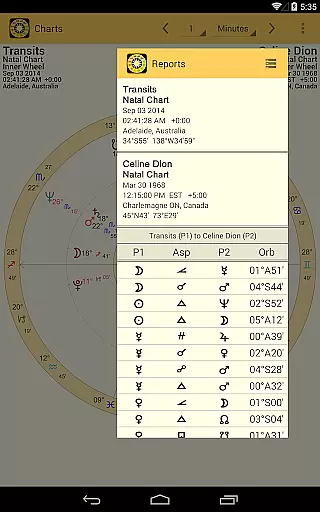
Astro Gold is a professional-level astrology app designed for Android users who seek precision and depth in astrological analysis. The app offers high-precision calculations using the Swiss Ephemeris, catering to both amateur enthusiasts and professional astrologers. With features like Natal, Transit, Progression, and Synastry interpretations, Astro Gold makes astrology accessible on-the-go.
One of the standout capabilities of Astro Gold is its compatibility with the Solar Fire PC program, allowing users to exchange chart files via email import and export. This seamless integration enhances the user experience by bridging mobile and desktop astrology workspaces. Whether you're casting new charts or analyzing existing ones, this app provides a comprehensive toolkit for all your astrological needs.
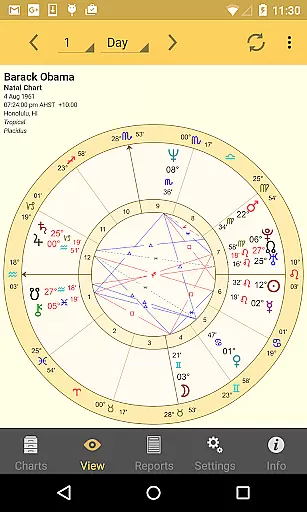
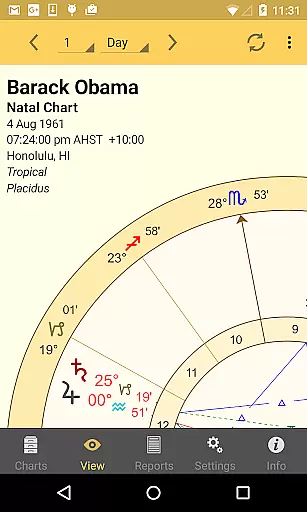
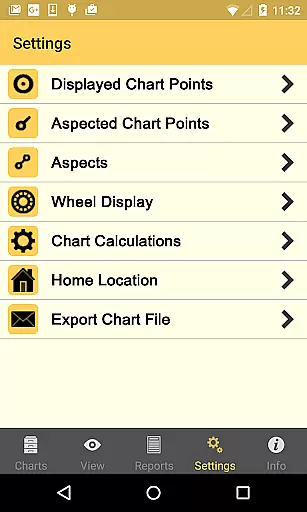
The app's clean interface and customizable settings make it suitable for detailed chart analysis. Users can zoom and pan through hi-res astrological wheels and grids, select from multiple house systems, and adjust various display options. These features ensure that Astro Gold delivers both functionality and flexibility, making it an invaluable tool for serious astrologers.
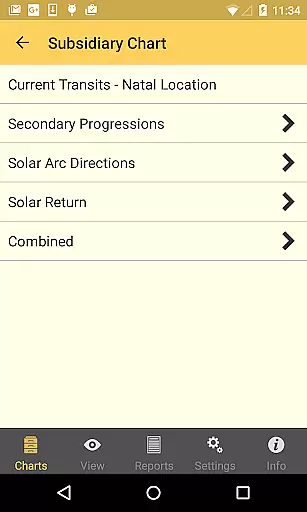
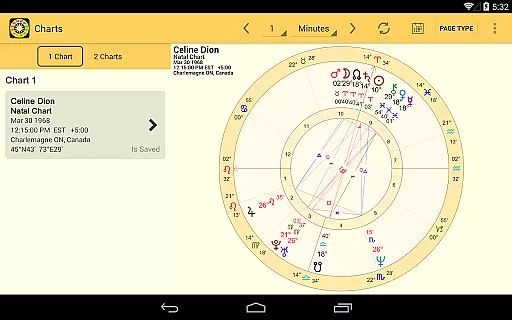
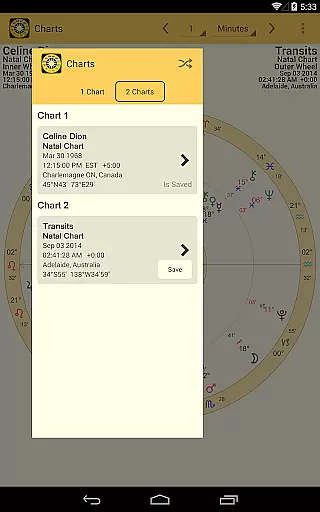
Astro Gold stands out with its extensive feature set tailored for professional astrological work. The app allows users to cast various types of charts including Natal, Solar Return, Secondary Progressed, Solar Arc Directed, and Relationship charts. Each chart type can be saved, edited, and re-opened, providing a complete workflow for astrological analysis.
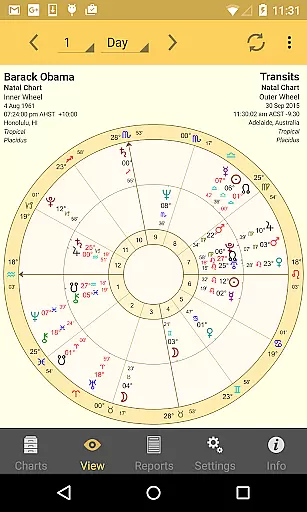
The display options are equally impressive, offering zoomable hi-res wheels, bi-wheels, aspect grids, and synastry grids. Users can customize their experience by selecting from 36 available chart points, different aspect sets, and numerous wheel styles. The app supports over 25 house systems and 7 sidereal zodiacs, giving users unparalleled flexibility in their calculations.
Additional features include comprehensive atlas functionality with 250,000+ locations worldwide and precise astronomical calculations ranging from 1200 BC to 2400 AD. These capabilities, combined with the ability to print charts or send them via email, make Astro Gold a powerful tool for both personal and professional astrological work.
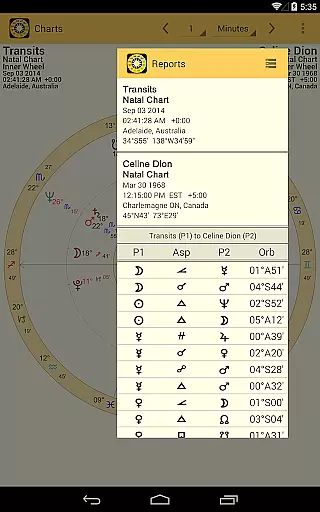
Astro Gold stands out as a comprehensive astrology app that covers a wide range of lifestyle categories, making it an essential tool for both amateur enthusiasts and professional astrologers. The app provides detailed Natal, Transit, Progression, and Synastry interpretations, which are crucial for understanding personal growth, forecasting life events, and analyzing relationships.
With features like casting Solar Return charts, Secondary Progressed charts, and Solar Arc Directed charts, Astro Gold enables users to explore various astrological techniques that can guide them through different phases of their lives. This extensive coverage ensures that users have access to the tools they need for in-depth personal analysis and planning.
The app also includes compatibility with the Solar Fire PC program, allowing seamless exchange of chart files via email import and export. This interoperability enhances its utility by integrating mobile convenience with desktop-level capabilities, thus catering to a broader audience within the lifestyle sector.
Authenticity and credibility are at the core of Astro Gold's offerings. By utilizing the latest Swiss Ephemeris and ACS Atlas files, the app ensures high precision in its calculations, which is vital for generating accurate astrological charts and interpretations. These resources are trusted by professionals worldwide, underscoring the reliability of the insights provided by Astro Gold.
In addition to precise calculations, Astro Gold offers a vast array of customizable settings, including 25+ house systems and 7 different sidereal zodiacs. Such options allow users to tailor their experience based on established methodologies, reinforcing the app's commitment to delivering authentic content that aligns with expert standards.
Furthermore, the inclusion of over 250,000 locations from around the world and comprehensive timezone history demonstrates Astro Gold's dedication to providing credible data for astrological analysis. Users can trust that their charts and interpretations are based on thorough and accurate information, enhancing their confidence in using the app for meaningful lifestyle guidance.
High-precision calculations
Professional interpretations
Customizable settings
Comprehensive atlas
Solar Fire compatibility
Complex for beginners
Requires technical knowledge
No iOS version
Premium price point
Advanced features overwhelming
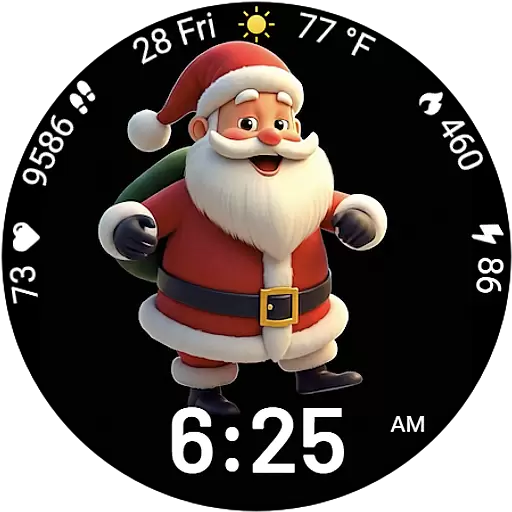
Designed to delight, impress and energize your festive spirit every single day
 4.1
4.1
Daily lessons from A Course in Miracles with scheduled reminders
4.80
The all-new Cync app. The simple, connected app for Cync and C by GE.
4.50
Take Hobby Lobby with you wherever you go!
3.40
BILT interactive 3D instructions help you get the job done right
3.50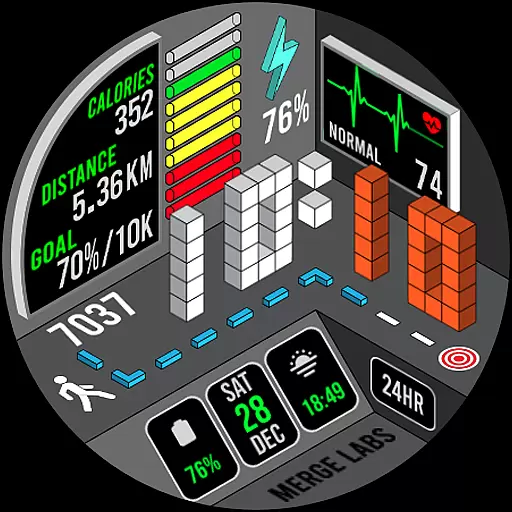
A uniquely designed isometric digital watch face made for Wear OS
4.5
Communicate with your vehicles and Powerwalls anytime, anywhere
3.60
Vehicle ownership simplified. Get the myChevrolet® app today.
4.60
DailyGift can help you record your habits and get rewards along the way!
4.60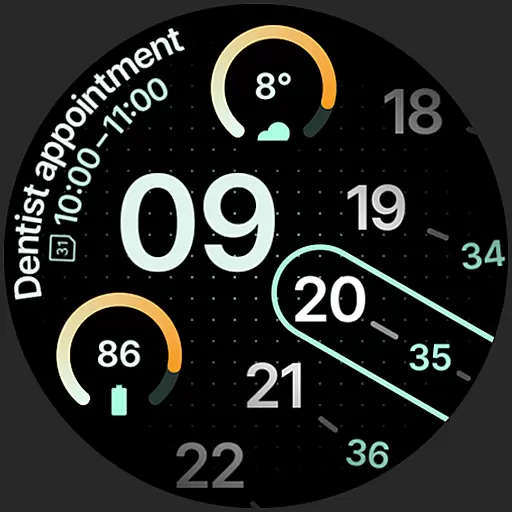
A unique and customizable watch face which rotates its layout every minute.
4.80
Tap to the beat with interactive videos — warm up your reflexes & have fun
4.70
Stay connected with your loved ones & vehicles | Share live GPS location updates
4.60
Make money, get paid cash rewards & gift cards for every survey. Earn today!
4.60
Discover your Nationality, Family Origin, and Ancestry from one selfie
4.50
Play fun games, complete quick surveys, and earn money. It's fun and easy!
4.40
This minimalist yet classic board design brings a futuristic twist to your wrist
4.20
Subwoofer school’s in session! You’ve now enrolled into KICKER U.
3.80
The Miracle Box includes methods used by Steve Huff of Huff Paranormal.
3.20
Big bold weather watch face with dynamic backgrounds and 3 complications
4.5


User Reviews