
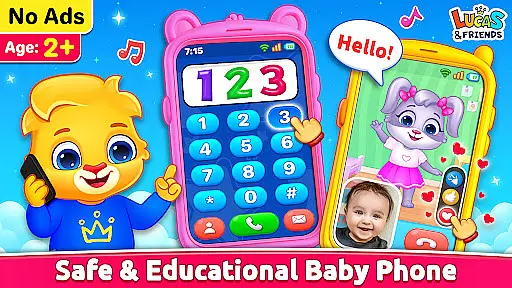
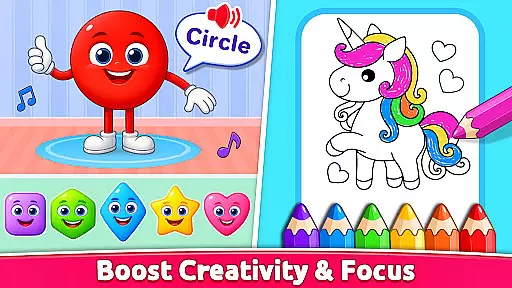
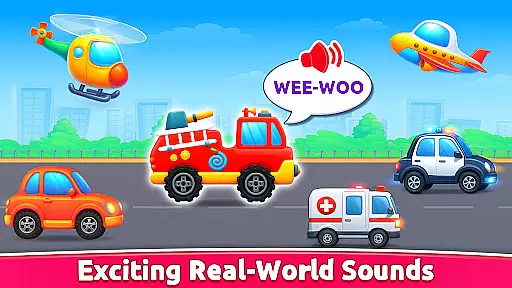
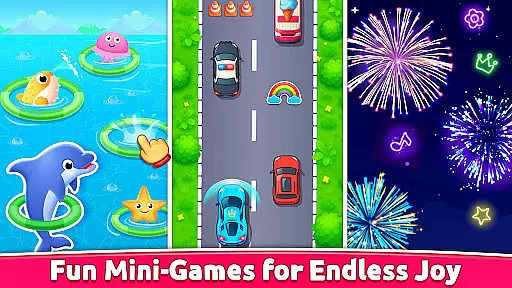
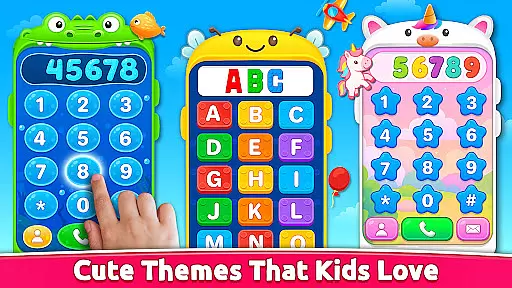
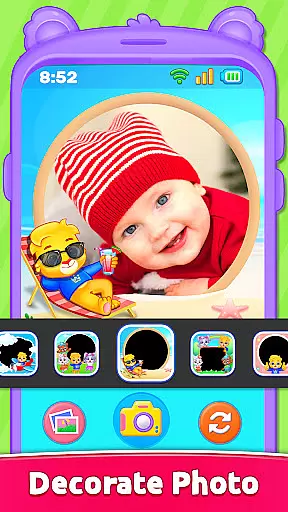
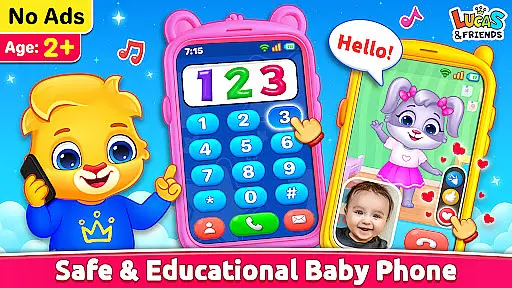
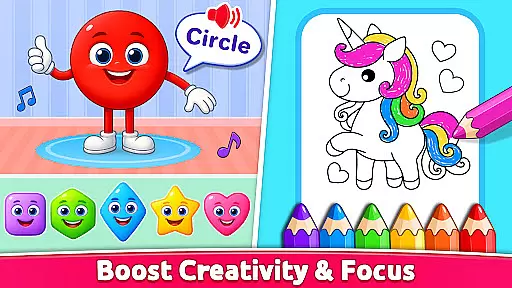
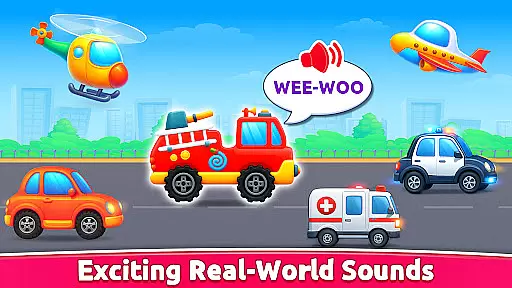
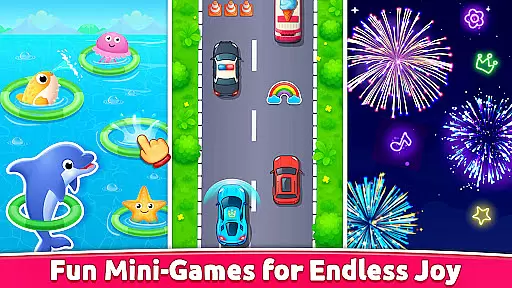
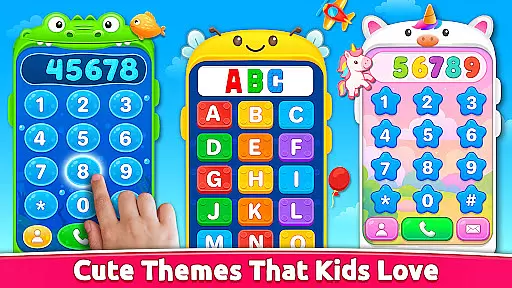
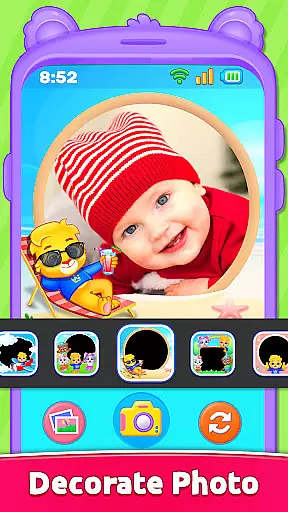
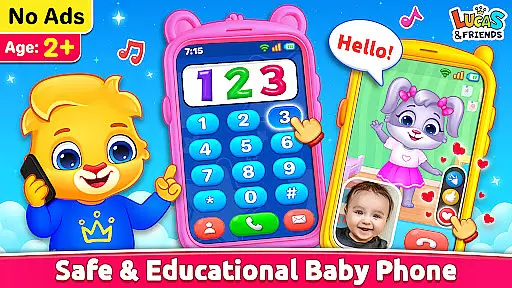
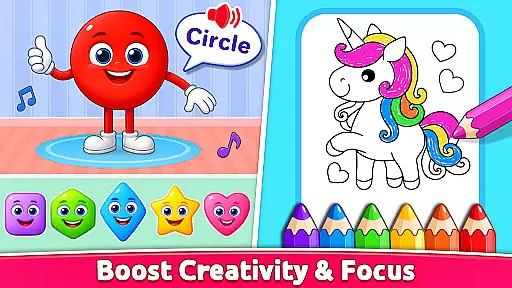
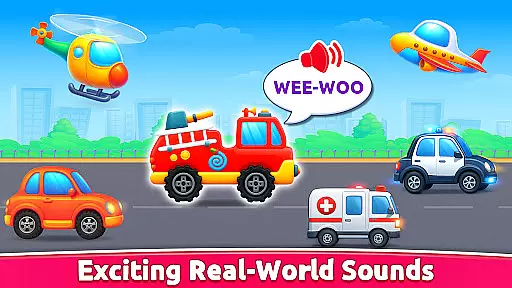
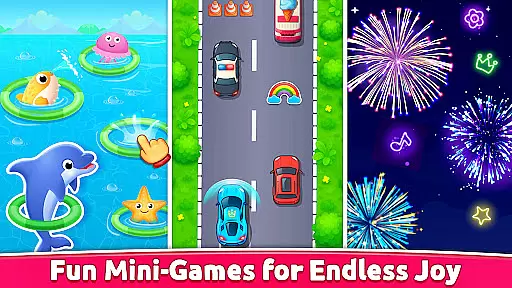
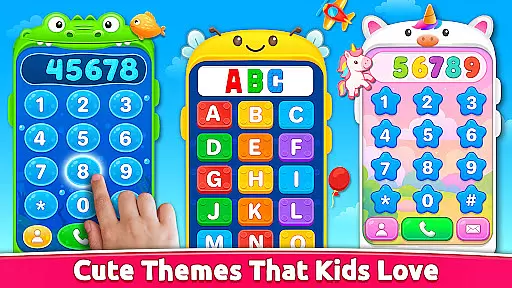
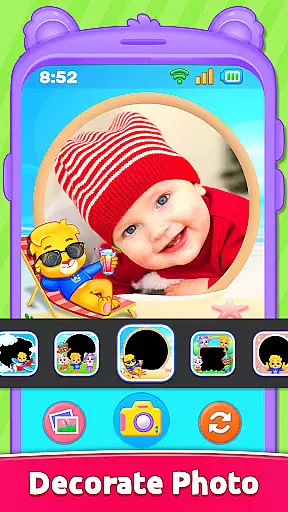
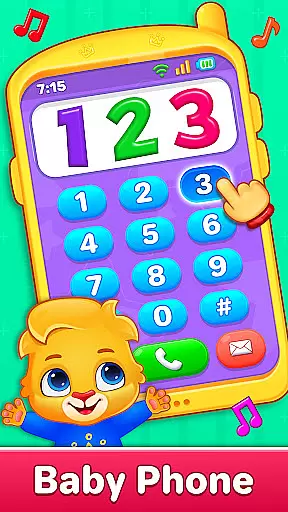
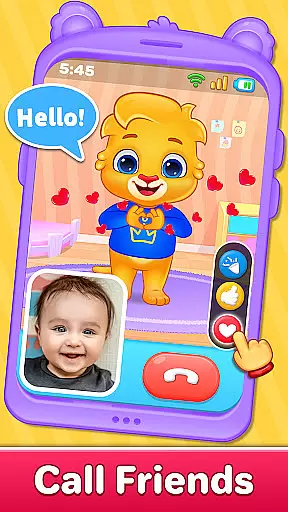
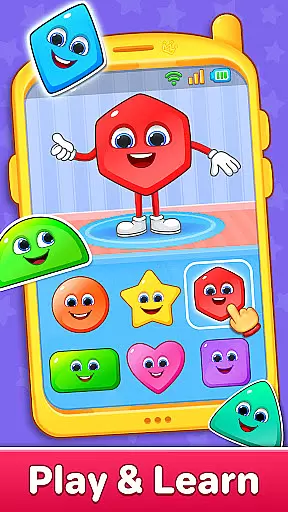
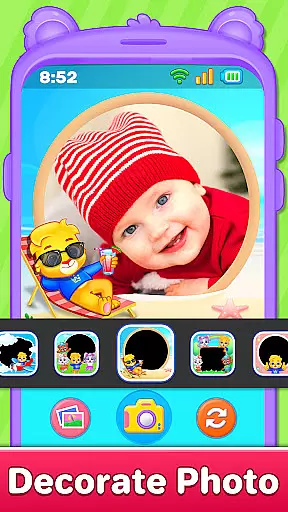
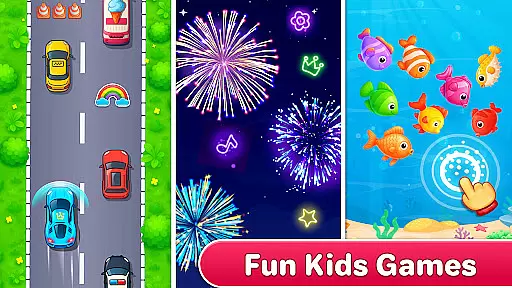
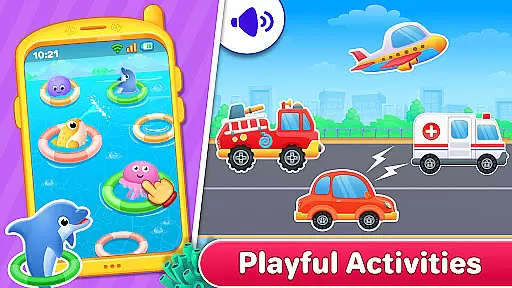
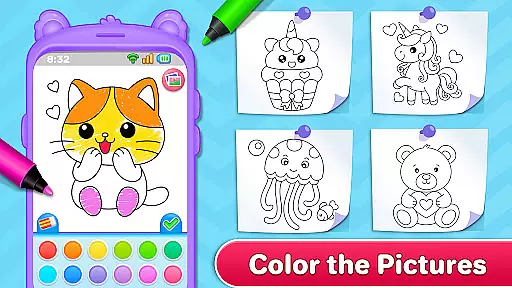
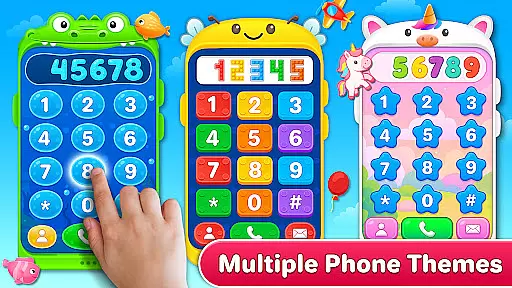
Baby Phone & Kids Games is an educational app designed to transform screen time into a meaningful learning experience for toddlers aged 1 to 5. The app features interactive phone calls and video chats with characters like Lucas, Ruby, Lilly, and Brody, providing both fun and social interaction. With activities ranging from ABCs and 123 phonics learning to coloring and vehicle sound exploration, it creates a safe and engaging environment for early childhood development.
The app goes beyond basic entertainment by incorporating essential learning elements such as color and shape identification, sensory play through fireworks mode, and creative photo frames. Its intuitive design includes easy tap controls, large buttons, and bright visuals, making it accessible even for very young children. Parents can feel secure knowing that the app is ad-free, works offline, and offers a simple interface tailored specifically for toddlers.
Baby Phone & Kids Games stands out with its diverse range of interactive features designed to engage toddlers in playful learning. One of the key highlights is the virtual phone call feature, where kids can 'talk' to animated characters who respond with cute voices and music. This imaginative play helps develop communication skills while keeping children entertained. Additionally, the app's video call mode brings these characters to life with expressive animations and playful interactions, creating an immersive experience.
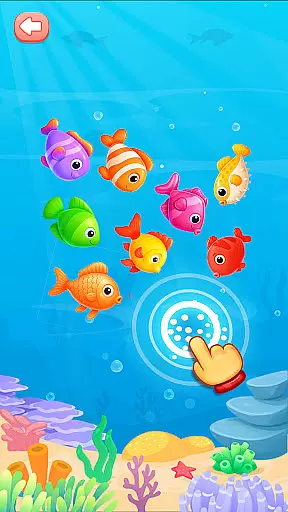
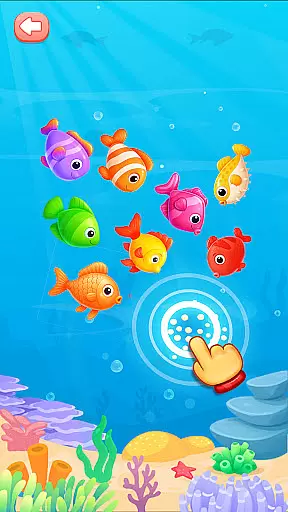
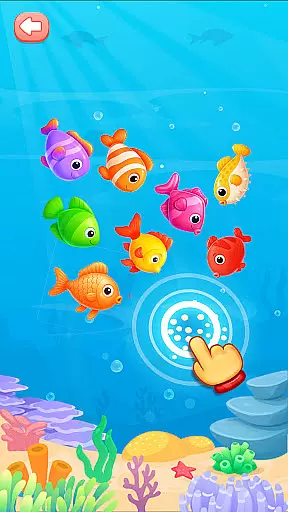
The app also includes several educational tools such as toddler coloring activities, ABC and 123 phonics learning modules, and games that teach colors and shapes. These features are thoughtfully designed to support cognitive development through hands-on activities. Moreover, the inclusion of sensory-based games like vehicle sounds and fireworks mode ensures that children remain engaged while stimulating their senses. With its ad-free environment and age-appropriate content, Baby Phone & Kids Games provides a wholesome digital space for young learners.
In the realm of educational applications, content authority and curriculum alignment are crucial for ensuring that learning is both effective and relevant. Baby Phone & Kids Games excels in this area by providing a suite of activities that are not only engaging but also pedagogically sound. The app includes features such as ABC & 123 Phonics Learning and lessons on colors and shapes, which adhere to early childhood education standards.
The app's dedication to authoritative content is evident through its carefully crafted modules that help toddlers learn the alphabet and numbers using sound. This phonetic approach is widely recognized in educational theory as an effective method for early literacy development. Moreover, the Learn Colors & Shapes Through Play feature encourages cognitive development through interactive play, aligning with established curricula that emphasize hands-on learning.
Parents can trust that their children are receiving age-appropriate instruction that will support their growth and prepare them for more advanced learning concepts. By integrating these educational components into enjoyable games and interactions with characters like Lucas and Friends, Baby Phone & Kids Games ensures that toddlers are not just passively entertained but actively engaged in their own learning process.
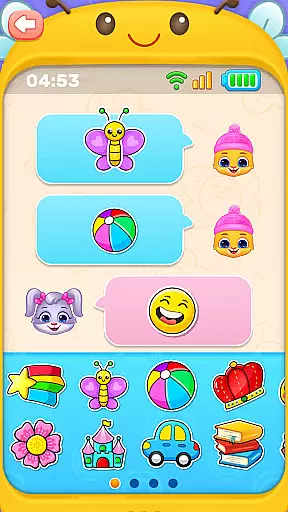
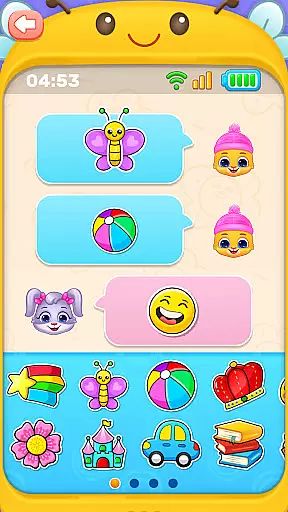
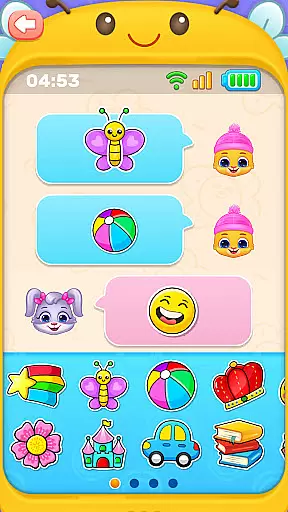
Gamification has become a pivotal strategy in modern education, merging game mechanics with learning objectives to enhance engagement and motivation. Baby Phone & Kids Games leverages gamification to create an immersive environment where toddlers can enjoy pretend calls, emoji chats, and other playful activities that simultaneously promote cognitive development. This seamless blend of entertainment and education is what sets the app apart in the Educational category.
One of the standout features of the app is its Toddler Coloring Fun section, which transforms traditional coloring into an interactive experience with characters from Lucas and Friends. This not only stimulates creativity but also reinforces recognition of shapes and colors through play. Additionally, the Exciting Vehicle Sounds activity taps into sensory play, allowing children to explore realistic sounds while learning about different vehicles.
By incorporating elements such as Fireworks Mode and Colorful Phone Options, Baby Phone & Kids Games captures the attention of young users, encouraging them to explore and learn at their own pace. These gamified experiences are designed to be intuitive, with easy tap controls and bright visuals that cater specifically to toddlers. As a result, children remain engaged longer, leading to more effective learning outcomes within a joyful digital space.
Interactive learning
Ad-free experience
Offline functionality
Engaging characters
Safe for toddlers
Limited advanced features
No multi-language support
Basic parental controls
Repetitive content
Simple graphics

 2.80
2.80
The Squirrels have been learning how to look after animal, now it's your turn!
3.90
Wind down, relax and snuggle up with your favourite Blocks characters.
3.30
Draw shapes, mix colors, and dodge traps to defeat foes in the vibrant Art Zone!
4.4
A world for little builders to create, imagine, and learn through play.
4.20
Cure the patients to create your hospital story!
3.90
Kids coloring games for boys! Fun drawing, painting & learning book for kids.
4.60
Fun baby games for kids. Play baby piano, musical instruments & nursery rhymes.
4.50
Coloring book for kids! Learn Color, paint, neon drawing with educational games.
4.40
Puzzles, Cats and Programming
4.80
Fun educational game: Learn, imagine, create, draw and color!
4.20
Endless runner fun packed with animal facts, exciting wildlife, & adventure.
4.10
Educational game for children about emergency and other service vehicles
3.80
Create, design & explore Mia’s avatar game world! Dress up a dreamhouse you love
3.80
Join the pirate math adventure!
3.60
Safe, fun, ad-free games for kids! For babies, toddlers, & kids age 2-6
3.60
Play the fun healthy habits game for kids with Cocobi the little dinosaurs.
3.40
Join Rus and his friends to save Pear Island!
4.1
Fun step-by-step drawing & coloring app to learn and create art!
4.5


User Reviews