
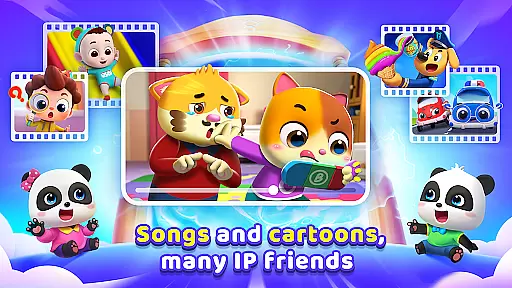

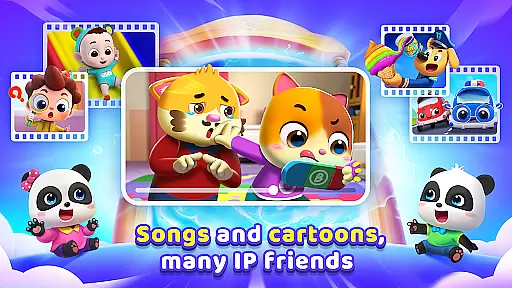

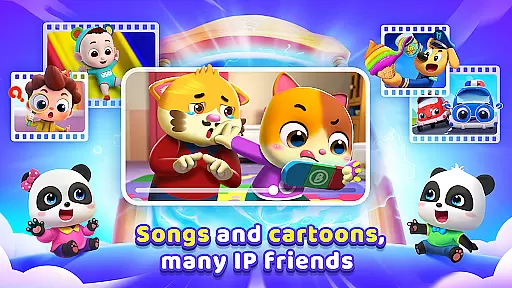

BabyBus TV is an educational app designed for young children, offering a vast library of over 600 episodes of engaging content. The app features popular characters like baby pandas Kiki and Miumiu, dinosaurs, and monster cars that help teach essential life skills and knowledge.
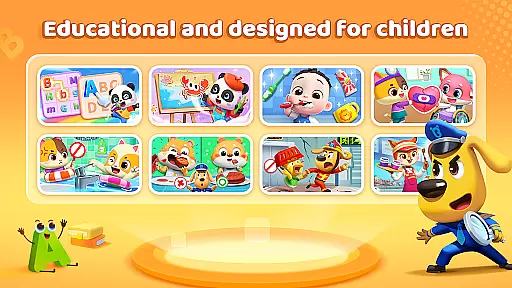
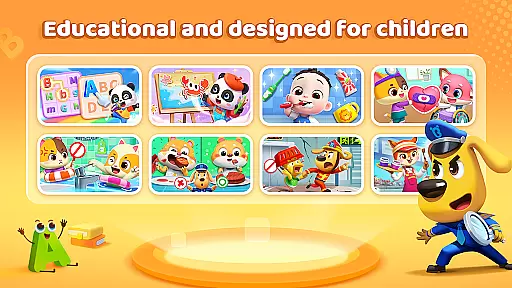
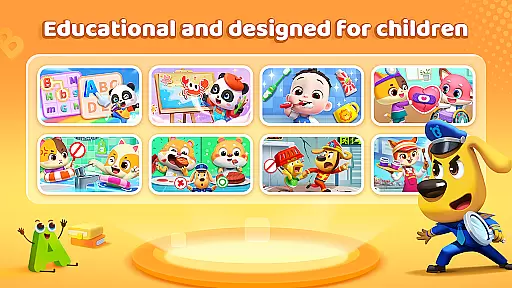
The content spans various categories including habits, art, safety, cognition, emotions, and academic subjects like math and English. With features like screen time control, offline viewing, and privacy protection, BabyBus TV ensures a safe and balanced learning experience for kids while providing peace of mind for parents.
BabyBus TV stands out with its diverse educational content tailored for children's development. The app covers crucial areas such as instilling good habits, fostering creativity through art, teaching safety knowledge, expanding cognitive understanding, nurturing emotional intelligence, and providing academic learning resources.
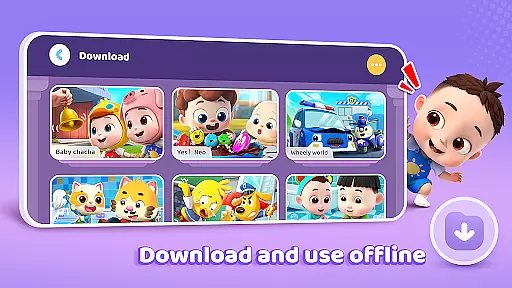
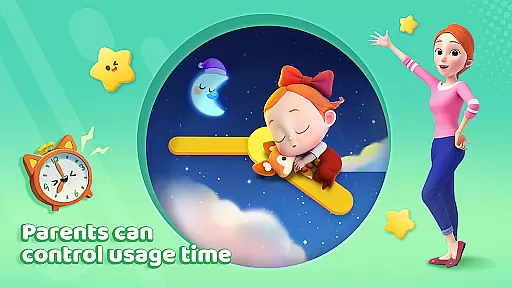
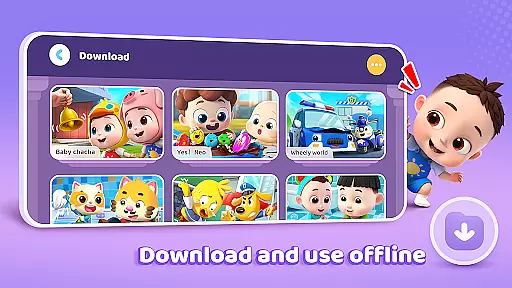
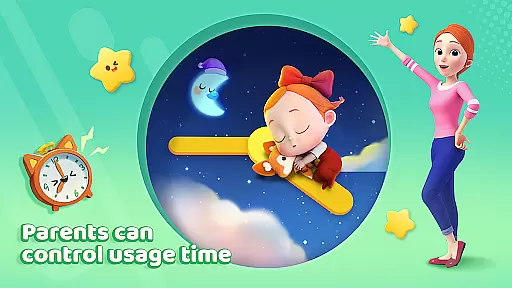
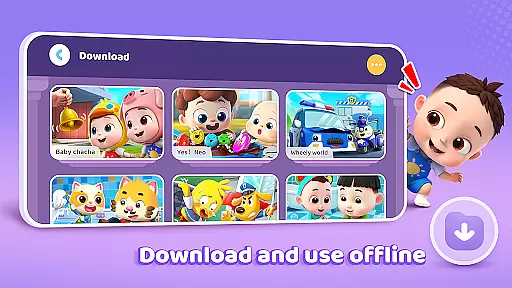
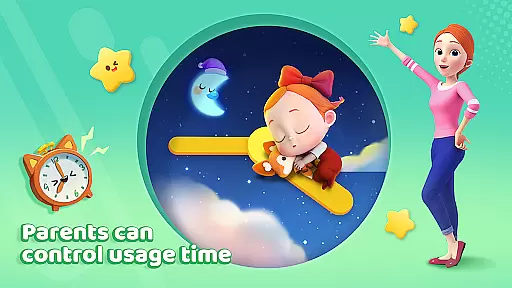
Parents can manage their child's experience with practical features like screen time control, free downloads for offline access, auto-save for viewing history, full-screen play, and robust privacy protection measures. These features ensure that children can learn and have fun in a secure digital environment.
In the realm of educational content for children, accuracy and authority are paramount. BabyBus TV takes this responsibility seriously by offering a wide array of episodes that cover essential topics such as good habits, art, safety, cognition, emotions, and foundational knowledge in math and English.
Each episode is crafted with care, ensuring that the information presented is not only engaging but also correct and beneficial for young minds. The app collaborates with child education experts to develop songs, cartoons, and interactive games that instill valuable life skills and knowledge.
Parents can feel confident that their children are learning from reliable sources. BabyBus TV's dedication to quality content means that every video and game is designed to educate and inspire, fostering a love for learning that can last a lifetime.
BabyBus TV stands out by providing personalized learning paths tailored to each child's interests and pace. With an extensive library of over 600 episodes, the platform allows kids to explore various subjects ranging from dinosaurs and cars to numbers and social skills.
The adaptive nature of BabyBus TV lets children progress naturally, choosing their own adventures and revisiting topics they find most intriguing. This flexibility ensures that learning remains a fun and self-driven journey.
Moreover, features like screen time control, offline viewing, and auto-save contribute to a customized experience. These tools empower parents to shape how their children interact with the content while monitoring their educational growth, making BabyBus TV a partner in every familyu2019s educational endeavors.
User-friendly interface
Extensive educational content
Offline viewing capability
Privacy protection
Screen time management
Limited to young children
Content may repeat
Ads between videos
No advanced learning
Simple graphics

Childcare Management App: Daily sheets, sign in-out, billing and learning tools
 4.70
4.70
scanner body part for fun Prank friends realistic scan effects
3.00
2026 DVSA Driving Theory Test revision with Hazard Perception + Highway Code
4.60
Explore numbers the Starfall way!
4.00
Study for your 608 certification.
4.50
MONOPOLY JUNIOR brings Hasbro's classic the board game to life.
3.00
Discover Your Place in the Universe
4.70
SkyView®, an augmented reality space app, brings stargazing to everyone!
4.40
Plant identifier: Identify plants, trees, weeds, flowers. Disease diagnosis.
4.30
Learn Japanese in an immersive educational game set in Japan!
4.90
Short Lessons for Better Finances, Health, Skills, Jobs & Relationships.
4.80
Turn scrolling hours into improving your knowledge, communication, intelligence
4.50
The Fighter Verses Bible memory system helps you memorize God's Word.
4.50
Astronomy Guide to the Night Sky
4.40
Designed for Calculator 84 users
4.20
Learn to make peaceful contact with extraterrestrial civilizations
4.10
FAR/AIM, FAR for Flight Crew and FAR for Aviation Maintenance Technicians
3.80
Quiz App to help case managers studying for CCMC Certification, 200+ Questions
3.40
Learn and joke with the Silly Turkey!
4.0


User Reviews