
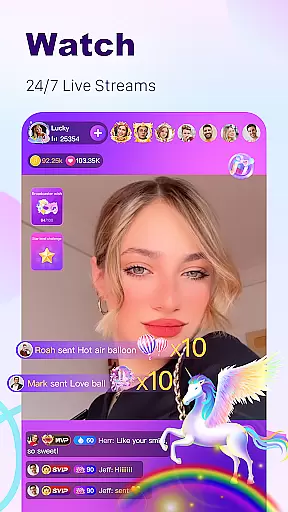
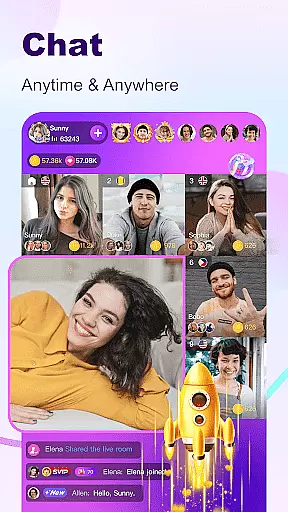
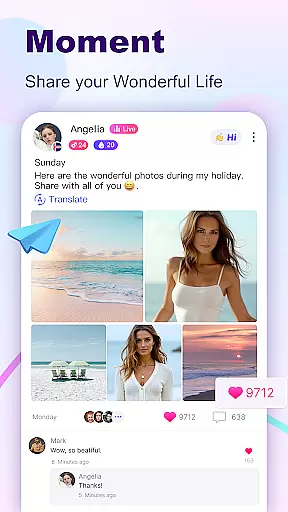

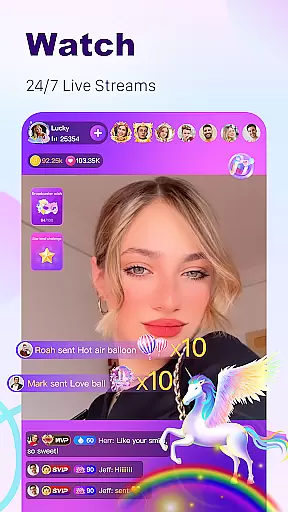
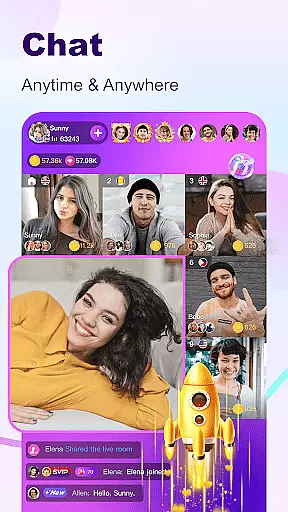
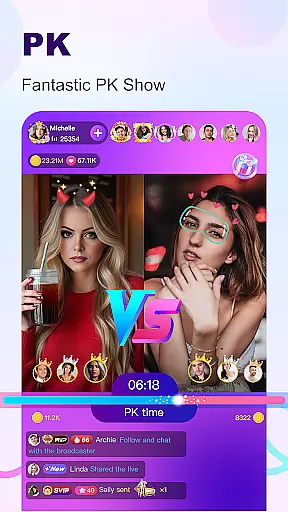
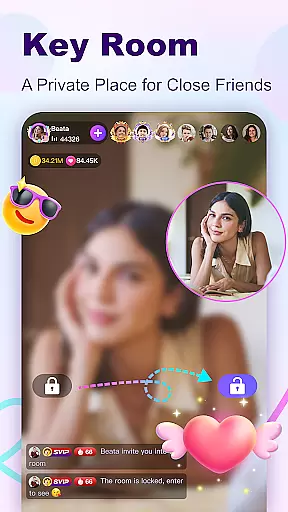

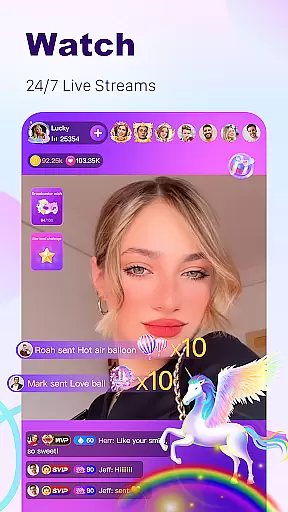

BuzzCast is a dynamic social platform that combines live streaming, instant messaging, and short video sharing, creating a vibrant global community. The app's core functionality revolves around 24/7 live streaming, where users can broadcast their lives, showcase talents, or simply connect with others worldwide. This feature-rich application supports unlimited messaging between friends and offers AI-powered translation to break language barriers.
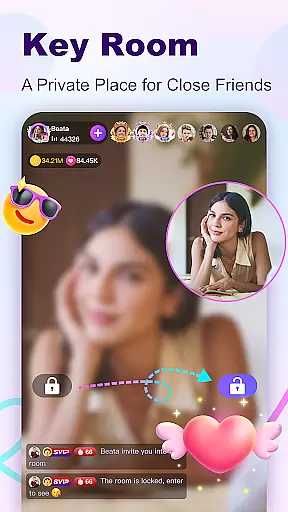
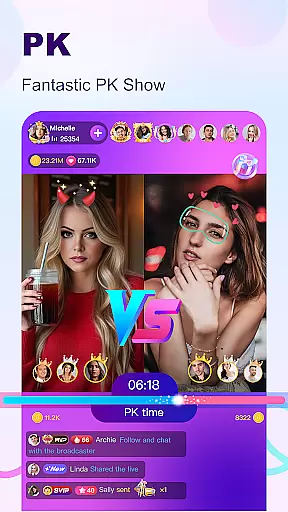
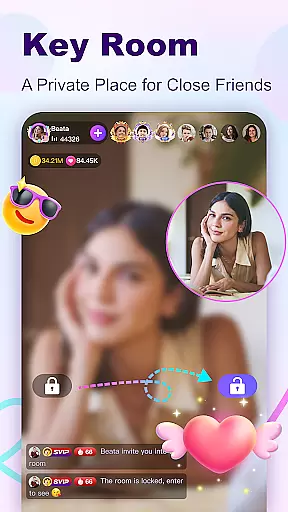
What sets BuzzCast apart is its comprehensive approach to social interaction. Users can enjoy private live rooms with password protection, participate in exciting Live PK challenges, and engage with nearby people through geo-based discovery. The platform particularly appeals to young, active users seeking diverse social connections and content creation opportunities. Whether you're looking to become a social media influencer or simply expand your social circle, BuzzCast provides the tools and audience to make it happen.
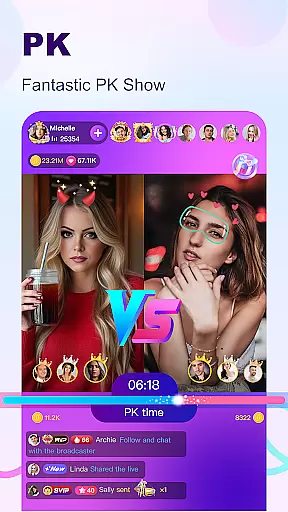
BuzzCast distinguishes itself through several innovative features that enhance user engagement. The app's live streaming capabilities are exceptional, allowing users to broadcast without level or follower restrictions while offering abundant special effects and virtual gifts. The unique Live PK feature enables broadcasters to compete in talent showdowns, creating interactive entertainment experiences for both participants and viewers.
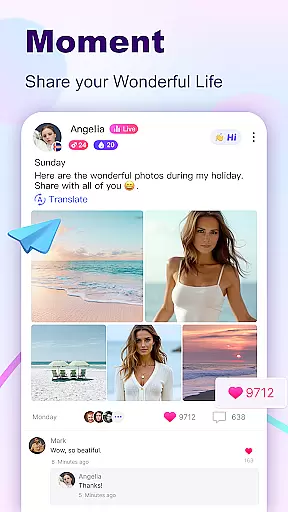
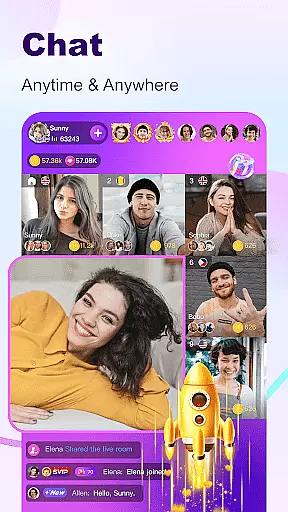
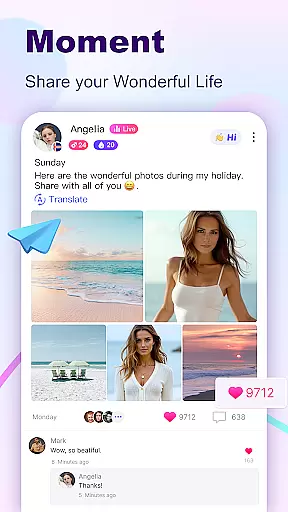
The platform's Instant Message Chatting system supports multimedia communication including texts, photos, videos, and voice messages. Its Nearby Moments function facilitates local discovery and potential offline connections, while the Creative Short Videos section provides professional editing tools and effects. These features work together to create a comprehensive social ecosystem where users can seamlessly transition between different forms of interaction, from public broadcasting to private conversations.
In the BuzzCast community, user profile customization is a key feature that allows individuals to express their unique identity. Users can personalize their profiles with photos, bios, and links to their social media, creating an authentic representation of themselves. This personal touch not only helps in making new friends but also aids in building a trustworthy environment where users feel comfortable to interact.
BuzzCast takes authenticity seriously by implementing verification processes that ensure the credibility of its users. The platform employs AI-driven checks alongside manual reviews to verify profiles, which is particularly important for maintaining community standards and safety. Verified users often enjoy additional privileges, such as increased message limits and exclusive badges that signify their status within the community.
The ability to follow other users with just one click streamlines the process of forming connections and engaging with content that resonates with you. Once you follow someone, unlimited messaging opens up between both parties, fostering deeper interactions and relationships. This seamless integration of customization and verification features enhances user engagement and enriches the overall social experience on BuzzCast.
BuzzCast excels in connection discovery, offering various innovative ways for users to meet new people from around the globe. One of the standout features is the Nearby Moments section, which enables users to easily discover others in close proximity, potentially sparking offline friendships. This geo-based functionality adds a layer of excitement and anticipation, as users never know who they might meet just around the corner.
Another aspect of connection discovery on BuzzCast is through live streaming and broadcasting rooms. Here, users can join diverse chat rooms based on interests or languages spoken, breaking down barriers and encouraging global conversations. The AI automatic translation further facilitates these interactions by allowing seamless communication across different languages, thus broadening the scope of potential friendships.
Moreover, BuzzCast's Instant Message Chatting provides a direct line to initiate contact with interesting individuals. By sending greetings and sharing multimedia messagesu2014be it texts, photos, emojis, videos, or voice messagesu2014users have multiple avenues to capture attention and start meaningful dialogues. These dynamic interaction options make every encounter on BuzzCast an opportunity to forge lasting connections.
User-friendly interface
AI-powered translation
Unlimited messaging
Private live rooms
Live PK competitions
Potential privacy concerns
High data usage
Learning curve for new users
Limited offline functionality
Regional restrictions

Match, chat & date with singles nearby. The dating app to find true love
 4.50
4.50
Follow the Truth! Join America's leading free-speech social platform.
3.10
Dating for singles. Meet lonely people nearby online. Find your match here!
4.20
Get notifications of FREE Stuff for Nextdoor, Letgo, offerup & TrashNothing
4.70
Chat and make new friends around the world!
3.90
Instant messaging — simple, fast, secure, and synced across all your devices.
4.00
live inside your fandom
4.60
Connection Beyond Content
4.50
Live Chat & Match! Explore Real-Time Dating and Make Friends!
4.40
Unlimited calls & texts | WiFi voice line plus group txt | Call & text now
4.50
Global short video platform: epic effects, trending videos & vibrant community!
4.40
Calling and texting app. 2nd virtual line plus new phone number. Txt & talk now.
4.40
A warm, simple dating app for adults seeking real connection.
4.20
The world's leading social networking app for gay, bi, trans, and queer people.
4.10
Dive into diverse fandoms. Connect, create, reblog.
3.90
The video chat to meet people in the blink of an eye!
3.90
Instant video chat with cool people. Live video call & make friends with Monkey!
3.80
Video call, live video chat & talk to strangers. Meet people on Omega!
3.60
This is to support the developer of Infinity for Reddit. No exclusive features.
4.5


User Reviews