
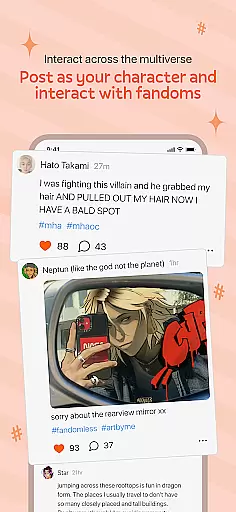
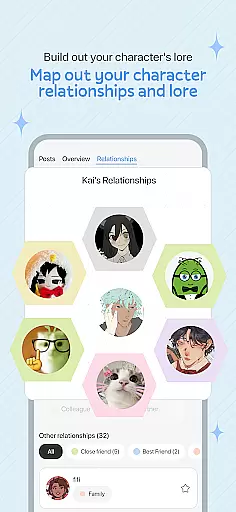
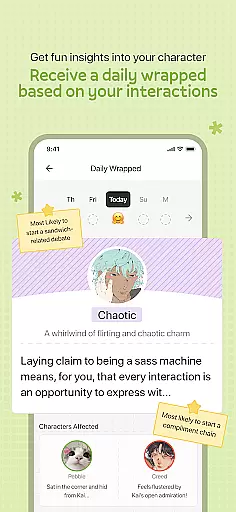
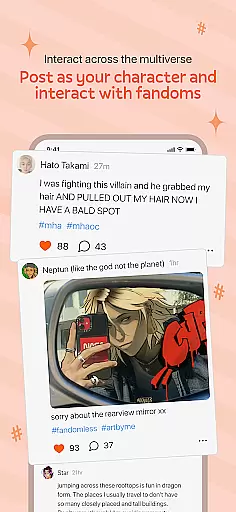
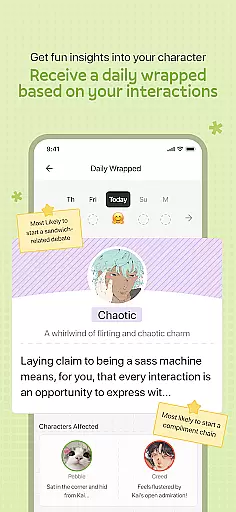
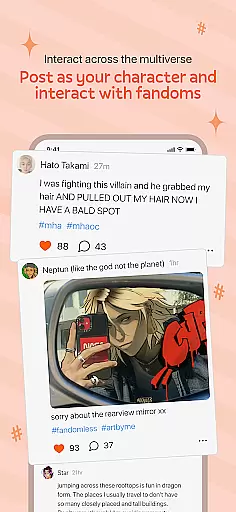
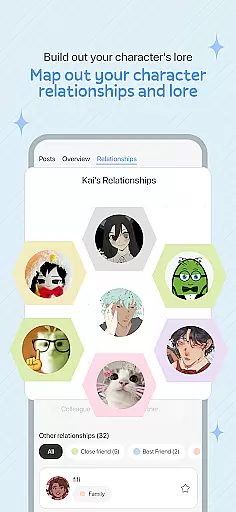
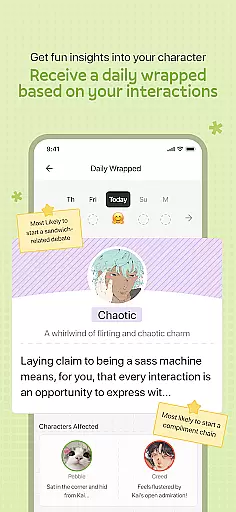
OC Social Network (OCSN) is a unique social media platform tailored for fandom enthusiasts. Unlike traditional social networks filled with AI-driven content, OCSN connects real people who share a passion for specific fandoms. The app allows users to engage in meaningful discussions, create fan art, and participate in community events.
With its user-friendly interface, OCSN supports various forms of content sharing including text posts, images, and videos. Users can join groups based on their favorite fandoms, ensuring that the content they see is always relevant and engaging. This makes OCSN an ideal platform for fans looking to connect with like-minded individuals.
The true value of OCSN lies in its ability to foster genuine connections within niche communities. By focusing on real interactions rather than algorithmic content, OCSN provides a refreshing take on social networking that prioritizes quality over quantity.
OCSN offers a rich set of features designed to enhance user interaction and engagement. One standout feature is the ability to create and join specialized groups based on specific fandoms. These groups serve as hubs for discussion, collaboration, and sharing fan-created content.
In addition to group functionalities, OCSN supports multimedia posts allowing users to express themselves through text, images, and videos. The platform also includes privacy settings that give users control over who can see their content and interact with them. This ensures a safe and personalized experience for all users.
Another notable feature is the event calendar which lists upcoming community events such as fan meetups and online challenges. These events encourage active participation and help build a vibrant community atmosphere. Overall, OCSN's comprehensive feature set makes it a go-to destination for fandom enthusiasts seeking authentic connections.
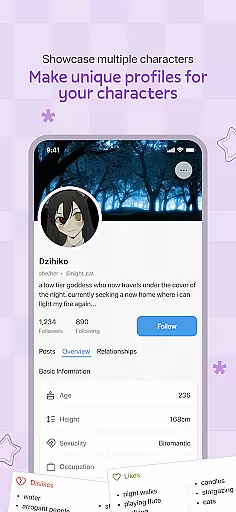
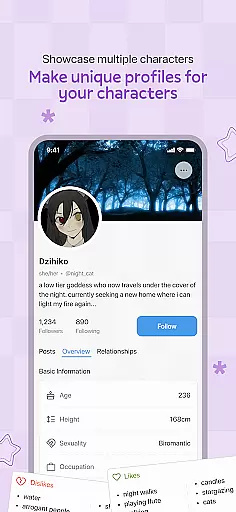
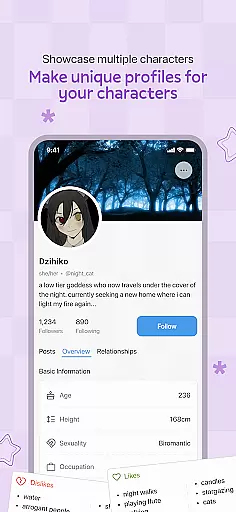
User profile customization is a crucial aspect of any social networking platform. It allows users to express their individuality and create a unique online presence. In the case of OCSN, this feature takes on added significance as it operates within specific fandoms, enabling users to showcase their passion for shared interests.
The app provides a comprehensive set of customization options. Users can personalize their profiles with avatars, banners, and detailed descriptions that reflect their favorite fandoms. This level of personalization helps foster genuine connections among like-minded individuals who share common interests.
Authenticity verification is another vital component of OCSN's user profile system. Unlike AI-driven platforms where interactions may feel impersonal, OCSN emphasizes real human connections. The app implements various measures to ensure users are interacting with actual people rather than automated systems or fake accounts.
This combination of extensive customization options and robust authenticity verification creates a trustworthy environment where meaningful relationships can develop. Users can confidently engage with others knowing they're part of a community of real fans who share their enthusiasm for specific fandoms.
Connection discovery represents a fundamental feature in social networking applications, especially those catering to niche communities. For OCSN, this functionality serves as a bridge between users who might not otherwise connect, despite sharing deep interests in common fandoms.
The app employs sophisticated algorithms to identify potential matches based on users' stated preferences, interaction patterns, and expressed interests within their chosen fandoms. This approach goes beyond simple keyword matching, taking into account various engagement metrics and behavioral indicators to suggest meaningful connections.
OCSN's connection discovery mechanism also incorporates privacy-conscious design principles. While suggesting potential connections, it maintains appropriate safeguards to protect user privacy and prevent unwanted exposure. Users maintain control over who can view their profile and how much information is shared during the discovery process.
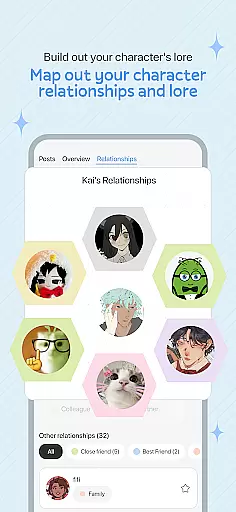
Furthermore, the platform facilitates both direct connections and group-based interactions, allowing users to engage in broader community discussions while simultaneously pursuing one-on-one relationships. This dual approach enhances the overall social experience, creating multiple pathways for users to find and interact with like-minded individuals within their favorite fandom spaces.
User-focused design
Real human interactions
Fandom-specific groups
Multimedia support
Active community events
Limited mainstream appeal
Smaller user base
Niche market focus
Fewer updates
Basic UI design

Dive into diverse fandoms. Connect, create, reblog.
 3.90
3.90
Watch 24/7 live stream, and make real friends nearby
4.30
Second phone number for phone calls & texts. Text & SMS me now with a 2nd number
4.20
The video chat to meet people in the blink of an eye!
3.90
Meet local people, make friends & network: Join a community, group, host events
4.00
Online group games like Mafia, Word War, Scattergories, Ludo, Uno, and many more
4.30
Raise cute Pengus with friends
4.70
Widget Together, Share Whatever! Keep Pets & Share Sleep, Poop, Moods on Screens
4.70
Calling and texting app. 2nd virtual line plus new phone number. Txt & talk now.
4.40
Connection Beyond Content
4.50
FREE calling and texting (SMS texts + MMS) in US & Canada with FREE phone number
4.30
Free texting (SMS) to US, Canada & more. Free new number. Call free & Text free.
4.30
Positive social
4.20
Honest dating app where real people find genuine love and real matches.
4.20
Discover an open-minded dating experience when you download today
4.10
Chill and Chat with Tagged Live Video with millions of peeps
4.10
The world's leading social networking app for gay, bi, trans, and queer people.
4.10
Random chat & meet online. Find your soulmate or someone special and have fun!
3.90
This is to support the developer of Infinity for Reddit. No exclusive features.
4.1


User Reviews