
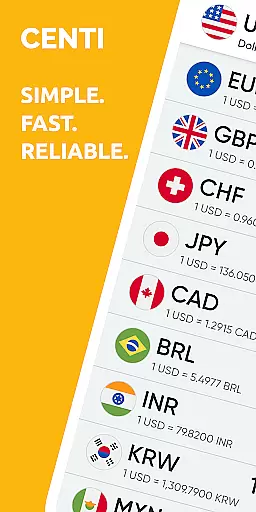
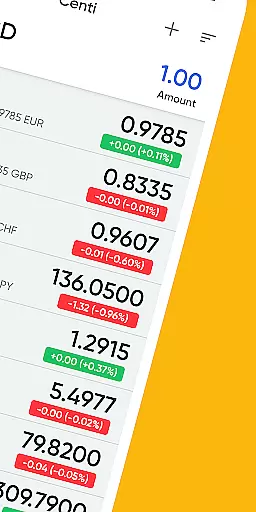
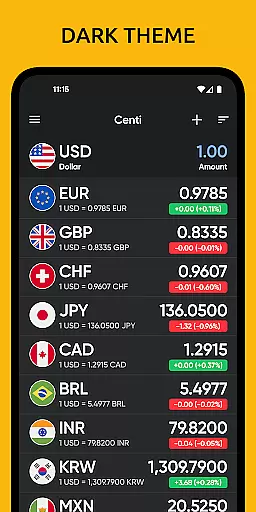
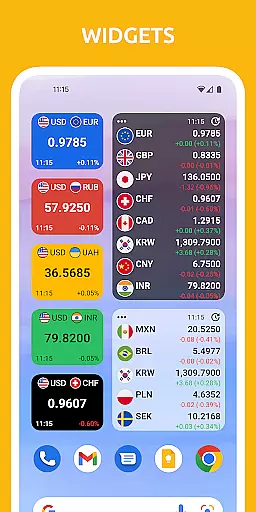
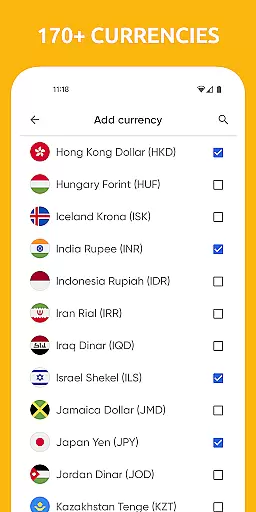

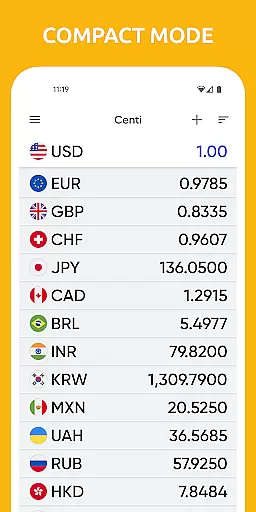
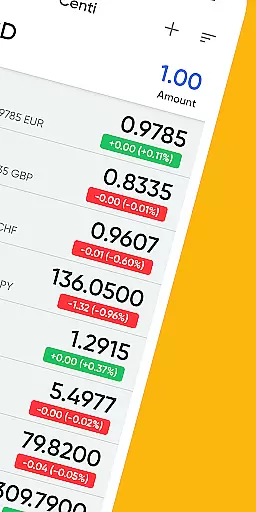
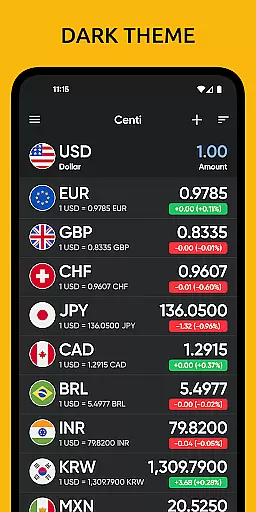
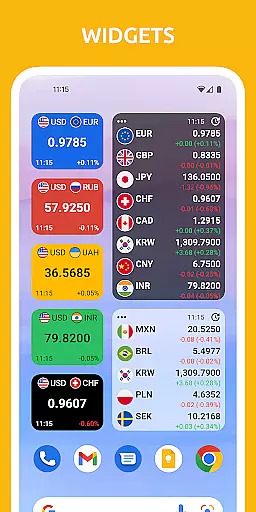
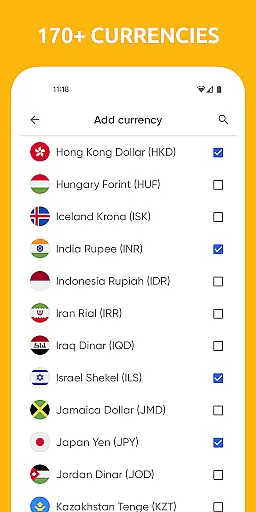

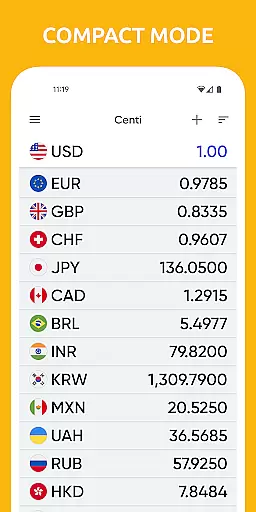
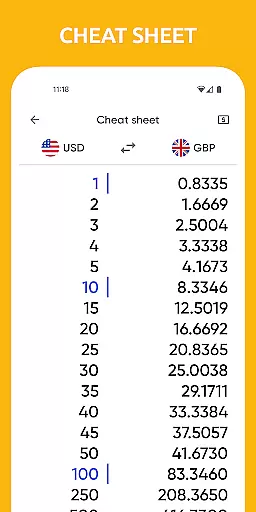
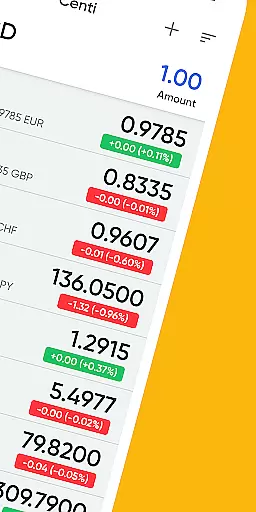
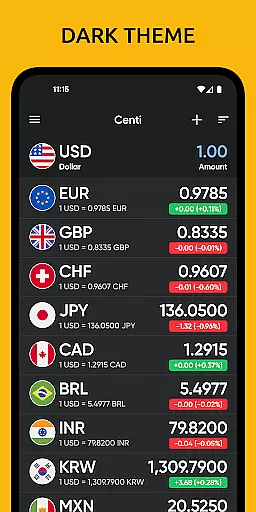
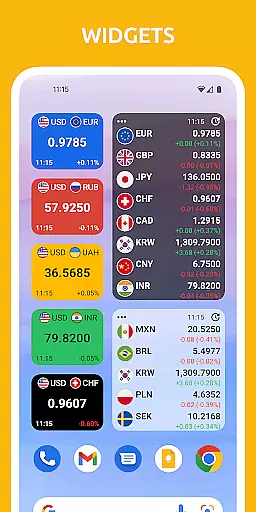
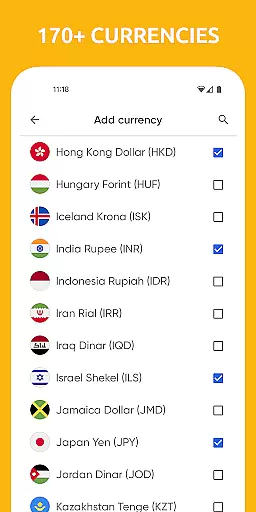

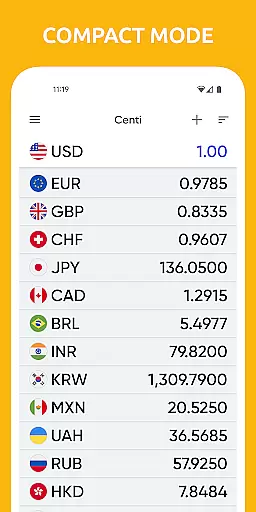
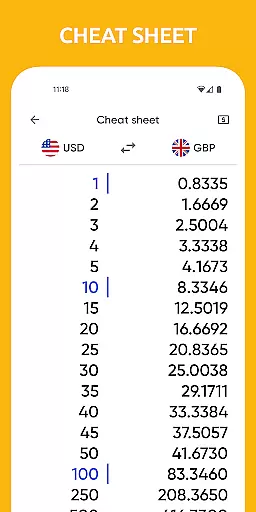
Centi PRO is a premium currency converter app designed for users who require accurate and up-to-date exchange rate information across more than 170 currencies. Its ad-free interface ensures a seamless experience, making it ideal for travelers, investors, and businesses operating in international markets.
The app offers advanced features such as customizable widgets, offline functionality, and historical currency charts. Users can personalize settings like Wi-Fi-only updates and night mode, ensuring optimal performance and convenience. With its clean design and robust capabilities, Centi PRO simplifies complex financial calculations while enhancing productivity.
Centi PRO stands out with its comprehensive set of features tailored to meet diverse user needs. The app supports over 170+ currencies and provides real-time exchange rates powered by Yahoo Finance API, ensuring reliable data accuracy. It includes advanced tools like custom currency creation, allowing users to define unique parameters such as price, symbol, and country flag.
Additional functionalities include offline access, automatic rate updates, and chart visualization for historical trends. The app minimizes battery consumption by downloading data only during active usage. These innovative features make Centi PRO an indispensable tool for anyone managing cross-border transactions or monitoring global markets.
When it comes to financial applications, security is paramount. Centi PRO - Currency Converter ensures account and fund security through various measures designed to protect user data and privacy. The app does not run background services or download data unless actively in use, which optimizes battery life and minimizes potential security risks.
The application provides a secure environment for currency conversion without compromising user privacy. It stores the last updated exchange rates for offline use, ensuring that sensitive data is not continuously fetched from the internet, thus reducing exposure to online threats. Additionally, by using official exchange rates from trusted sources like Yahoo Finance, Centi PRO maintains data integrity and reliability.
Users can personalize settings such as setting Wi-Fi only data download, further enhancing their control over data security. With no background data download and optimal battery use, this app offers peace of mind while managing currency conversions. These features collectively ensure that users' financial information remains confidential and secure at all times.
A seamless transaction experience is crucial for any finance-related app, and Centi PRO - Currency Converter excels in providing just that. The app supports over 170 currencies with up-to-date exchange rate information, making it an invaluable tool for travelers and those monitoring foreign markets. Its ability to copy calculation results directly enhances the ease of conducting transactions across different currencies.
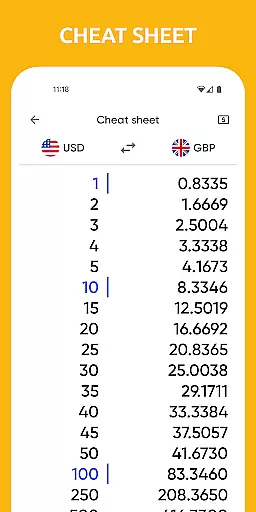
Centi PRO also allows users to view historical currency charts for any two currencies, offering insights into past performance and trends. This feature aids in making informed decisions during currency exchanges. Furthermore, the app's capability to update exchange rates on demand or automatically at predefined intervals ensures that users always have access to current and accurate information.
With its clean and simple interface, Centi PRO saves time and increases productivity. Users can quickly access conversions they need, add custom currencies, and manage their preferences effortlessly. Whether you're traveling abroad or keeping an eye on international markets, Centi PRO delivers a smooth and efficient transaction experience tailored to your needs.
Fast and accurate conversions
Offline functionality
Customizable settings
Ad-free experience
Historical charts
Paid version only
No live chat support
Limited customization
Occasional sync delays
Heavy on storage

Debt pay off. Build credit history. AI budget tool. Loan offers.
 4.60
4.60
The simplest way to budget, bank, save and invest.
4.50
All your crypto & stocks in one secure and trusted app.
4.40
BTC, Crypto, Stocks & Options.
4.20
Invest, bank & save in one app. Trade stocks, earn high APY & budget smarter.
4.00
All expenses at a glance.
4.80
Registration of your debts and Mdionatk and assembled, as well as a significant reports
4.30
StockTiles lets you view prices & charts of your favorite stock assets
2.30
Venmo is the fun and easy way to pay and get paid.
4.10
Keep track of your subscriptions with no limitations
4.80
No credit check, no interest, no worries.
4.70
Navigate your unique financial path confidently with help from Credit Karma.
4.70
Pay, bank & build credit.
4.70
Play for fun, earn for real. Collect rent by owning virtual land & get cashback
4.60
Easily invest, save, and plan—all in one app.
4.60
Our Chase Mobile App makes it easy for you to bank on the go 24/7.
4.60
Mine Bitcoin in the cloud! Earn BTC daily with high-speed mining power.
4.30
The PayPal app is the secure way to send and receive money, shop and pay in 4.
4.20
View BSC Transactions for multiple accounts
3.90


User Reviews