
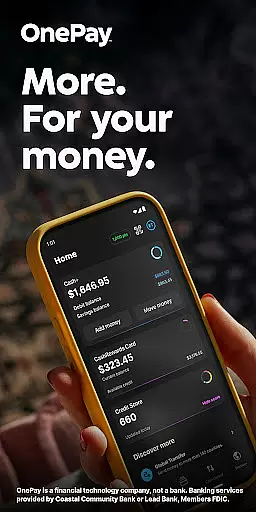
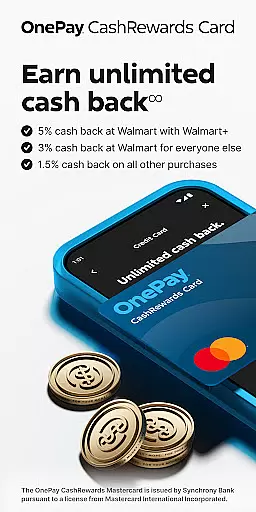
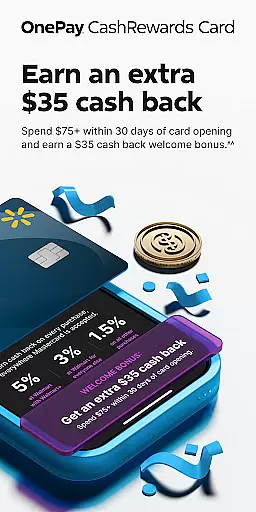
OnePay - Mobile Banking is a comprehensive financial technology application that offers users an innovative way to manage their money. As a non-bank financial entity, OnePay partners with established banks like Coastal Community Bank and Lead Bank to provide FDIC-insured banking services. The app features the OnePay CashRewards Mastercard and Debit Card, both issued under license from Mastercard International Incorporated.
The core functionality of OnePay revolves around its digital banking services, including cashback rewards earned as OnePay Points, direct deposit benefits, and credit-building tools. Users can enjoy features such as Savings Backup and Fee-Free Overdraft protection, subject to eligibility requirements. The app also provides detailed terms and conditions for all products, ensuring transparency in its financial offerings.
OnePay is particularly useful for individuals seeking to optimize their financial management through mobile technology. Whether it's earning rewards on purchases, building credit responsibly, or accessing funds through direct deposits, this app delivers significant value to its users by streamlining essential banking activities into a convenient mobile platform.
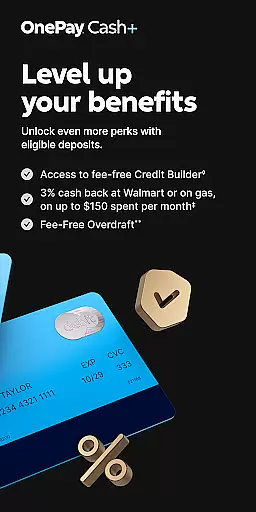
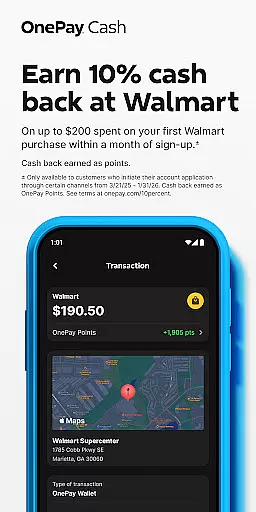
OnePay - Mobile Banking distinguishes itself through several key features that enhance the user's financial experience. First and foremost, the app offers a robust rewards system where users can earn cash back as OnePay Points on qualifying purchases made with the OnePay CashRewards Mastercard. These points are redeemable as deposits into a OnePay Cash account, providing tangible financial benefits.
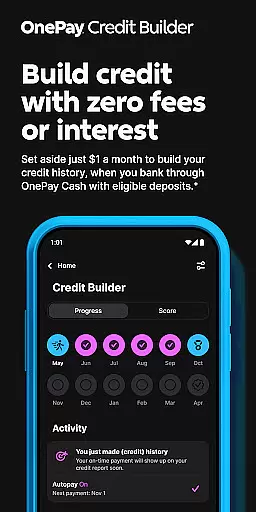
In addition to its rewards program, OnePay implements a Credit Builder Program designed to help users improve their credit scores responsibly. This feature allows users to make monthly payments toward a 12-month loan with a 0% APR, offering flexibility in payment amounts while maintaining structured financial discipline. Furthermore, the app includes valuable tools like Savings Backup and Fee-Free Overdraft protection, which work together to provide a safety net for eligible transactions.
Each feature within OnePay is crafted to deliver real-world value to its users. From currency exchange services to instant access to direct deposits, these functionalities collectively create a comprehensive mobile banking solution that addresses various financial needs while maintaining security and compliance with banking regulations.
Account and fund security is a critical aspect of any financial application, ensuring the safety of user data and transactions. OnePay u2013 Mobile Banking employs advanced encryption protocols to protect sensitive information such as account details and personal data. This ensures that all communications between the app and banking servers remain confidential and tamper-proof.
In addition to encryption, OnePay implements multi-factor authentication processes. Users are required to verify their identity through multiple steps before accessing their accounts or performing significant transactions. This adds an extra layer of security, significantly reducing the risk of unauthorized access.
OnePay also provides real-time fraud monitoring and alerts. The system continuously analyzes transaction patterns to detect any unusual activity that might indicate fraudulent behavior. If suspicious actions are identified, users receive immediate notifications, allowing them to take swift action to secure their accounts.
By prioritizing these robust security measures, OnePay u2013 Mobile Banking not only protects user funds but also builds trust. Customers can manage their finances with peace of mind, knowing that their assets and personal information are safeguarded against potential threats.
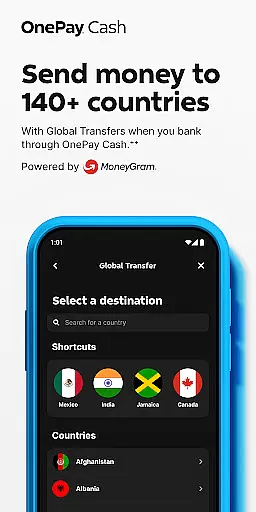
A seamless transaction experience is essential for any mobile banking application, and OnePay u2013 Mobile Banking excels in providing users with efficient and reliable financial operations. The app supports a variety of transaction types including direct deposits, bill payments, and global transfers, all accessible through an intuitive interface designed for ease of use.
OnePay ensures that transactions are processed quickly, often completing transfers within moments. This speed is complemented by real-time notifications that keep users informed about the status of their transactions. Whether it's receiving a paycheck or paying a bill, users are always aware of their financial activities as they happen.
Moreover, OnePay offers transparent fee structures for different transactions. Users can easily view any associated costs before confirming their actions, avoiding unexpected charges. This transparency extends to currency exchange rates, which are clearly displayed for international transfers, empowering users to make informed decisions.
With its focus on delivering a smooth and transparent transaction experience, OnePay u2013 Mobile Banking enhances user satisfaction. By simplifying complex financial tasks and maintaining clear communication, the app allows users to manage their money confidently and efficiently.
User-friendly interface
FDIC-insured banking
Rewarding cashback system
Credit score improvement tools
Comprehensive financial services
Limited to eligible users
Requires direct deposit
Overdraft coverage limitations
Dependent on partner banks
Geographic restrictions apply

Play for fun, earn for real. Collect rent by owning virtual land & get cashback
 4.60
4.60
Bitcoin gpu app helps you remote mine using your cell phone easily .
3.60
Early payday cash advance up to $150 a day with a max of $1,000 per pay period
4.70
Easily invest, save, and plan—all in one app.
4.60
Get 250$ Cash Advance to solve emergencies instantly in loan app called LendMe
4.70
Simple & secure international money transfers - for personal & business needs.
4.80
View BSC Transactions for multiple accounts
3.90
“Money Manager” is an optimized application for personal asset management.
4.70
Our Chase Mobile App makes it easy for you to bank on the go 24/7.
4.60
No credit checked needed.
4.80
Companies owe you money.
4.80
Money transfer made easy. Send money to friends and family with great rates.
4.70
Currency Converter (200+ currencies) with live exchange rates and offline mode.
4.70
Early payday & cash advances with no-fee mobile banking!
4.60 4.50
4.50
The all-in-one app to save, earn, travel, and put more money in your pocket
4.50
Earn cash & save money daily. Access instant cash advances* - no credit check!
4.50
Manage budget, save money, or file tax. Build, track & improve your credit score
4.40
Earn money as a tester with Testerup, get cash testing apps and games
4.20


User Reviews