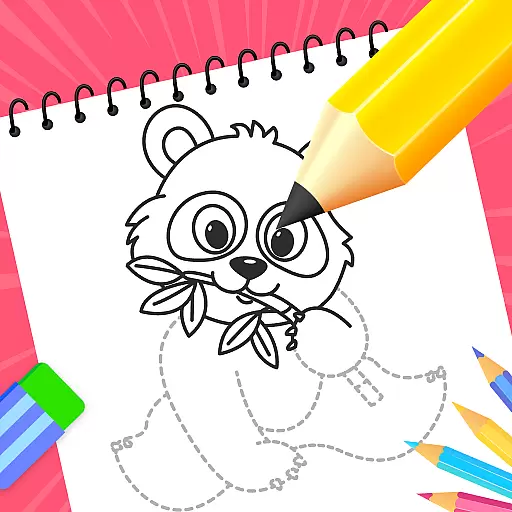
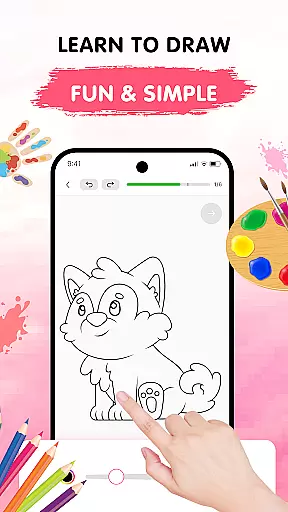
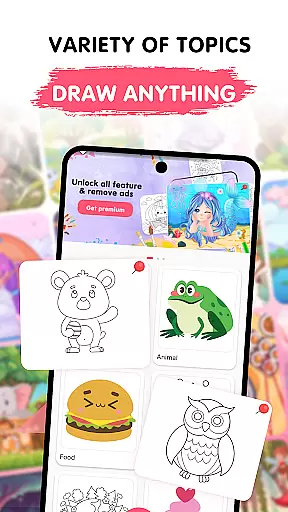
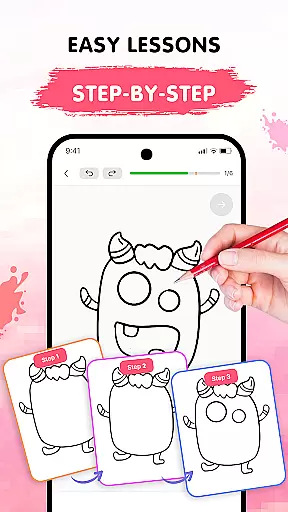
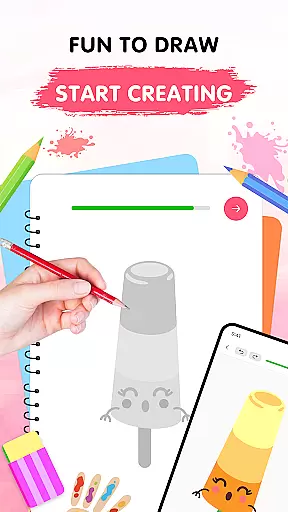
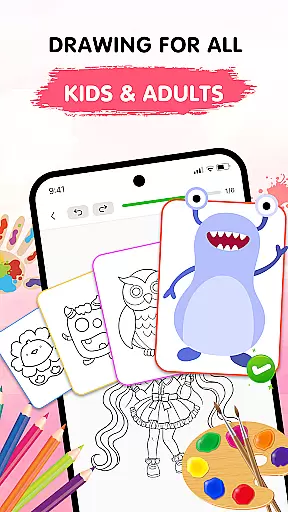
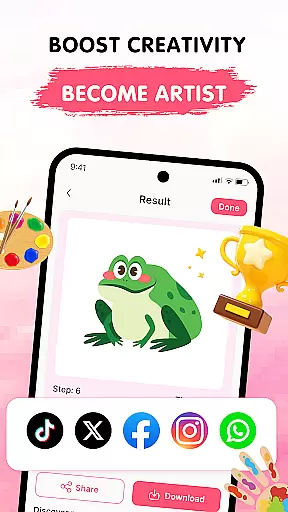
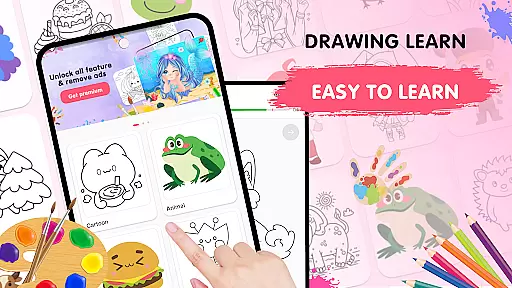
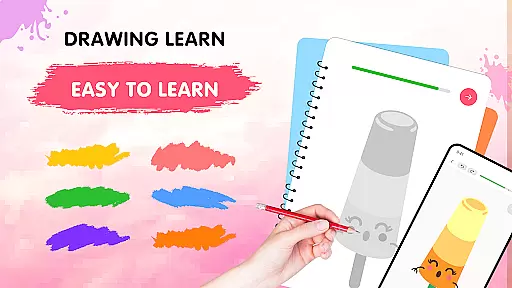
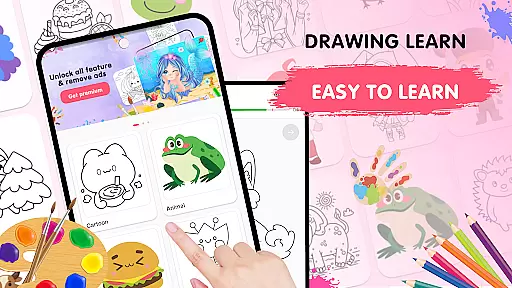
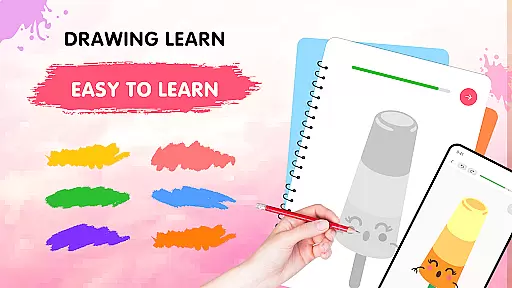
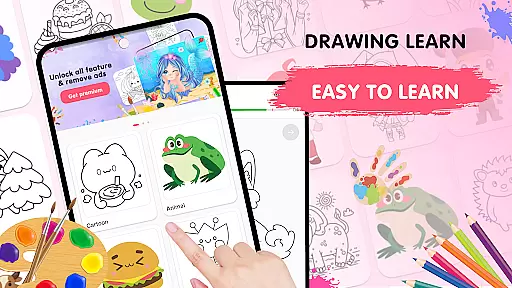
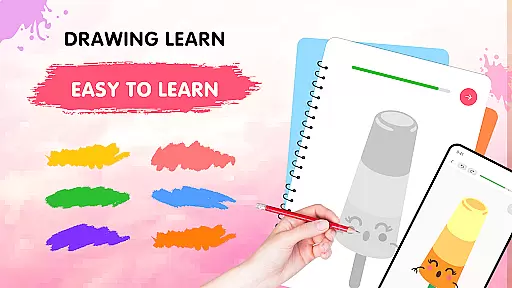
Easy Draw: Learn How to Draw is an educational app designed to help users develop their drawing skills in a guided and enjoyable manner. The app offers step-by-step tutorials across a variety of themes, making it suitable for both beginners and those looking to refine their techniques.
With its intuitive interface and easy-to-use drawing tools, Easy Draw provides a relaxing environment for users to explore new styles and improve their art. The app includes adjustable brush settings, a vibrant color palette, and the ability to save and share creations, allowing for personal expression and creativity.
Whether sketching animals, cartoons, or landscapes, Easy Draw caters to different interests and encourages artistic growth. Its structured lessons and supportive features make it an ideal choice for anyone eager to embark on a creative journey and express themselves through drawing.
Easy Draw stands out with its comprehensive set of features tailored to enhance the learning experience. One of the key highlights is the guided drawing steps, which break down complex drawings into manageable stages, catering to learners at all levels.
The app also boasts a variety of topics, from animals to food, ensuring that there's something for everyone. Users can take advantage of the easy-to-use drawing tools such as undo, redo, erase, and reset, which foster experimentation without the fear of making mistakes.
Additionally, Easy Draw offers adjustable brush settings and an expressive color palette, empowering users to add intricate details and personalize their artwork. With the option to save and share drawings, artists can proudly display their progress and receive feedback from peers, further enriching their educational journey.
In the realm of digital learning, content accuracy is paramount, especially for an educational app like Easy Draw: Learn How to Draw. This app ensures that each drawing lesson is crafted with precision and care, adhering to established artistic techniques and principles.
Easy Draw employs a team of experienced artists and educators who meticulously design every tutorial. They break down complex drawing processes into manageable steps, ensuring that users receive clear and accurate guidance throughout their creative journey.
The authority of Easy Draw's content is further reinforced by its structured approach to teaching. By offering a wide variety of themes, from animals to environments, the app caters to different interests and proficiency levels. This diversity not only enriches the learning experience but also establishes Easy Draw as a reliable resource for aspiring artists.
Ultimately, users benefit from a trustworthy platform where they can confidently develop their skills, knowing that the instruction they receive is both accurate and authoritative. With Easy Draw, every stroke contributes to a deeper understanding of the art of drawing.
One of the standout features of Easy Draw: Learn How to Draw is its ability to offer personalized learning paths tailored to individual users' needs and skill levels. This customization empowers learners to progress at their own pace, making the educational experience more engaging and effective.
The app achieves this personalization through its diverse range of tutorials and adjustable drawing tools. Users can select lessons that align with their interests, whether it be animals, cartoons, or landscapes. Additionally, features such as adjustable brush settings and an expressive color palette allow users to fine-tune their work, adding a personal touch to every piece they create.
Easy Draw also supports self-paced learning by providing step-by-step guidance in each tutorial. This method allows users to revisit and practice challenging concepts without feeling rushed, fostering a deeper mastery of drawing techniques over time.
By combining tailored content with intuitive tools, Easy Draw creates a dynamic and personalized learning environment. This approach not only enhances user satisfaction but also significantly boosts the overall effectiveness of the educational process, helping users achieve their artistic goals.
User-friendly interface
Step-by-step guidance
Variety of drawing themes
Customizable brush sizes
Encourages creativity
Limited advanced tools
No offline mode
In-app purchases
Occasional ads
Basic social features

Age-Related Child Developmental Milestones
 4.80
4.80
Astronomy Guide To Night Sky
4.30
An aviator’s preparation, study and test tool for FAA Knowledge Exams.
4.30
An aviator’s preparation, study and test tool for FAA Knowledge Exams.
4.10
An aviator’s preparation, study and test tool for FAA Knowledge Exams.
3.80
Stargazing Guide App. Stars and constellations map. Solar system planets finder.
4.60
Snap a dog photo to identify its breed instantly. Fast, accurate and easy to use
3.40
Adventures await with Spider-Man and other Marvel characters!
4.10
Plant identifier: Identify plants, trees, weeds, flowers. Disease diagnosis.
4.30
The best way to study for your amateur radio license exam.
4.90
Childcare Management App: Daily sheets, sign in-out, billing and learning tools
4.70
Universe simulator: Find & explore planets system, outer space, astronomy events
4.60
Intuitive Transformer Lab - By a Lineman, For Linemen & Apprentices
4.50
Ignite curiosity, spark learning: All babybus videos &games
4.30
Monkey Preschool Lunchbox: 7 exciting educational games for your preschooler.
4.30
Break Language Barriers with AI—Learn Language Anytime, Anywhere!
4.00
An aviator’s preparation, study and test tool for FAA Knowledge Exams.
4.00
Deal Craps (Practice Craps Payouts)
3.80
Enrich the experience of your visit to the Pantheon with our audiotour.
1.60


User Reviews