
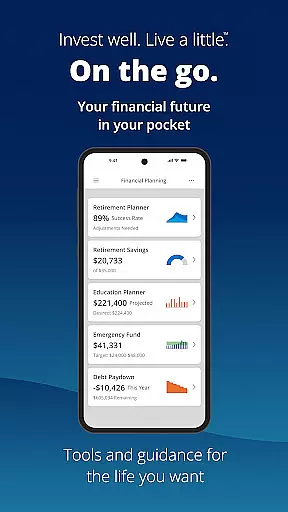
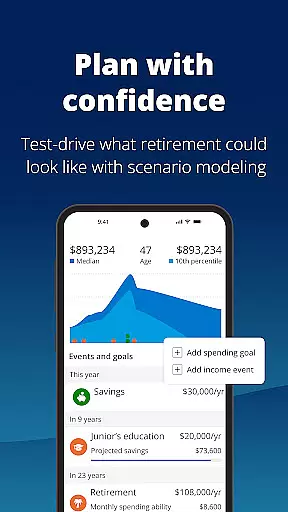


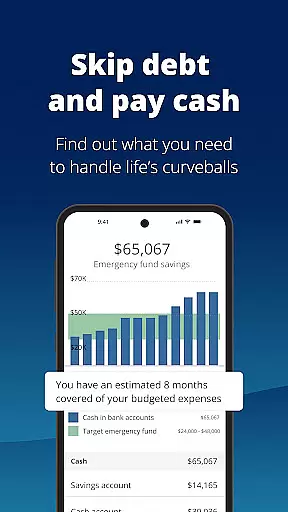






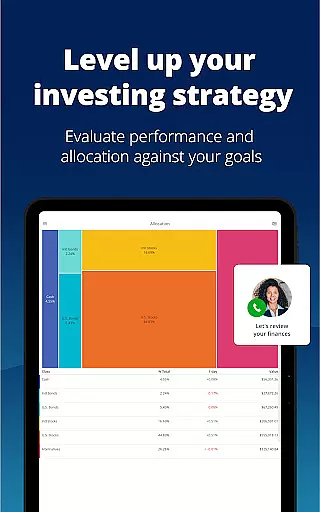
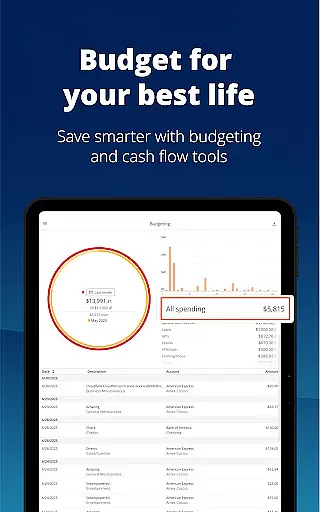
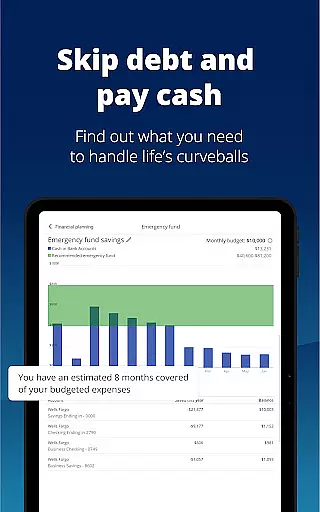

Empower is a comprehensive financial management application designed to simplify and clarify your financial life. The app consolidates all your financial accounts into one dashboard, providing a complete overview of your net worth, income, expenses, and investments. With industry-leading tools, Empower helps you plan for retirement, simulate economic scenarios, and manage debt effectively.
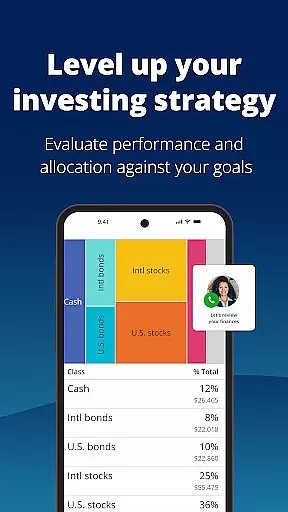
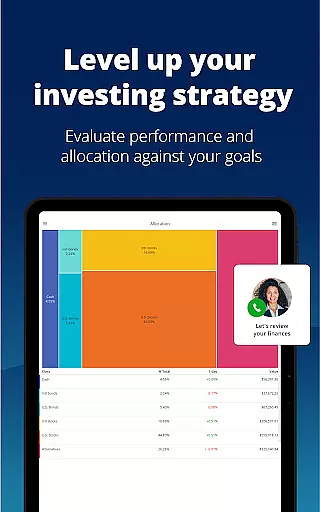
One of the standout features of Empower is its ability to provide professional investment advice tailored to your financial situation. The app also ensures top-notch security with biometric and multi-factor authentication, safeguarding your sensitive data. Whether you're looking to build an emergency fund, set budgets, or check for allocation imbalances in your portfolio, Empower offers the tools necessary to achieve your financial goals efficiently.
By using Empower, users can spend less time managing spreadsheets and more time focusing on what they enjoy. This app is ideal for anyone seeking clarity and control over their financial future, making it a valuable tool for both personal and professional financial management.
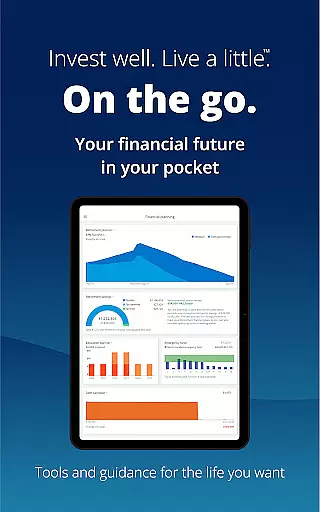
Empower boasts a wide array of features that cater to various aspects of financial planning and management. One of its core functionalities is the ability to view all your financial accounts in one place, offering a holistic view of your financial health. This includes tracking net worth, monitoring income and expenses, and accessing professional investment advice, which sets Empower apart from other finance apps.
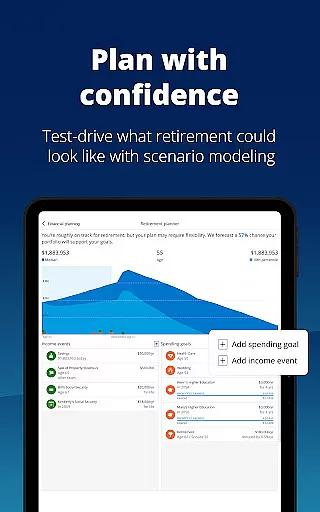
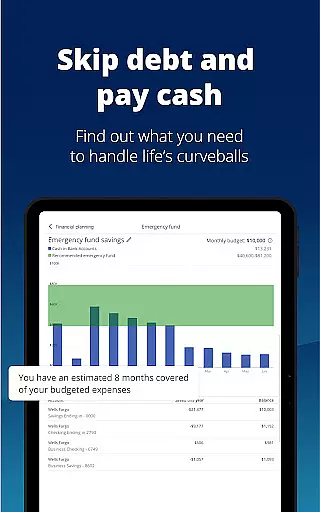
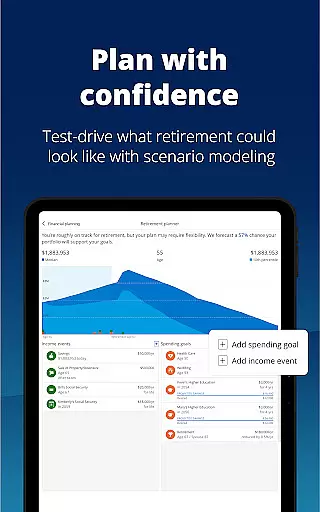
The app provides advanced tools such as retirement planning, scenario adjustments, and recession simulations. These features allow users to make informed decisions by visualizing different financial outcomes. Additionally, Empower supports debt management and emergency fund creation, helping users prepare for unforeseen circumstances while maintaining financial stability.
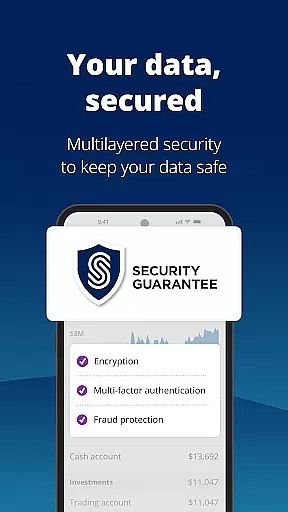
Security is another significant aspect of Empower's feature set. The app employs biometric and multi-factor authentication to protect user data, ensuring peace of mind when managing sensitive information. With these robust features, Empower not only simplifies financial management but also enhances security and control over your financial future.
Account and fund security is a critical aspect of any financial application, ensuring that users' sensitive information is protected from unauthorized access. Empower takes this responsibility seriously by implementing top-tier security measures.
The app secures user data with biometric and multi-factor authentication, providing an additional layer of protection beyond traditional passwords. This ensures that only the authorized user can access their financial information, significantly reducing the risk of fraud and identity theft.
Moreover, Empower's security protocols are designed to safeguard against various threats, including phishing attacks and data breaches. By encrypting data both at rest and in transit, the app maintains the integrity and confidentiality of user information.
Users benefit from peace of mind knowing that their financial activities within Empower are shielded by industry-leading security technologies. This allows them to focus on managing their finances without worrying about potential security vulnerabilities.
A seamless transaction experience is essential for users managing their finances through an app. Empower excels in offering a smooth and efficient process for handling transactions, making it easy for users to stay on top of their financial activities.
The app provides real-time notifications for each transaction, ensuring users are immediately aware of any activity in their accounts. This feature not only enhances transparency but also helps in quickly identifying any unauthorized transactions.
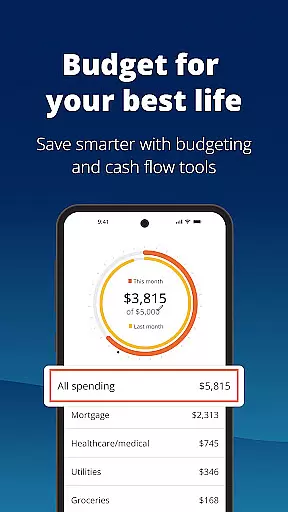
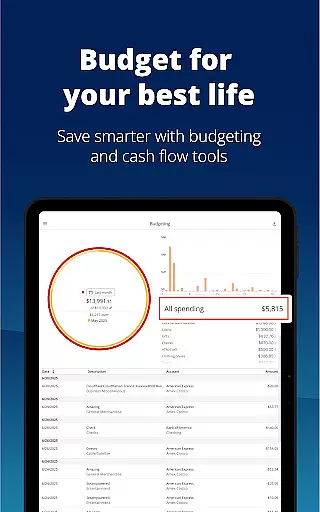
Empower further simplifies financial management by consolidating all income and expenses in one place. Users can effortlessly track their spending patterns, set and monitor budgets, and plan for future financial goals without the hassle of navigating through multiple platforms.
By streamlining the transaction experience, Empower enables users to spend less time on manual tracking and more on enjoying their lives, confident in their financial clarity and control.
User-friendly interface
Comprehensive financial tools
Professional investment advice
Strong security measures
All-in-one account management
Premium features require subscription
Occasional syncing issues
Limited international support
Higher learning curve
Some features are US-only

Currency Converter supports all currencies of the world.
 5.00
5.00
Companies owe you money.
4.80
Managing your money just got easier. Get the new Mobile app.
4.70
No credit check, no interest, no worries.
4.70
Manage your credit card account with the Credit One Bank mobile app.
4.70
Join 12M+ users. Instant cash advances, personal loans, build credit, save money
4.80
Earn money as a tester with Testerup, get cash testing apps and games
4.20
Make Real Cash by Playing Games! Fetch Playful Rewards, Win & Triumph
4.50
Send money and bitcoin easily. Invest, bank and do more with your money
4.70
BA Financial Calculator PRO – Perfect for CFA/FRM/CPA and finance professionals
4.90
Keep track of your subscriptions with no limitations
4.80
Money App - Earn Cash back, Fast Cash Advance, Personal Loan Offers, Banking
4.70
Military retirement pay estimation calculator
4.70
Pay, bank & build credit.
4.70
Earn cash back. Build credit.
4.60
Put crypto to work & earn rewards. Stake crypto like Ethereum, Solana & Cardano
4.40
Venmo is the fun and easy way to pay and get paid.
4.10
SuperQi, Your all-in-one Super App.
1.30
Bill Manager is a simple app to help you keep track of your upcoming bills.
4.4


User Reviews