
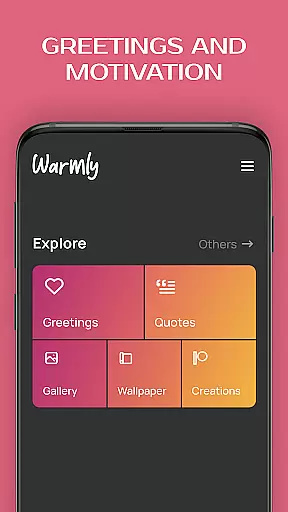
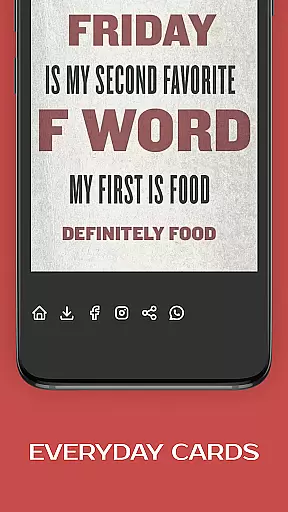
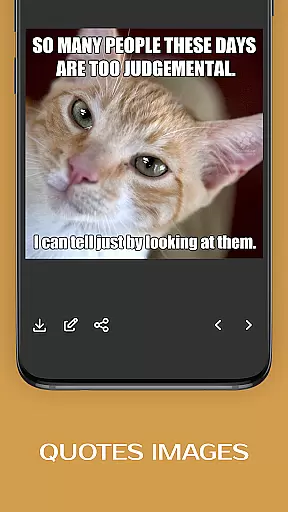
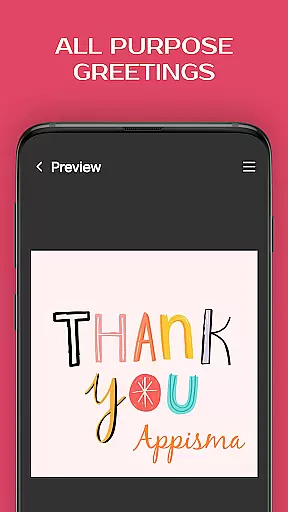


Greeting Cards All Occasions is a versatile mobile application designed to help users create and share personalized greeting cards for every occasion. The app offers an extensive collection of pre-designed cards covering all major events, holidays, and everyday moments. Users can customize these cards by adding their own photos and text, making each card unique and personal.
The app stands out with its comprehensive editing tools that include various fonts, colors, stickers, and photo frames. Whether you need to send birthday wishes, holiday greetings, or just a thoughtful good morning message, this app provides everything you need to convey your emotions effectively. Its intuitive interface makes it easy for anyone to design beautiful cards quickly.
Particularly useful for those who want to maintain meaningful connections with friends and family, Greeting Cards All Occasions ensures that you never miss an opportunity to show you care. With its wide range of customization options and user-friendly features, the app transforms simple digital images into heartfelt messages that strengthen relationships.
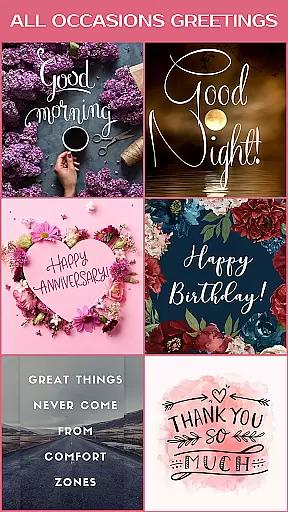
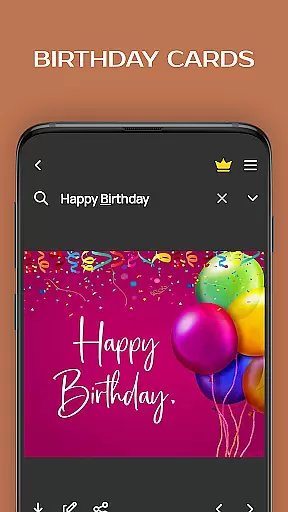
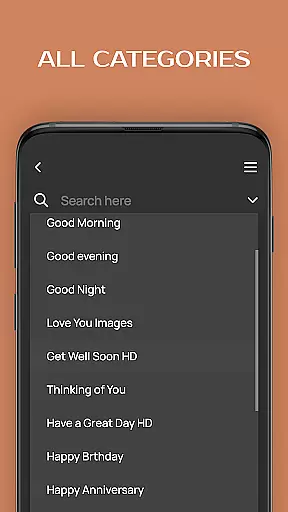
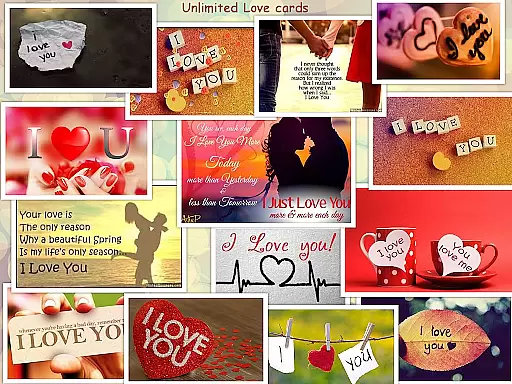
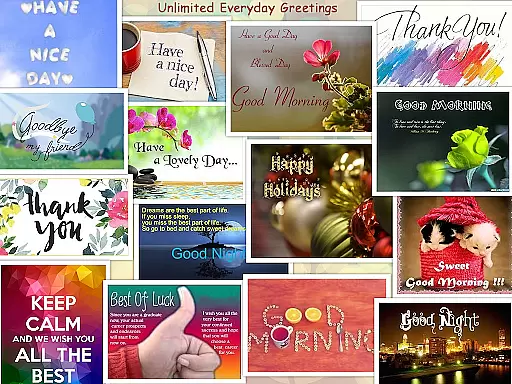
One of the standout features of Greeting Cards All Occasions is its vast library of greeting cards suitable for any event imaginable. From birthdays and anniversaries to holidays like Christmas and Thanksgiving, the app has got you covered. Each category contains numerous templates, allowing users to find the perfect match for their needs.
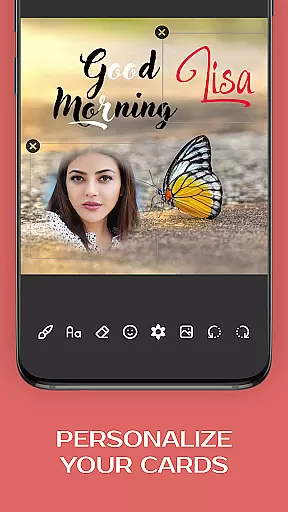
Beyond its rich template selection, the app offers powerful customization tools. Users can add personal photos, write custom messages with different fonts and colors, and even decorate their cards with stickers and emojis. The built-in text editor and paintbrush tool provide additional flexibility, enabling detailed modifications to create truly unique designs.
Another notable feature is the ability to save and share creations directly from the app. Once satisfied with their design, users can instantly send their customized cards via social media platforms or messaging apps. This seamless sharing process enhances convenience and ensures timely delivery of warm wishes to loved ones, no matter the distance.
Creating and customizing tasks within an application is crucial for users who seek to personalize their experience. The Greeting Cards All Occasions app allows users to craft personalized greeting cards for any event, providing a canvas where creativity meets personal touch. This feature enables the addition of photos and text, allowing users to express feelings and messages that are uniquely their own.
The app's interface supports detailed customization through its text editor, paint brush, eraser, smileys, emojis, stickers, and various fonts and colors. These tools empower users to design cards that not only convey their sentiments but also reflect their personality and style. Whether it's adding a heartfelt message or embedding a cherished photo, the level of detail available ensures each card is a true representation of the sender's emotions.
For users, this means the ability to create something truly special for their loved ones. Personalized cards can make recipients feel valued and remembered, enhancing the emotional connection between sender and receiver. By offering such a comprehensive suite of customization options, the app transforms a simple gesture into a memorable keepsake.
Reminder settings in applications serve as essential tools for managing time and responsibilities effectively. In the context of the Greeting Cards All Occasions app, reminder settings ensure that no important date or occasion slips through the cracks. Users can set up reminders for birthdays, anniversaries, holidays, and other significant events, ensuring timely greetings and thoughtful gestures.
This app goes beyond basic reminders by integrating them with its card creation capabilities. Once a reminder is triggered, users can seamlessly transition into designing a personalized card, streamlining the process from memory aid to meaningful action. This integration not only enhances user convenience but also enriches the quality of interactions facilitated by the app.
Ultimately, these reminder features help maintain and strengthen relationships by promoting consistent and thoughtful communication. By leveraging the appu2019s reminder system, users can stay connected with friends and family, sending warm wishes and maintaining bonds over distances and through busy schedules. This functionality underscores the app's commitment to fostering genuine human connections through technology.
User-friendly interface
Extensive template library
Powerful customization tools
Wide range of occasions covered
Easy sharing options
Limited advanced editing features
Occasional ads in free version
Some templates require purchase
Basic font styles
Interface can feel cluttered

Browse events, find transportation, keep up with the latest news from your team
 4.1
4.1
Here you can choose tickets for films, performances, concerts and other events
4.60
Purchase line-skip passes, drinks, cover, and more at bars and clubs
3.50
Everything you need for the Best Thursday Ever.
4.40
The world's largest selection of tickets is now at your fingertips
3.90
ETH Mining provides secure way to mine Ethereum & earn ETH in Cloud mining app
3.50
RAISE-365 makes fundraising easy and fun!
3.20
Freebie Games for Epic Games, Steam, Amazon, Rockstar etc.
4.40
TodayTix is the easiest way to get tickets to the best shows in your city.
4.90
Fantasy of Lights Event App
5.00
Invitation card maker for birthday party & Wedding. Digital greeting card editor
4.90
Create invitation cards for birthdays, weddings, Christmas and more.
4.80
Beautiful invitation cards + easy RSVP tracking for any event. Design Invites.
4.80
Listen Full Quran MP3 Offline - Qibla Compass, Salah Timing & 99 Names of Allah
4.60
PheedLoop Go! is the mobile event app for events powered by PheedLoop.
4.40
Buy and sell tickets to sports, concerts, theater, festivals, and comedy events
4.10
Manages display and transfer of tickets from the Mundo Tickets platform
3.80
Mobile Event Guide for Greater NY Dental Meeting
4.0
It is an Event Planning Application.
4.5


User Reviews