
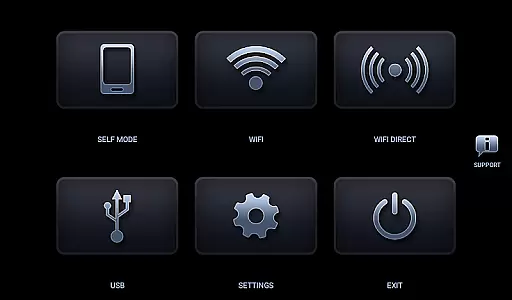
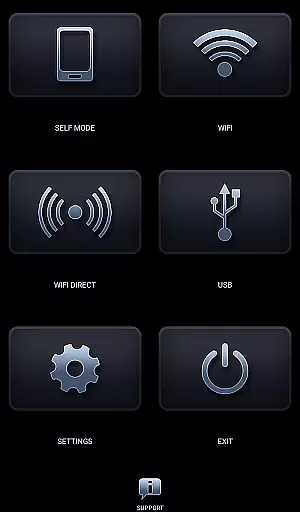
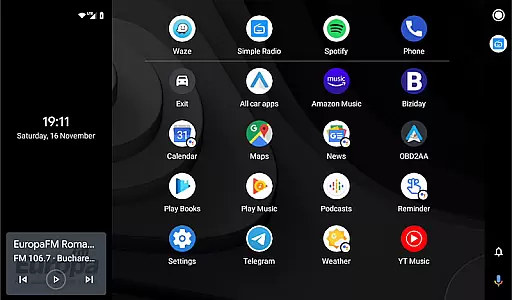
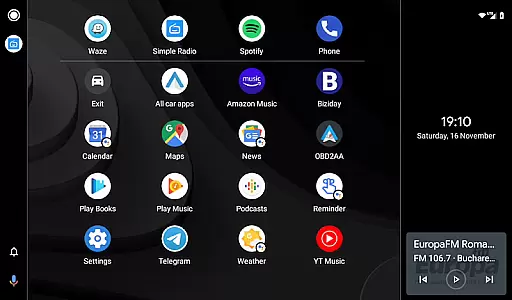
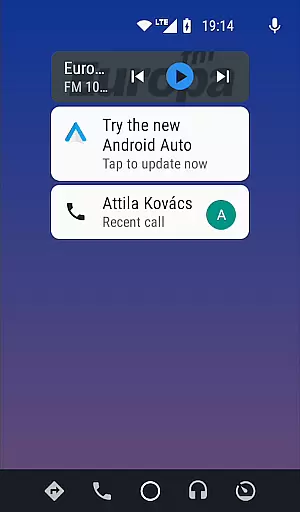
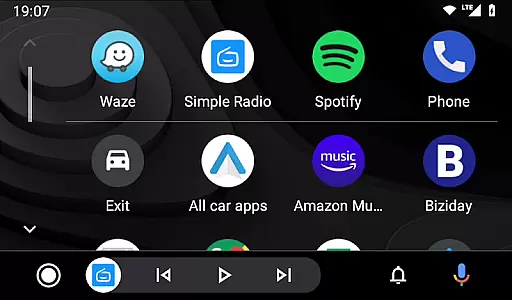

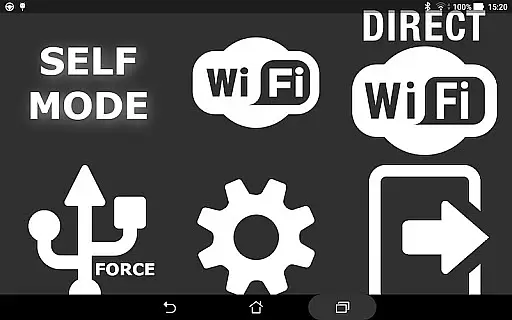
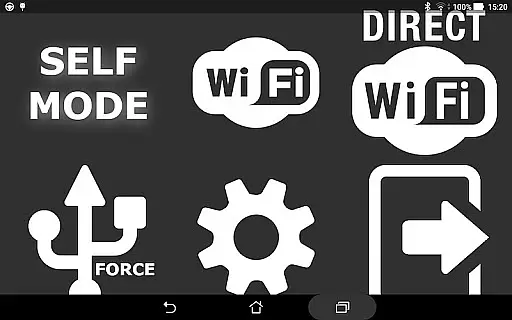
Headunit Reloaded Emulator HUR is a specialized application designed to emulate Android Auto functionality on compatible head units. The app supports multiple connection modes including USB, WiFi, and Self-mode for direct device usage. It enables users to mirror their smartphone's interface to their car's display system, providing access to navigation, music, and other apps while driving.
The emulator works with various Android-powered head units from manufacturers like Joying, Eonon, Xtrons, and others. Its key value lies in bringing Android Auto capabilities to devices that originally lack this feature, enhancing the driving experience through improved connectivity and access to essential mobile functions.
Headunit Reloaded Emulator HUR offers several notable features that enhance its usability. The app provides multiple connection options - USB mode for wired connections, WiFi mode for wireless operation, and Self-mode for running both Android Auto and the emulator on the same device. These options ensure compatibility with different hardware configurations and user preferences.
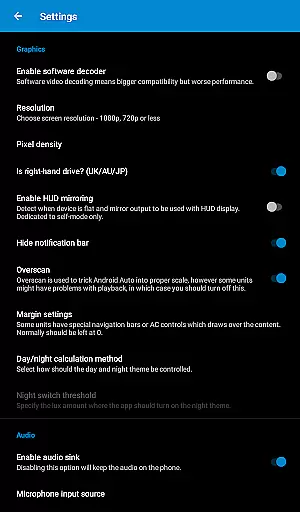
Advanced settings include software decoding options and customizable connection parameters. The app also maintains an active support forum where users can find detailed FAQs, troubleshooting guides, and hardware compatibility information. This comprehensive support system helps users resolve technical issues and optimize their setup for best performance.
Map accuracy is a critical feature for any navigation app, including Headunit Reloaded Emulator HUR. This app ensures that the maps displayed are precise and up-to-date, providing users with reliable guidance while driving.
The emulator supports various Android-powered head units like Joying, Eonon, Grom Vline, Xtrons, PX5, and PX3 units among others. By maintaining compatibility with these systems, it guarantees that the map data accurately reflects real-world road conditions and layouts.
Users benefit from this precision as they can trust the navigation instructions provided by the app. Whether using USB mode, WiFi, or Self-mode, drivers can rely on Headunit Reloaded to deliver accurate mapping information essential for safe and efficient travel.
Route planning in Headunit Reloaded Emulator HUR offers multiple options for navigating from one point to another. The app allows users to select different routes based on preferences such as shortest distance or fastest time, taking into account current traffic conditions.
When connected via USB, WiFi, or running in Self-mode, the app provides real-time updates and alternative route suggestions. This dynamic routing capability ensures that users always have access to the most efficient paths available.
By integrating seamlessly with Android Auto, Headunit Reloaded enhances the driving experience through intuitive route management. Drivers can enjoy smoother journeys with optimized travel times, making their trips more enjoyable and less stressful.
User-friendly interface
Multiple connection modes
Wide device compatibility
Comprehensive support resources
Regular updates
Requires technical knowledge
May need OTG cables
Device compatibility issues
Initial setup complexity
Potential stability concerns

GPX Viewer PRO shows tracks, routes and waypoints from gpx and kml files.
 4.60
4.60
TACNAV-X: Precision MGRS navigation, built specifically for the military.
4.00
All of NHSA's trail information at your fingertips for the 2025-2026 season
4.0
Plan routes, share locations, and set custom alert zones
4.40
Explore Live Earth Map with 3D World Map & locate cites, mountains real time.
3.80
ParkWhiz, an Arrive Mobility brand, part of the Arrive Network
4.30
Live Satellite view app for find GPS navigation Direction and live location map
3.70
Get real-time bus and train schedules for easy, hassle-free city transportation.
3.90
Navigate MTA, NJ Transit, MBTA, SEPTA, BART, MARTA, CTA & 900+ cities
4.60
LIRR and Metro-North tickets and trips
4.80
Explore with GPS Navigation with GPS offline, voice GPS, speed camera radar
4.60
Track friends in real-time and explore worldwide live cameras.
4.60
Neshan: map & navigation app with 20M+ monthly active users
4.50
The fastest and most convenient way to pay for parking on our lots.
4.40
Use GPS Maps and GPS Voice Navigation to find your way and get directions
4.10
Navigation, weather, offline maps & tools for smarter, safer travel planning.
4.00
Start your next adventure confidently using our Accurate Compass App
3.70
Explore offline maps with radar, satellite view, and real-time alerts.
3.60
Explore the world with Live Satellite View, 3D Maps, GPS Navigation & Earth Map.
2.90


User Reviews