
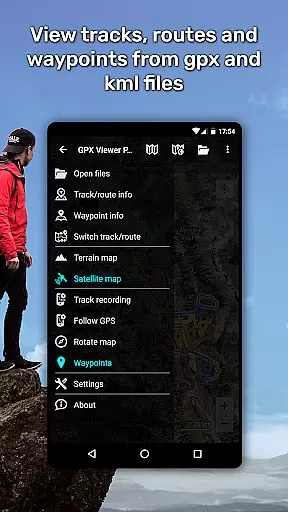
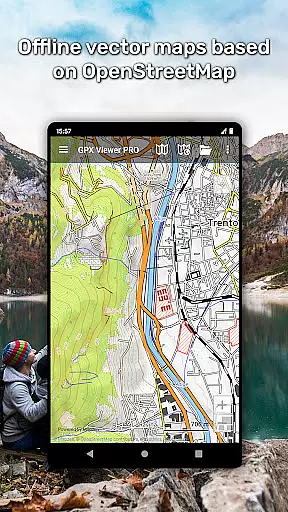
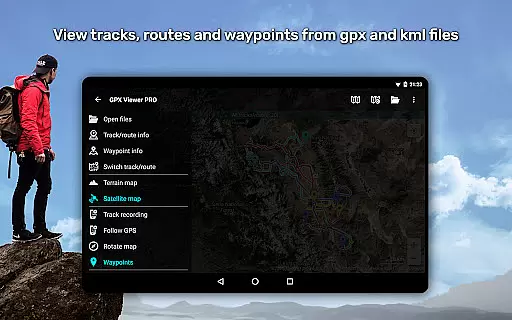
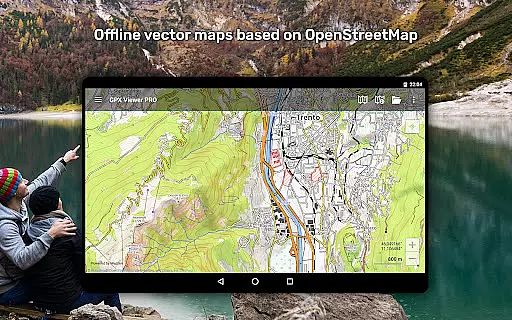
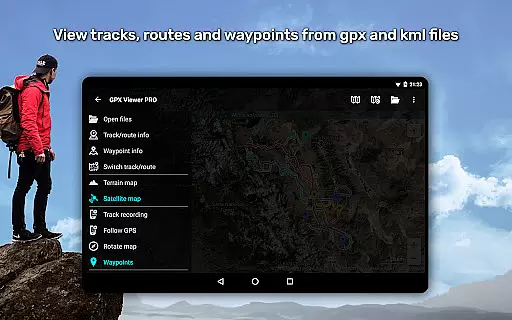
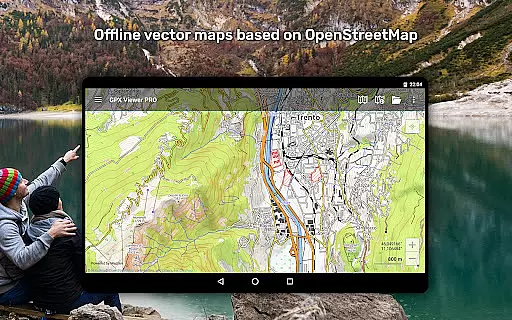
GPX Viewer PRO is a comprehensive GPS navigation and tracking tool designed for outdoor enthusiasts and travelers. The app allows users to view GPX, KML, KMZ, and LOC files while providing advanced features such as detailed trip statistics, elevation profiles, and speed graphs. With support for offline vector maps based on OpenStreetMap data, it ensures reliable performance even without an internet connection.
In addition to its robust file compatibility, GPX Viewer PRO serves as a simple yet effective navigation tool. It offers real-time GPS tracking, customizable map styles, and integration with platforms like Trackbook. Whether you're analyzing past trips or planning new adventures, this app combines powerful mapping capabilities with user-friendly functionality, making it an essential companion for all your outdoor activities.
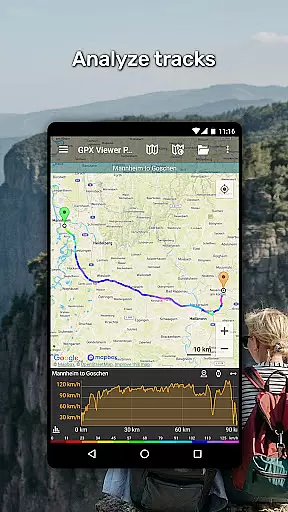
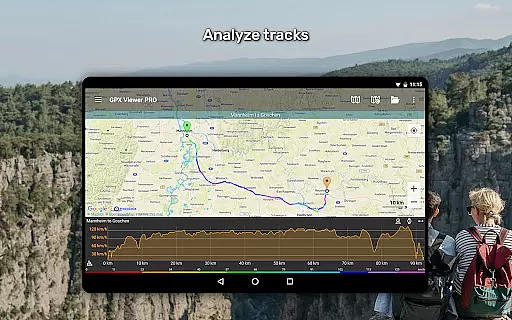
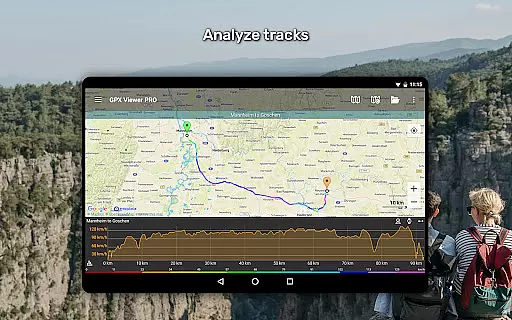
One of the standout features of GPX Viewer PRO is its ability to handle multiple file formats, including GPX, KML, KMZ, and LOC. Users can compress files into GPZ or KMZ formats, analyze trip statistics through detailed graphs, and customize track colors by elevation, speed, or other metrics. These tools allow for in-depth analysis of routes and waypoints, catering to both casual explorers and professional navigators.
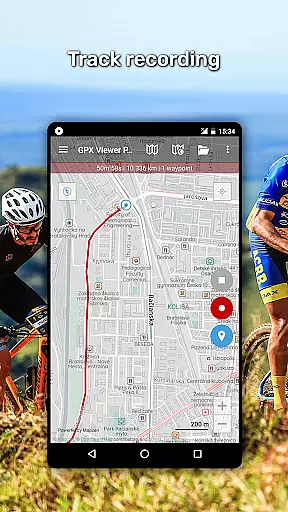
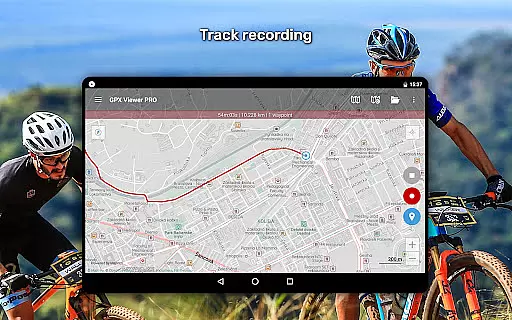
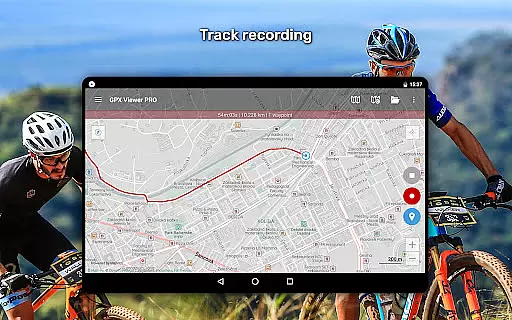
The app also excels in offline functionality, offering worldwide vector maps that are updated monthly. This ensures accurate and detailed mapping regardless of connectivity. Additionally, the inclusion of weather layers, custom online TMS/WMS maps, and Trackbook synchronization enhances its versatility. With options for track recording, editing, and GPS notifications, GPX Viewer PRO provides a complete solution for managing your travel data efficiently.
Map accuracy is a crucial feature for any navigation app, and GPX Viewer PRO excels in this area. The app offers both online and offline maps with impressive precision. Its detailed worldwide offline vector maps are based on OpenStreetMap data, ensuring reliable coverage even without an internet connection.
The inclusion of various map styles, from city-oriented to outdoor-focused designs, enhances the user experience by catering to different needs. Monthly updates further improve data accuracy, making sure users always have access to the most current mapping information available.
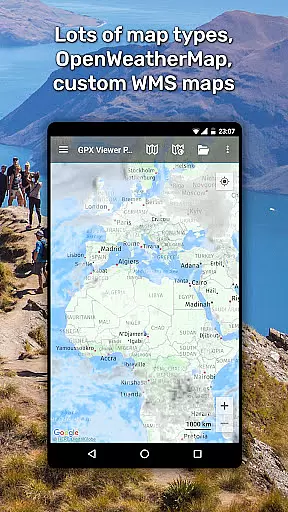
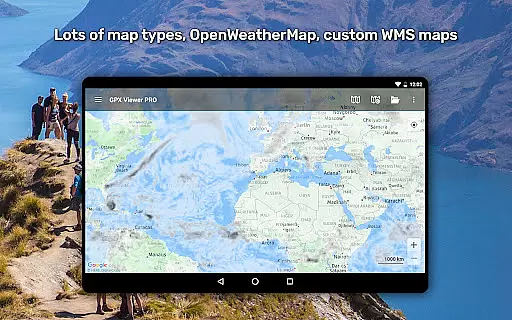
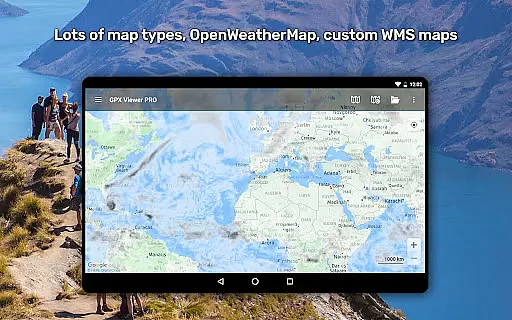
For online functionality, GPX Viewer PRO supports multiple map services including Google Maps, Mapbox, HERE, and Thunderforest. This diversity ensures that users can select the best option for their specific location and activity type. Additionally, weather layers from OpenWeatherMap provide valuable context for trip planning.
With its ability to show current GPS position accurately and adjust the map view accordingly, GPX Viewer PRO proves itself as a dependable tool for all kinds of outdoor activities. Whether hiking in remote areas or navigating urban environments, users can trust the app's precise positioning capabilities.
Route planning is where GPX Viewer PRO truly shines, offering users advanced tools to create, edit, and analyze their trips. The app allows you to view tracks, routes, and waypoints from various file formats including GPX, KML, KMZ, and LOC, providing maximum flexibility in trip preparation.
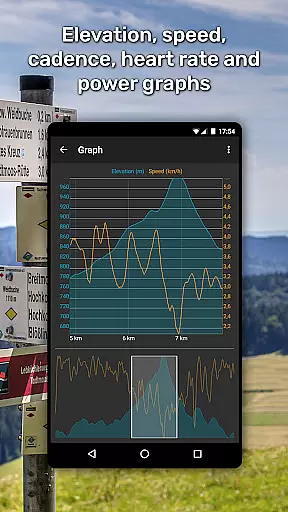
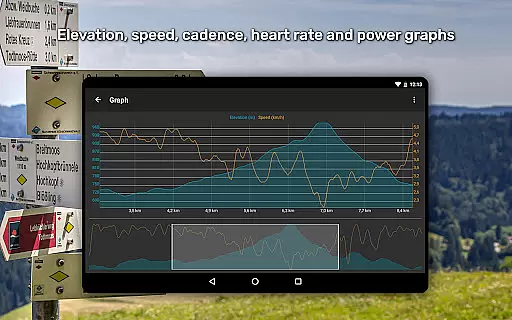
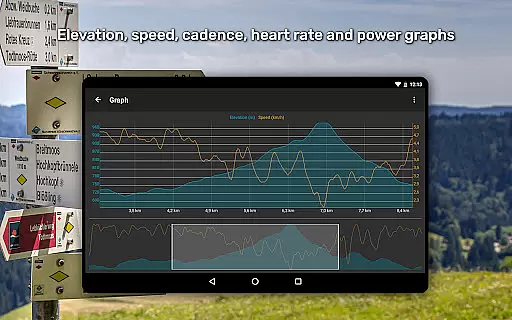
One standout feature is the detailed trip statistics analysis. Users can examine elevation profiles, speed graphs, and other track data like cadence and heart rate. This comprehensive analysis helps outdoor enthusiasts optimize their routes based on historical performance metrics.
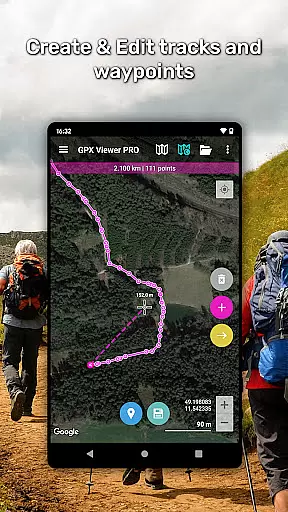
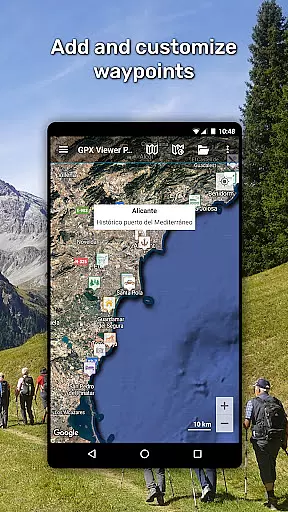
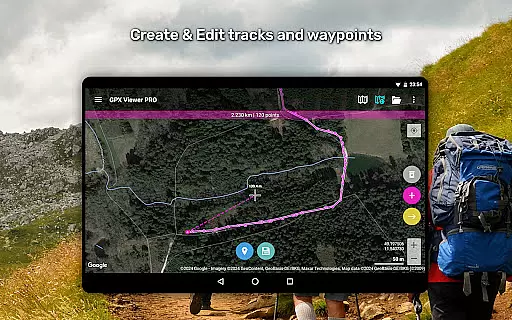
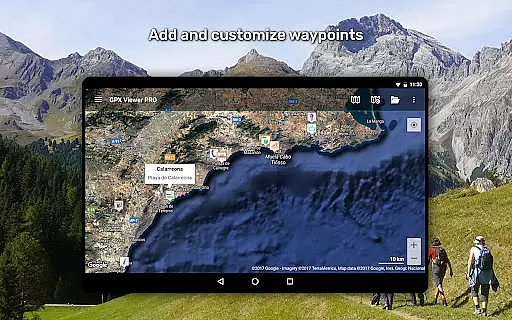
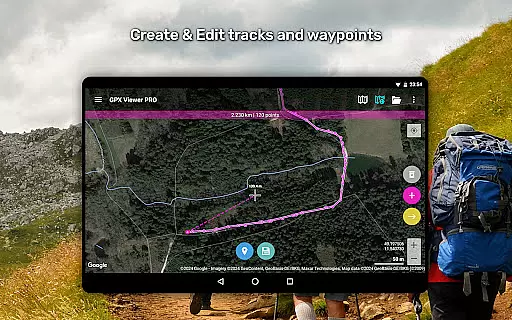
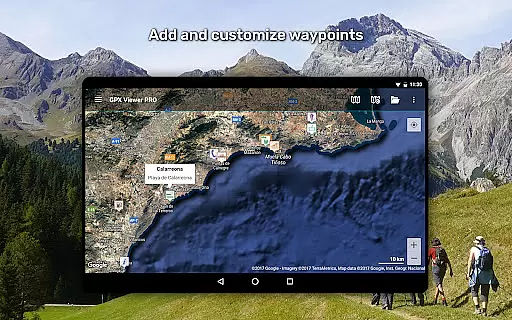
The app's editing capabilities are equally impressive. You can split or merge tracks, adjust colors based on different parameters, and even add custom waypoints. These features make route customization straightforward and intuitive, allowing users to fine-tune their plans according to specific needs.
Furthermore, GPX Viewer PRO functions as a simple navigation tool during trips. It continuously follows GPS position, rotates maps based on movement direction, and provides notifications when approaching waypoints. This combination of planning and real-time navigation features makes it an invaluable companion for any outdoor adventure.
User-friendly interface
Offline map support
Advanced analytics
Customizable settings
Wide file compatibility
Premium features locked
Occasional bugs
Steep learning curve
Limited free version
High system requirements

Offline maps & GPS for hiking, travel, fieldwork & outdoor adventures
 4.70
4.70
Complete offline 1:50k South Island topo map including DOC Hunting Permit Areas
4.60
Airport parking, with airport shuttle (TPS shuttle), reservations, and Spot Club
4.80
Track accurate speed & distance with GPS Speedometer. Check speed limit & time.
4.50
Order a cab online. An affordable taxi ride and driver in no time. What a bolt!
4.80
Explore with GPS Navigation with GPS offline, voice GPS, speed camera radar
4.60
Bolt is a ride-hailing app for requesting fast, safe, and affordable transport
4.80
Track friends in real-time and explore worldwide live cameras.
4.60
Lets explore the world's famous places by using Live Cams, GPS & Satellite View.
4.20
Truck Safe GPS Navigation & Maps: Parking, Fuel, Diesel, Weight Station
4.80
Parcel map, property lines, owner, acres, land use, zoning and more from Regrid.
4.60
Turn your Android device into a real off-road GPS using off-line topo maps!
4.40
"Balad" is a map and navigator with a Persian voice assistant and a complete city guide
4.40
Find routes fast with GPS Maps, GPS Navigation & driving directions.
4.10
Route Planner is travel map to get turn by turn navigation & driving directions
3.90
Get real-time bus and train schedules for easy, hassle-free city transportation.
3.90
Start your next adventure confidently using our Accurate Compass App
3.70
Play in the outdoors with Android as your Handheld GPS and offline topo maps!
3.50
Turn your tablet or Android powered unit into a full blow Android Auto headunit.
2.30


User Reviews