
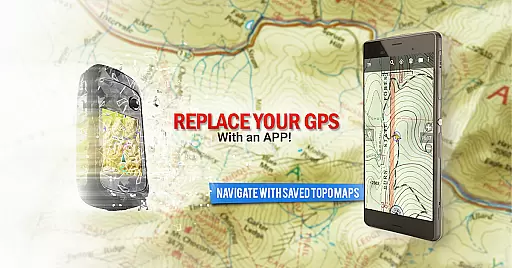
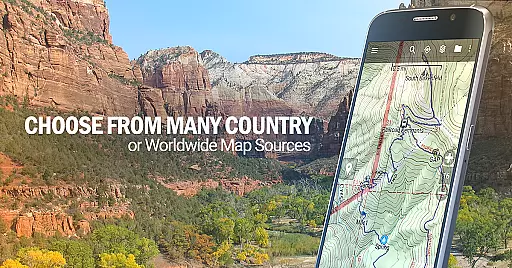
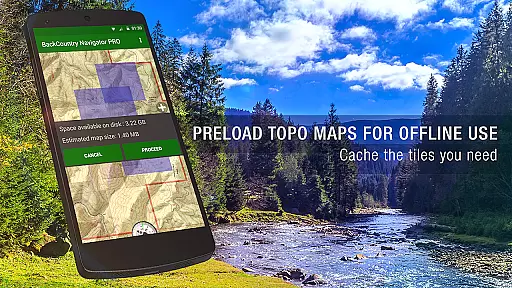
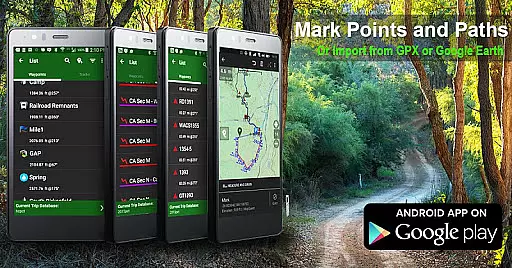
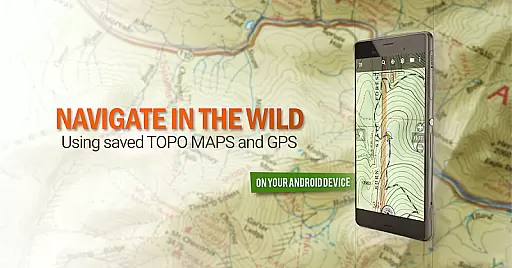
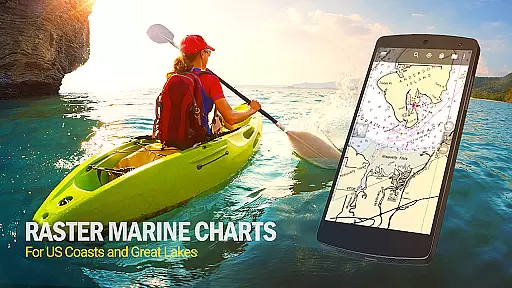
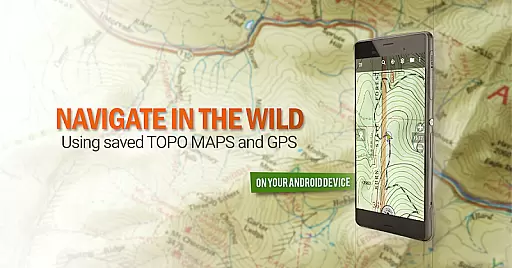
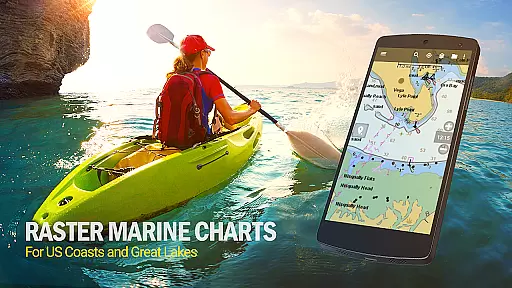
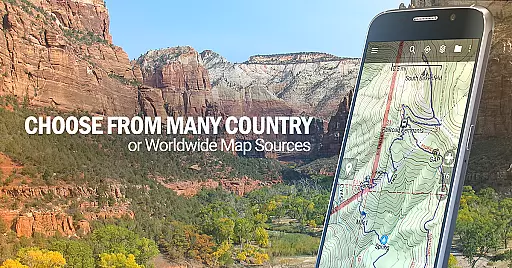
BackCountry Navigator GPS PRO is a premier outdoor navigation app that transforms your Android device into a powerful offline GPS tool. Designed for adventurers who venture beyond cell coverage, it offers downloadable topographic maps for the US and numerous other countries. These detailed topo maps display terrain through color and contour lines, making them invaluable for off-road navigation during hiking, hunting, kayaking, or backpacking trips.
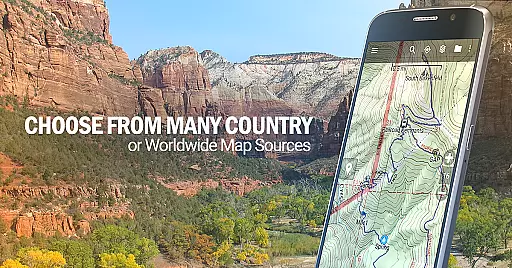
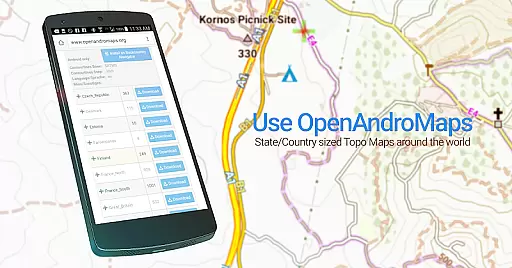
The app supports various map formats including GPX and KML files, allowing users to input custom coordinates using longitude/latitude, UTM, MGRS, or grid references. With its extensive mapping sources, you can access free options like OpenStreetMaps and USGS Topo Maps, as well as premium content such as Accuterra Topo Map Source and Thunderforest Map Sources. This versatility ensures that whether you're trekking the Pacific Crest Trail or fishing in remote areas, BackCountry Navigator GPS PRO provides reliable guidance without requiring cellular service.
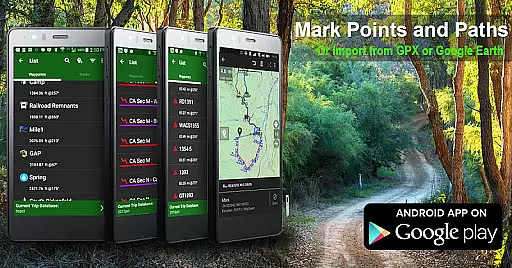
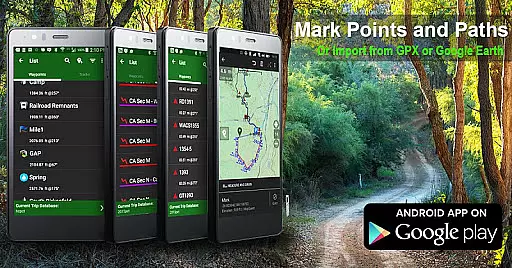
Beyond basic navigation, this app serves as an excellent geocaching companion by importing pocket queries as GPX files. It also records tracks and waypoints, helping outdoor enthusiasts track their journeys on detailed topographic maps. Whether used for camping trips, search and rescue operations, or long-term treks, BackCountry Navigator GPS PRO enhances safety and enjoyment in the wilderness. Its comprehensive features make it a worthy substitute for traditional handheld GPS devices from brands like Garmin or Magellan.
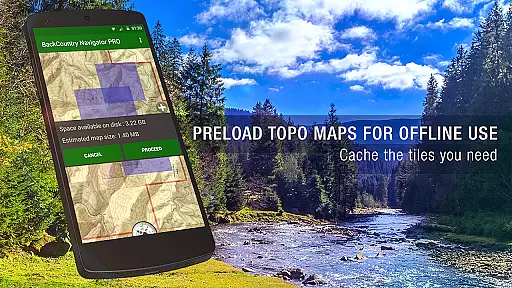
BackCountry Navigator GPS PRO stands out with its robust feature set tailored for outdoor enthusiasts. One of its key capabilities is the ability to download and store topographic maps for offline use, ensuring you have access to critical navigation data even without cell coverage. The app supports multiple map formats including GPX and KML files, enabling users to import GPS waypoints and enter custom coordinates using various systems such as longitude/latitude, UTM, MGRS, or grid references. This flexibility allows for precise location tracking and navigation planning.
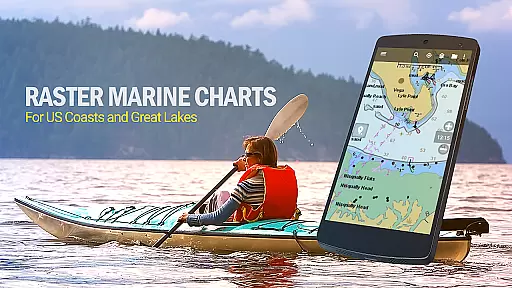
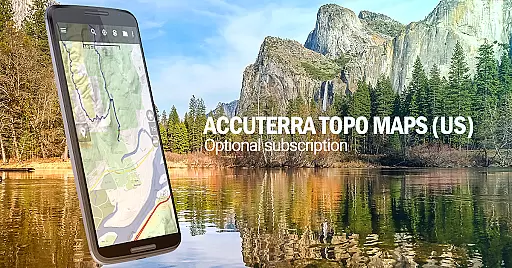
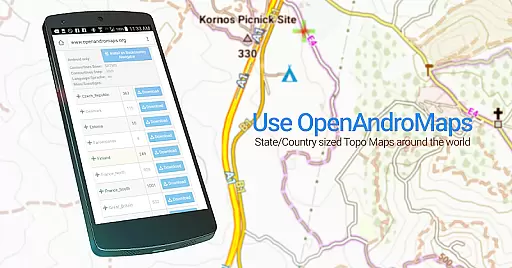
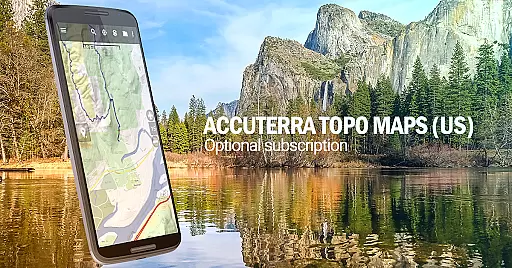
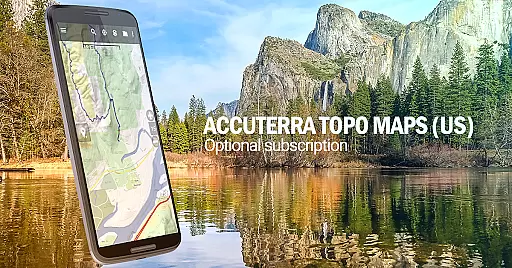
In addition to free map sources like OpenStreetMaps and USGS Topo Maps, the app offers premium content through in-app purchases. Options include Accuterra Topo Map Source for $19.99/year and Thunderforest Map Sources for $11.99/year, providing enhanced map details worldwide. Specialized overlays like Boundary Maps from the Bureau of Land Management (BLM) and GMU boundaries are particularly valuable for hunters. Furthermore, marine maps from NOAA and topographic maps of specific regions like Spain, Italy, New Zealand, and Japan cater to diverse exploration needs.
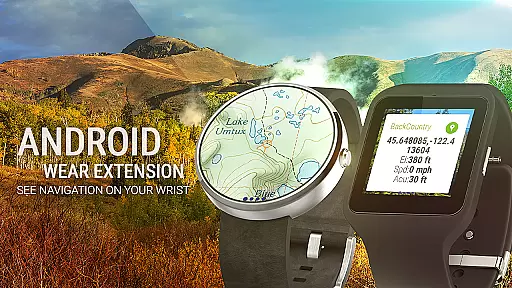
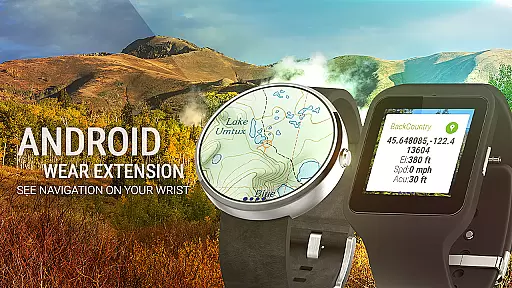
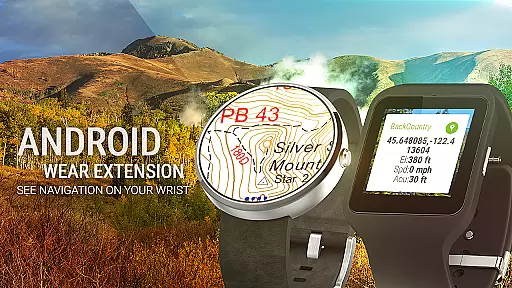
Another notable feature is the app's integration with Android Wear, allowing users to view navigation information at a glance on their smartwatches. This functionality enhances convenience and accessibility during outdoor activities. Additionally, BackCountry Navigator GPS PRO supports geocaching by importing pocket queries as GPX files and recording tracks and waypoints. These features collectively empower users to safely and confidently explore remote areas, replacing traditional handheld GPS devices with a versatile smartphone solution.
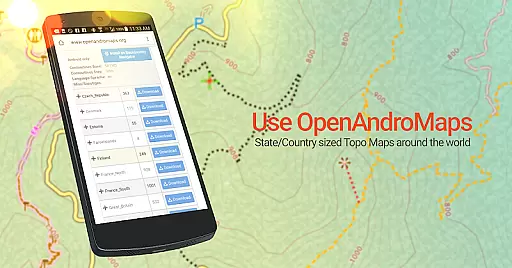
Map accuracy is essential for reliable navigation, especially in remote areas where precision can make a significant difference. BackCountry Navigator GPS PRO ensures high map accuracy by sourcing data from multiple trusted providers such as the USGS and OpenStreetMaps. These maps are meticulously detailed, offering topographic insights through color variations and contour lines that represent terrain features.
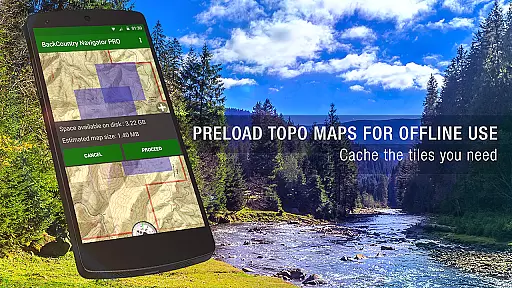
The app allows users to download topographic maps in advance, ensuring access even without cell coverage. This offline functionality guarantees that adventurers can rely on accurate mapping data regardless of their location. With options like Accuterra Topo Map Source and Thunderforest Map Sources available as subscriptions, users have access to premium map layers that enhance accuracy further.
For outdoor enthusiasts, having precise map information means safer trips and more successful navigation. Whether you're hiking rugged trails or exploring vast wilderness areas, BackCountry Navigator's commitment to accuracy ensures you stay on course. The ability to overlay various map types also adds depth to your navigational strategy, making every journey more predictable and secure.
Effective route planning is crucial for any outdoor adventure, allowing explorers to chart their course with confidence. BackCountry Navigator GPS PRO excels in this area by providing comprehensive tools for creating detailed routes using GPS waypoints. Users can import GPX or KML files, enter coordinates manually, or utilize predefined points of interest to establish their path.
The app supports a variety of coordinate systems including longitude/latitude, UTM, MGRS, and grid references, giving users flexibility in how they define their routes. By integrating these waypoints into a cohesive plan, adventurers can visualize their journey and anticipate challenges before setting out. Additionally, the inclusion of boundary maps and specialized trail maps enhances route customization for specific activities like hunting or fishing.
With Android Wear support, users can glance at their wrist to receive real-time navigation updates, keeping them informed throughout their trip. This seamless integration ensures that whether you're trekking long-distance trails or navigating waterways, BackCountry Navigator offers robust route planning capabilities that empower safe and enjoyable exploration.
Offline map support
Multiple coordinate systems
Premium map options
Android Wear integration
Geocaching compatibility
Premium maps costly
Complex for beginners
Storage space required
Limited global coverage
Occasional bugs

Explore the world with Live Satellite View, 3D Maps, GPS Navigation & Earth Map.
 2.90
2.90
Start your next adventure confidently using our Accurate Compass App
3.70
Instant diesel discounts - save big with each fill up!
4.40
Navigate via GPS Maps of GPS Voice Navigation, driving directions to find routes
3.60
Find routes fast with GPS Maps, GPS Navigation & driving directions.
4.10
Route Planner is travel map to get turn by turn navigation & driving directions
3.90
Neshan: map & navigation app with 20M+ monthly active users
4.50
Off-Roading Navigation App With Trails, Public Lands, & Private Property Info
3.30
Track friends in real-time and explore worldwide live cameras.
4.60
Offline maps & GPS for hiking, travel, fieldwork & outdoor adventures
4.70
Find EV & Tesla charging stations with PlugShare
4.70
Explore with GPS Navigation with GPS offline, voice GPS, speed camera radar
4.60
Affordable rides and food delivery with incredible discounts in just one app.
4.50
Route tracker, Speedometer, Odometer, Fuel, HUD mode, save route as .GPX
4.40
ParkWhiz, an Arrive Mobility brand, part of the Arrive Network
4.30
Get directions, Maps, GPS navigation & GPS Maps using GPS App
4.10
Avoid delays. Get real-time GPS navigation, safety alerts and live traffic.
4.10
Your real-time window to the world. Explore anywhere, anytime.
3.30
Ride CTA, Metra & Pace: Manage your fares, buy Metra tickets, get arrivals.
3.00


User Reviews