
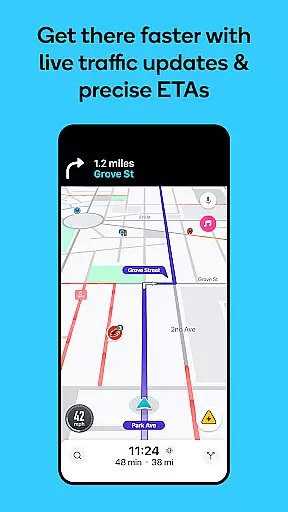
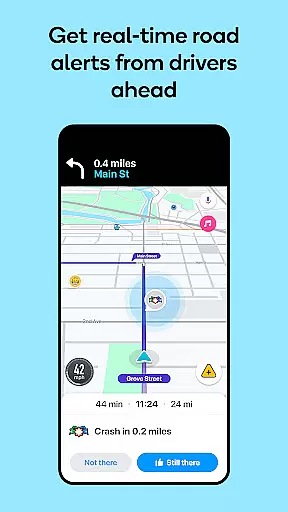
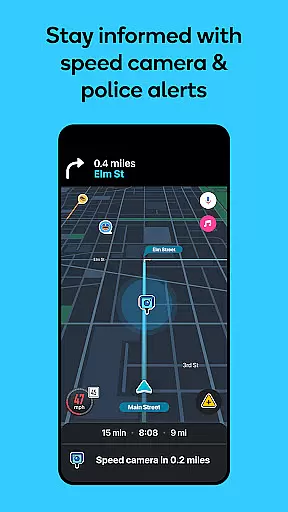

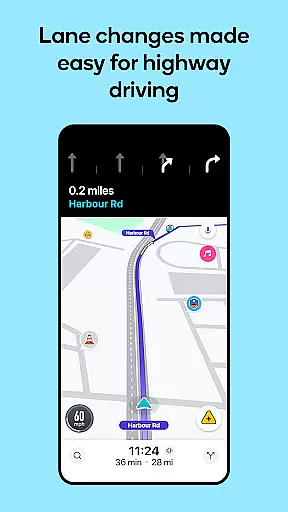
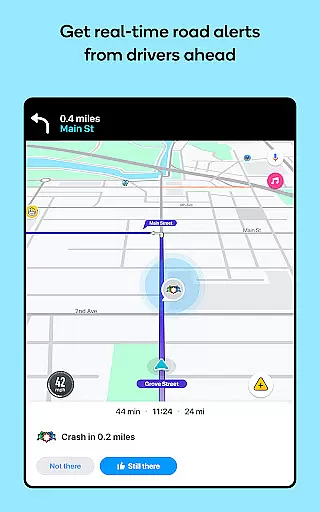
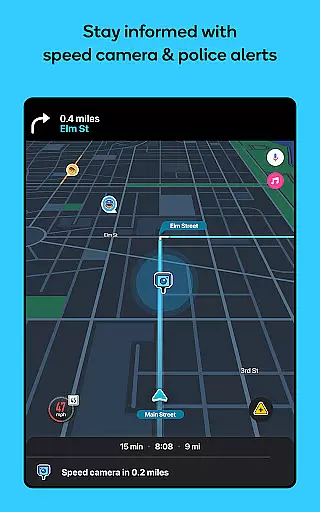

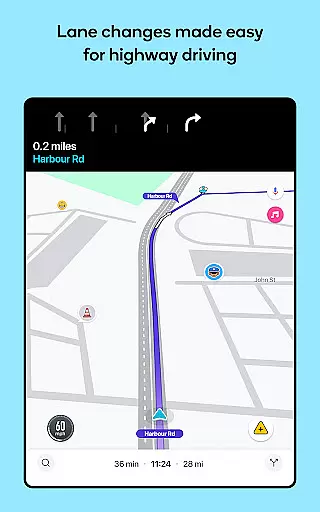
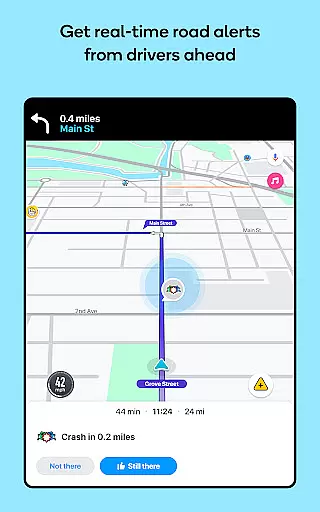


Waze Navigation & Live Traffic is a cutting-edge GPS navigation app that leverages real-time data from millions of drivers worldwide. The app provides users with live traffic updates, road closures, and safety alerts such as accidents, police presence, and road hazards. With its intuitive interface, Waze ensures drivers reach their destinations safely and efficiently while offering features like multi-lane guidance and toll pricing visibility.
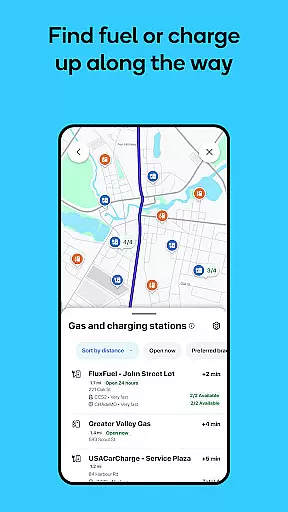
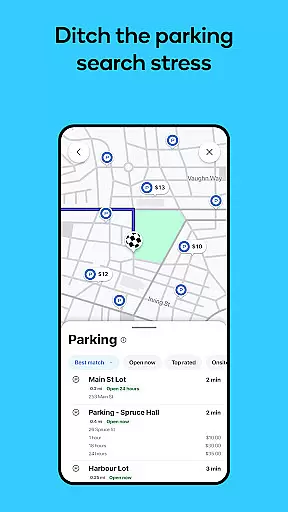
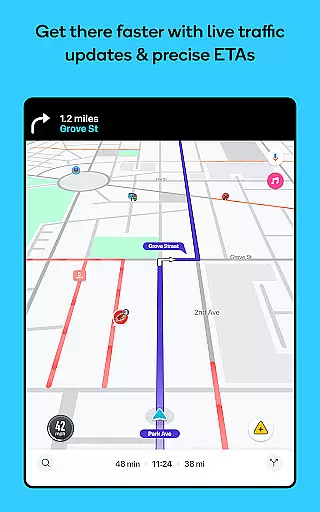
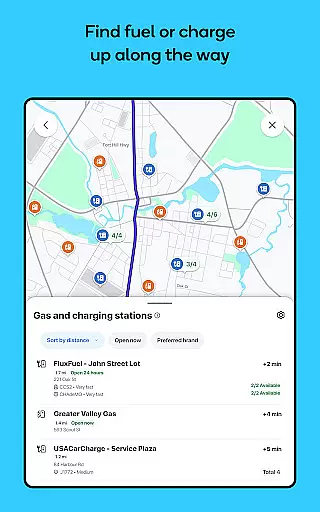
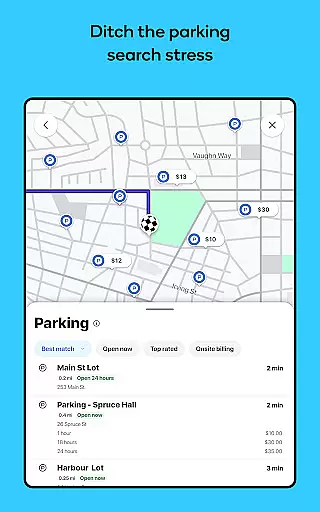
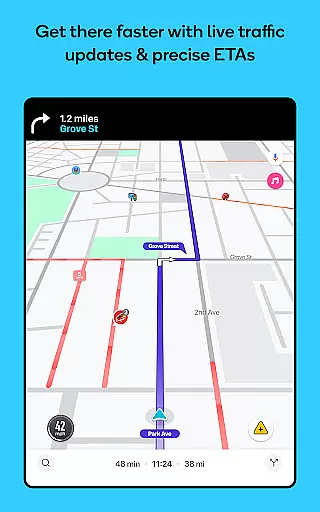
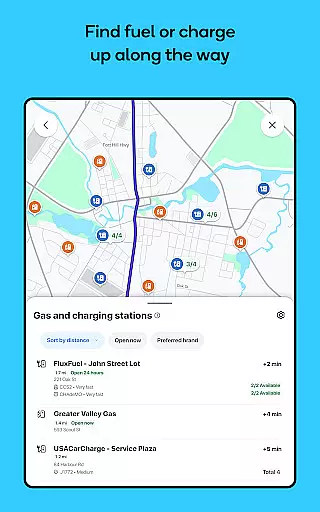
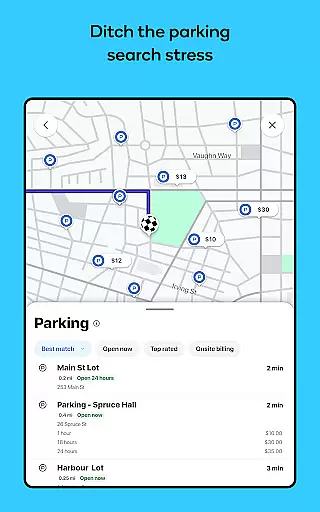
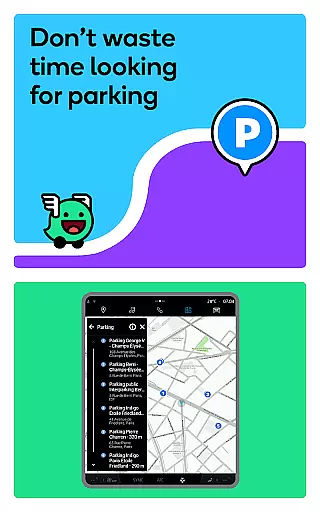
Beyond basic navigation, Waze enhances the driving experience by integrating valuable tools such as speed limit notifications, nearby fuel station locations with prices, and even parking availability near your destination. Its community-driven approach allows users to report incidents in real time, making every drive more predictable. Whether commuting to work or planning a road trip, Waze transforms how drivers interact with their routes by delivering accurate ETAs and seamless rerouting based on current conditions.
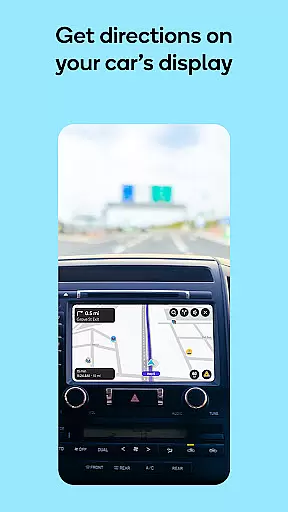
One of Waze's standout features is its reliance on crowdsourced information, which powers its live traffic updates and dynamic route adjustments. This functionality ensures drivers are always aware of the fastest routes available. Additionally, Waze offers customizable voice-guided navigation in multiple languages and accents, catering to diverse user preferences. Users can also sync the app with Android Auto for an integrated vehicle display experience.
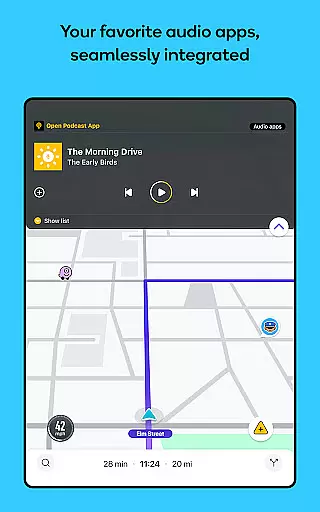
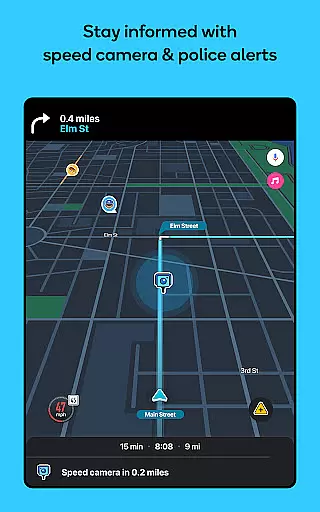
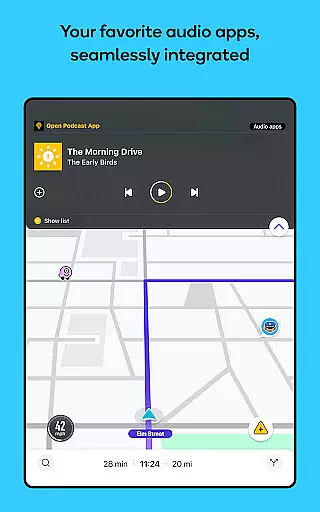
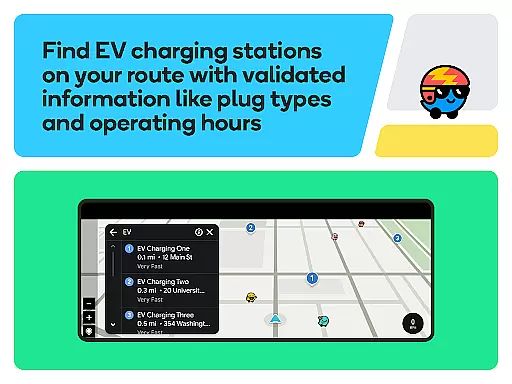
Another key aspect is its comprehensive safety tools, including alerts for speed checks, red light cameras, and road obstructions. For electric vehicle owners, Waze highlights EV charging stations along routes. Moreover, practical conveniences like fuel price comparisons, parking lot details, and audio app integrations make it indispensable for modern drivers seeking efficiency and ease during their travels.
Map accuracy is essential for any navigation app, and Waze excels in this area by providing real-time data from its vast network of drivers. This live map harnesses local knowledge to offer the most up-to-date information on road conditions, ensuring users can navigate with confidence.
Waze's GPS navigation is powered by continuous updates from its community, which means changes in road infrastructure or unexpected incidents are quickly reflected. Drivers benefit from accurate ETAs and automatic rerouting based on current traffic patterns, road closures, and other critical factors that could affect their journey.
The value of Waze's map accuracy extends beyond just getting from point A to B; it helps prevent potential surprises such as accidents, roadworks, or police presence. By knowing what lies ahead, drivers can make informed decisions about their route, ultimately leading to a safer and more predictable driving experience.
Effective route planning is a cornerstone of Waze Navigation & Live Traffic, allowing drivers to reach their destinations faster and with less stress. The app provides real-time directions and ETAs that adapt to live traffic conditions, ensuring optimal travel paths are always suggested.
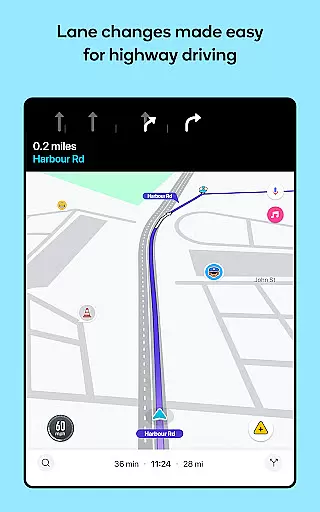
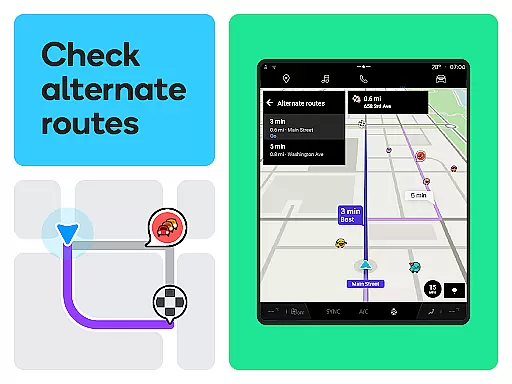
One innovative feature of Waze's route planning is the ability to avoid tolls, road closures, and other obstacles by selecting alternative routes. Additionally, multi-lane guidance assists drivers in preparing for upcoming turns or exits, making city navigation smoother and more intuitive.
Moreover, Waze enhances route planning with added conveniences like petrol station locations, parking availability, and even speed limit alerts. These features not only save time but also contribute to an overall more efficient and enjoyable driving experience, setting Waze apart as a leader in smart navigation solutions.
User-friendly interface
Real-time traffic updates
Community-driven reporting
Voice-guided navigation
Multi-lane guidance
Limited offline functionality
Feature restrictions by region
Dependent on user input
Occasional inaccuracies
Not ideal for large vehicles

GPX Viewer PRO shows tracks, routes and waypoints from gpx and kml files.
 4.60
4.60
Complete offline 1:50k South Island topo map including DOC Hunting Permit Areas
4.60
Your guide to the recreational opportunities of the Bureau of Land Management!
3.40
Airport parking, with airport shuttle (TPS shuttle), reservations, and Spot Club
4.80
Plan routes, share locations, and set custom alert zones
4.40
GPS Navigation: Get map directions and find the shortest routes to avoid delays!
4.00
Lets explore the world's famous places by using Live Cams, GPS & Satellite View.
4.20
Use GPS Maps and GPS Voice Navigation to find your way and get directions
4.10
Get there with the Waymo Driver — The World’s Most Experienced Driver™
4.90
Truck Safe GPS Navigation & Maps: Parking, Fuel, Diesel, Weight Station
4.80
Park in Chicago, NYC, Boston, SF, Houston & more!
4.70
Rideshare, taxi cabs, and more for your airport travels and everyday trips.
4.50
"Balad" is a map and navigator with a Persian voice assistant and a complete city guide
4.40
GPS navigation offers route finder, compass, translator, currency converter, etc
4.30
Simple & easy to use a compass app. Get accurate directions.
4.20
Find radar, speed camera, flight tracker. Use hud, location tracker, speedometer
4.20
Navigate seamlessly with Real-Time Traffic, Offline Maps, and Voice Navigation.
4.10
Route Planner is travel map to get turn by turn navigation & driving directions
3.90
Compass is an accurate compass and a great tool for any outdoor activities
4.2


User Reviews