
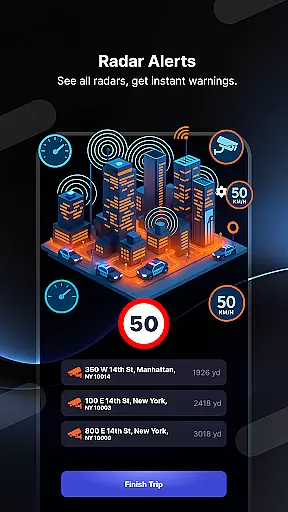
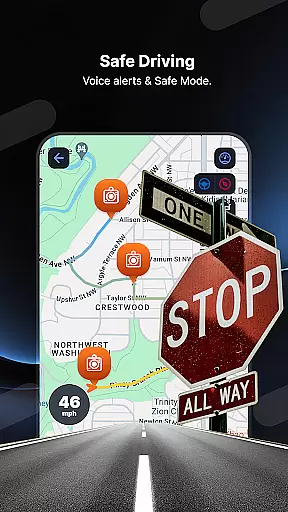
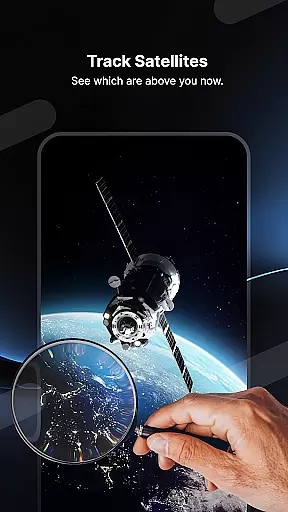
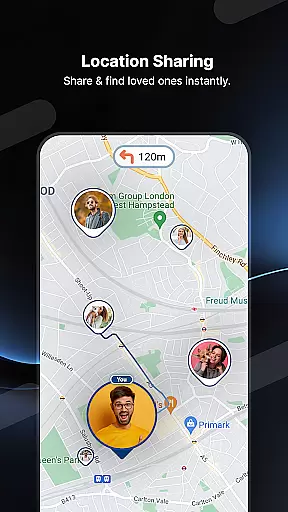
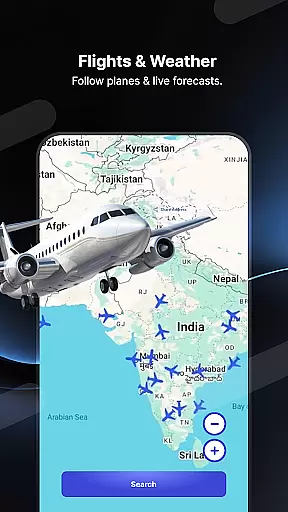
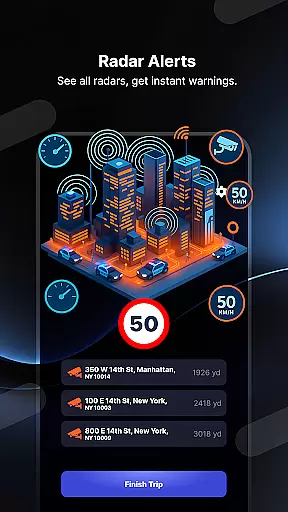
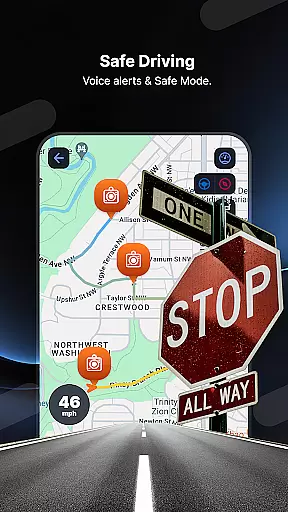
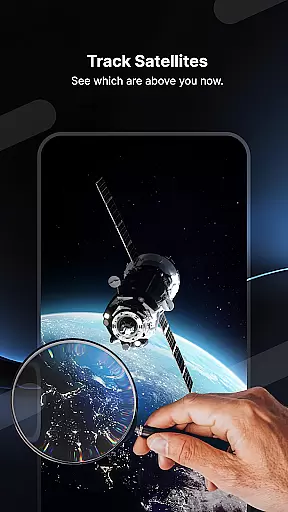
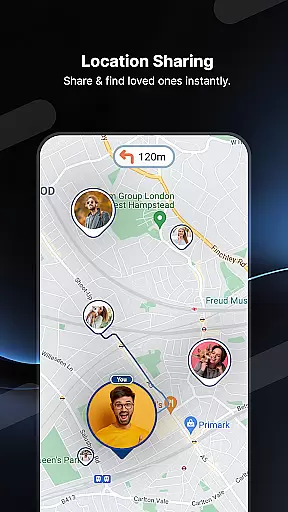
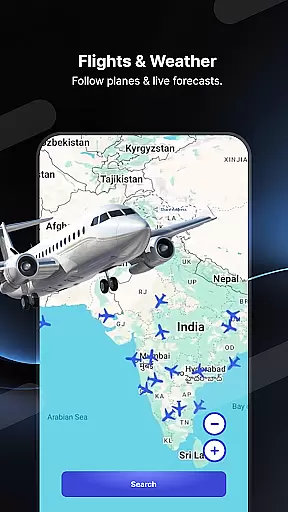
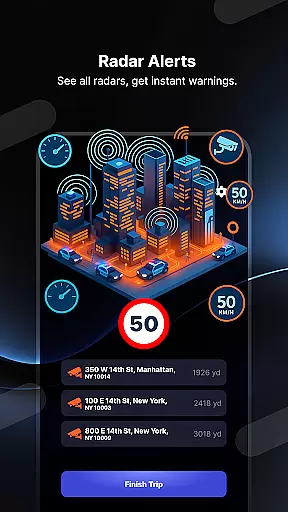
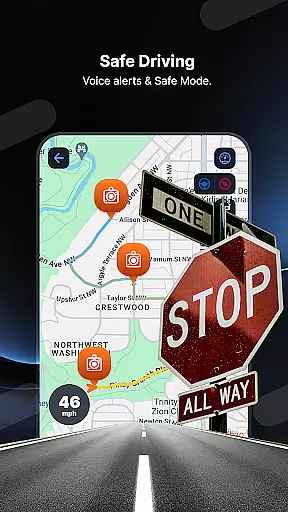
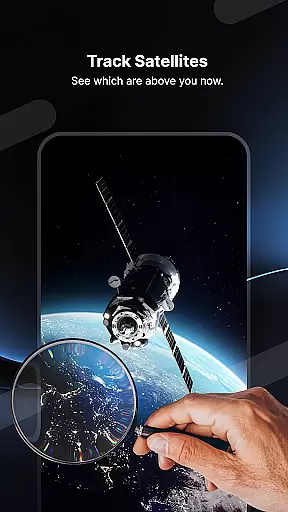
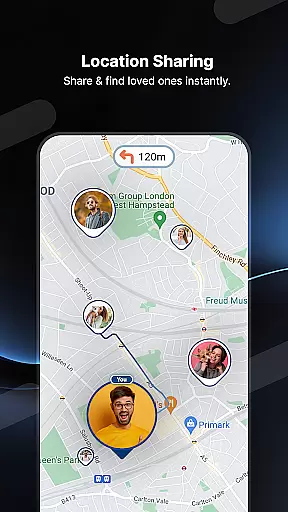
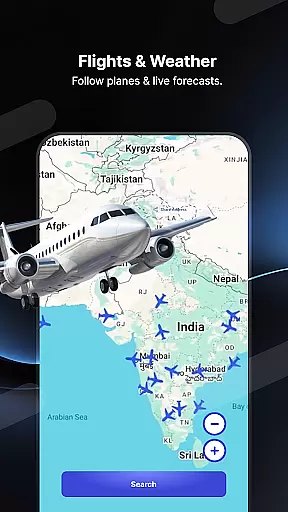
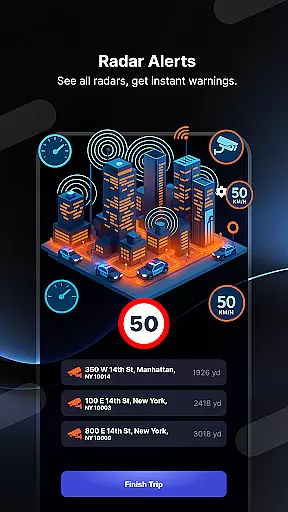
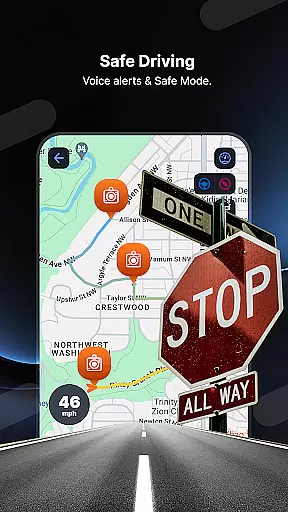
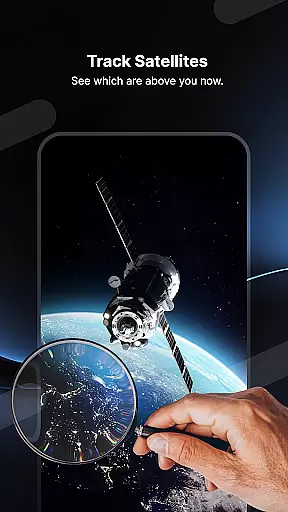
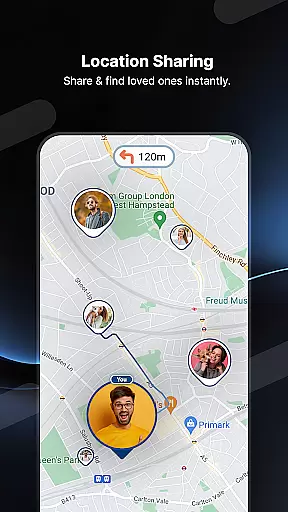
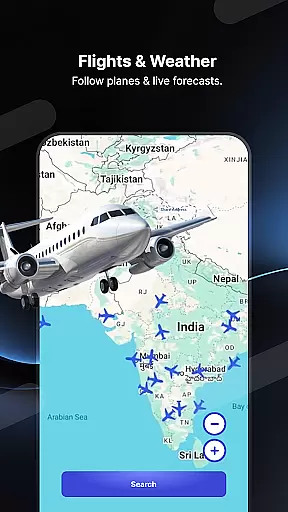
Radar GO-X is a comprehensive navigation and tracking application that transforms your smartphone into an advanced speed camera detector, GPS tracker, and real-time map system. The app's core functionality revolves around providing drivers with crucial information about speed limits, nearby speed checks, and police radar locations, ensuring safer and more informed driving experiences.
Beyond its primary radar detection features, the app also offers innovative tools like Head-up Display (HUD) projection, flight tracking capabilities, and family location sharing. Whether you're looking to avoid traffic fines, track loved ones' whereabouts, or even monitor live flight data, Radar GO-X delivers a versatile suite of navigation and tracking utilities in one convenient package.
The app stands out with its diverse range of features tailored for drivers, travelers, and families alike. One of its most notable capabilities is the real-time speed camera and police radar detection system, which uses GPS technology to alert users with sound notifications and precise mapping details. This ensures drivers can stay within legal speed limits while avoiding potential fines.
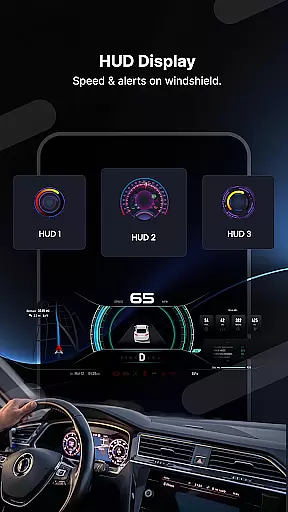
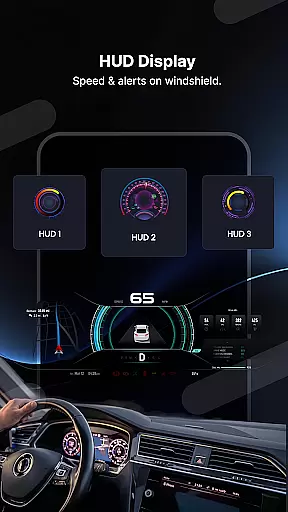
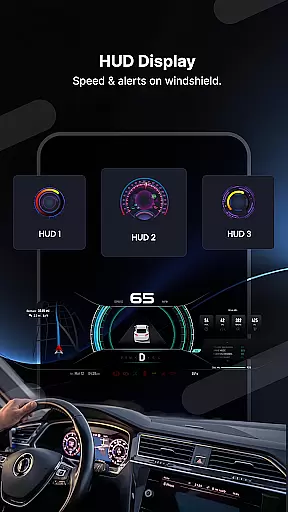
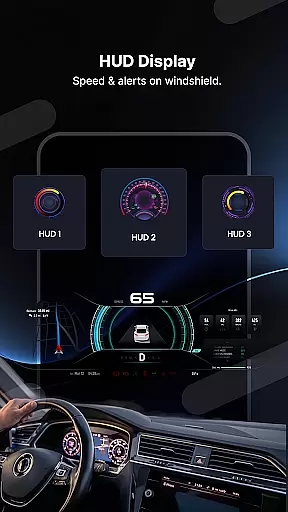
In addition to its traffic-related tools, Radar GO-X includes a unique HUD feature that projects vital driving information directly onto your car windshield, allowing you to keep your eyes on the road. For aviation enthusiasts, the app provides detailed flight tracking, airport timetables, and distance calculations between airports. Meanwhile, its family locator function lets users share their location securely with loved ones, enhancing personal safety and peace of mind.
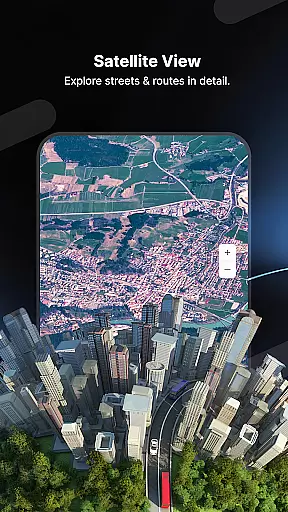
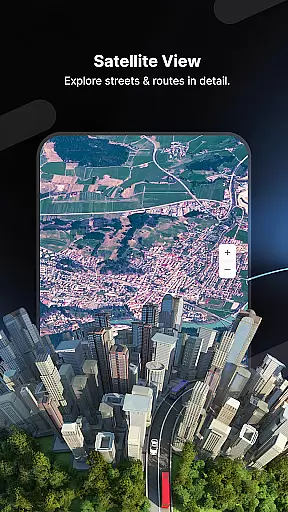
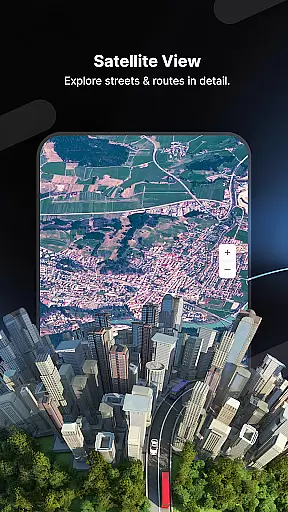
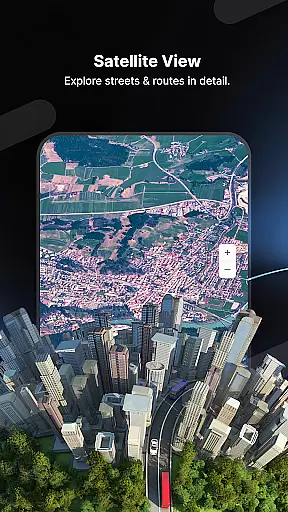
Map accuracy is crucial for navigation apps, and Radar GO-X excels in this area. The app provides precise location tracking through advanced GPS technology, ensuring users can rely on its data for navigation.
The application marks the locations of speed cameras and police radars accurately on the map. This feature helps drivers avoid fines by being aware of their surroundings and adjusting their speed accordingly.
Radar GO-X also includes detailed maps that display real-time traffic conditions. Users benefit from live updates about road situations, allowing them to plan routes effectively and reach their destinations without unexpected delays.
Moreover, the app's comprehensive database covers not only roads but also airports, offering information such as flight inquiries and airport timetables. With this level of detail, Radar GO-X ensures that whether driving or flying, users have access to accurate mapping data essential for smooth travels.
Effective route planning is a cornerstone of Radar GO-X, providing users with optimal paths tailored to current traffic conditions. By analyzing live traffic data, the app suggests the fastest routes available, saving time and reducing stress during commutes.
In addition to standard routing, Radar GO-X offers specialized features like calculating aircraft routes between airports. This functionality appeals to aviation enthusiasts who need precise calculations for air travel distances and schedules.
The integration of heads-up display (HUD) enhances route guidance by projecting vital information onto the windshield. Drivers receive clear instructions about upcoming radar points, speed limits, and directions without taking their eyes off the road.
Furthermore, Radar GO-X supports various measurement units, allowing users to switch between kilometers per hour and miles per hour based on preference. Such flexibility ensures personalized route planning that caters to individual needs while maintaining safety standards throughout each journey.
User-friendly interface
Real-time alerts
Comprehensive flight tracker
Accurate GPS navigation
Versatile HUD display
Requires constant internet
Premium features locked
Occasional inaccuracies
Drains battery quickly
Complex for beginners

Easy, Moderate and difficult offroad adventures.
 4.00
4.00
Airport parking, with airport shuttle (TPS shuttle), reservations, and Spot Club
4.80
America’s largest public fast charging network, with over 500 charging stations.
4.50
NJ TRANSIT information and ticketing at your fingertips
3.70
Bolt is a ride-hailing app for requesting fast, safe, and affordable transport
4.80
Explore offline maps with radar, satellite view, and real-time alerts.
3.60
Ride or drive at YOUR price
4.70
Neshan: map & navigation app with 20M+ monthly active users
4.50
Track friends in real-time and explore worldwide live cameras.
4.60
Get there with the Waymo Driver — The World’s Most Experienced Driver™
4.90
Find shortest way and save energy . Distance and area calculator.
4.70
Parcel map, property lines, owner, acres, land use, zoning and more from Regrid.
4.60
Navigate MTA, NJ Transit, MBTA, SEPTA, BART, MARTA, CTA & 900+ cities
4.60
Find radar maps, GPS coordinates, altitude, offline maps, location, travel route
4.40
Use GPS maps or search by property owner, address or parcel to view parcel data
4.30
Route Planner is travel map to get turn by turn navigation & driving directions
3.90
Drive safe with real-time speed camera radar, police, and traffic alerts
3.80
Discover over 800 points of interest along the canal.
3.70
Explore Earth with live GPS, satellite view & street navigation
3.60


User Reviews