
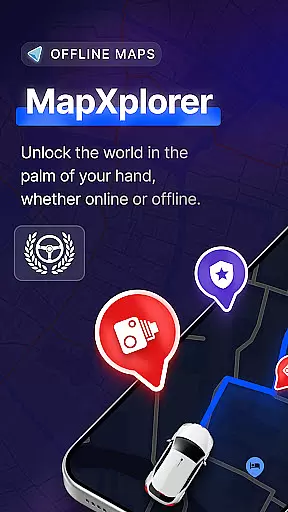
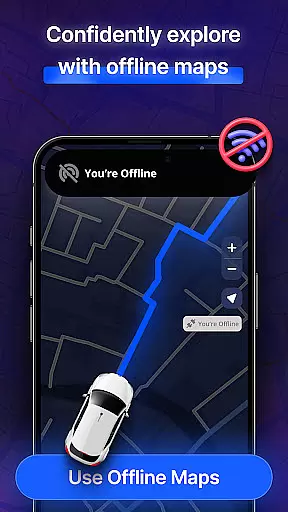
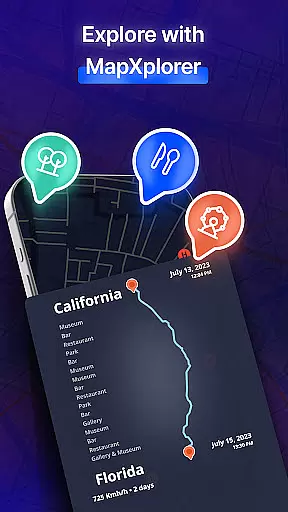

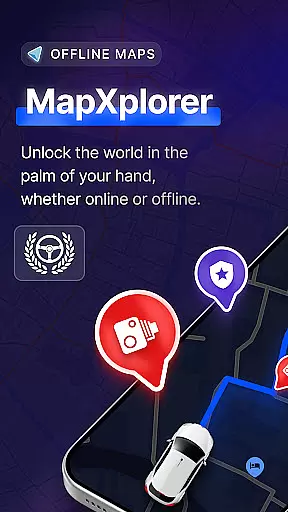

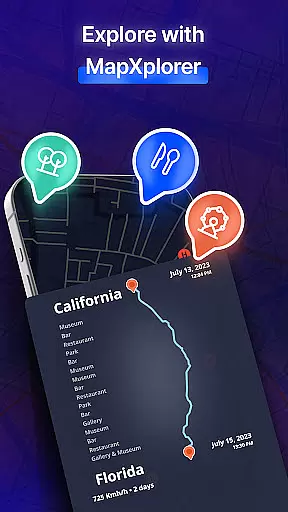
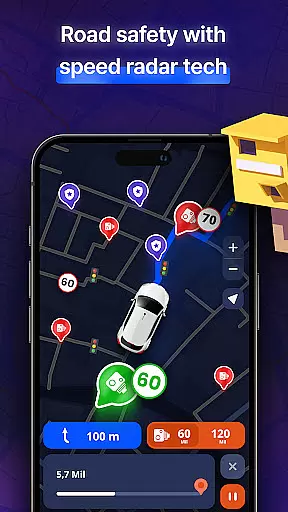
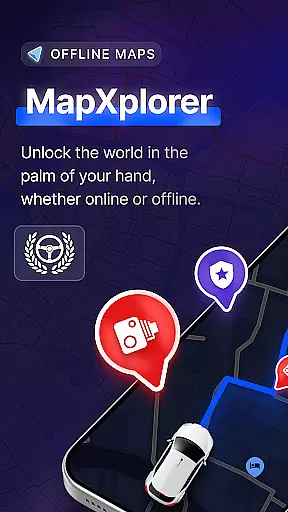
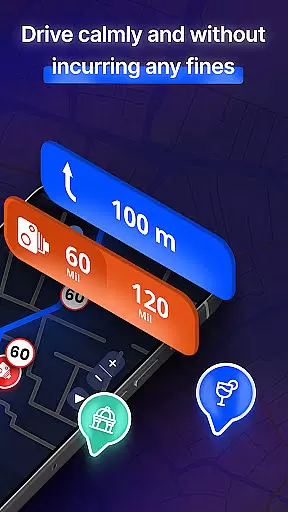

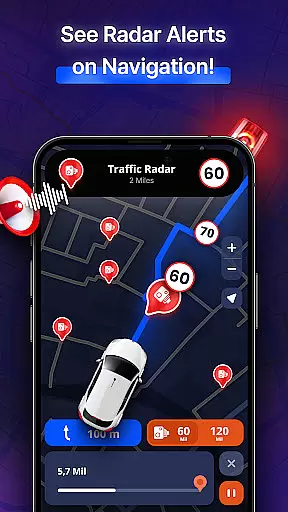
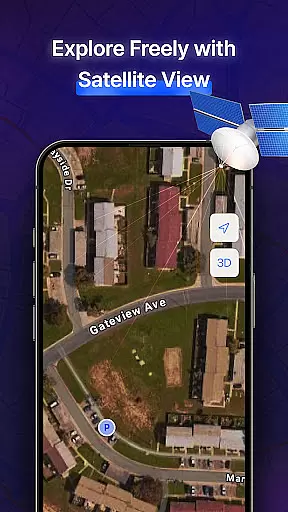
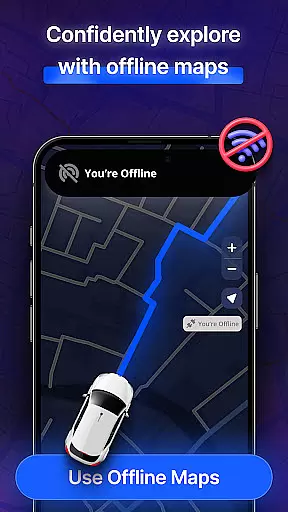
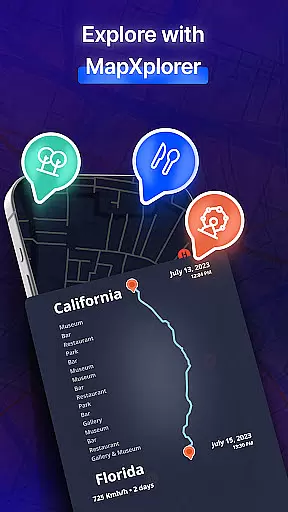
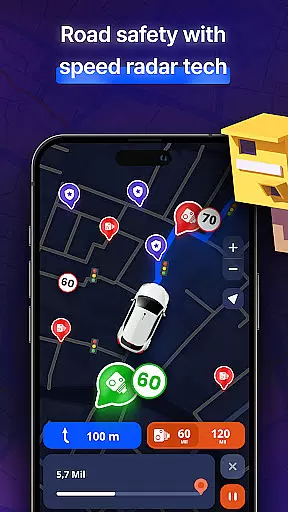
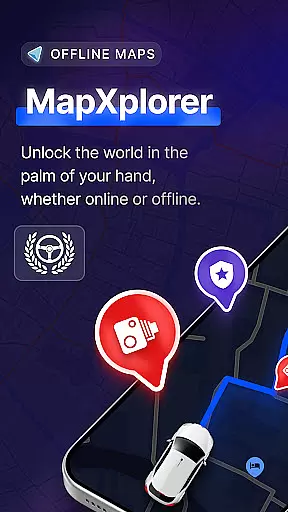
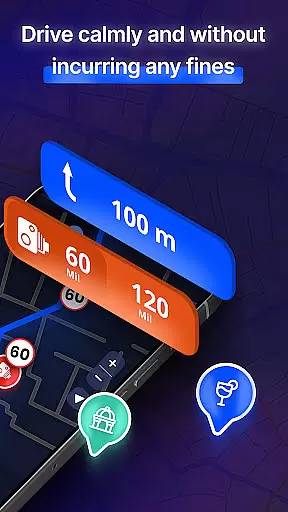

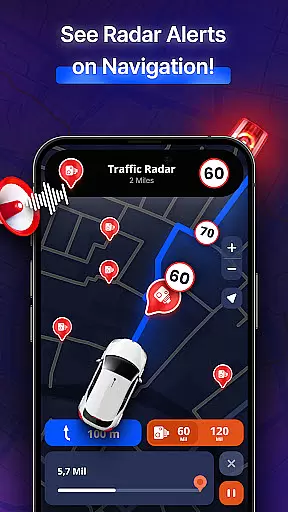
MapXplorer is a cutting-edge offline 3D map application designed to enhance navigation experiences. This app offers users the ability to explore cities and roads in realistic 3D with detailed maps, even without an internet connection. The inclusion of advanced features such as radar, AI Co-Pilot, and real-time alerts ensures that users can travel with confidence and ease.
The app's offline functionality allows users to download maps for their favorite destinations and access them anytime, anywhere. Whether navigating through city traffic or exploring remote areas, MapXplorer provides reliable and secure navigation solutions. With its user-friendly interface and smart tools, this app simplifies the process of location search, route planning, and points of interest discovery.
MapXplorer is particularly useful for road trips and daily commutes, offering personalized driving tips and intelligent route recommendations. Its comprehensive suite of features makes it an indispensable tool for drivers, travelers, and adventurers alike.
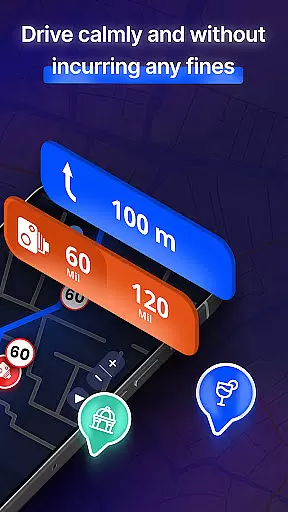
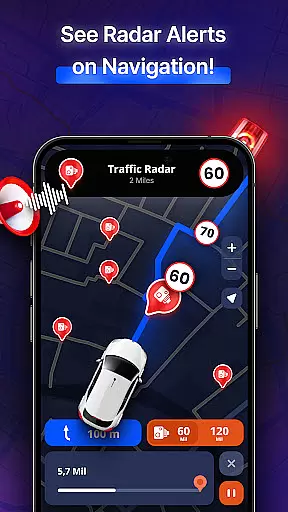
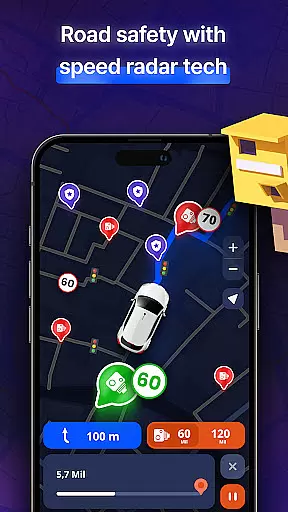
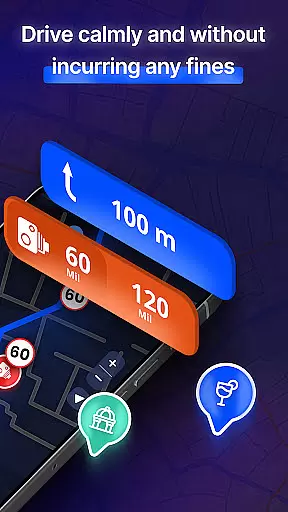
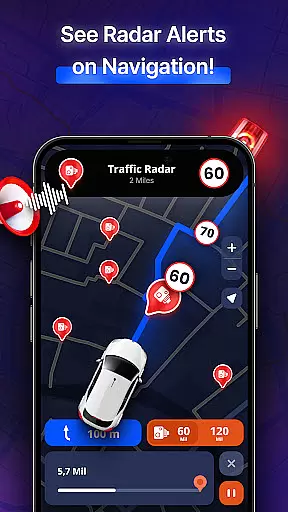
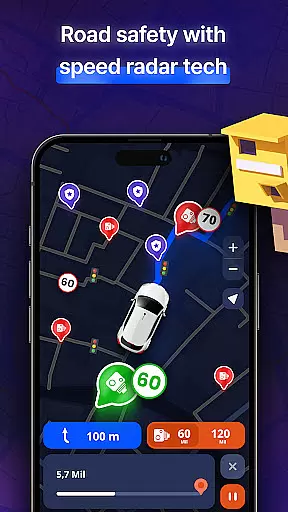
MapXplorer boasts an array of sophisticated features tailored to meet the needs of modern travelers. One standout feature is the powerful fixed radar, which helps users stay aware of their surroundings by detecting nearby points of interest and essential amenities. This ensures that users never miss out on exciting places while on the move.
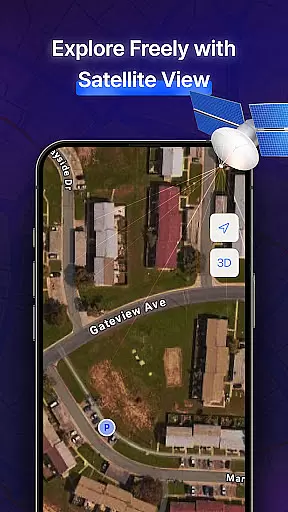
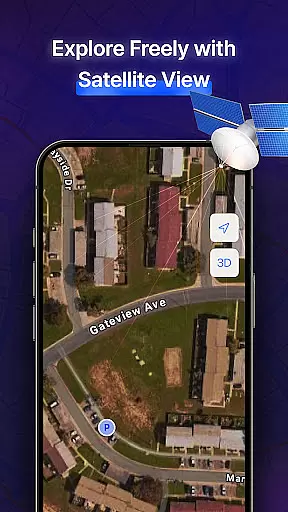
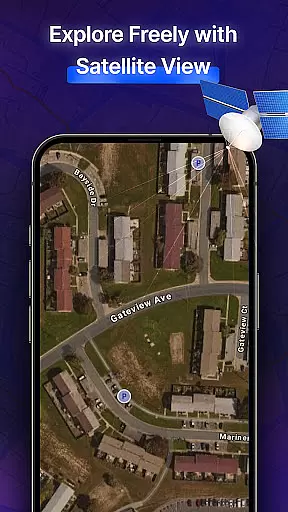
In addition to its radar capabilities, MapXplorer offers an impressive 3D and satellite view mode. Users can explore detailed maps and search for any location from above, providing a bird's-eye view of their surroundings. The AI Co-Pilot further enhances the driving experience by offering real-time voice guidance, smart route recommendations, and personalized driving tips.
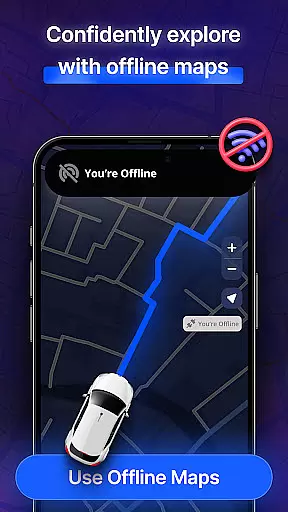
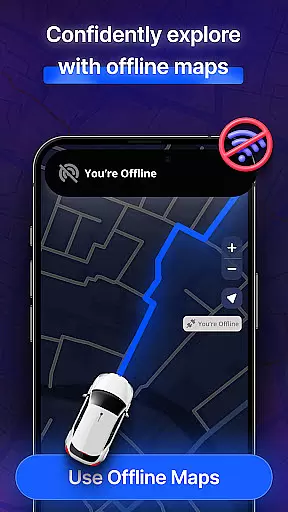
Another key feature is the app's offline functionality, allowing users to download maps and access them without an internet connection. This is complemented by real-time alerts for road issues, ensuring users are informed about traffic jams, road hazards, and more. These innovative features collectively contribute to a safer and more efficient navigation experience.
Map accuracy is a fundamental aspect of any navigation app, and MapXplorer excels in this area. The app provides highly detailed 3D and satellite maps that allow users to explore cities and roads with realistic visuals. This level of detail ensures that users can rely on the map data for precise navigation.
MapXplorer's offline map feature guarantees that even without an internet connection, the accuracy of the maps remains uncompromised. Users can download maps for their destinations and access them anytime, anywhere, ensuring they stay on track even in areas with poor connectivity. This offline capability enhances the reliability of the app as a trustworthy navigation tool.
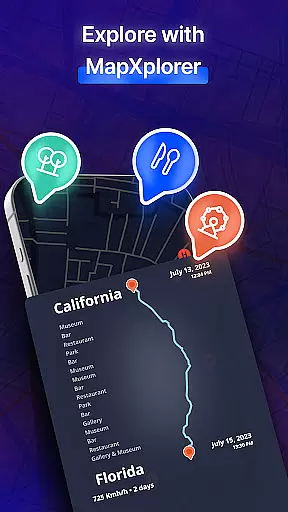
The inclusion of points of interest (POI) further enriches the map data, making it not only accurate but also informative. Whether you're looking for nearby amenities or planning a route, the POIs provide valuable context that improves decision-making during travel.
Overall, MapXplorer's commitment to accuracy extends beyond just visual representation. It encompasses real-time alerts, AI co-pilot guidance, and comprehensive vehicle support, all of which contribute to a seamless and dependable navigation experience.
Route planning is a critical feature for any navigation app, and MapXplorer offers a robust set of tools to ensure efficient journey management. With its AI Co-Pilot, the app provides real-time voice guidance and smart route recommendations tailored to your driving style, ensuring optimal navigation through city traffic or long road trips.
The app supports various vehicle types, including cars, trucks, and motorcycles, allowing users to plan routes that best suit their preferred mode of transportation. This flexibility ensures that every trip is optimized for the specific needs and limitations of different vehicles, enhancing both safety and efficiency.
MapXplorer also includes real-time alerts for road issues such as traffic jams, accidents, and hazards. These notifications enable drivers to adjust their routes dynamically, avoiding potential delays and ensuring a smoother journey. Additionally, the offline map functionality allows users to plan and follow routes without needing an active internet connection.
By combining advanced AI features, real-time data, and comprehensive offline capabilities, MapXplorer delivers a superior route planning experience that caters to both everyday commutes and adventurous travels.
User-friendly interface
Offline map access
Real-time alerts
AI Co-Pilot assistance
Comprehensive radar system
Subscription required for full features
Limited free version functionality
Occasional ad interruptions
High data usage for initial map downloads
Complexity may overwhelm new users

Find AI powered cameras, ALPRs, and other surveillance infrastructure near you
 4.70
4.70
Offline maps for phone and smart watch: topographic maps, satellite images...
3.30
Find 93 Octane Gas: Locate Gasoline Stations Selling Premium 93 Octane or Higher
4.5
CamSam PLUS - The speed and red light camera warning system!
4.40
Route tracker, Speedometer, Odometer, Fuel, HUD mode, save route as .GPX
4.40
Airport parking, with airport shuttle (TPS shuttle), reservations, and Spot Club
4.80
Order a cab online. An affordable taxi ride and driver in no time. What a bolt!
4.80
Gas Station & Fuel Rewards Points
3.70
Rideshare, taxi cabs, and more for your airport travels and everyday trips.
4.50
Ride or drive at YOUR price
4.70
Neshan: map & navigation app with 20M+ monthly active users
4.50
Route schedules, maps, and real-time tracking of MTA buses in New York City.
4.20
Find radar, speed camera, flight tracker. Use hud, location tracker, speedometer
4.20
Route Planner is travel map to get turn by turn navigation & driving directions
3.90
Get real-time bus and train schedules for easy, hassle-free city transportation.
3.90
NJ TRANSIT information and ticketing at your fingertips
3.70
Your guide to the recreational opportunities of the Bureau of Land Management!
3.40
Off-Roading Navigation App With Trails, Public Lands, & Private Property Info
3.30
Fully offline 1:50k New Zealand topographical map North Island
4.2


User Reviews