
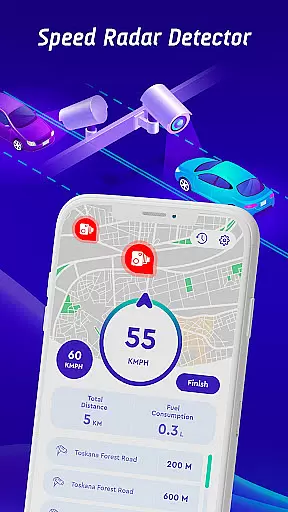
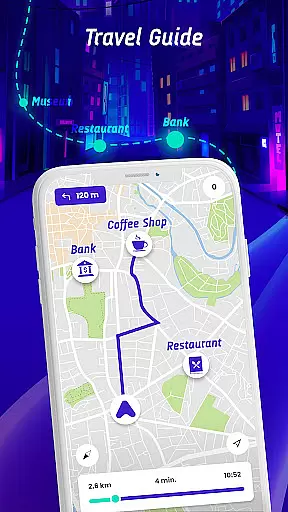
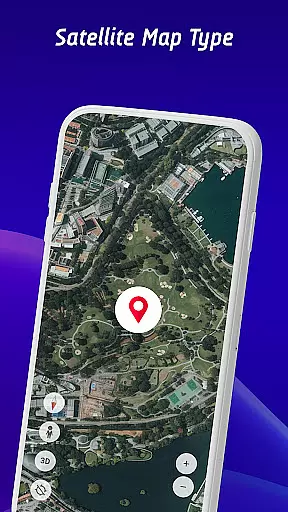
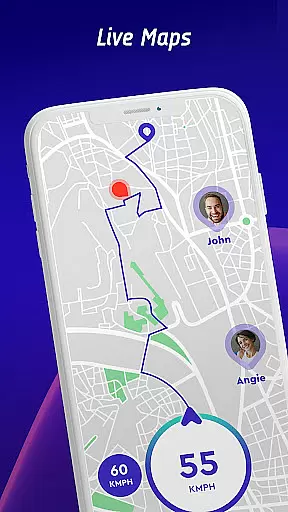

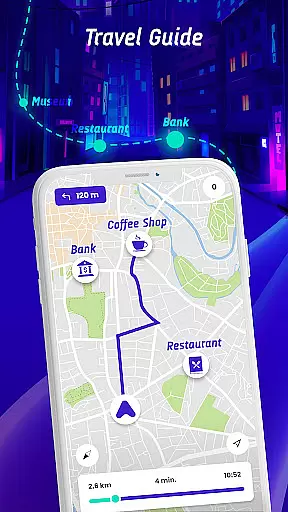
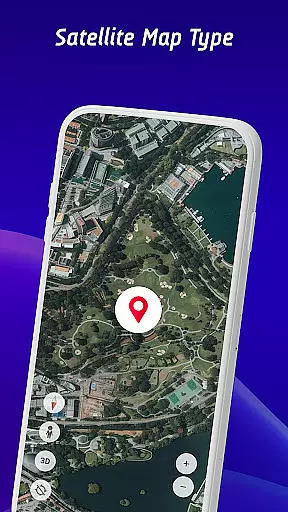
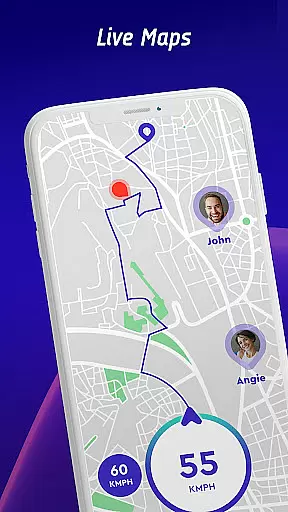
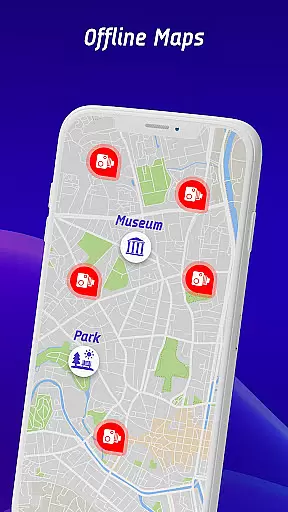
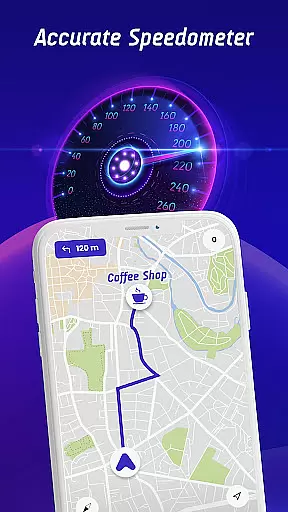

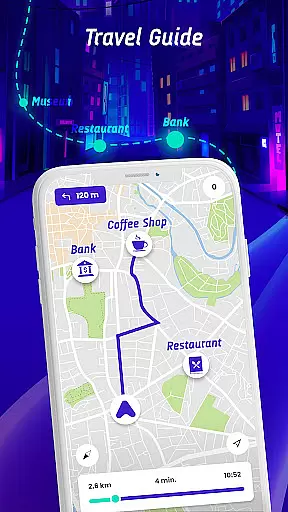
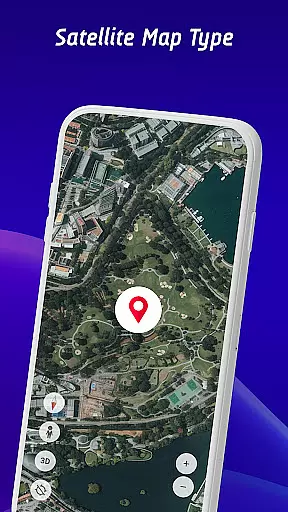
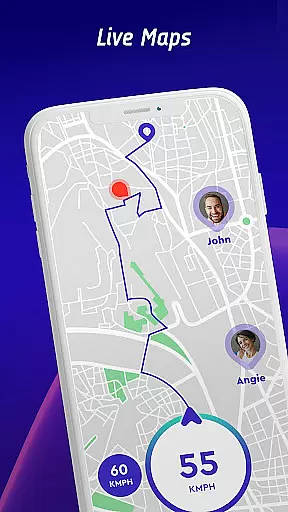
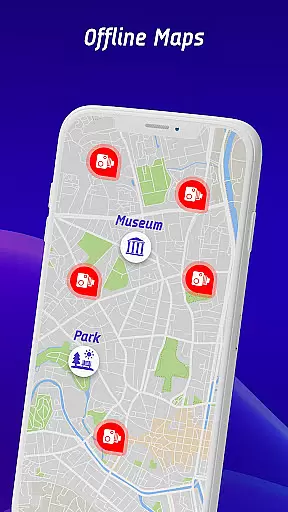
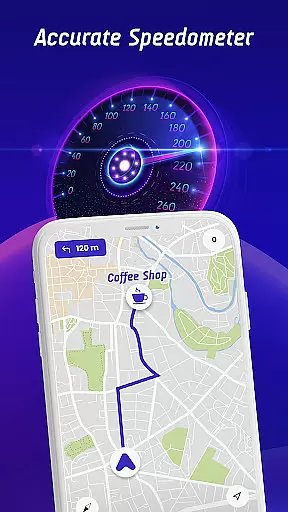

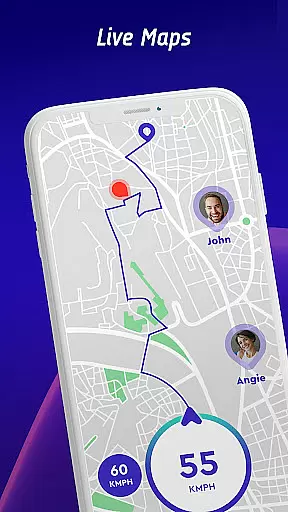

Offline Maps, GPS, Speedometer is a comprehensive driving companion app that combines multiple essential features for safe and informed navigation. The app integrates speed camera detection, real-time speed monitoring, traffic light alerts, and GPS navigation into one seamless solution.
One of the standout features is its vehicle-specific speed limit alerts, which cater to cars, bikes, and trucks. The head-up display (HUD) projects crucial information like speed and traffic alerts directly onto your windshield, ensuring you stay focused on the road while remaining informed about your surroundings.
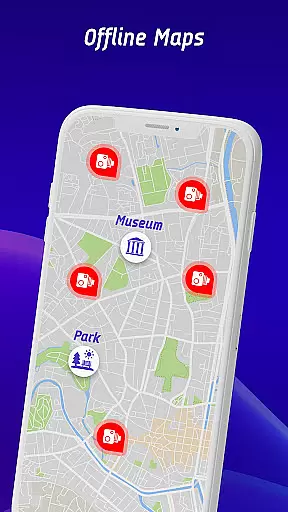
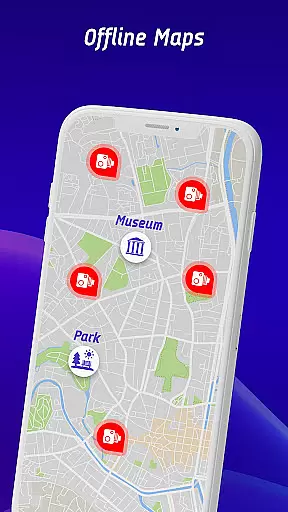
The app also supports offline map functionality, allowing users to navigate without an internet connection. This makes it particularly useful in areas with poor network coverage. With its crowdsourced speed camera reporting system and detailed travel history analytics, this app provides both real-time protection and long-term driving habit insights.
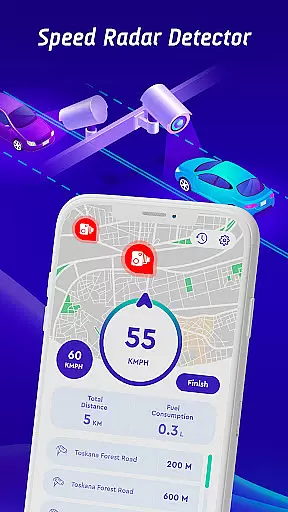
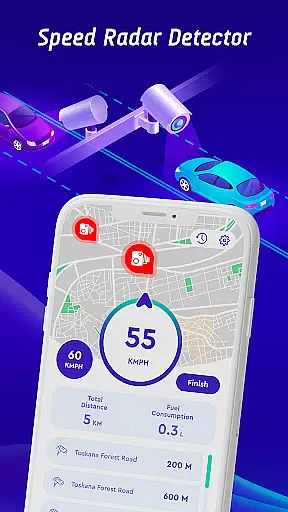
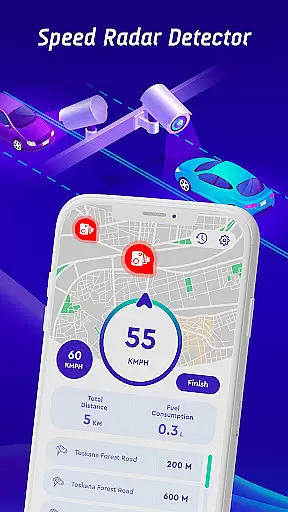
Offline Maps, GPS, Speedometer offers a rich set of features designed to enhance driver safety and convenience. Its primary feature is the advanced speed camera detector, which identifies fixed cameras, mobile speed checks, red light radars, and average speed zones. These detections are continuously updated through user reports, ensuring accuracy.
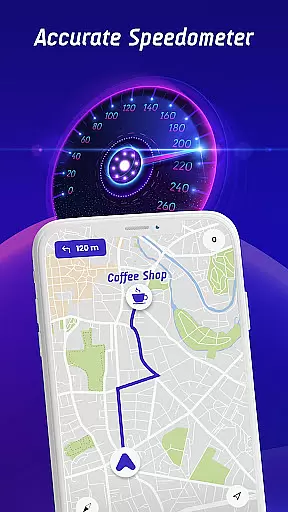
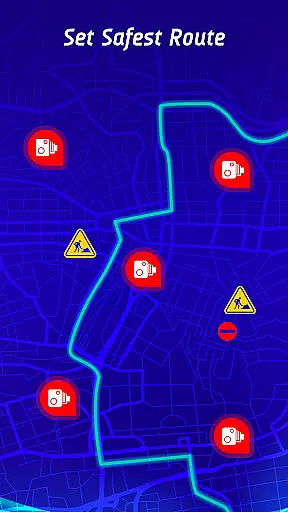
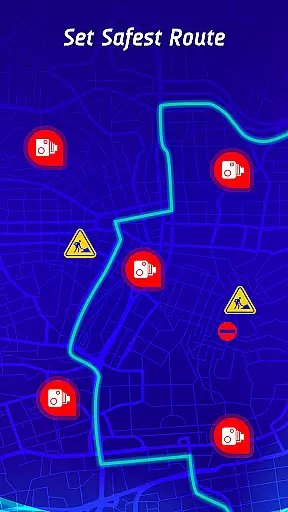
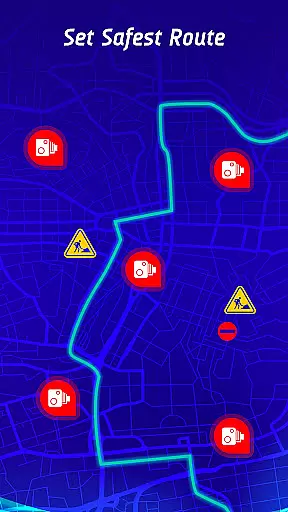
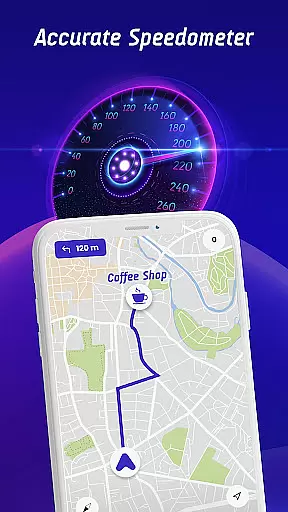
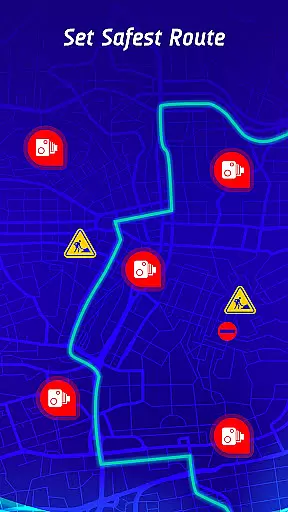
In addition to radar detection, the app includes a built-in speedometer and HUD functionality. The HUD displays critical data such as current speed, nearby hazards, and navigation prompts directly within the driver's line of sight. Another innovative aspect is the safest route planner, which considers live traffic updates, reported accidents, and known speed check locations when suggesting routes.
For travelers who venture into remote areas, the offline maps mode ensures uninterrupted navigation without requiring cellular data. Users can also review their trip history, including past speeds and encountered cameras, helping them improve their driving habits over time.
Map accuracy is essential for any navigation app, and Offline Maps, GPS, Speedometer excels in this area. The application integrates GPS navigation with real-time alerts for speed traps, fixed radars, and traffic cameras, ensuring drivers are always aware of their surroundings.
The app provides specific speed limit alerts tailored to different vehicle types, including cars, bikes, and trucks. This feature ensures that users adhere to the appropriate speed limits for their specific vehicle, enhancing safety on the road.
Offline Maps, GPS, Speedometer also includes a travel history function, allowing users to review past routes and speed statistics. This long-term monitoring helps drivers understand their driving habits and make necessary improvements.
With continuously updated radar information and an offline maps mode, the app offers both accuracy and convenience. Drivers can confidently navigate roads, knowing they have access to the latest and most precise mapping data available.
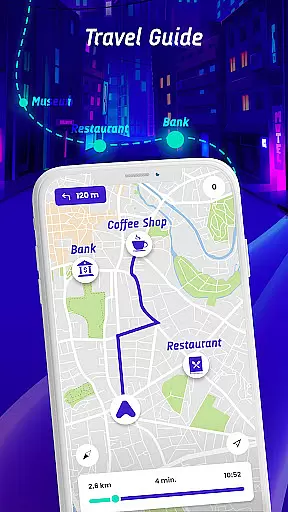
Route planning is a critical component of the Offline Maps, GPS, Speedometer app, designed to provide the safest and fastest routes. By factoring in real-time traffic conditions, speed camera locations, and reported hazards, the app ensures optimal route selection for each journey.
The head-up display (HUD) feature projects real-time traffic alerts, radar warnings, and speed information directly onto the windshield. This allows drivers to stay informed without averting their gaze from the road, promoting safer driving practices.
Additionally, the app supports community-driven data through user reports of encountered speed cameras. This crowdsourced information enriches the database, ensuring up-to-date and accurate route planning for all users.
For those times when connectivity is limited, the offline maps navigation mode offers peace of mind. Users can enjoy uninterrupted guidance, regardless of mobile data availability, making every trip as smooth and stress-free as possible.
Accurate speed checks
Easy-to-read HUD
Offline map support
Crowdsourced updates
Vehicle-specific alerts
Occasional false alarms
Heavy battery usage
Premium subscription needed
Complex interface
Limited free features

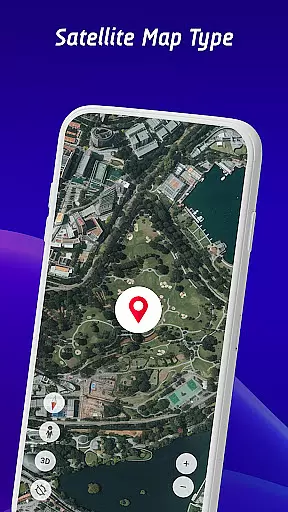
Explore the world with Live Satellite View, 3D Maps, GPS Navigation & Earth Map.
 2.90
2.90
Fully offline 1:50k New Zealand topographical map North Island
4.3
Your guide to the recreational opportunities of the Bureau of Land Management!
3.40
Route tracker, Speedometer, Odometer, Fuel, HUD mode, save route as .GPX
4.40
Ride CTA, Metra & Pace: Manage your fares, buy Metra tickets, get arrivals.
3.00
GPS Speedometer & Odometer: Track car, bike, truck speed & distance in real-time
4.70
Explore offline maps with radar, satellite view, and real-time alerts.
3.60
Simple & easy to use a compass app. Get accurate directions.
4.20
Track friends in real-time and explore worldwide live cameras.
4.60
Order a cab online. An affordable taxi ride and driver in no time. What a bolt!
4.80
Affordable rides and food delivery with incredible discounts in just one app.
4.50
The fastest and most convenient way to pay for parking on our lots.
4.40
Instant diesel discounts - save big with each fill up!
4.40
GPS navigation offers route finder, compass, translator, currency converter, etc
4.30
Find radar, speed camera, flight tracker. Use hud, location tracker, speedometer
4.20
Find routes fast with GPS Maps, GPS Navigation & driving directions.
4.10
MapQuest is your go-to app for maps, GPS, voice navigation & live traffic.
3.80
Offline maps for phone and smart watch: topographic maps, satellite images...
3.30
Find 93 Octane Gas: Locate Gasoline Stations Selling Premium 93 Octane or Higher
4.2


User Reviews