






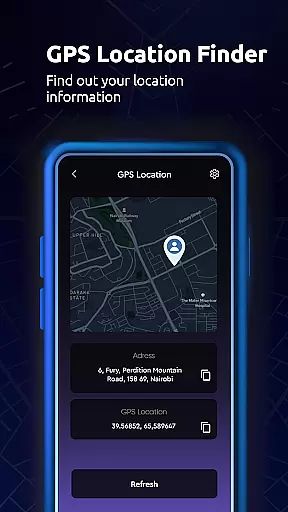
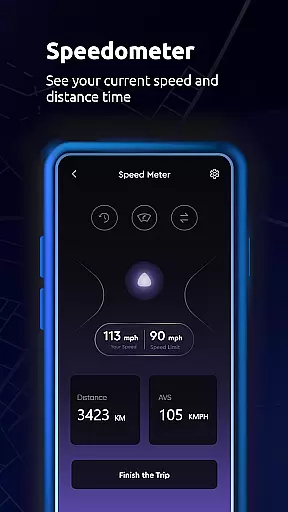
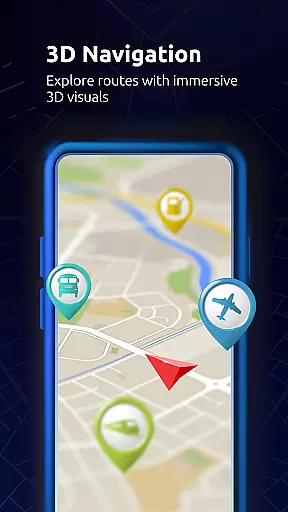

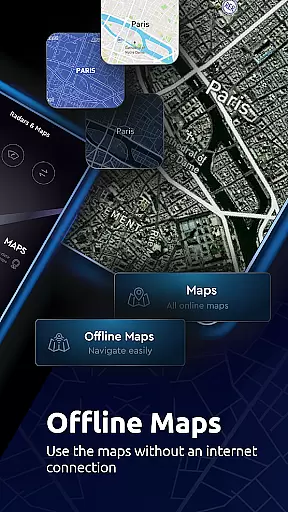

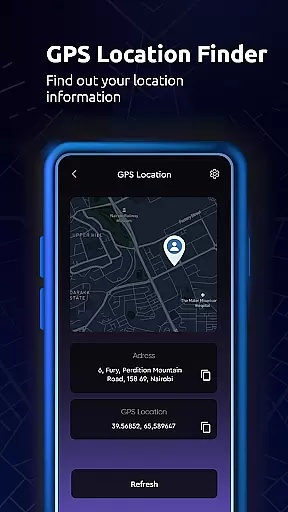
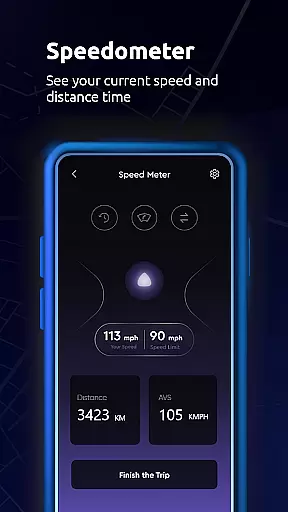

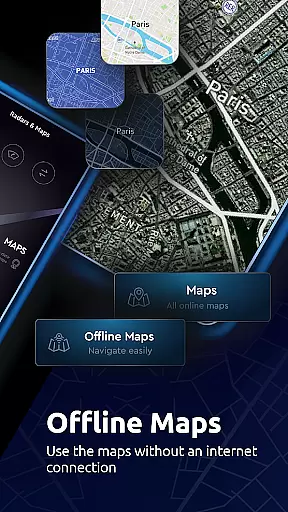

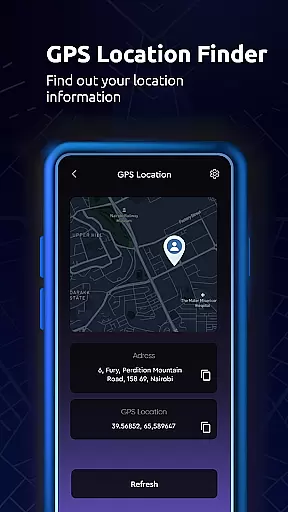
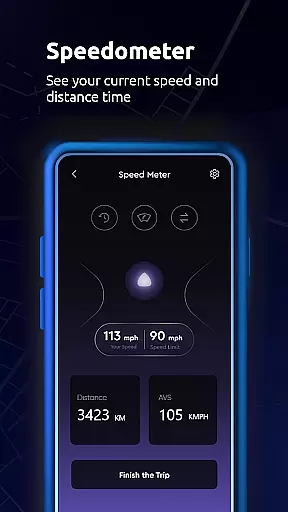
Maps All in One, Speedometer is a comprehensive navigation app designed to enhance your travel experience. The app provides detailed maps and real-time traffic updates, ensuring you always take the optimal route. With its offline functionality, users can access maps without an internet connection, saving both memory space and data usage.
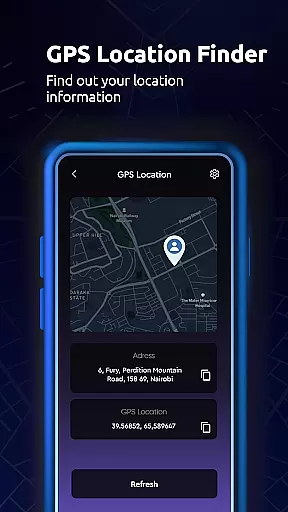
In addition to traditional navigation features, this app includes a speedometer and altitude tools, allowing users to track their speed and location coordinates with precision. Whether planning a road trip or navigating daily commutes, Maps All in One offers reliable GPS navigation, location sharing capabilities, and even a digital compass to ensure you're never lost.
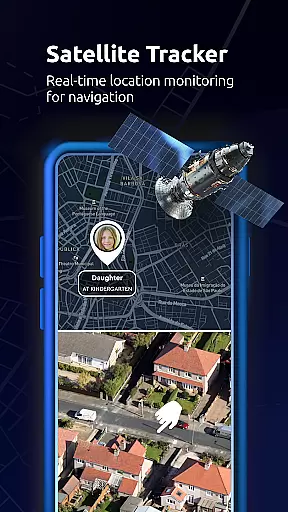
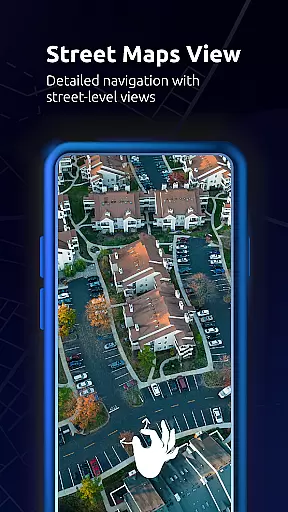
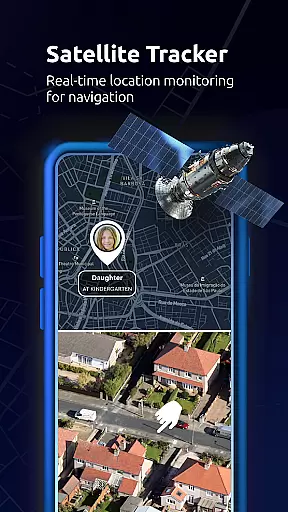
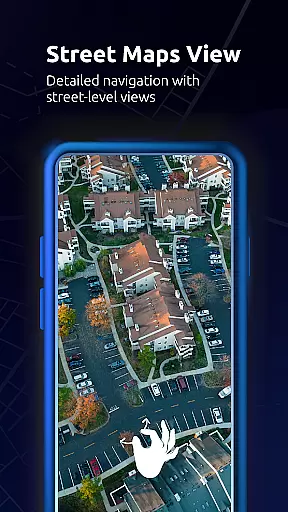
The app's ability to sync saved locations, recorded GPS tracks, and created routes across all devices makes it an invaluable tool for frequent travelers. By providing various map layers including satellite, topographic, and street views, along with live traffic updates, this app ensures you have all the information needed for efficient route planning.
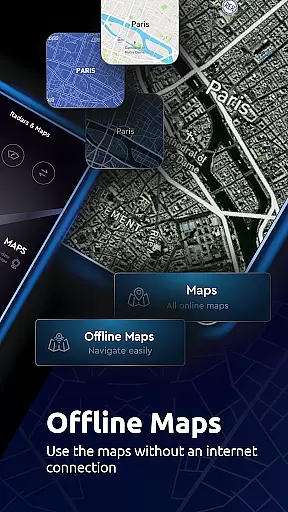
Maps All in One, Speedometer stands out with its diverse feature set tailored for modern travelers. The app supports multiple map layers such as road maps, offline maps, radar, and topographic maps, catering to different navigation needs. Its offline mode allows users to search locations and navigate without internet connectivity, making it ideal for remote areas.
One of the key highlights is the real-time traffic alerts system. When unexpected delays occur due to accidents or construction, the app suggests alternative routes instantly. This feature, combined with the ability to create and share routes, makes trip planning seamless and collaborative.
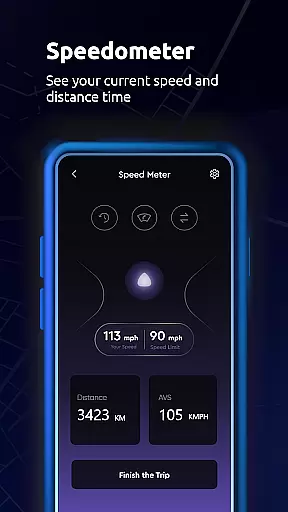
Additional functionalities include a built-in speedometer for tracking vehicle speed, a digital compass for direction detection, and Qibla finder for religious travelers. Users can also save their favorite places, record GPS tracks, and access location history, creating personalized travel memories while enjoying accurate voice-guided directions.
Map accuracy is a critical feature for any navigation app, and Maps All in One, Speedometer excels in this area. The application provides users with multiple map layers including road maps, offline maps, radar, topographic maps, and satellite maps. This variety ensures that users can select the most appropriate map type for their specific needs, whether it's for simple route planning or more complex navigation tasks.
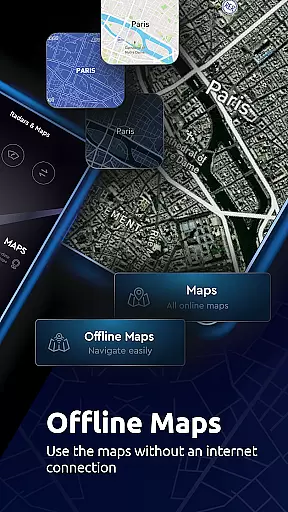
The app leverages real-time data to offer live traffic updates and street view maps, ensuring that users have access to the latest information about road conditions. This real-time aspect enhances the accuracy of the maps provided, allowing users to make informed decisions about their routes. Additionally, the inclusion of offline maps means that even without an internet connection, users can rely on precise mapping data.
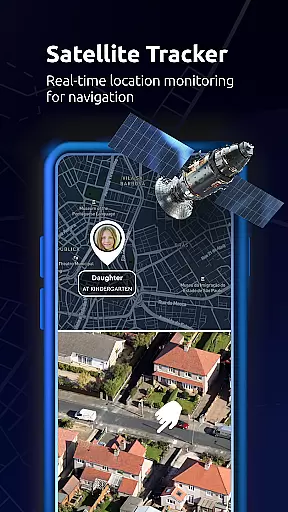
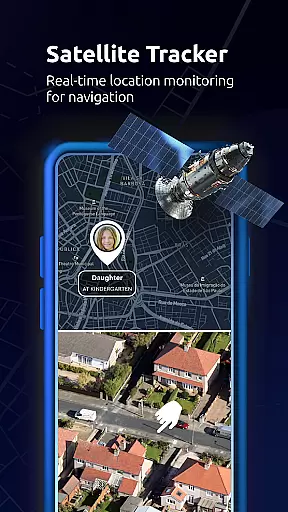
Users benefit from the app's ability to sync saved locations and routes across all devices, ensuring consistent and reliable map data regardless of the device being used. With features like GPS navigation and location tracking, Maps All in One, Speedometer ensures that users always know their exact position and can navigate confidently.
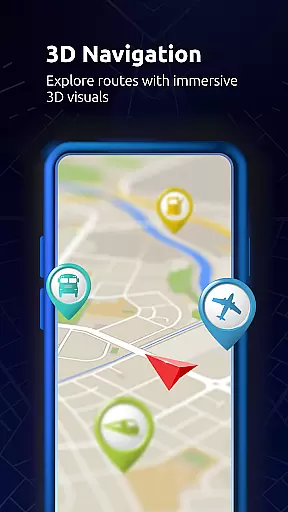
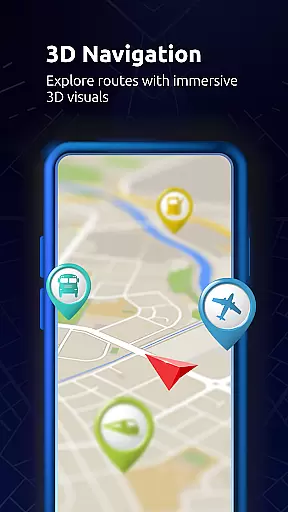
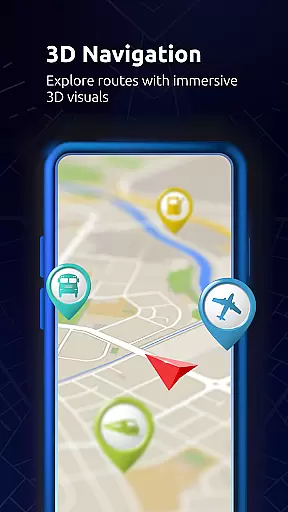
Route planning is a fundamental aspect of the Maps All in One, Speedometer app, designed to simplify travel and exploration. The app allows users to find, create, and share routes, exporting them directly to GPS and navigation systems. This functionality is particularly useful when planning trips in advance, as it enables users to explore different route options and prepare for potential changes in traffic conditions.
In cases where unexpected delays occur due to car crashes, traffic jams, or road construction, the app provides real-time traffic alerts and suggests alternative routes. These dynamic rerouting capabilities ensure that users can reach their destinations efficiently, even when faced with unforeseen obstacles. Furthermore, the app supports various modes of transportation, offering route planning for driving, biking, and walking.
For those who prefer offline functionality, Maps All in One, Speedometer offers offline route planning, which is both fast and reliable. By optimizing maps to save memory space and reduce internet usage, the app ensures that users can plan their routes effectively without worrying about connectivity issues. Overall, these features combine to provide a comprehensive and flexible route planning experience.
User-friendly interface
Offline map support
Real-time traffic updates
Multi-layer map options
Speedometer functionality
Occasional syncing issues
Limited public transport info
Heavy storage usage
Ads in free version
Complex settings menu

Start your next adventure confidently using our Accurate Compass App
 3.70
3.70
Discover over 800 points of interest along the canal.
3.70
Find EV & Tesla charging stations with PlugShare
4.70
Get directions, Maps, GPS navigation & GPS Maps using GPS App
4.10
LIRR and Metro-North tickets and trips
4.80
Get route, find shortest path, near by places and weather update
3.90
Ride or drive at YOUR price
4.70
Navigate seamlessly with Real-Time Traffic, Offline Maps, and Voice Navigation.
4.10
Find radar, speed camera, flight tracker. Use hud, location tracker, speedometer
4.20
Airport parking, with airport shuttle (TPS shuttle), reservations, and Spot Club
4.80
Order a cab online. An affordable taxi ride and driver in no time. What a bolt!
4.80
Truck Safe GPS Navigation & Maps: Parking, Fuel, Diesel, Weight Station
4.80
Navigate with your watch and keep the phone in your pocket!
4.60
Plan routes, share locations, and set custom alert zones
4.40
GPS phone tracker, family locator, secure location sharing app
4.20
TACNAV-X: Precision MGRS navigation, built specifically for the military.
4.00
GPS Navigation: Get map directions and find the shortest routes to avoid delays!
4.00
Get real-time bus and train schedules for easy, hassle-free city transportation.
3.90
Explore offline maps with radar, satellite view, and real-time alerts.
3.60


User Reviews