
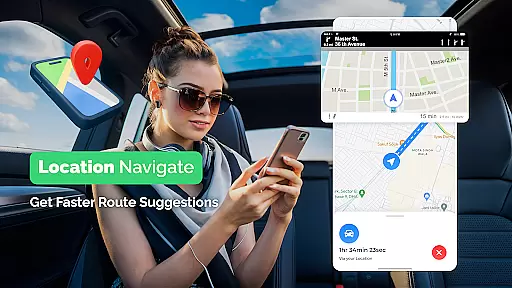
GPS, Maps Driving Directions is a comprehensive navigation app that provides real-time voice-guided directions for drivers, cyclists, and pedestrians. With features like turn-by-turn navigation, live traffic updates, and multiple route options, the app ensures users reach their destinations efficiently and safely. The app's global mapping support makes it suitable for both local commutes and international travel.
In addition to core navigation functions, the app offers practical tools such as nearby place discovery, customizable route planning, and detailed maps with points of interest. Whether commuting to work or exploring new cities, this app serves as an essential travel companion by delivering accurate and up-to-date navigation data.
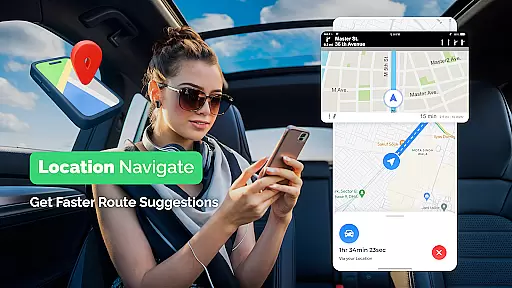
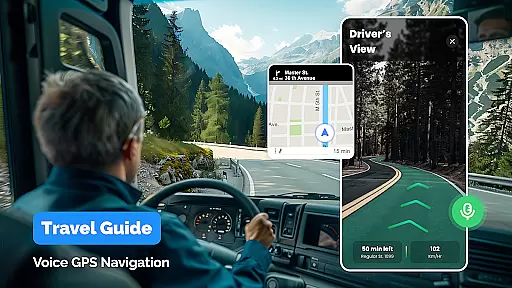
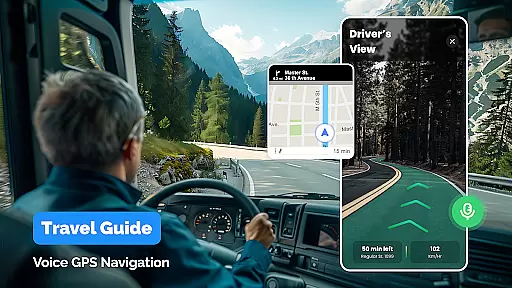
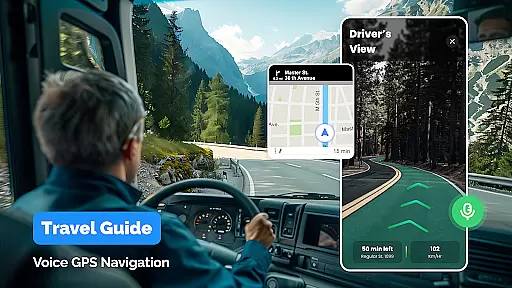
One of the standout features of GPS, Maps Driving Directions is its robust set of navigation tools. The app provides clear voice navigation, ensuring users can focus on driving without needing to look at their screens constantly. It also supports various travel modes including driving, walking, and cycling, each optimized for different types of journeys.
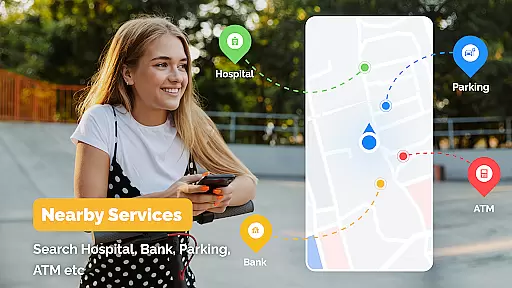
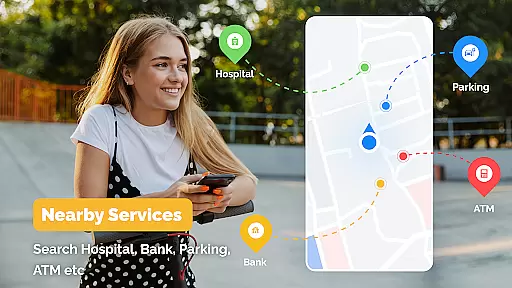
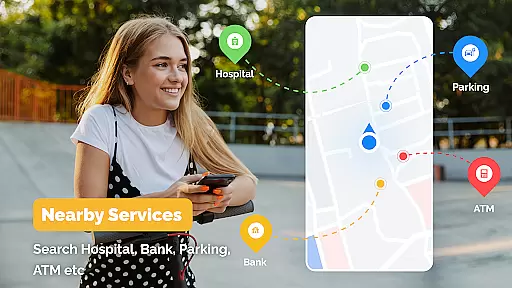
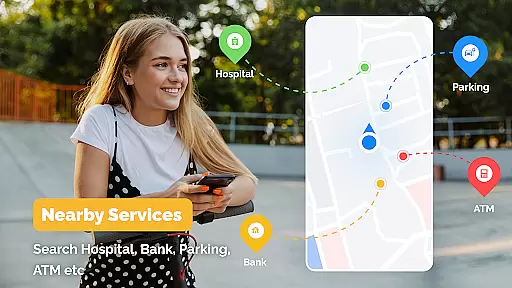
The app includes advanced functionalities like live traffic monitoring, automatic rerouting during congestion, and detailed point-of-interest information. Users can discover nearby restaurants, gas stations, and landmarks easily. Additionally, the route planner helps in finding optimal paths across multiple transportation methods, making it versatile for urban commuters and travelers alike.
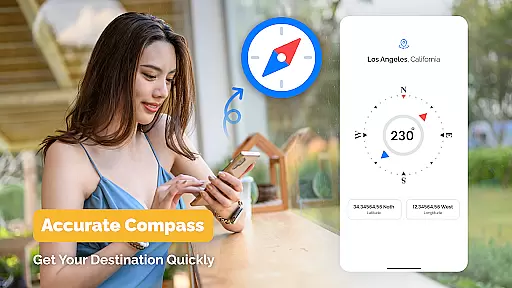
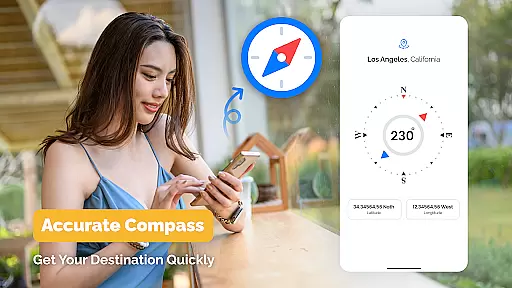
Map accuracy is a fundamental aspect of any navigation application, and GPS Maps Driving Directions excels in this area. The app provides reliable and up-to-date maps that are crucial for both local and international travel. With detailed maps covering various regions, users can navigate confidently, knowing their routes are based on the latest geographical data.
The app ensures map accuracy through regular updates and comprehensive data collection. This means whether you're driving in a familiar city or exploring new territories, the maps will reflect current road conditions, new constructions, and changes in traffic regulations. Such precision is vital for avoiding unnecessary detours and reaching your destination efficiently.
For users, this level of accuracy translates into time savings and enhanced travel safety. Real-time adjustments to maps ensure that any sudden changes, such as road closures or diversions, are immediately accounted for. This feature is particularly beneficial in dynamic urban environments where road conditions can change rapidly.
Ultimately, the commitment to maintaining high map accuracy makes GPS Maps Driving Directions an indispensable tool for travelers. By providing dependable maps, the app not only simplifies navigation but also enhances the overall travel experience, allowing users to focus on enjoying their journeys without worrying about getting lost.
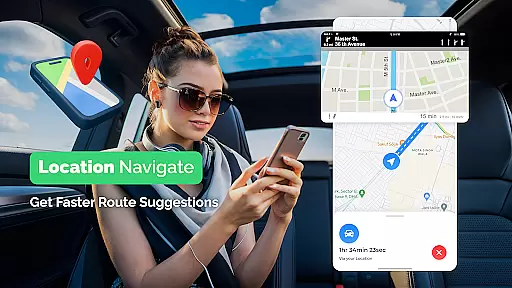
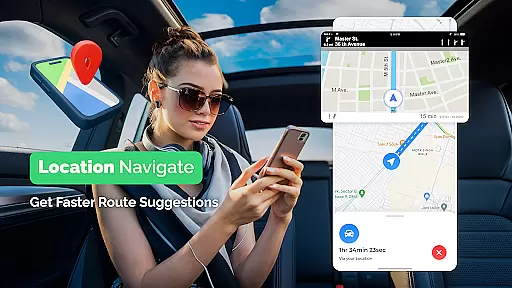
Route planning is a critical feature of GPS Maps Driving Directions, designed to optimize travel experiences across different modes of transportation. Whether you're driving, walking, or cycling, the app offers multiple route options tailored to your preferred mode, ensuring you get the most efficient path to your destination.
The app's route planner takes into account various factors such as distance, estimated travel time, and live traffic conditions. This comprehensive approach allows users to choose routes that best fit their needs, whether they prioritize speed, scenery, or avoiding congestion. Additionally, real-time traffic updates enable automatic rerouting, helping users bypass delays and reach their destinations smoothly.
One of the standout benefits of this feature is its ability to adapt to changing conditions on the road. Users receive alerts about traffic jams, roadblocks, or other disruptions, with suggestions for alternative routes. This flexibility ensures minimal disruption to travel plans and contributes to a stress-free journey.
In summary, the route planning capabilities of GPS Maps Driving Directions significantly enhance user convenience and efficiency. By offering well-planned, adaptable routes, the app empowers users to make informed decisions about their travels, ultimately leading to more enjoyable and predictable journeys.
User-friendly interface
Accurate GPS tracking
Live traffic updates
Voice-guided navigation
Multiple route options
Occasional voice delay
Heavy battery usage
Limited offline maps
Ads in free version
Large app size

Explore the world with Live Satellite View, 3D Maps, GPS Navigation & Earth Map.
 2.90
2.90
Discover over 800 points of interest along the canal.
3.70
Complete offline 1:50k South Island topo map including DOC Hunting Permit Areas
4.60
Your guide to the recreational opportunities of the Bureau of Land Management!
3.40
Track accurate speed & distance with GPS Speedometer. Check speed limit & time.
4.50
NJ TRANSIT information and ticketing at your fingertips
3.70
GPS Navigation: Get map directions and find the shortest routes to avoid delays!
4.00
Simple & easy to use a compass app. Get accurate directions.
4.20
Neshan: map & navigation app with 20M+ monthly active users
4.50
This app is military GPS coordinate systems helper. (MGRS, UTM & DMS Maps)
4.80
Airport parking, with airport shuttle (TPS shuttle), reservations, and Spot Club
4.80
Order a cab online. An affordable taxi ride and driver in no time. What a bolt!
4.80
Track friends in real-time and explore worldwide live cameras.
4.60
Rideshare, taxi cabs, and more for your airport travels and everyday trips.
4.50
ParkWhiz, an Arrive Mobility brand, part of the Arrive Network
4.30
Find routes fast with GPS Maps, GPS Navigation & driving directions.
4.10
Navigation, weather, offline maps & tools for smarter, safer travel planning.
4.00
Your real-time window to the world. Explore anywhere, anytime.
3.30
Off-Roading Navigation App With Trails, Public Lands, & Private Property Info
3.30


User Reviews